Product Icon

Quick Buy Now Button for WooCommerce

Streamline the checkout process by skipping the shopping cart and redirecting users directly to the checkout page. Add a custom button for specific products that allows customers to buy on Amazon, eBay, or any other marketplace
Escolha uma opção de cobrança
$39
Save 20%
$78 $62.40

A assinatura inclui

  • Melhorias e atualizações de produtos
  • Suporte ao cliente
  • Garantia de 30 dias para reembolso

Highlights

  • Replace the “Add to Cart” button with a “Quick Buy Now Button” or keep both.
  • Redirect to Cart, Checkout, or any custom page.
  • Show button on specific products, categories, or user roles.
  • Customize the button appearance by adjusting its color and style.
  • Place the button anywhere by using a shortcode.
  • View Detailed Features List

The WooCommerce Buy Now button streamlines the checkout process, letting customers skip the shopping cart and go directly to checkout, or any destination you choose, with a single click.

You can display the button on all products or select items, customize its text and position, and set unique redirect links for each product. External URLs make it easy to send customers to Amazon, eBay, or other marketplaces.


Increase Conversions by Pointing Customers to Right Direction

With the Quick Buy Now button for WooCommerce, you can guide your customers in the right direction, like skipping the cart or redirecting them to a specific custom page. It allows you to reduce unnecessary steps in the buying process and make customers feel comfortable completing their purchase. It can also speed up your buying process, which can increase your store sales and conversions.
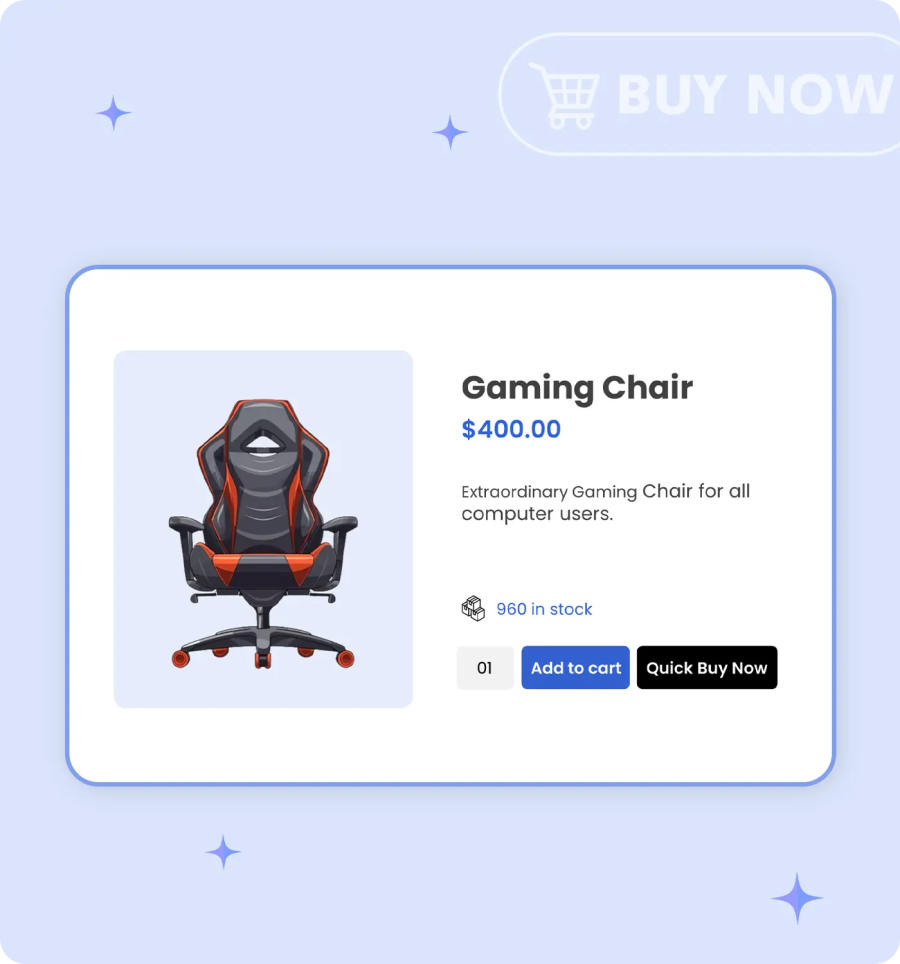

WooCommerce Buy Now button

Replace “Add to Cart” with a “Quick Buy Now” Button

Replace “Add to Cart” with a “Quick Buy Now” Button

Easily replace the traditional “Add to cart” button with the “Quick Buy Now” button. When you enable this option, it can simplify your purchasing process without forcing the customer to complete multiple steps for checkout. By removing unnecessary steps, customers can complete their purchase faster, which can improve overall store performance.

Redirect Customers to Cart, Checkout, or Custom Pages

The WooCommerce Quick Buy Now plugin allows store owners to redirect customers to the cart, checkout page, or custom URLs, including marketplaces like Amazon or eBay, for quicker purchases.
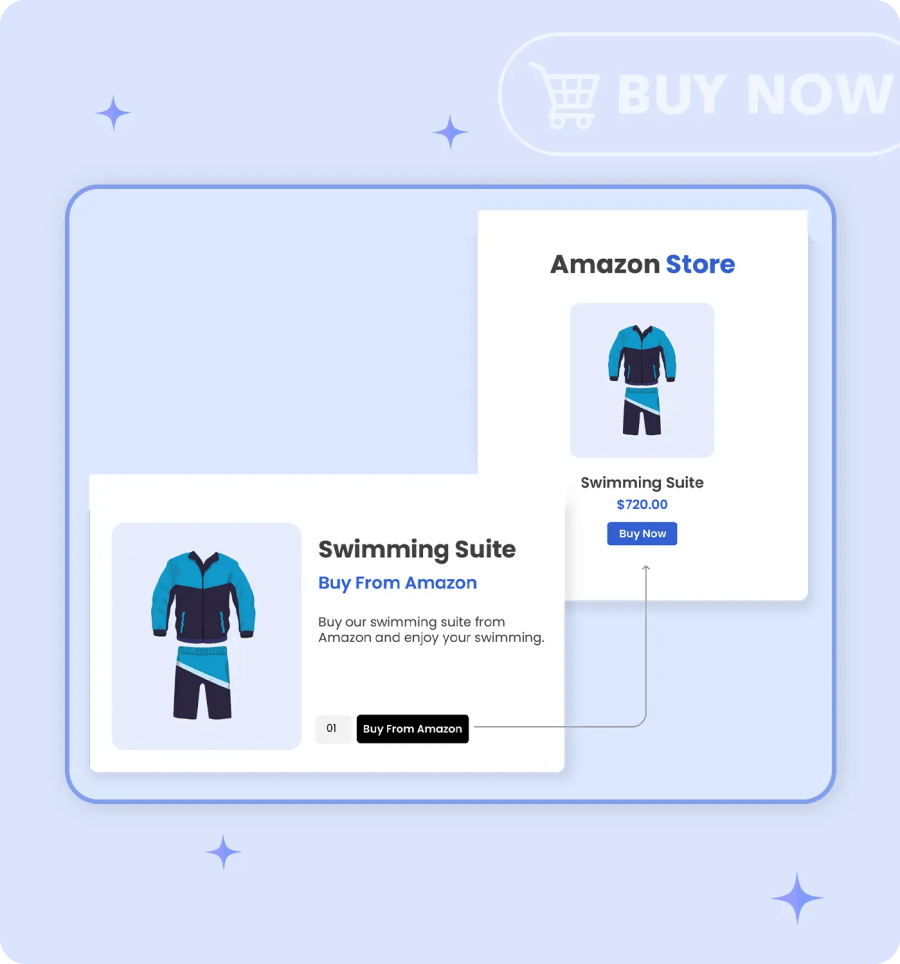
Redirect Customers to Cart, Checkout, or Custom Pages

Restrict Button Visibility by Products, Categories & Roles

Restrict Button Visibility by Products, Categories & Roles

Display the “Quick Buy” button in your desired locations by using this extension. Admin can easily enable or disable this button based on specific products or categories, or show it only for selected user roles such as registered user, wholesale, or retailer.

Choose a Default Add to Cart Quantity for Buy Now Button

This feature allows you to set a default quantity for a product. When a customer clicks the “Buy Now” button, the predefined quantity for that product is automatically added to the cart. It is very helpful for wholesale items, bundle products, or frequently purchased products. It can save the customers time and encourage them to purchase without any manual effort.
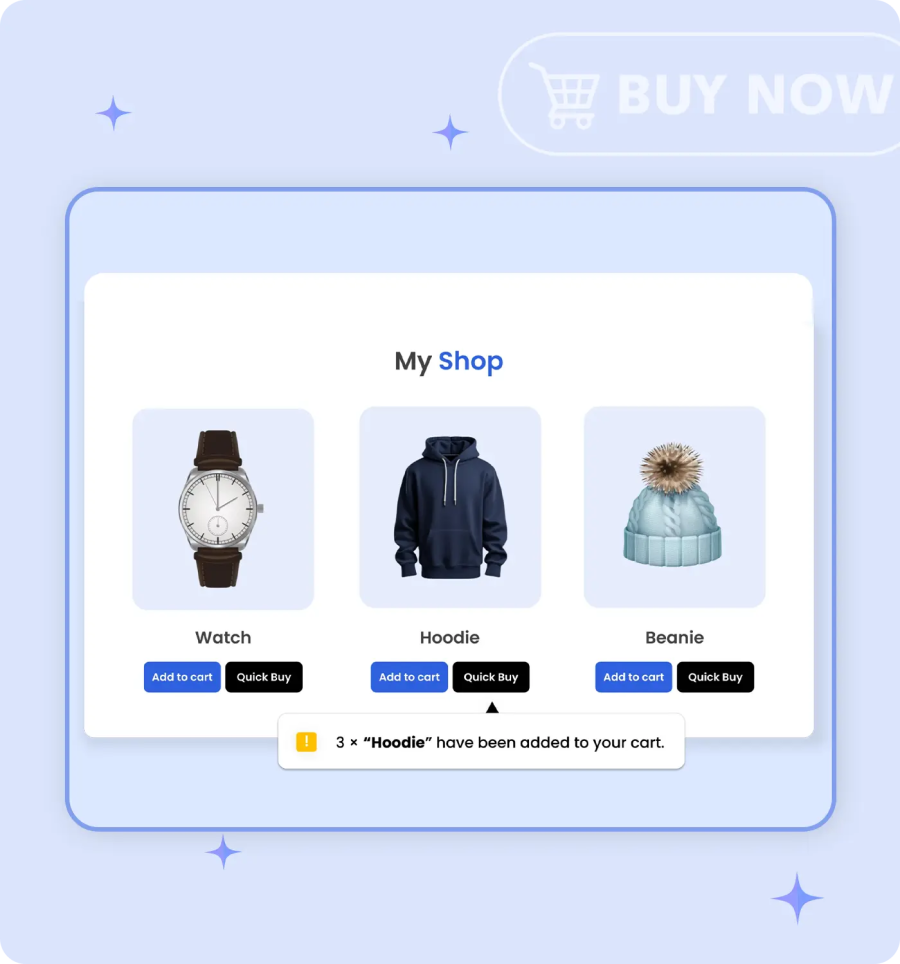
Default Add to Cart Quantity for Buy Now Button
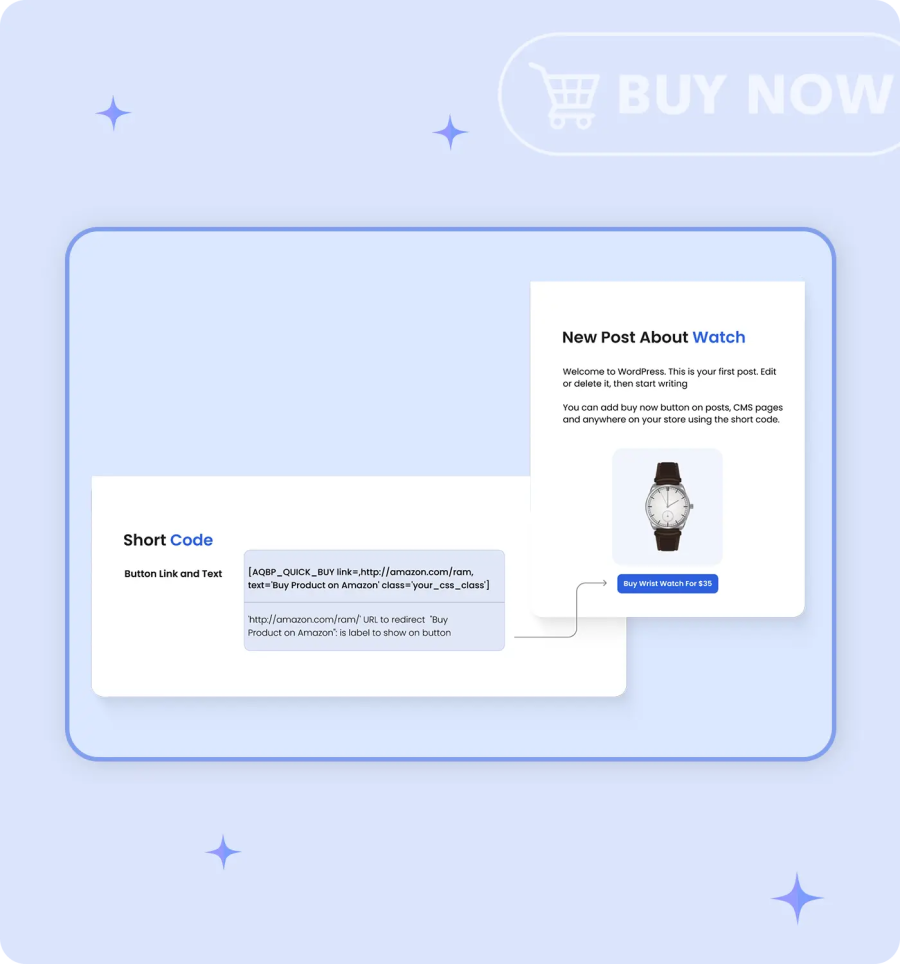
Shortcode to Place Buy Now Button

Customize and Use Shortcode to Place Button Anywhere

WooCommerce Buy Now plugin provides a ready-to-use shortcode that lets store owners place a Buy Now button anywhere on their website.

Customize Buy Now Button

Customize the WooCommerce Buy Now button. It allows you to change the button text, design, redirection destination position, and set its visibility position. It can attract the attract customers and improve the purchasing experience based on product type, pricing, or sales goals.
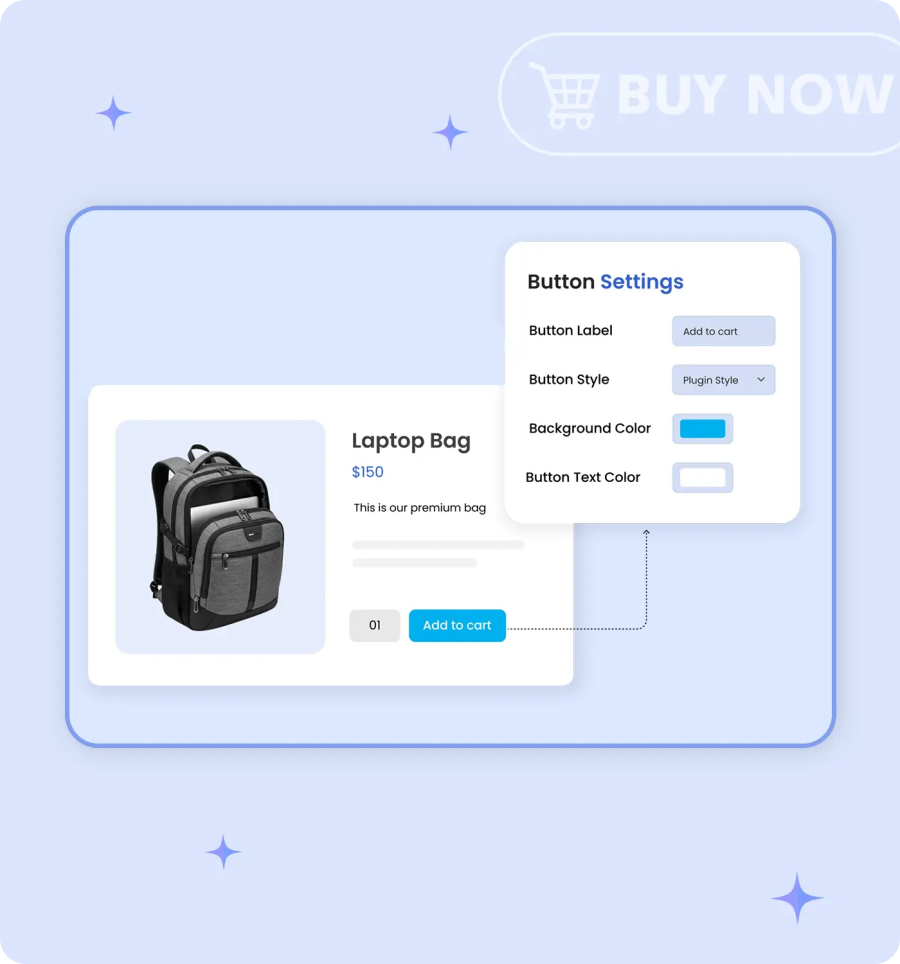
Customize WooCommerce Buy Now Button

More Features

    • Reduce unnecessary checkout steps and provide a smart, direct checkout process.
    • Replace the Add to Cart button with a custom Quick Buy button.
    • Easily choose the redirect page to:
      • Redirect customers to the cart page
      • Redirect customers to the checkout page
      • Redirect customers to any custom page
    • Show or Hide the Buy Now button for specific:
      • Products
      • Categories
      • Brands
      • User roles
    • Add a custom label for the Quick Buy button.
    • Choose the style of the Quick Buy button, such as:
      • Theme style
      • Plugin style
    • When using the plugin style, you can:
      • Set a custom background color for the button
      • Set a custom text color for the button
    • Select the display position of the button on the single product page.
    • Show the button before or after the Add to Cart button
    • Select the display position of the button on the shop page.
    • Show the button before or after the Cart button
    • Use a shortcode to display the Buy Now button anywhere in your store.

Avaliações de clientes

Extension information

  • Versão do WordPress obrigatória: 4.6
  • Versão do WooCommerce obrigatória: 3.1.0
  • PHP version required: 7.4
  • Tested with WordPress: 6.*.*
  • Tested with WooCommerce: 10.*.*
  • Requires at least WordPress: 6.5
  • Requires at least WooCommerce: 4.0

Países

  • Em todo o mundo

Related Products

Preço: $279 Anualmente
Classificado com 3.2 de 5 estrelas
Preço: $79 Anualmente
Classificado com 3.4 de 5 estrelas
Preço: $59 Anualmente
Classificado com 3.1 de 5 estrelas
Preço: $109 Anualmente
Classificado com 2.9 de 5 estrelas
Preço: $49 Anualmente
Classificado com 4.1 de 5 estrelas
Preço: $109 Anualmente
Classificado com 2 de 5 estrelas
Preço: $109 Anualmente
Classificado com 2.3 de 5 estrelas
Preço: $109 Anualmente
Classificado com 2 de 5 estrelas
Preço: $109 Anualmente
Classificado com 2.6 de 5 estrelas




