

A assinatura inclui
Suporte
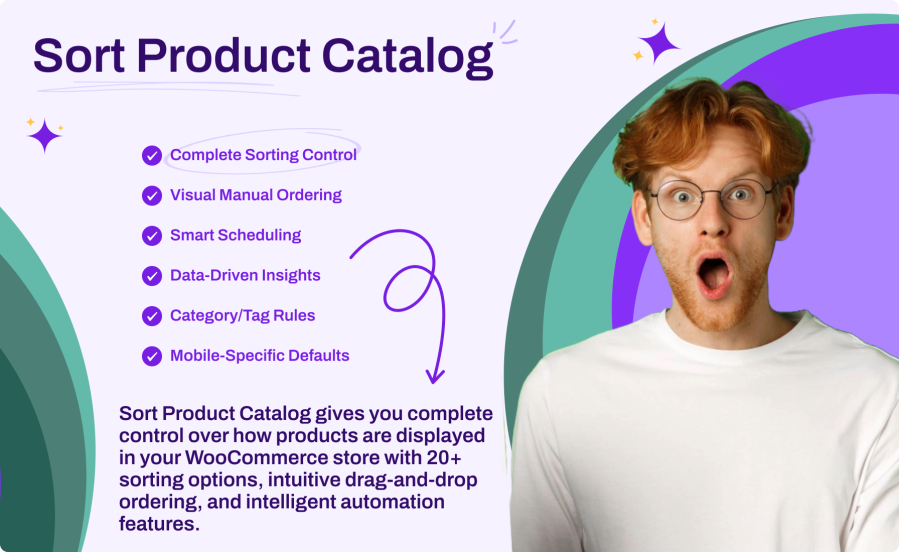
Go beyond basic price and date sorting with 20+ options including popularity, average rating, stock status, sale items first, featured products, discount percentage, review count, SKU, and more. Customize labels for each option to match your brand voice.
Take complete control with drag-and-drop product arrangement. Reorder products for your entire shop or specific categories and tags. Search, filter, and paginate through thousands of products with ease.
Automate sorting changes for any occasion. Schedule “Featured First” for product launches, “Biggest Discount First” for Black Friday, or “Newest First” for seasonal refreshes. Set one-time or recurring schedules with priority rules.
Show different default sorting to different customers. Display wholesale customers products by price while retail customers see popularity sorting. Target by user role with configurable priority when users have multiple roles.
The most comprehensive sorting library available:
Automate your catalog for any occasion:
Make data-driven decisions with built-in analytics:
Works perfectly with your existing setup:
Sort Product Catalog includes 20+ sorting options — more than any other solution on the market. This includes popularity, price, ratings, stock status, alphabetical, SKU, on sale first, featured first, biggest discount percentage, review count, random, and more. Each option can be individually enabled or disabled, and labels can be customized to match your brand.
Yes! Use the Category Rules feature to assign specific default sorting to any category or product tag. For example, show "Biggest Discount First" in your Sale category, "Newest" in New Arrivals, and "Popularity" everywhere else. You can also override products per page on a per-category basis.
Yes, the plugin is fully compatible with WooCommerce Blocks (block-based shop and archive templates) and Elementor product widgets including the Products widget, Archive Products, and Loop Grid. Your sorting rules automatically apply to all product displays.
Scheduling lets you automatically change sorting at specific times. Create one-time schedules for flash sales or recurring schedules (daily, weekly, monthly, yearly) for regular promotions. For example, schedule "Featured First" every weekend or "Biggest Discount First" during Black Friday. When multiple schedules overlap, priority settings determine which one applies.
No. All sorting is applied at the database query level using optimized SQL, not in PHP. This means sorting happens during the initial product query with no additional processing overhead. Analytics tracking is lightweight and server-side only, with no client-side scripts or AJAX requests affecting page load times.
Quality Checks
Países






