Product Icon

AI Virtual Try On for WooCommerce

Allow customers to virtual try your products using AI before they buy. Improve customer engagement and reduce returns!
Choose a billing option
$59
Save 20%
$118 $94.40

Das Abonnement beinhaltet

  • Product updates and improvements
  • Kundensupport
  • 30-tage geld-zurück-garantie

Highlights

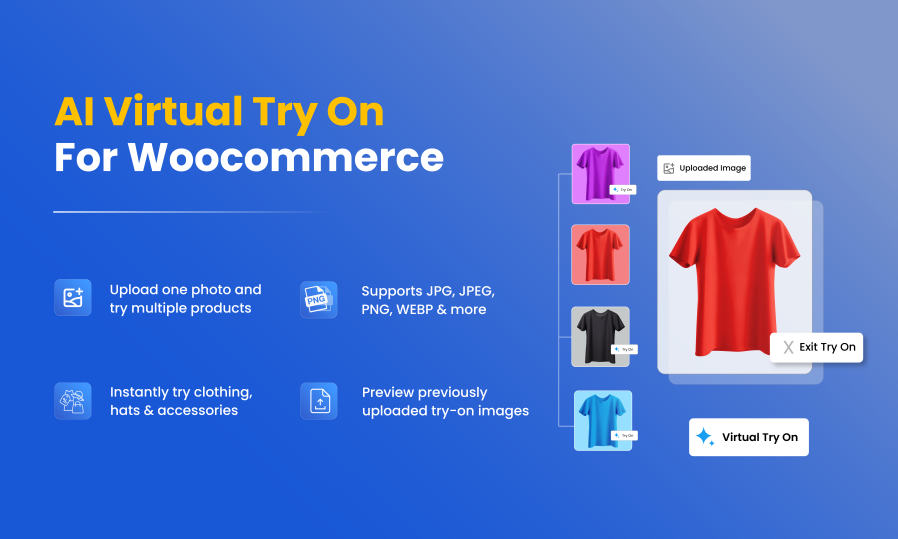
  • Instantly try jewelry, eyewear, watches, clothing, hats & accessories.
  • Try multiple products with a single photo upload.
  • Supports JPG, JPEG, PNG, WEBP & more.
  • Upload guide with sample images for perfect results.
  • Watermark your try-on images for protection.
  • Enable per product, category, brand & user role.
  • Customize popup to match your store’s style.
  • Monitor try-on activity and engagement easily.
  • View Detailed Features List Here

Customers often hesitate to buy fashion and wearable products online, as they can’t see how the item will look on them. This uncertainty can cause abandoned carts and higher return rates. To solve this, Virtual Try On for WooCommerce plugin adds a new “Try On” button on product pages and lets customers virtually preview the product in real-time. Admins can restrict the try-on feature to specific user roles, products, and categories. Moreover, you can add custom dummy images, try-on guidelines, and brand watermarks. With just one quick feature, you can improve the overall shopping experience, boost customer confidence, and drive more sales.

Instant virtual try-ons: Supports jewelry, eyewear, watches, clothes, hats, etc

Anti-Fraud for WooCommerce helps you to protect your store from fake orders, spam activity, and unauthorized users by creating customized fraud prevention rules. You can restrict orders based on specific products, categories, user roles, countries, or IP addresses. The plugin automatically evaluates each order, assigns a risk score, and blocks or flags suspicious orders in real time. This helps prevent revenue loss, reduce chargebacks, and protect your store’s reputation by stopping fraudulent activity before it impacts your business.
Virtual Try on For Woocommerce

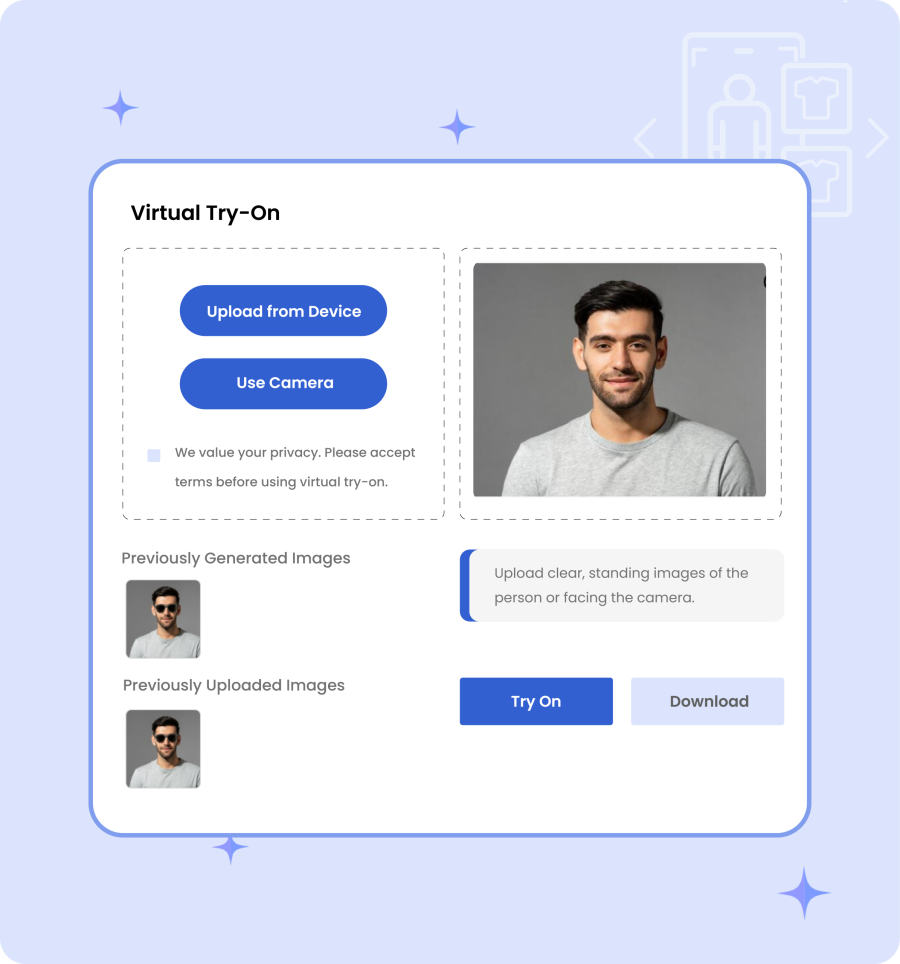
Try Multiple Products Using the Same Image

Try Multiple Products Using the Same Image or upload new image

Virtual Try On for WooCommerce extension provides customers with the option to either upload an existing image or use the camera to take a live picture. This flexibility helps them choose the most convenient option and try multiple items with ease.

Flexible Photo Uploads — Multiple Formats Supported

Admins can allow customers to upload images in multiple file formats, such as JPG, JPEG, and PNG. This means that users can instantly upload their images and preview products without any delay.
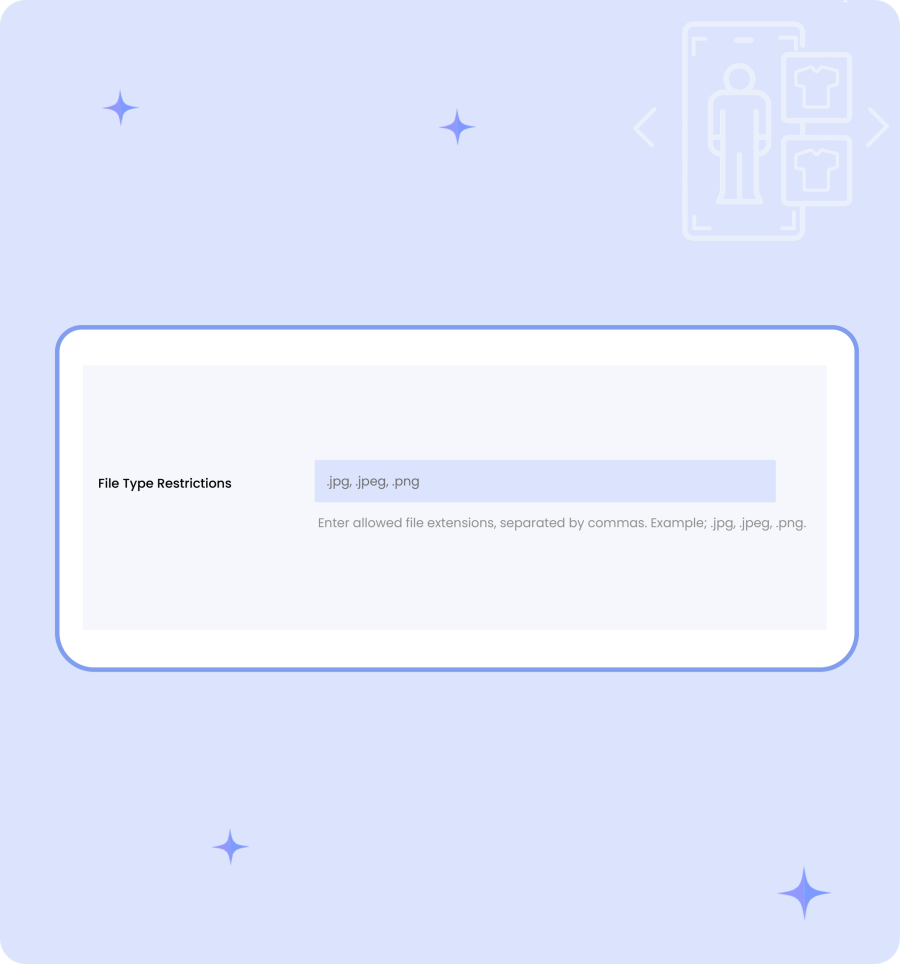
 upload images in multiple file formats

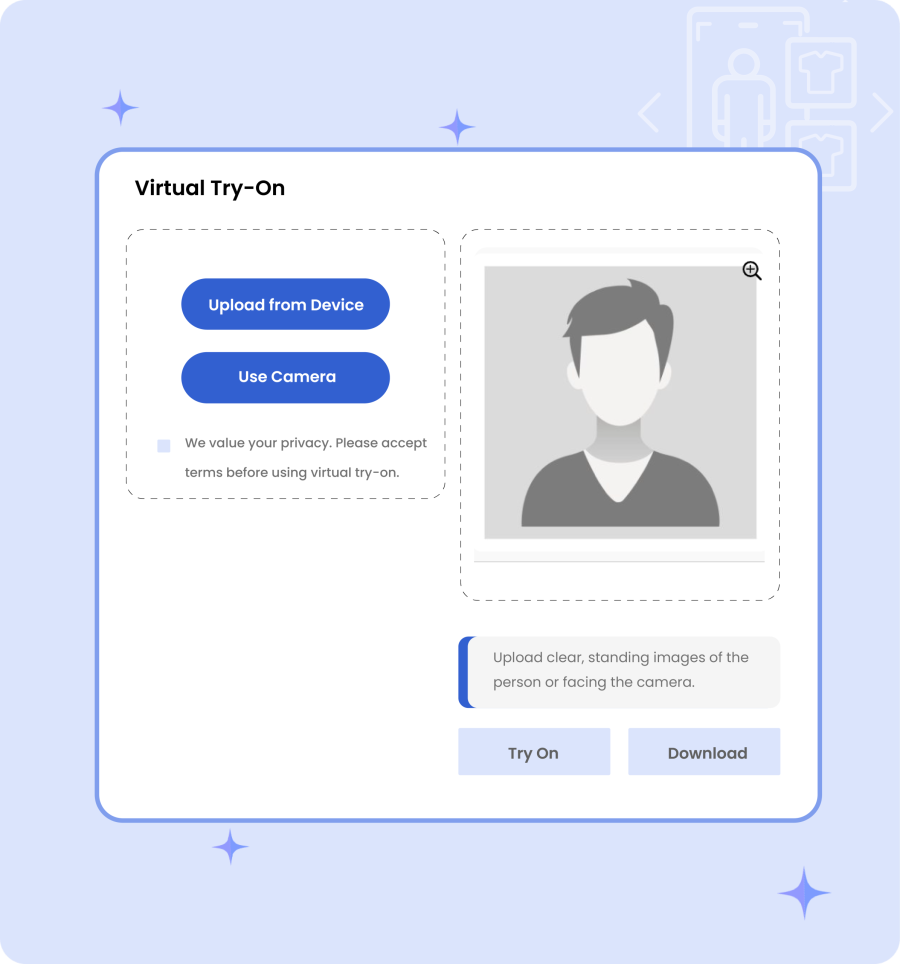
Guide Customers with Visual Upload Instructions

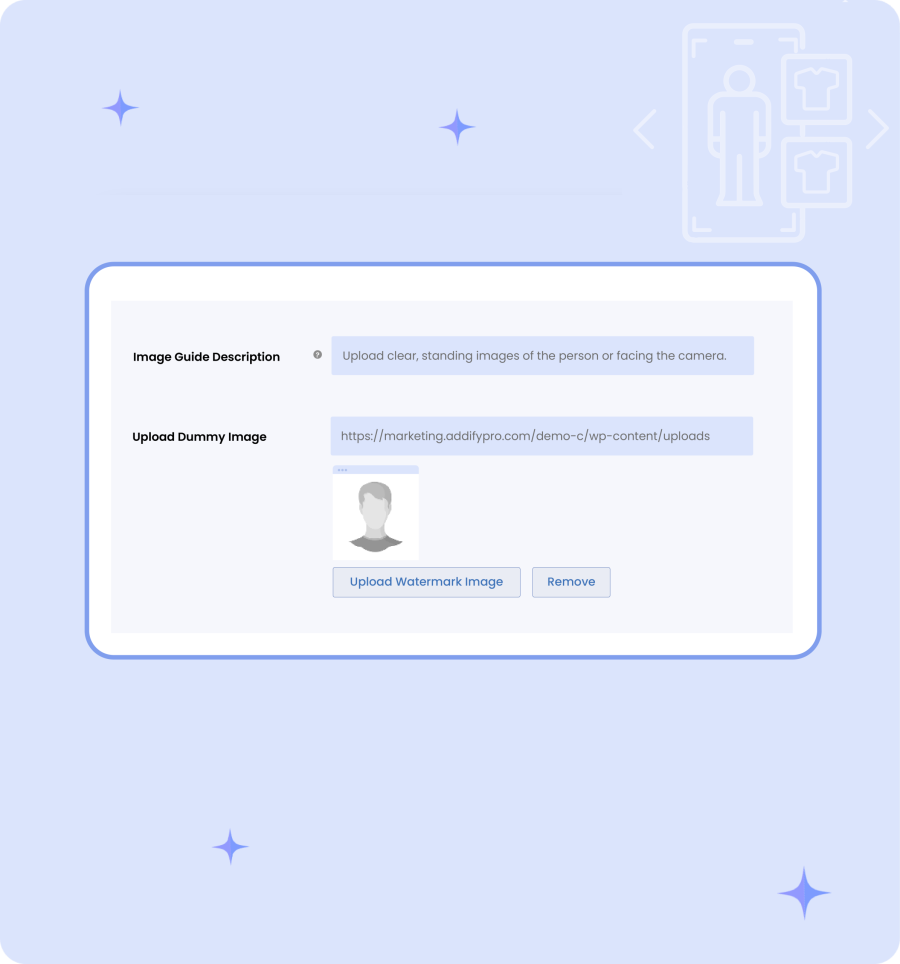
Guide Customers with Visual Upload Instructions & Sample Images

Write custom descriptions for the try-on option and help customers understand how to upload their photos correctly. You can use dummy images to demonstrate the process and encourage users to try multiple products.

Protect Try-On Images with Custom Watermarks

Merchants can upload custom watermarks to protect try-on images, maintain brand-ownership, and make all customer-generated content secure.
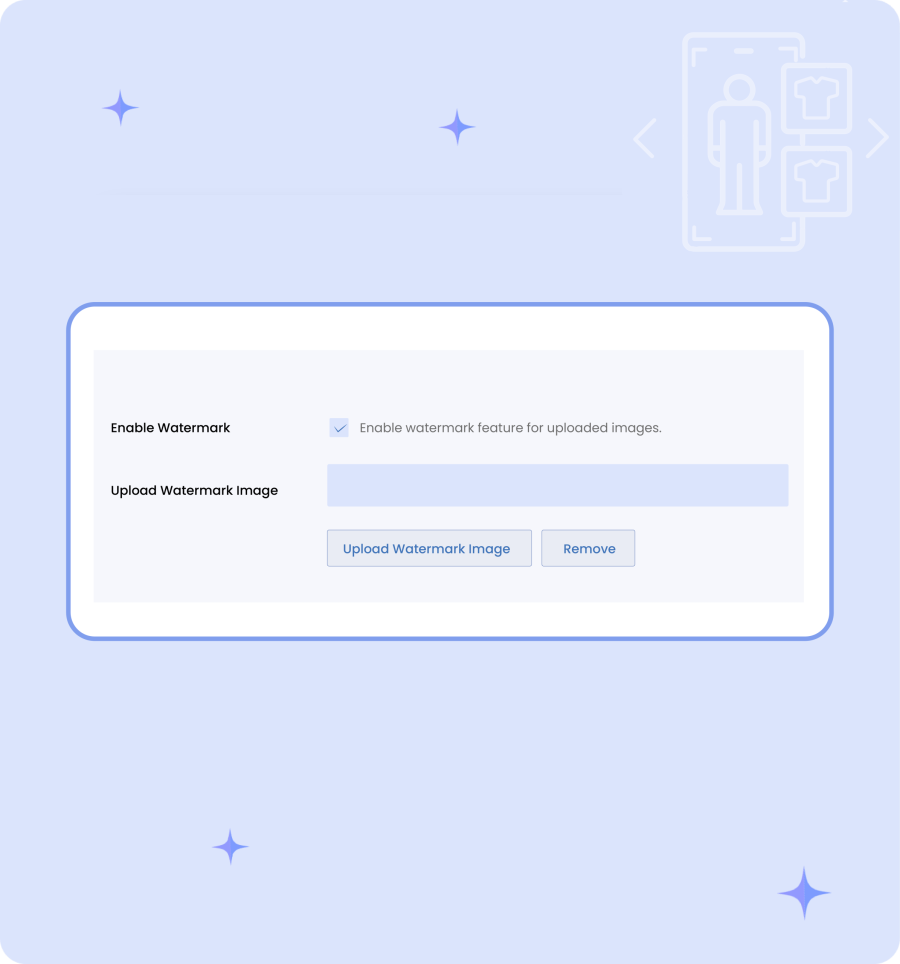
use watermarks to protect try-on images
Allow try virtual try on specific products, categories, and brands

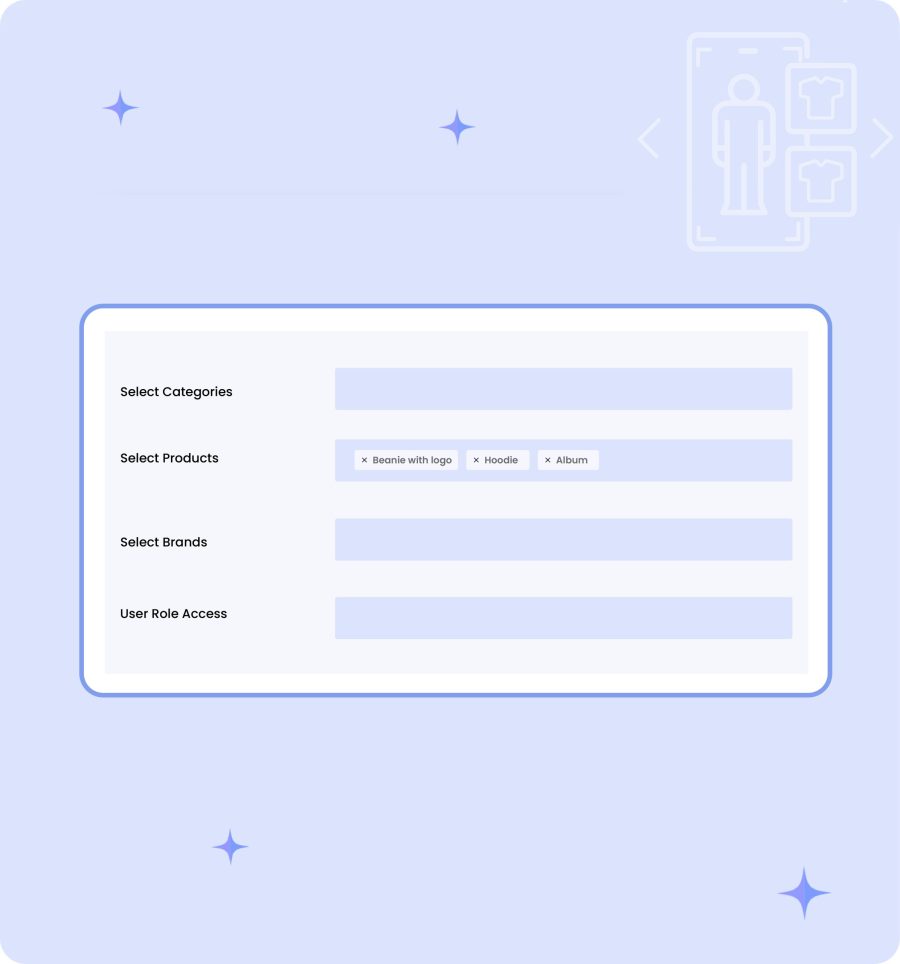
Enable Virtual Try-On for Specific Products, Categories, Brands & User Roles

Choose to enable the Try On feature for specific products, categories, and brands. You can also restrict access to selected user roles and target particular customer groups based on your store’s strategies. For example, display the try-on options for caps and shirts while allowing access exclusively to registered users.

Fully Customizable Try-On Popup

Virtual Try On plugin allows you to customize the Try-on popup by:
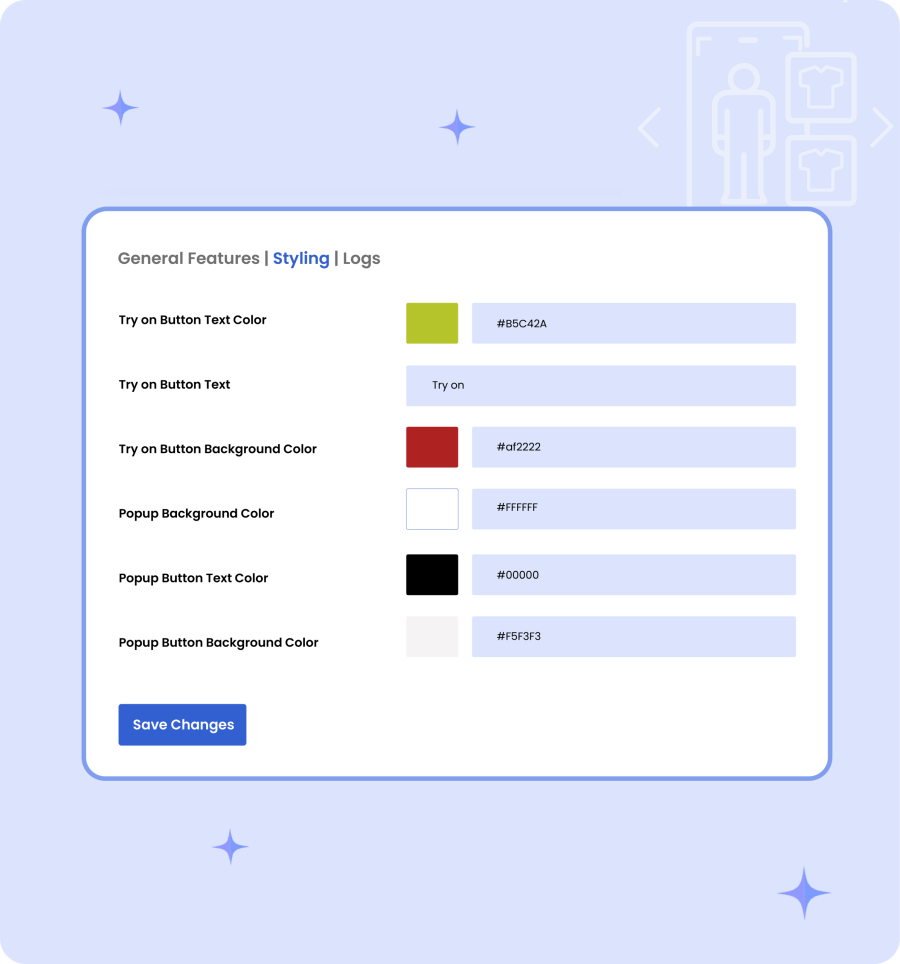
  • Uploading custom dummy images
  • Adding terms and policy
  • Writing a custom text for a button
  • Selecting the button’s background and text color
  • Placing it before or after the Add-to-Cart button
Customizable Try-On Popup
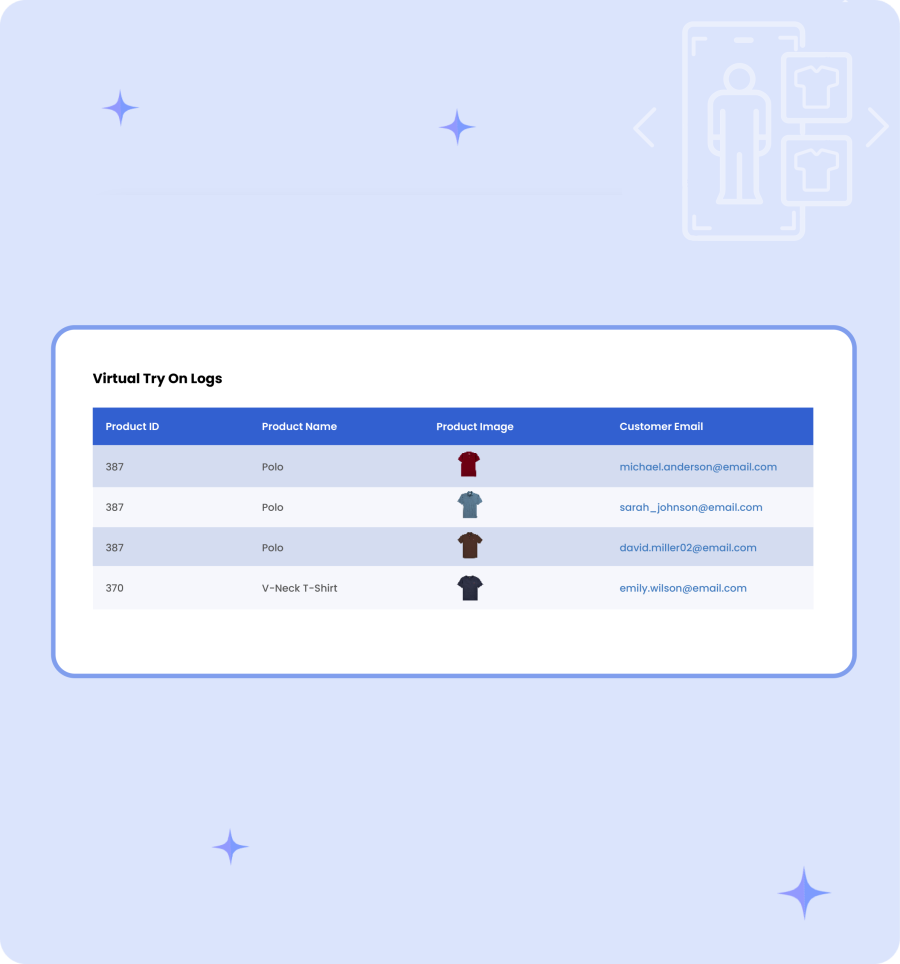
Try-On History Log

Try-On History Log

Admins can view a dedicated try-on log to monitor key details such as product ID, product name, product image, and customer email.

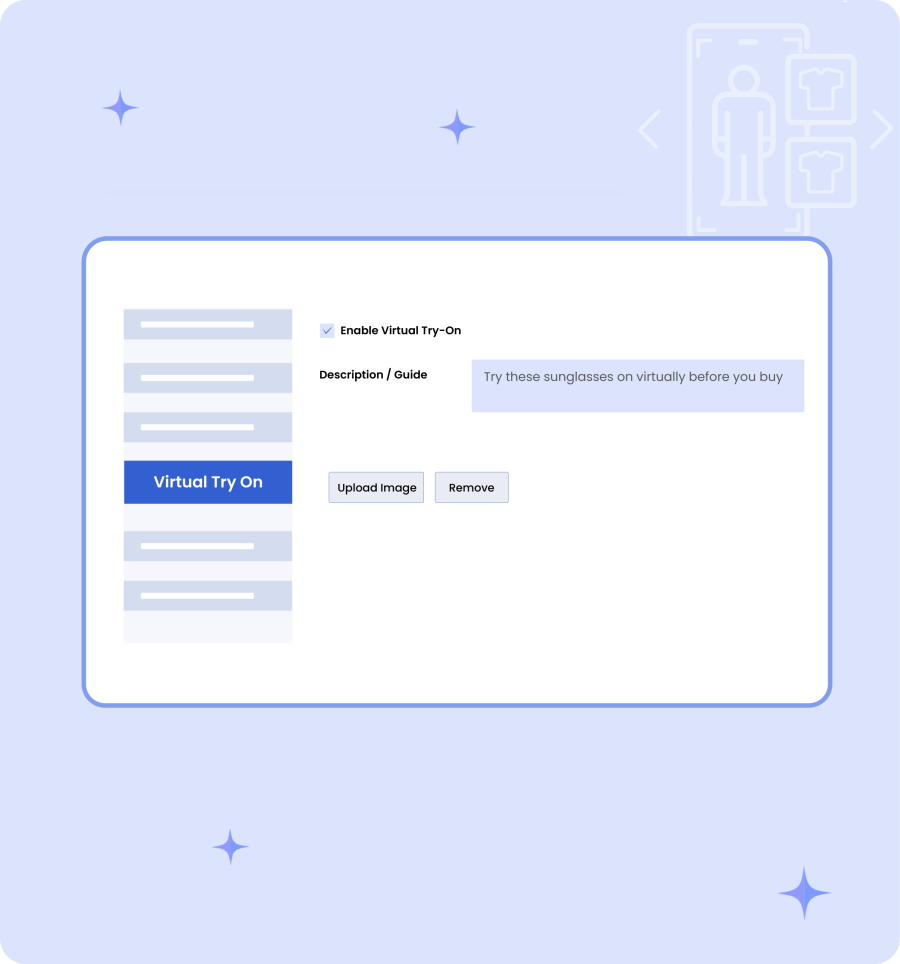
Product Virtual Try-On Settings

From product level settings, admins can enable the try-on option for any item and upload a relevant dummy image along with product-specific guidelines.
More Features

  • Allow customers to try your products and see how they look on them
  • Let users upload their existing photos or take a new one to preview products
  • Enable theTry-On button for specific:
    • Products
    • Categories
    • Brands
  • Display the Try-on Button on each product page
  • Restrict the try-on feature to selected user roles
  • Allow customers to upload the following file formats:
    • Jpg
    • Jpeg
    • Png
  • Set the position for try-on button as:
    • Before add-to-cart button
    • After add-to-cart button
  • Show or hide previously generated images of customers
  • Write a custom image description to provide clear instructions
  • Upload a custom watermark for the try-on image
  • Enable or disable the watermark on each image
  • Upload a dummy image for the try-on process
  • Enter privacy policy message
  • Feature terms and policies message on the try-on pop-up
  • Allow users to download their generated images
  • Get a separate log to manage the following try-on details:
    • Product ID
    • Product Name
    • Product Image
    • Customer Email
  • Use product-level settings to enable try-on option for any desired product
  • Style the try-on button by adding custom text and color
  • Customize try-on popup by adding custom:
  • Background color
  • Text color
  • Button background color

Häufig gestellte Fragen

How do customers use the Virtual Try-On feature?

Customers just click the Try-On button on the product page, upload their image or use the camera to take selfi and instantly see how items like shirts, hats, or accessories look on them.

Can the Try-On feature be restricted to certain products or users?

Yes, you can control which products, categories, brands, or user roles have the Try-On option using the plugin settings.

Can admins limit how many Try-On images a customer can generate?

Yes, you can set limits per user or create a store-wide cap for all customers.

Kundenbewertungen

We are accepting reviews for this product, and will display them when we get a few more.

Related Products

Price $79 Jährlich
Rated 3.4 out of 5 stars
Price $59 Jährlich
Rated 3.1 out of 5 stars
Price $109 Jährlich
Rated 2.8 out of 5 stars
Price $49 Jährlich
Rated 4.1 out of 5 stars
Price $109 Jährlich
Rated 2 out of 5 stars
Price $109 Jährlich
Rated 2.3 out of 5 stars
Price $109 Jährlich
Rated 2.6 out of 5 stars
Price $109 Jährlich
Rated 2 out of 5 stars
Price $109 Jährlich
Rated 2.3 out of 5 stars