

Das Abonnement beinhaltet
Support
Axels is a luxurious, elegant, and modern WooCommerce theme designed exclusively for jewellery brands, diamond boutiques, gold shops, silver collections, and premium luxury accessory stores. Built with precision and aesthetic impact, it offers a complete solution for creating a stylish, high-performing, and easy-to-manage online jewellery store. With clean layouts, seamless WooCommerce integration, and powerful Full-Site Editing support, Axels delivers a polished and visually rich shopping experience that elevates every collection.
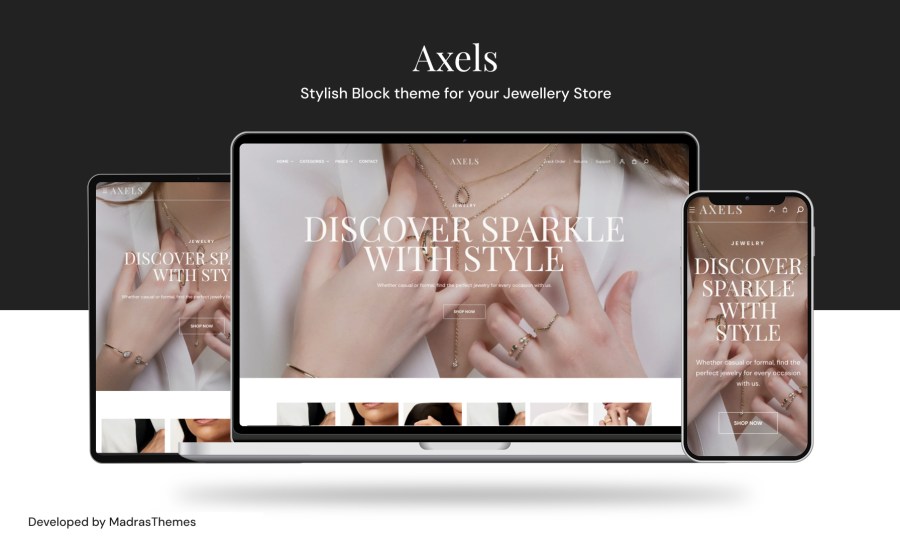
Axels blends luxury with modern minimalism, reflecting the essence of a premium jewellery brand. The refined typography, elegant colors, and balanced layouts beautifully showcase gold ornaments, diamond rings, silver jewellery, gemstones, and handcrafted accessories. Every design detail keeps the spotlight on your products, helping your brand communicate sophistication and trust.
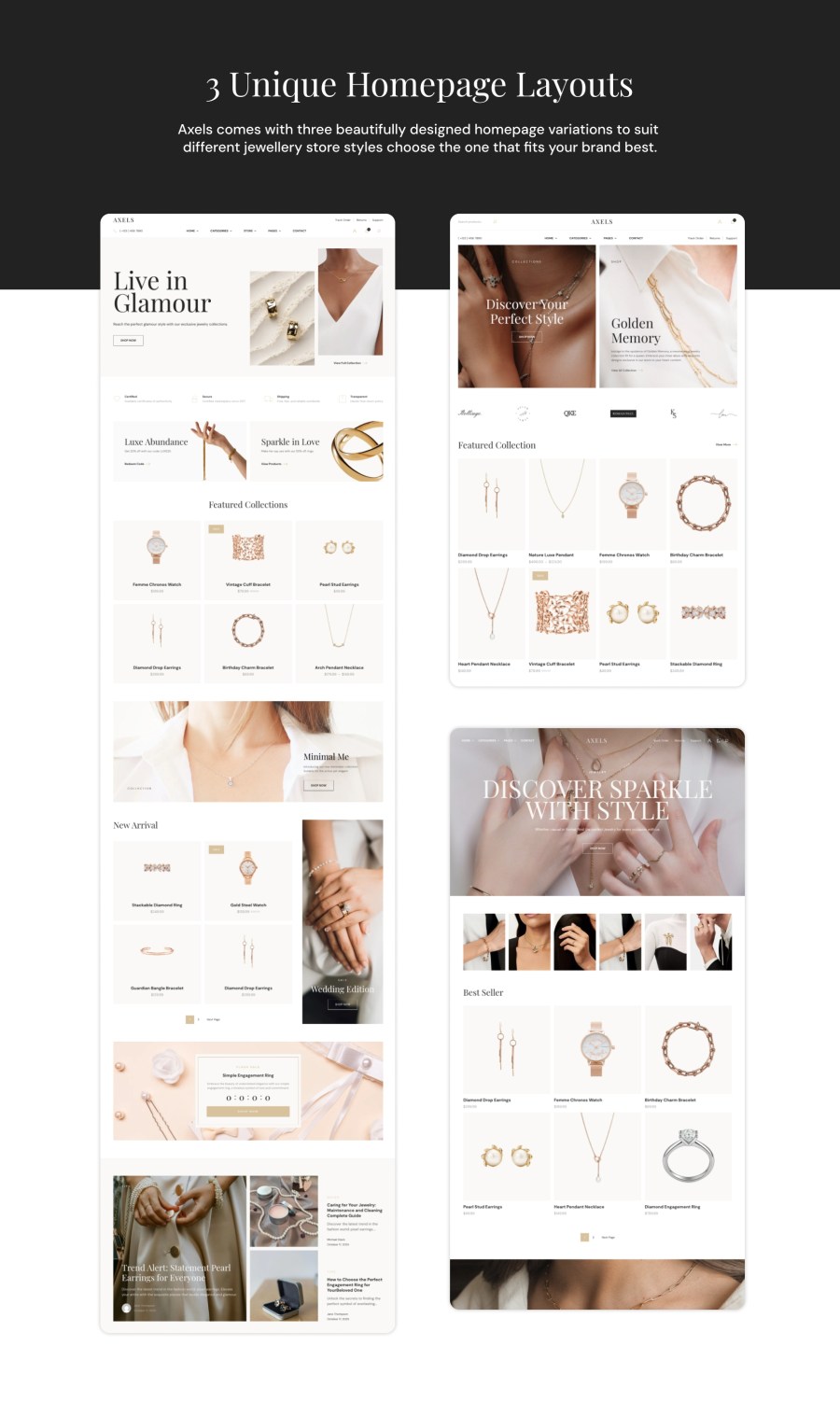
The theme includes three beautifully crafted homepage layouts, each designed to match different styles of jewellery businesses.
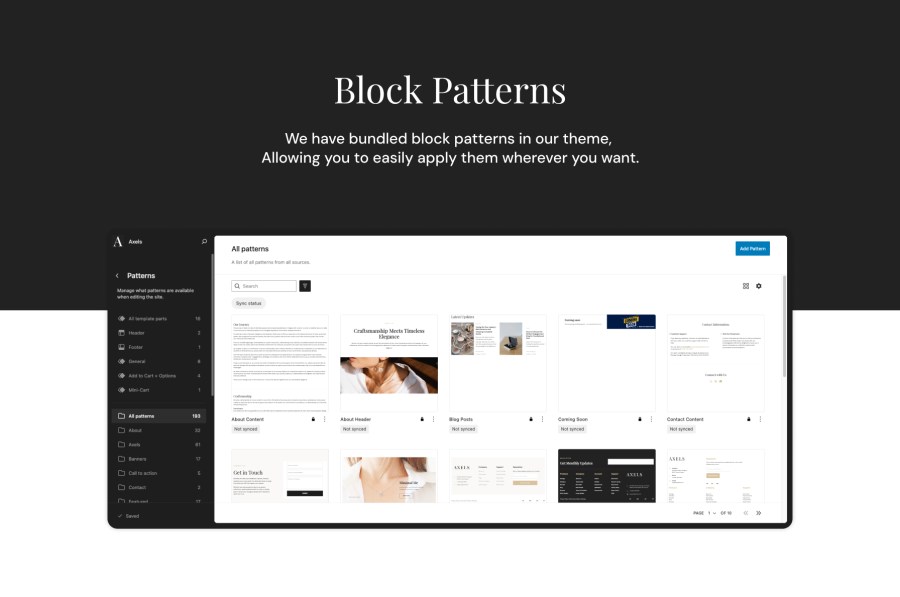
Each homepage features elegant hero sections, curated category displays, bestselling product highlights, and visually appealing banners that guide customers naturally through your store. With more than forty WooCommerce-ready block patterns included, customizing your homepage or inner pages becomes simple and code-free.
Axels is fully responsive and optimized to look flawless on desktops, tablets, and smartphones. Images, buttons, product cards, and layout elements adjust smoothly, ensuring your jewellery appears stunning on every device and giving customers a consistent luxury browsing experience.
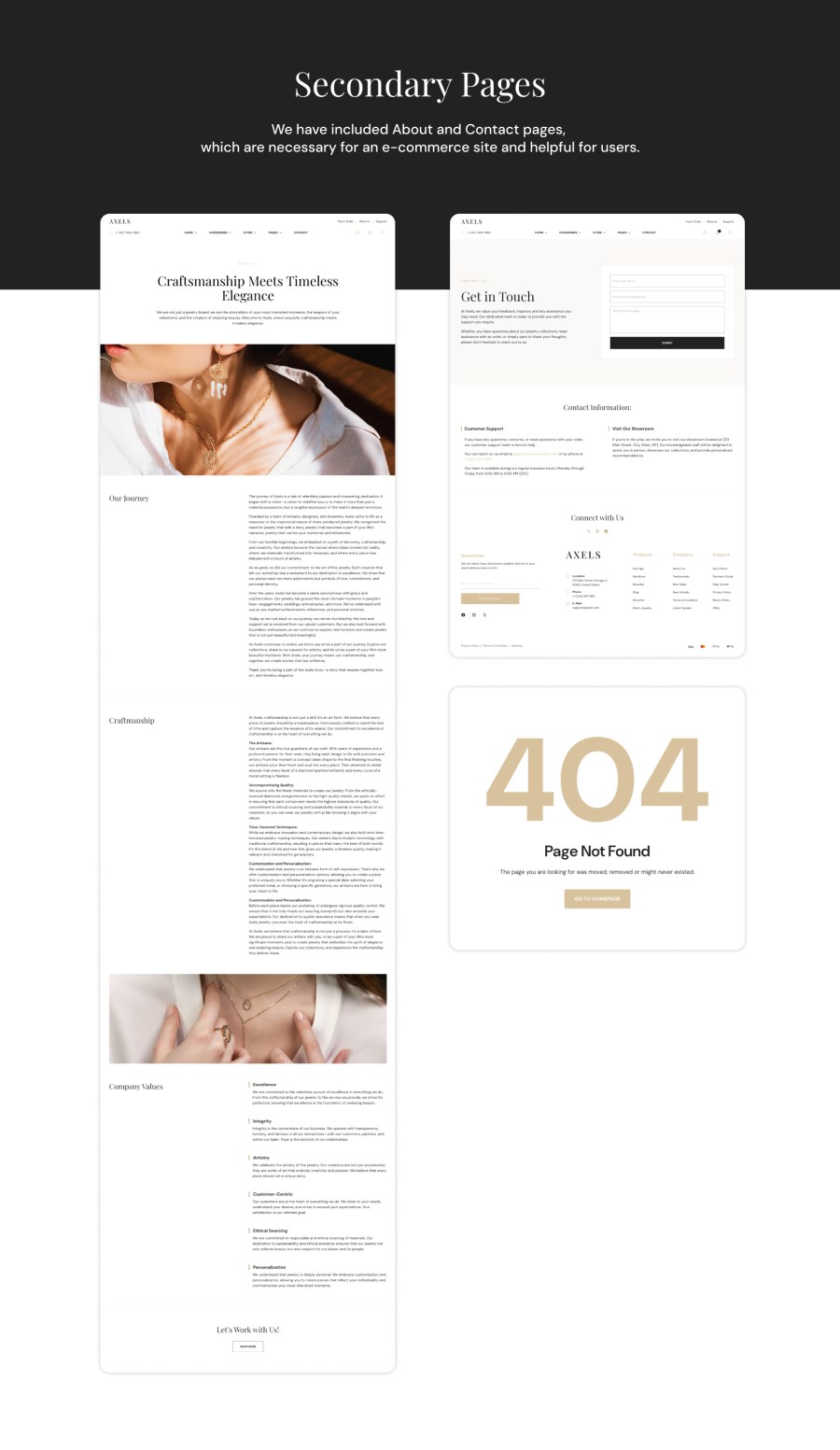
Axels includes beautifully styled templates for About the Brand, Contact, FAQs, Shipping & Returns, and Blog. These pages follow the same elegant design system, making your store feel professional and cohesive from start to finish. The blog layout is modern and SEO-friendly, allowing you to publish jewellery care tips, gemstone insights, trend updates, or brand stories in a visually polished format.
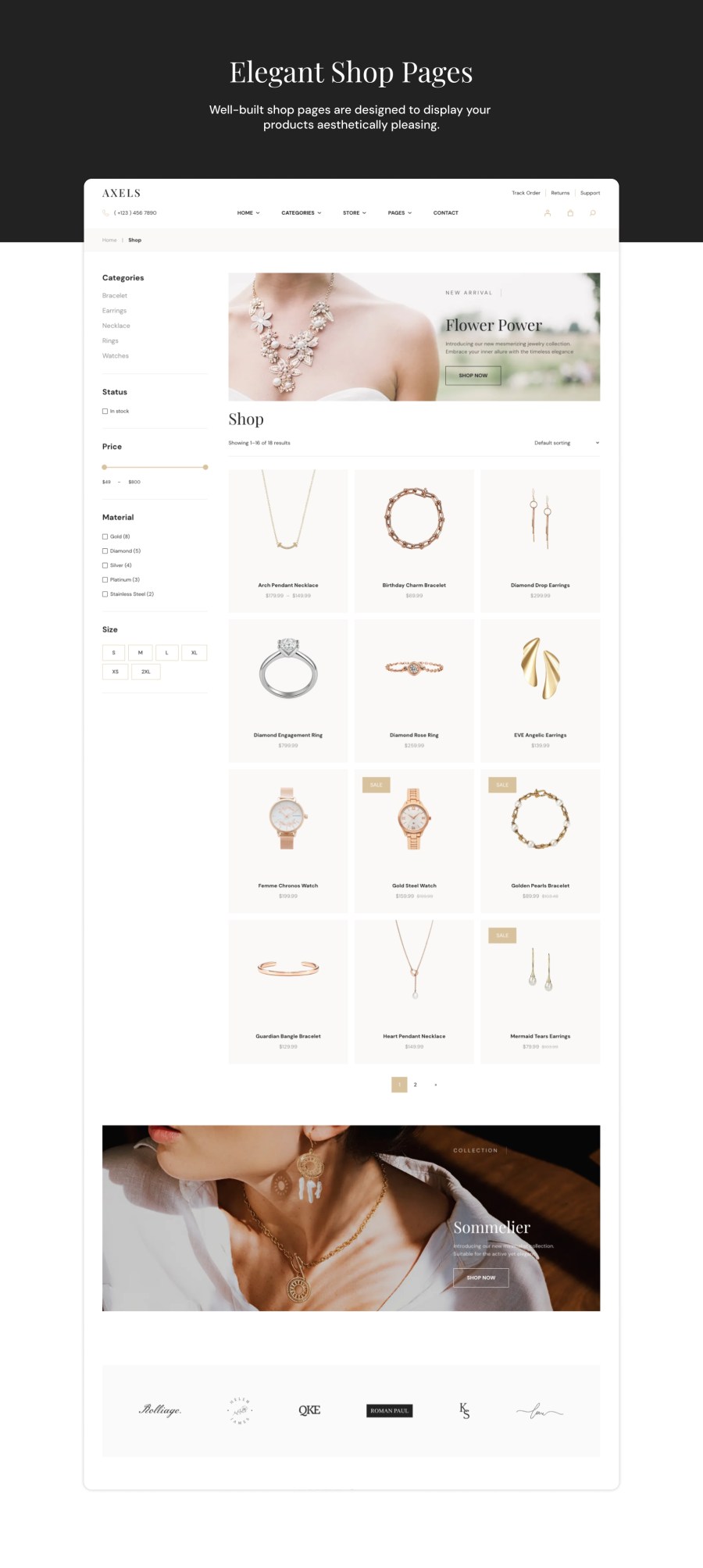
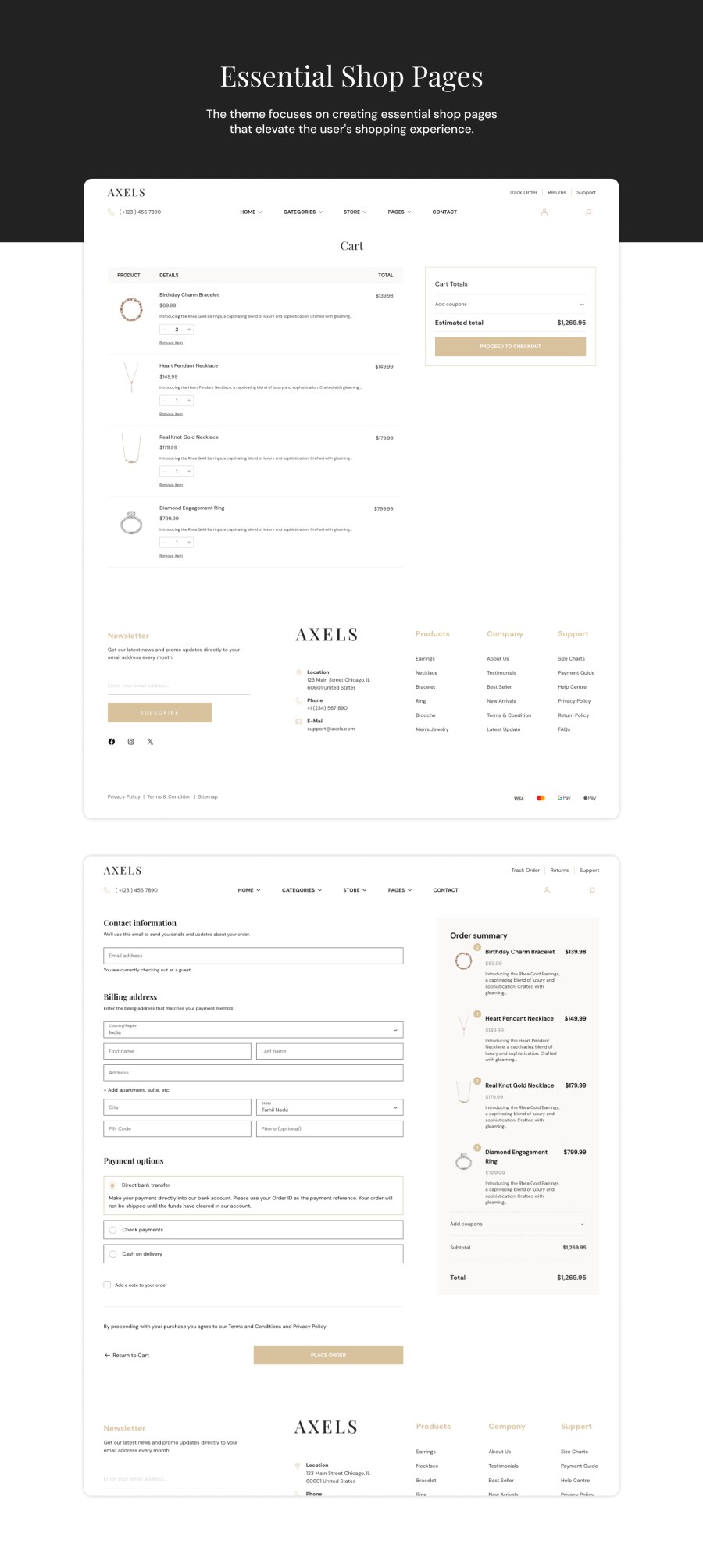
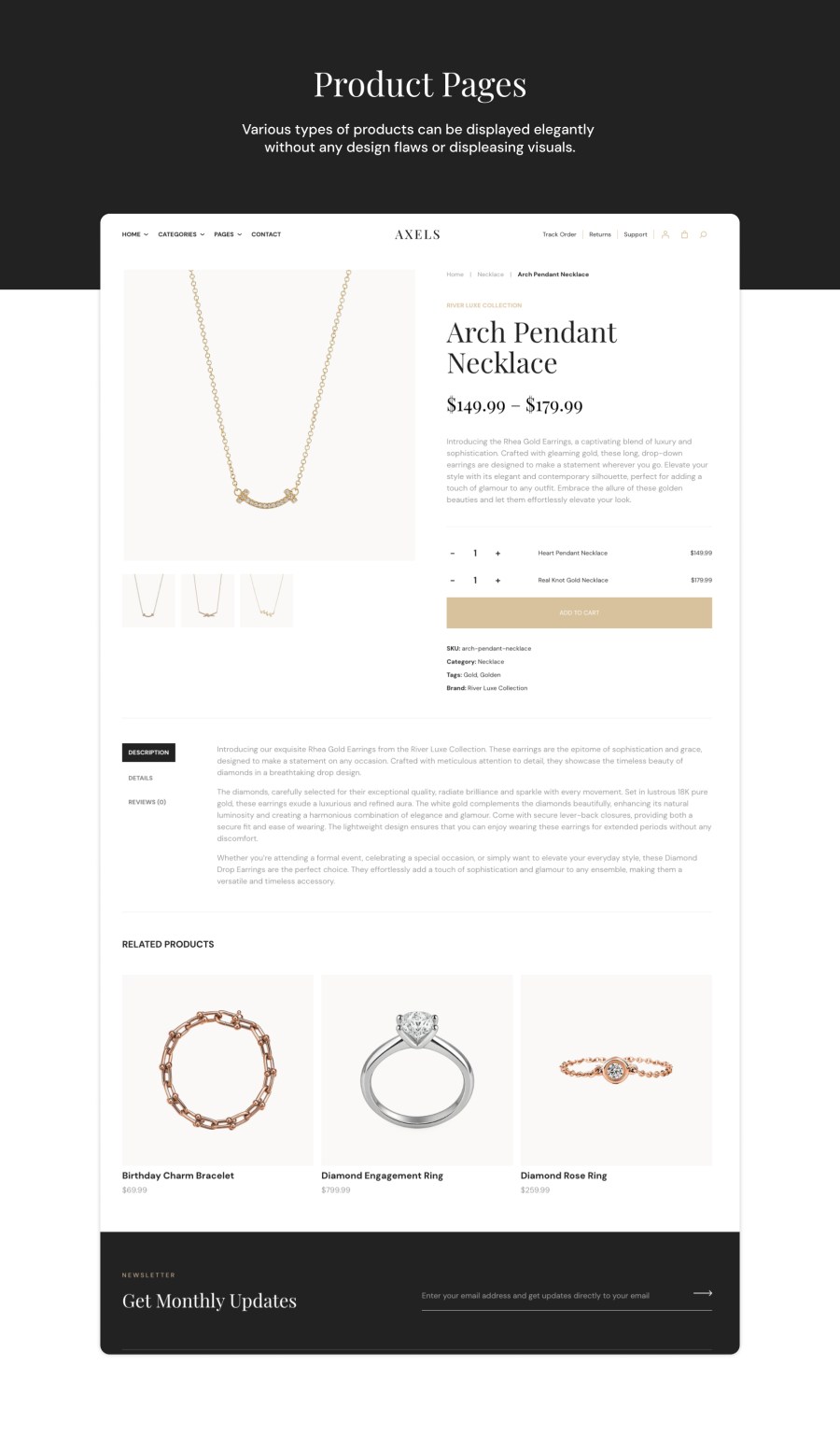
The shopping experience in Axels is clean, fast, and intuitive. Product pages are visually rich, featuring enhanced galleries and zoom effects. Shop layouts are modern and easy to explore, and the checkout flow is designed to be simple and distraction-free. This results in quicker purchases, fewer abandoned carts, and a more enjoyable customer experience overall.
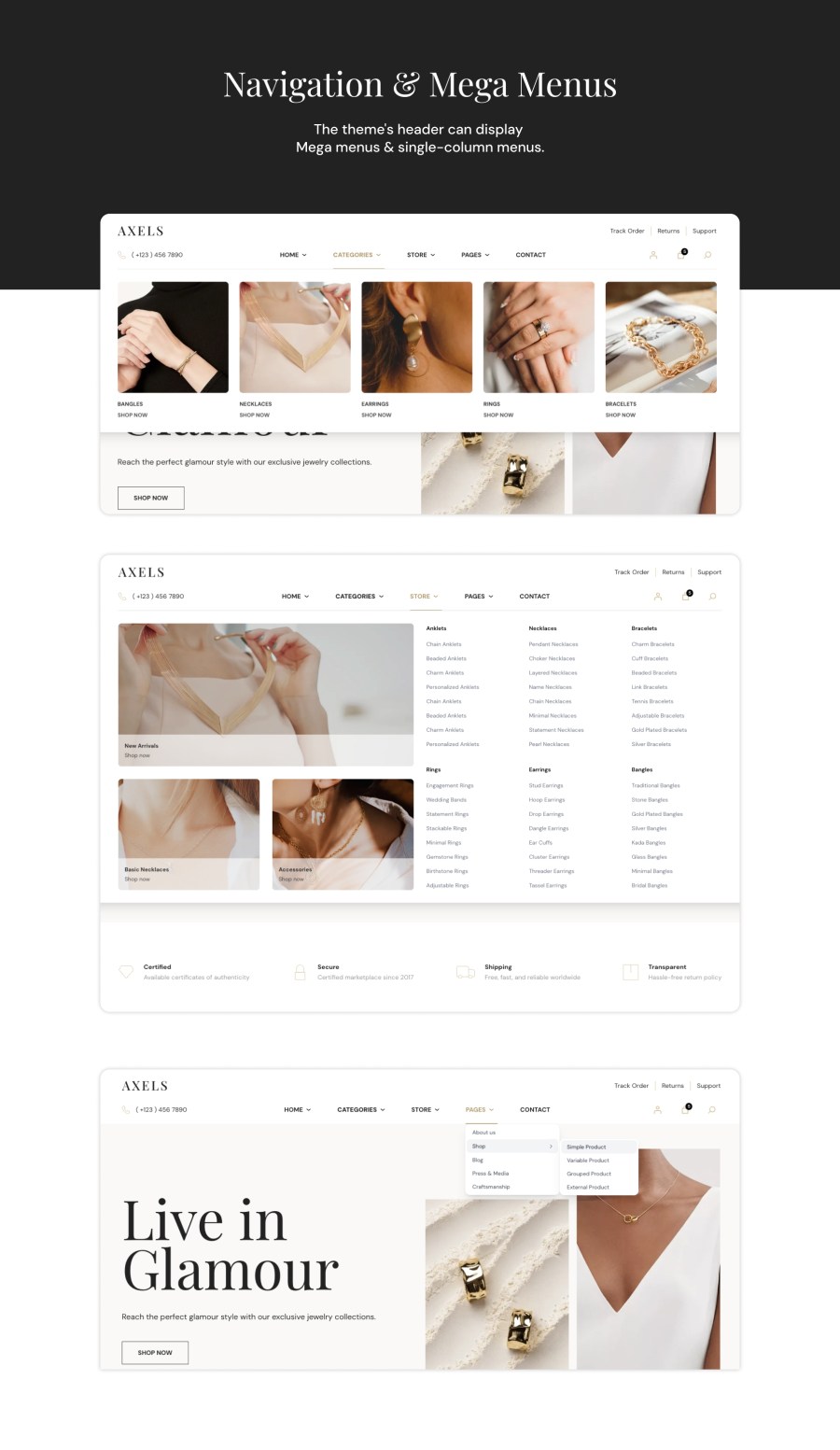
Axels offers smooth and well-structured navigation, with a horizontal mega menu that helps shoppers browse jewellery categories with ease. Customers can quickly explore rings, necklaces, bracelets, bangles, earrings, gemstone collections, or luxury accessories without confusion. The mega menu layout is spacious, minimal, and visually aligned with high-end jewellery brands.
With complete Full-Site Editing support, Axels gives you full control over every part of your store. You can visually customize your homepages, product templates, shop pages, category layouts, headers, and footers directly from the site editor—no coding knowledge needed. The theme is built using the latest block-based technologies, making customization efficient, lightweight, and future-ready.
Axels includes two modern header styles and one elegant footer layout, designed to maintain clarity and balance across all pages. These layouts help your jewellery brand present a clean, cohesive identity that feels premium and trustworthy.
Axels is built for high performance. It uses optimized assets, minified global styling, lightweight WooCommerce blocks, and compressed demo media. This ensures your online store loads quickly, stays responsive, and performs smoothly even as your product catalog grows.
Whether you are launching a modern gold store, a diamond boutique, a silver collection, or a luxury accessories brand, Axels provides everything you need to build a sophisticated and high-converting WooCommerce store. Its refined design, seamless WooCommerce features, and powerful customization options make it the perfect choice for brands that want to look truly premium online.
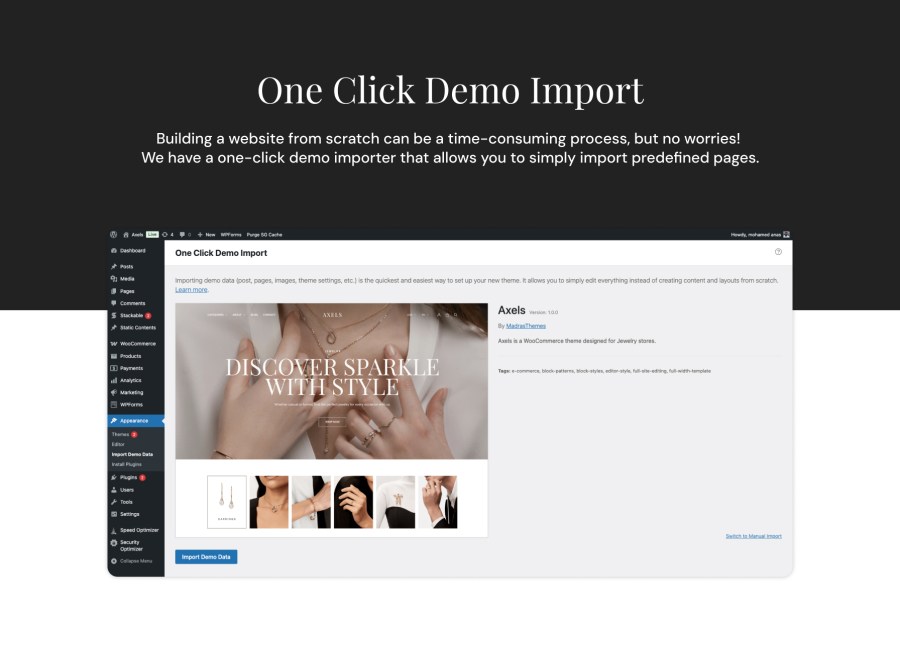
After installing the Axels theme and themes required plugins, you can setup the theme with demo content. Once completed, your website will look exactly like our demo website. Demo content can be imported using our one click demo import process. All you need to do is just click the Appearance > Import Demo Data > Import button and wait for the import to complete.
The header and menus are configured in Appearance > Editor > Patterns > Headers.
To configure the footer, go to Appearance > Editor, then select Patterns and choose Footer. This will allow you to configure the footer widgets and layout to fit your needs.
To add page patterns, go to Appearance > Editor, then select Pages. Choose Edit page and click on Add patterns to insert the desired patterns into your page layout.
Extension information
Quality Checks
Länder