

L’abonnement comprend
Assistance
Product FAQs and Questions for WooCommerce help you answer customer questions before they even ask. Display FAQs directly on your product pages. Generate them instantly with AI, or let customers submit their own. Admins can review, approve, and answer questions before they go live. It’s a simpler way to handle product inquiries and reduce support requests.
AI Product FAQs and Questions lets you display product-specific FAQs directly on your product pages. Add FAQs manually from the backend and assign them to relevant products. It reduces support requests and gives customers the confidence to make informed purchase decisions.
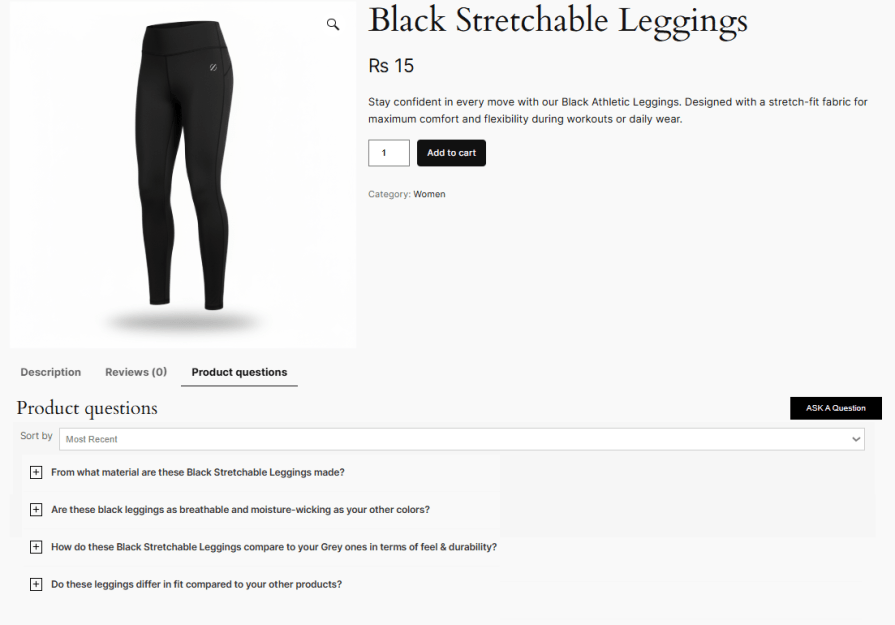
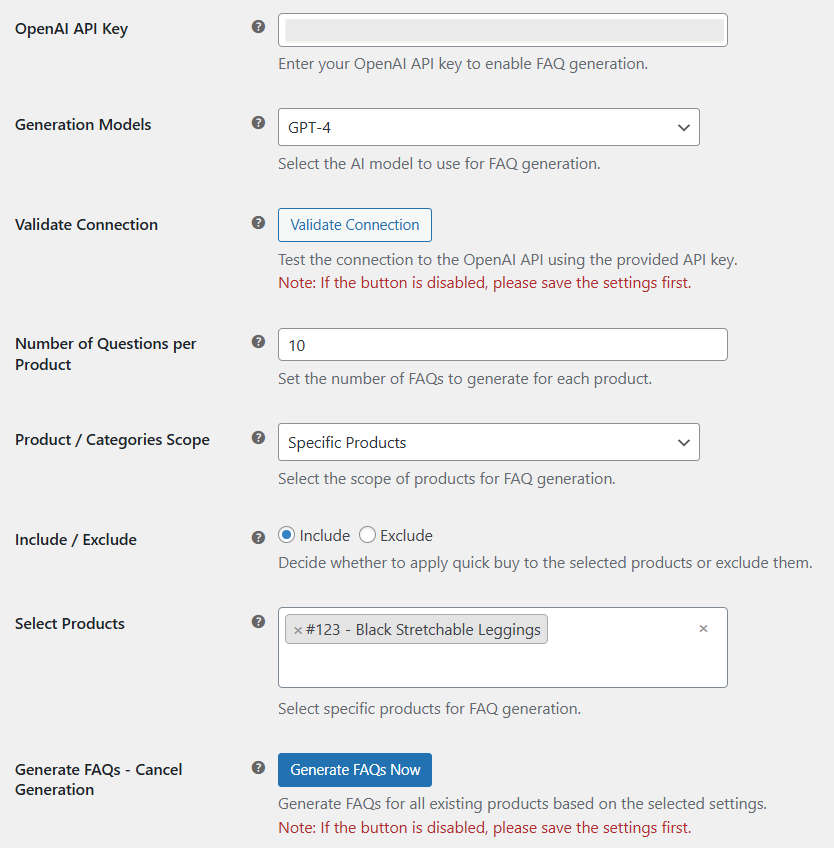
The built-in AI generation feature creates relevant, product-specific FAQs in seconds. Simply trigger the AI from the backend and publish accurate, helpful answers to your product pages instantly. It saves time and ensures your product pages are always thorough and up to date.
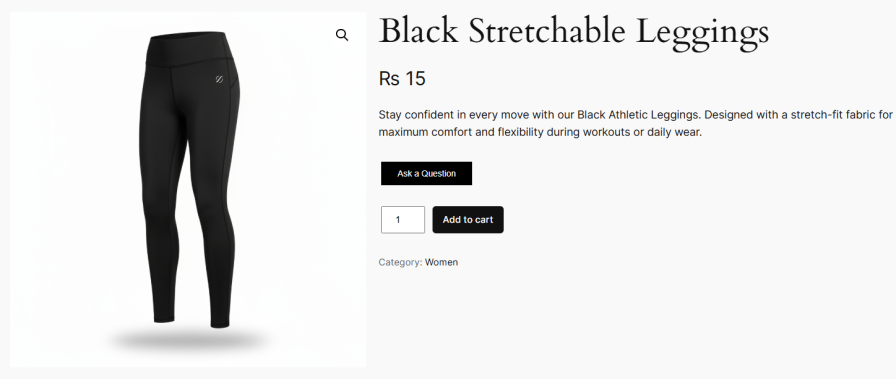
The built-in Ask a Question form lets customers submit product-related questions directly from the product page. Shoppers can inquire about features, compatibility, pricing, or anything not covered in the FAQs. It gives customers the clarity they need before placing an order.
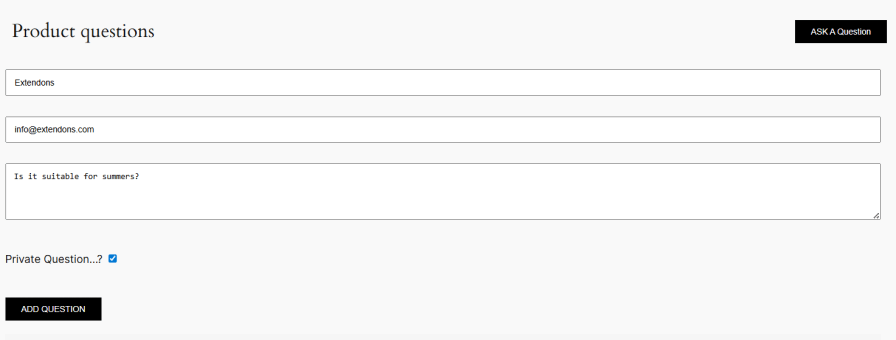
Customers can choose to ask questions publicly or privately. Private questions stay between the customer and the store admin, building trust and encouraging more open communication. It gives shoppers the confidence to ask without hesitation.
Allows you to approve or disapprove customer questions directly from the backend. Questions submitted by customers can be reviewed manually before publishing, giving you full control over what appears on the product page.

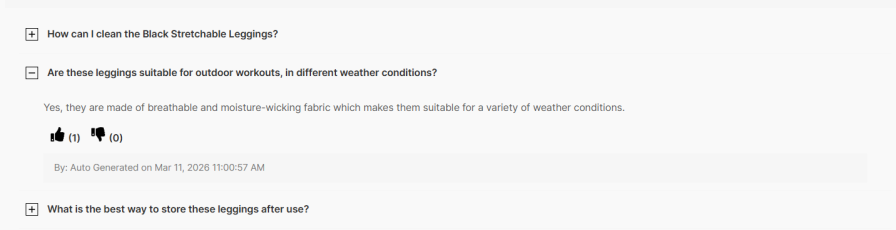
The likes and dislikes feature lets shoppers rate responses, pushing the most relevant answers to the top. It helps customers find useful answers faster and improves the overall browsing experience.
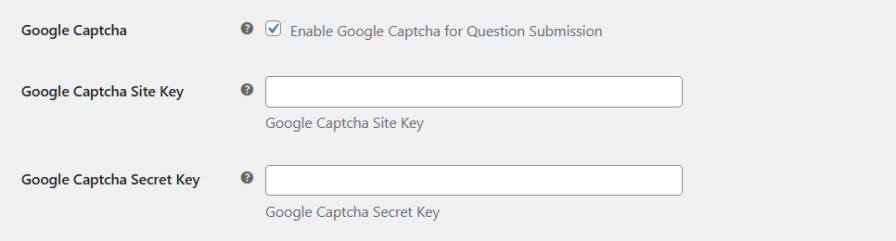
Google reCAPTCHA integration secures the question form against spam submissions. Configure it easily by entering your site and secret key, ensuring only genuine questions come through.
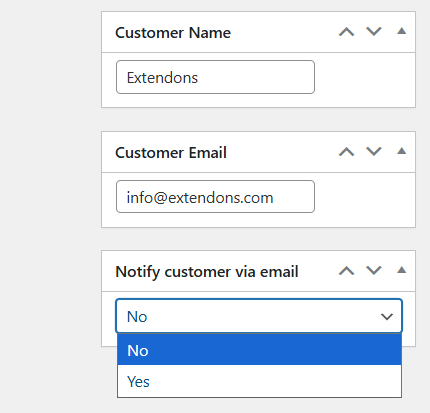
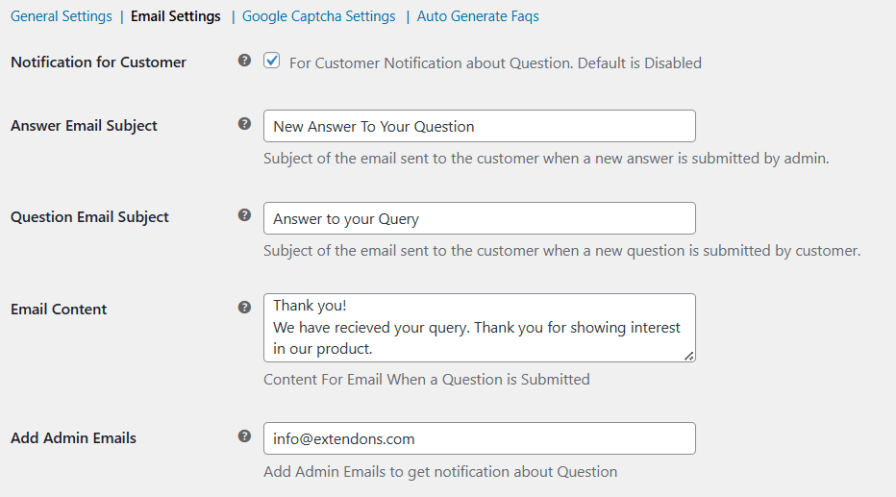
The FAQ plugin for WooCommerce automatically sends email notifications to customers as soon as the store admin responds. It keeps customers engaged, brings them back to the product page at the right time, and gives them the nudge they need to place an order.
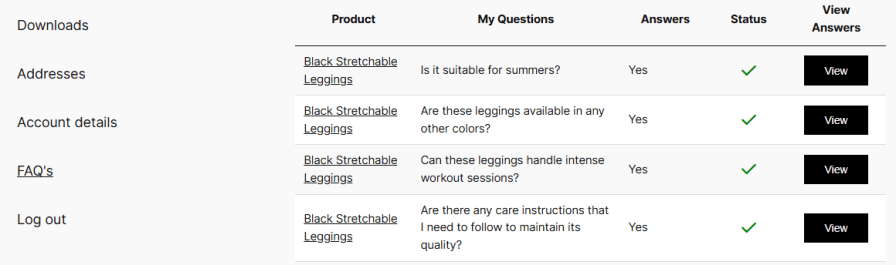
Customers can view the answers to their submitted questions directly from their account page. It makes it easy for shoppers to revisit previous responses without having to navigate back to the product page.
Send personalized email notifications to your customers upon answering their questions. You can customize the subject and body of the email according to your personal preferences.
All customer questions submitted through the Ask a Question form can be managed directly from the admin panel. You can review, approve, disapprove, edit, or delete questions before they are published on the product page.
Yes, the FAQ plugin for WooCommerce includes a built-in AI generation feature that instantly creates relevant, product-specific FAQs from the backend.
Yes, the plugin allows you to display submitted questions and answers on the customer account page, giving shoppers quick access to their previous inquiries and responses.
No, only registered users can submit answers. This ensures that all responses published on the product page are credible and verified.
The plugin allows you to enable likes/dislikes for FAQs. This can encourage customers to leave feedback on your FAQs and help you identify which ones are the most helpful.
Extension information
Quality Checks
Pays







