
L’abonnement comprend
Assistance
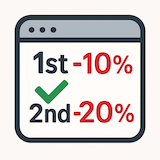
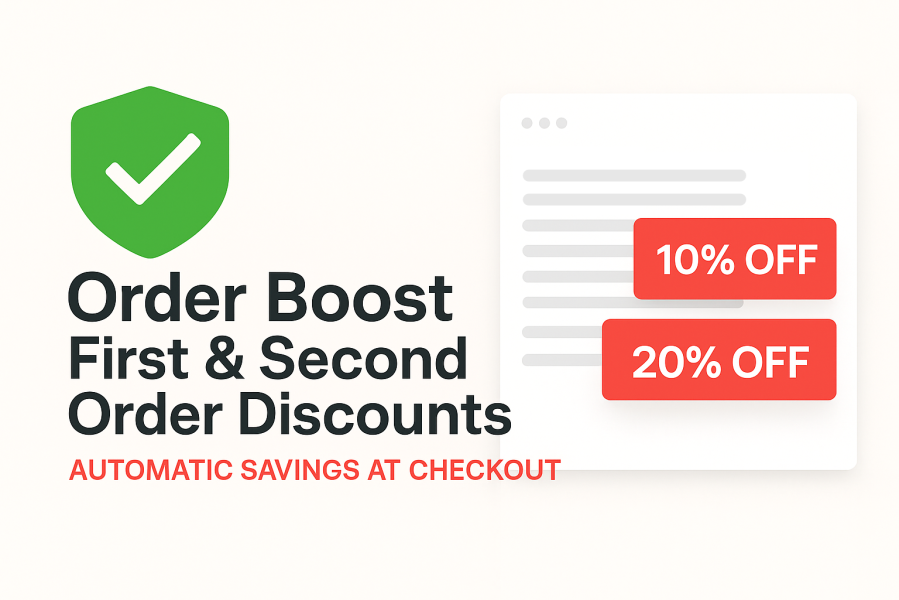
Order Boost – First & Second Order Discounts for WooCommerce helps you turn new visitors into customers — and first-time buyers into repeat customers — by automatically rewarding early orders at checkout.
Instead of relying on promo codes or one-off campaigns, Order Boost applies discounts automatically based on a customer’s order history. New customers receive a discount on their first order, and eligible customers can also be rewarded on their second order — all without any extra steps, pop-ups, or coupon fields.
You stay in full control of how and when discounts apply, while customers enjoy a smoother, friction-free checkout experience.
The result? Higher first-time conversion rates, improved customer retention, and fewer abandoned carts caused by confusing or forgotten discount codes.
Increase first-time conversions
Automatically reward new customers at checkout with no coupon codes required.
Encourage repeat purchases
Incentivise second orders to turn early buyers into loyal customers.
Reduce checkout friction
Discounts are applied instantly — no coupon boxes, no manual entry, no confusion.
Stay in control of your margins
Set minimum spend thresholds, control tax behaviour, and decide how discounts interact with sales and coupons.
Works seamlessly with WooCommerce
Built to WooCommerce standards and compatible with both Classic and Block checkout.
Order Boost is ideal for bakeries, boutiques, gift stores, subscription brands, and specialist retailers who want to grow customer loyalty without constantly running promotions or managing coupon codes.
Reward customers automatically, protect your margins, and make checkout simpler — with Order Boost for WooCommerce.
Order Boost checks the customer’s completed order history in WooCommerce. If no completed orders exist, the customer is treated as a first-time buyer. If exactly one completed order exists, the customer may be eligible for a second-order discount, depending on your settings.
Cancelled, failed, and pending orders are ignored.
No. Discounts are applied automatically at checkout when the eligibility conditions are met. There are no coupon fields, pop-ups, or manual steps required.
Yes. You can configure the discount as either a percentage of the cart subtotal or a fixed monetary amount.
Yes. You can define a minimum cart subtotal that must be reached before the discount is applied. This helps protect margins and encourage higher order values.
This is fully configurable. You can choose whether sale items are included or excluded when calculating discount eligibility.
You can prevent discounts from stacking with coupons. When this option is enabled, Order Boost will not apply its discount if a coupon is already present in the cart.
You can choose whether the discount affects taxable amounts or is applied after tax, depending on your store’s requirements.
Yes. Order Boost is fully compatible with both the Classic checkout and the WooCommerce Block-based checkout.
Yes. Guest customers are supported. Order Boost uses the available order data (such as billing email) to determine eligibility where possible. For best accuracy, customer accounts are recommended but not required.
Existing customers who do not meet the first or second order criteria will not receive a discount. The plugin only applies discounts when the configured eligibility conditions are met.
No. Order Boost is designed to be lightweight and only runs minimal checks during checkout. It does not add additional database queries beyond what is required to determine eligibility.
Yes. You can control how the discount is displayed in the cart and checkout totals to match your store’s preferred presentation.
Order Boost follows WooCommerce best practices and is compatible with the vast majority of themes and extensions. As with any checkout-related plugin, conflicts are rare but can occur with heavily customised discount or pricing extensions.
Order Boost is designed for standard WooCommerce orders. Subscription renewals are typically excluded, as they are not treated as new orders in the same way. Compatibility may depend on your subscription setup.
Yes. The plugin is actively maintained and supported, with updates provided to ensure ongoing compatibility with WooCommerce releases.
Catégories
Extension information
Quality Checks
Pays








