

L’abonnement comprend
Assistance
Managing orders manually can be time-consuming and prone to errors, especially when dealing with different customer types, payment delays, or high-volume sales. Unapproved or unpaid orders can slow down your workflow.
Order Approval System gives you complete control over how orders are approved in your store. With this extension, you can create customizable rules to manage approvals based on payment status, user roles, and product details. Whether you want to auto-approve certain orders, require manual approval, or set payment deadlines, this plugin ensures a smooth and organized order management process.
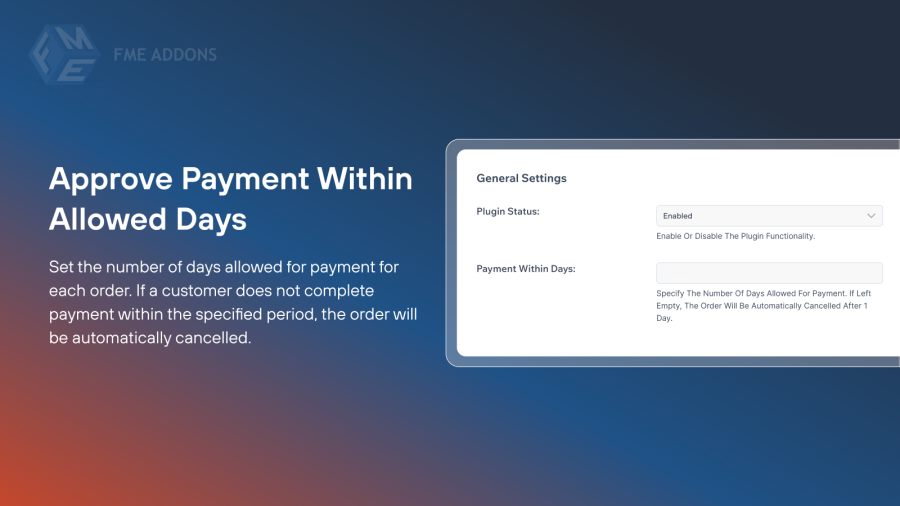
Set the number of days allowed for payment for each order. If a customer does not complete payment within the specified period, the order will be automatically cancelled. This feature helps prevent unpaid orders from cluttering your system.
Take full control over your order management by choosing how each order is processed, with multiple flexible workflow options to suit different payment and approval scenarios:

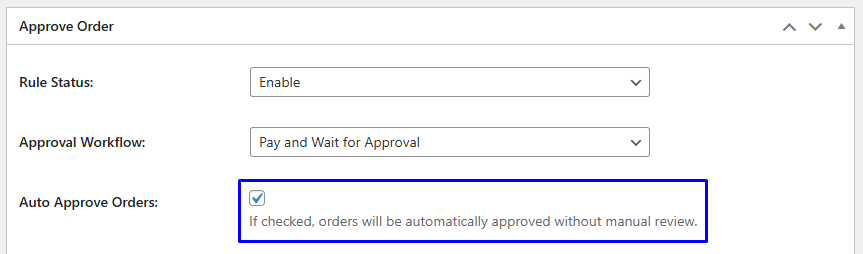
Reduce manual work by automating order approvals for selected scenarios. Auto approval ensures that trusted or low-risk orders are processed quickly, improving efficiency and customer satisfaction.
Apply approval rules to specific user roles. This feature allows store owners to have different approval processes for wholesale, retail, or VIP customers. If no roles are selected, the rules apply to all customers.

Easily assign order approval rules to specific products, categories, or tags to tailor your workflow to your store’s needs. This feature allows you to determine exactly which items require approval, giving you full control over your inventory management.

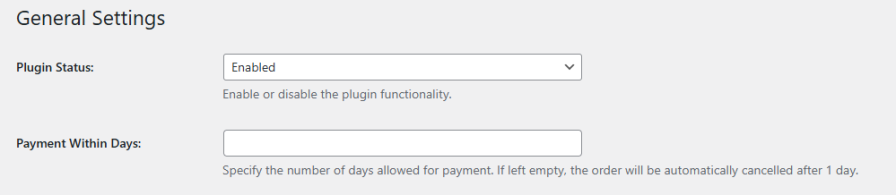
You can define the number of days a customer has to complete payment. If the order isn’t paid within this period, it will be automatically cancelled, helping prevent unpaid orders from cluttering your store.
The extension offers three workflows:
Yes. You can create multiple rules with unique titles, workflows, and conditions, allowing you to customize approval processes for different scenarios in your store.
Yes. Approval rules can be applied to selected user roles, such as wholesale, retail, or VIP customers. If no roles are selected, the rules apply to all users.
You can assign rules to individual products, specific categories, or tags. You can also choose to include or exclude certain items, giving precise control over which orders require approval.
Yes. By enabling Auto Approve Orders, selected orders are processed automatically, saving time and reducing manual errors.
Catégories
Extension information
Quality Checks
Pays







