

L’abonnement comprend
Assistance
Shopzy is a powerful, flexible, and modern WooCommerce theme designed to help you sell any type of product with confidence and style. Built for multi-category online stores, Shopzy is perfect for businesses offering everything from electronics and fashion to groceries, furniture, and pet supplies. With clean design, high performance, and full-site editing support, Shopzy delivers a professional eCommerce experience that scales with your business.
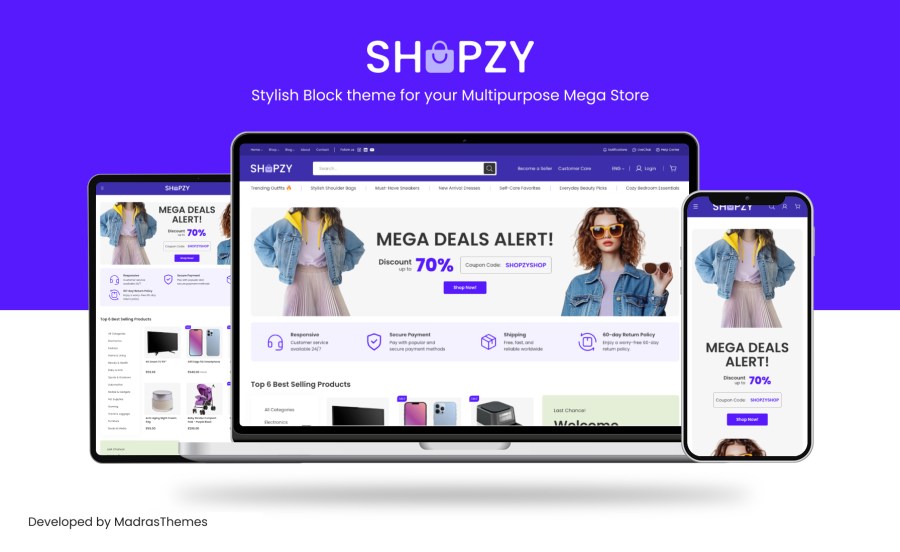
Crafted for versatility and conversion, Shopzy gives store owners complete creative freedom while ensuring a smooth, fast, and user-friendly shopping experience for customers.
Shopzy features a clean, balanced, and modern design that adapts seamlessly across industries. Its layout system is carefully structured to showcase a wide range of product categories without overwhelming users. Whether you’re selling gadgets, apparel, home essentials, or everyday groceries, Shopzy keeps your store organized, visually appealing, and easy to navigate.
Thoughtful spacing, clear typography, and well-defined sections ensure products remain the focal point—boosting engagement and conversions.
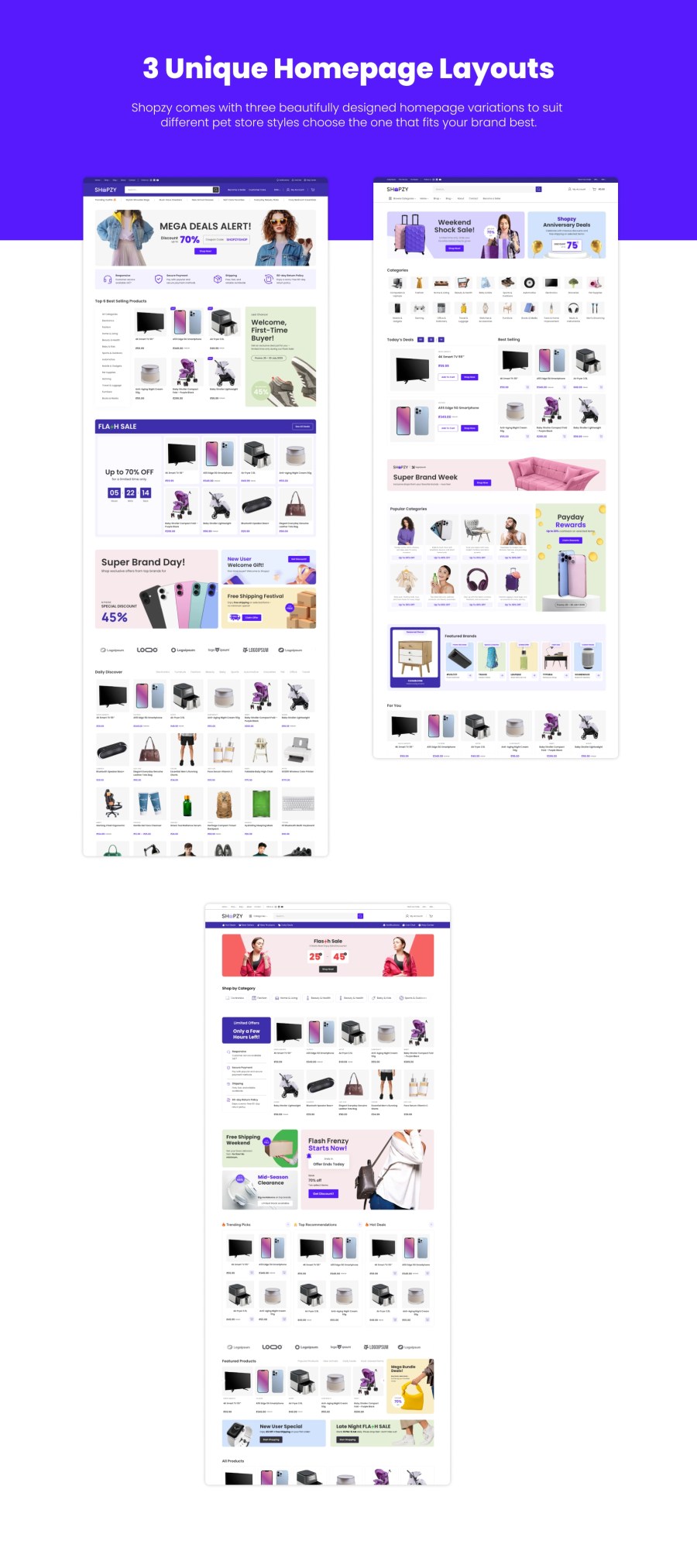
Shopzy includes multiple flexible homepage layouts crafted for large, category-rich eCommerce websites. Each layout highlights product discovery, featured categories, promotions, and best sellers.
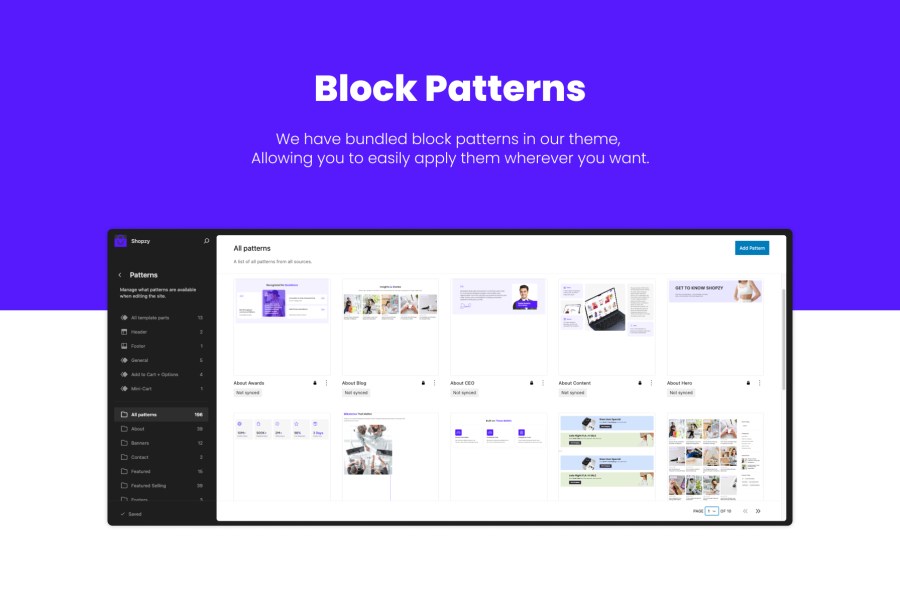
With 40+ block patterns, you can easily mix, match, and customize pages without touching a single line of code.
Shopzy is built to support a wide range of product categories, including:
Shopzy is the ideal choice for department-style stores, marketplaces, and large online catalogs.
Shopzy comes with 3 professionally designed header layouts, each optimized for usability and large product catalogs:
You can switch and customize headers easily using the Site Editor to match your brand identity and store structure.
Choose from 3 thoughtfully crafted footer layouts, designed to balance functionality and clarity:
Each footer layout integrates seamlessly with the overall design, ensuring consistency across all pages.
Shopzy includes a horizontal mega menu system that works without third-party plugins. Showcase product categories, featured collections, or promotional banners directly in the menu—perfect for large stores with extensive catalogs.
The demo setup follows modern eCommerce navigation standards, helping customers find products quickly and effortlessly.
Shopzy is fully responsive and optimized for all devices. From desktops to tablets and smartphones, your store looks sharp and functions smoothly across every screen size. Touch-friendly interactions and optimized layouts ensure an excellent mobile shopping experience.
The checkout process in Shopzy is designed to be fast, clean, and intuitive. Minimal distractions, clear layouts, and optimized WooCommerce flows help reduce cart abandonment and improve conversion rates.
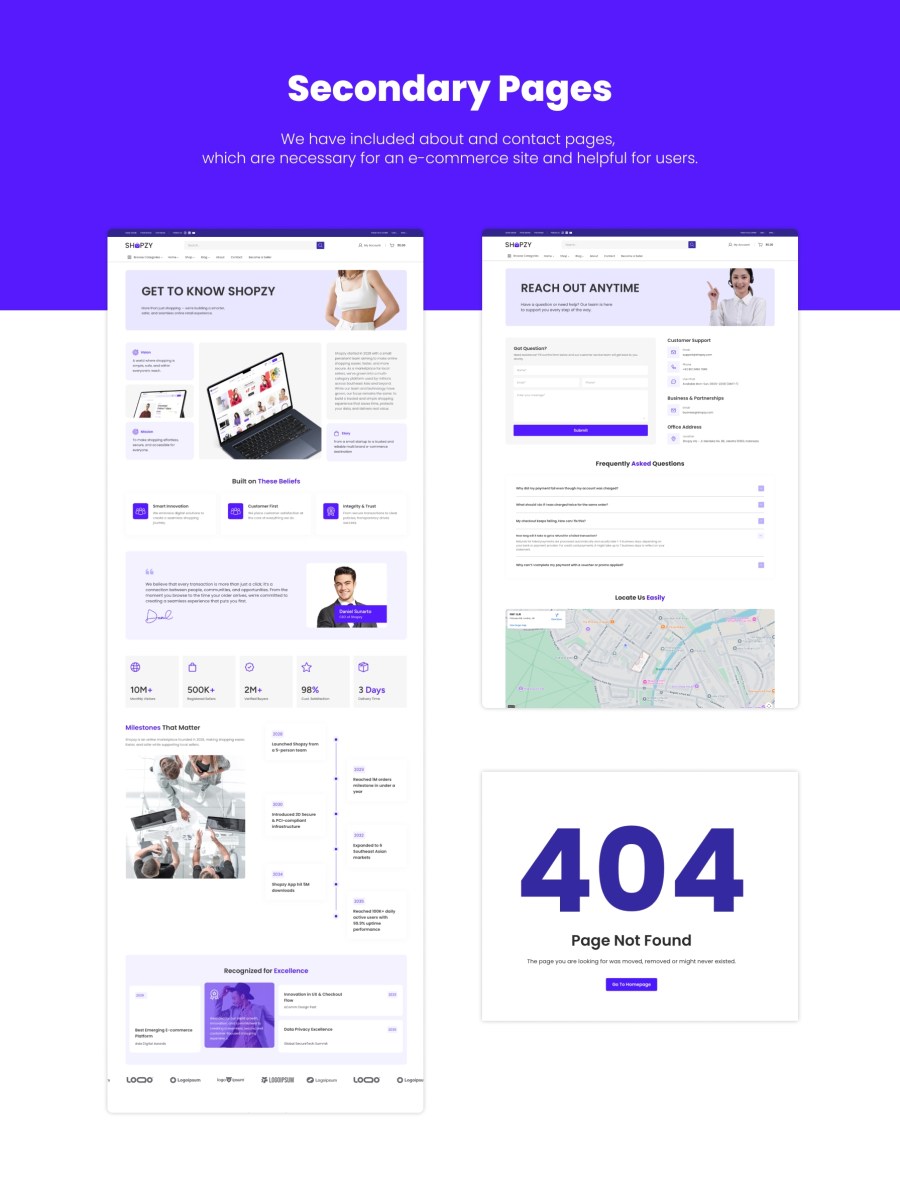
Shopzy includes a modern blog layout to help you publish product guides, buying tips, announcements, and SEO-friendly content. Maintain consistent branding while growing organic traffic and customer trust.
Shopzy is built using WordPress Full-Site Editing (FSE) and modern block architecture:
theme.jsonYou have full control over headers, footers, templates, and patterns—all without coding.
Shopzy is designed with performance in mind:
This ensures a smooth shopping experience and better SEO performance.
Shopzy includes dedicated support and regular updates to ensure compatibility with the latest WordPress and WooCommerce versions. Your store stays secure, stable, and up-to-date.
Whether you’re launching a multi-category marketplace, a department store, or a growing online business, Shopzy provides the flexibility, performance, and design power you need. With multiple headers, footers, built-in mega menus, and full-site editing freedom, Shopzy is your all-in-one solution for modern WooCommerce stores.
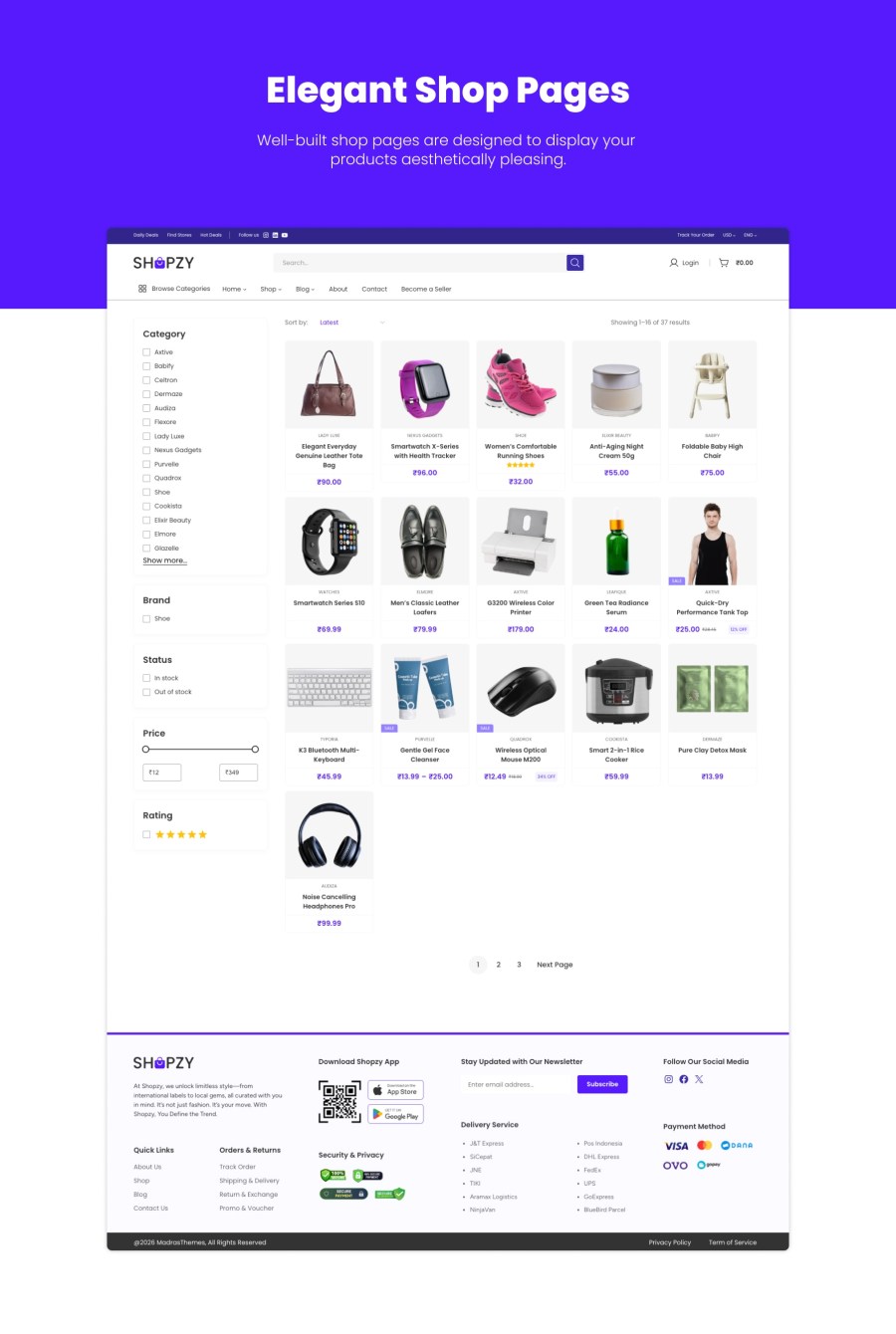
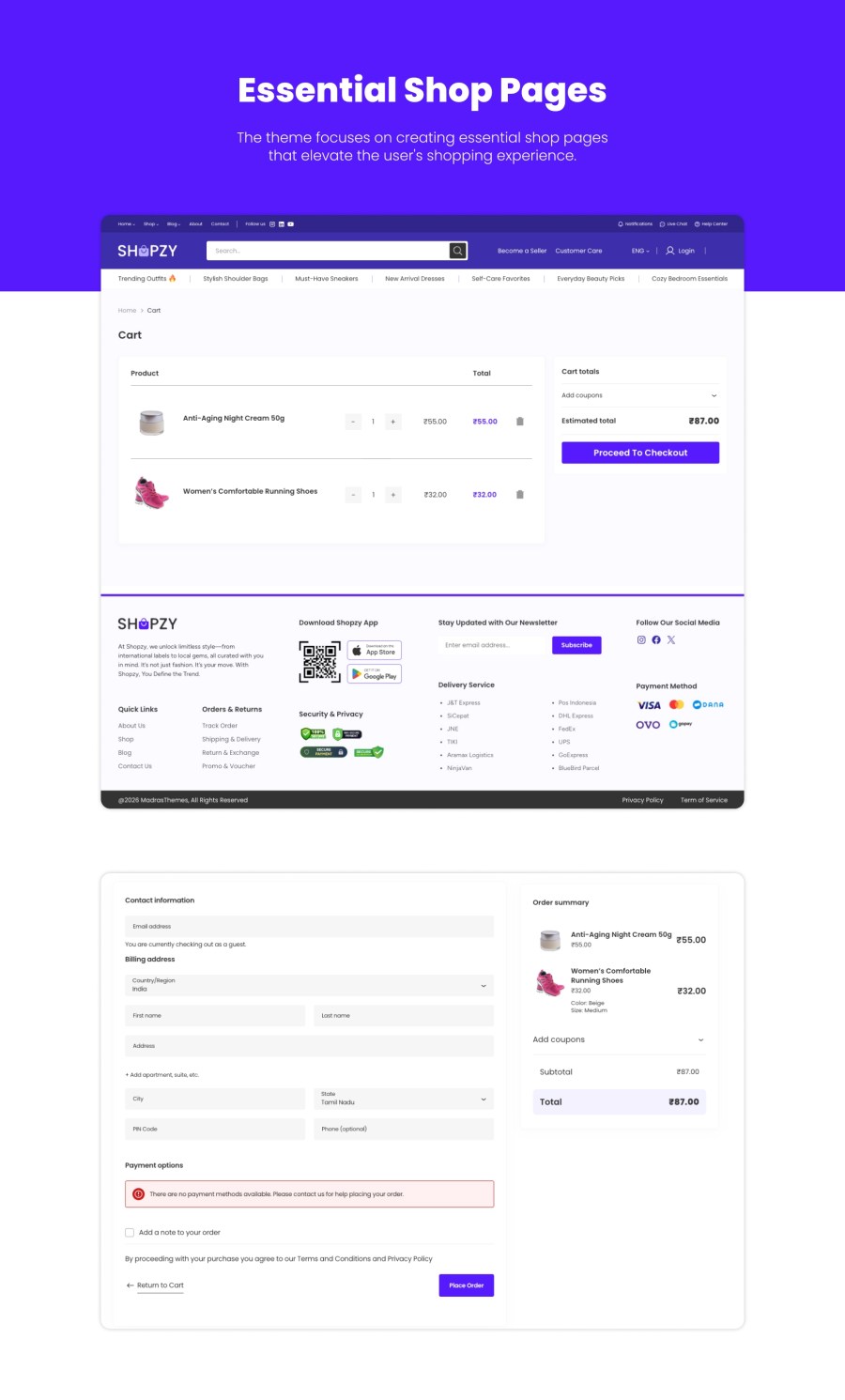
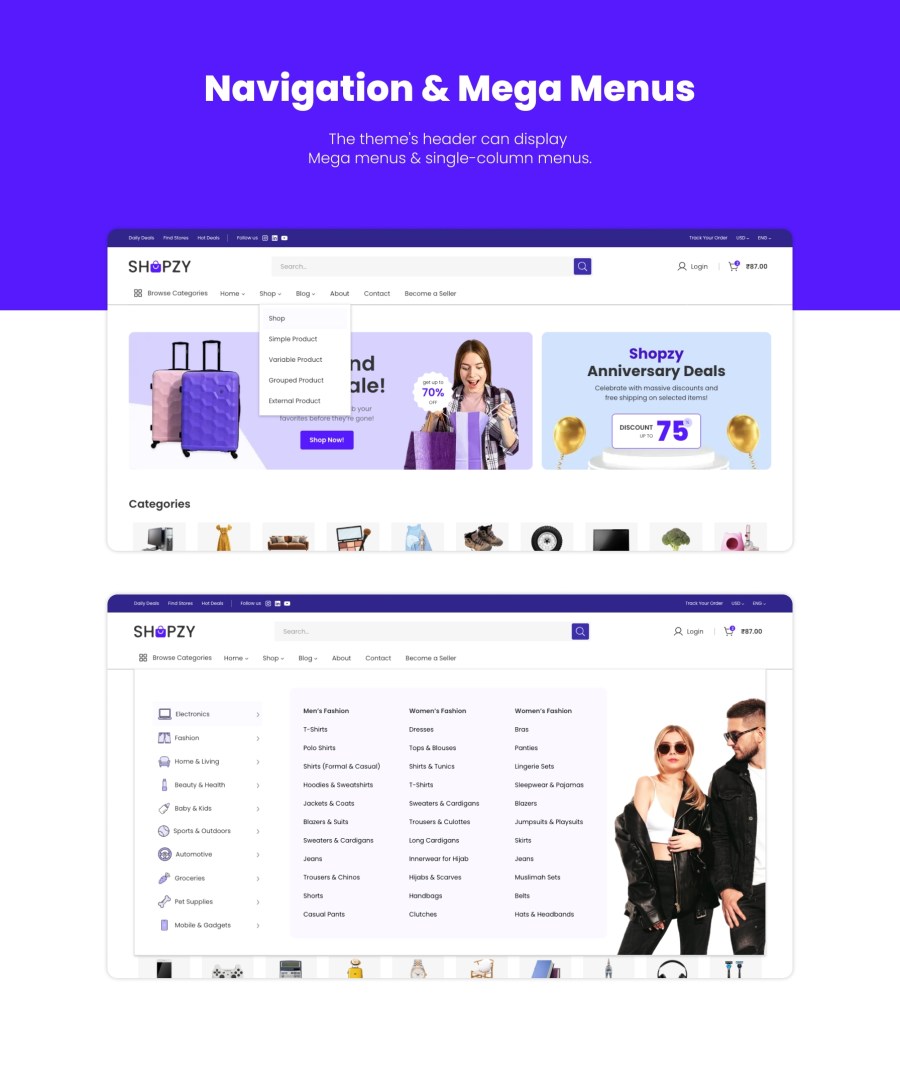
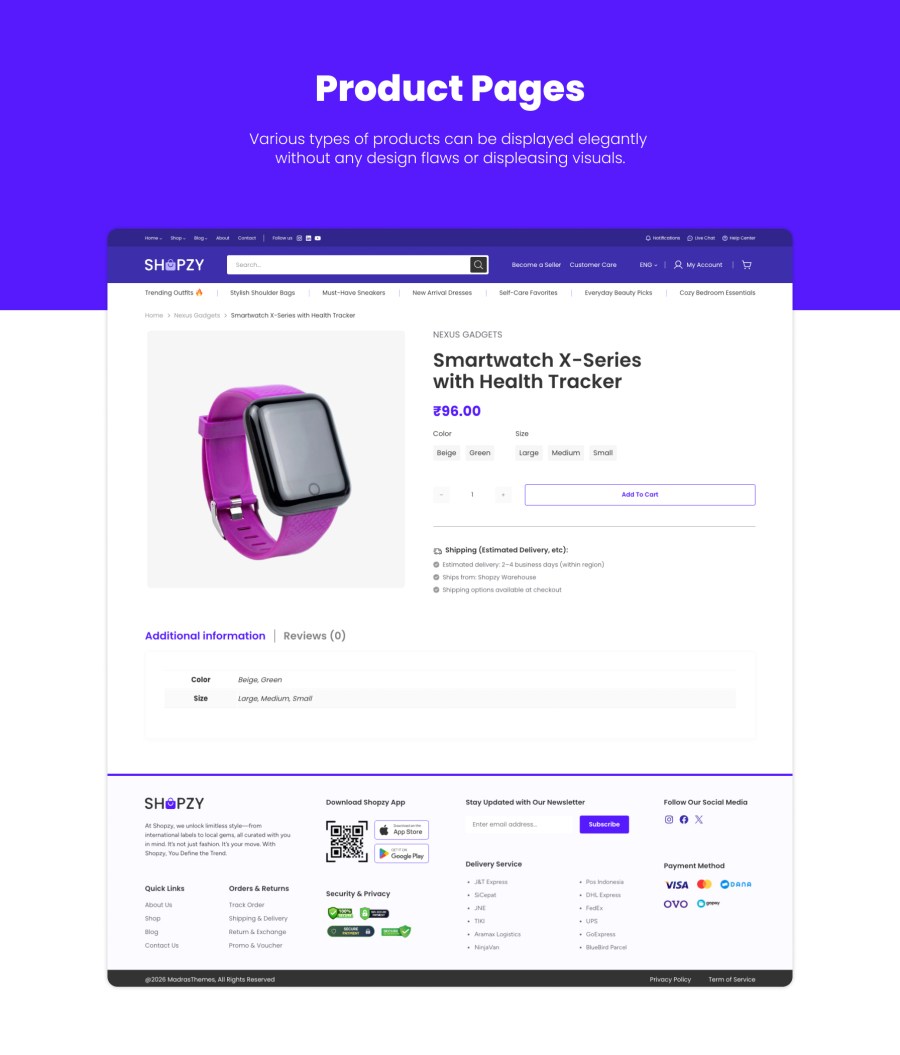
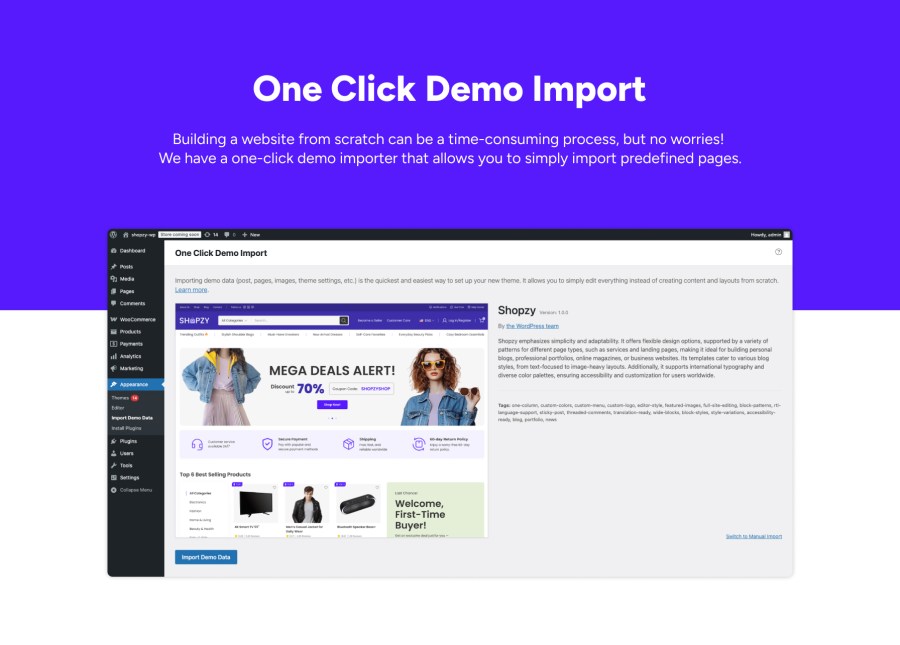
After installing the Shopzy theme and themes required plugins, you can setup the theme with demo content. Once completed, your website will look exactly like our demo website. Demo content can be imported using our one click demo import process. All you need to do is just click the Appearance > Import Demo Data > Import button and wait for the import to complete.
The header and menus are configured in Appearance > Editor > Patterns > Headers.
To configure the footer, go to Appearance > Editor, then select Patterns and choose Footer. This will allow you to configure the footer widgets and layout to fit your needs.
To add page patterns, go to <strong data-start="102" data-end="116">Appearance</strong> > <strong data-start="119" data-end="129">Editor</strong>, then select <strong data-start="143" data-end="152">Pages</strong>. Choose <strong data-start="161" data-end="174">Edit page</strong> and click on <strong data-start="188" data-end="204">Add patterns</strong> to insert the desired patterns into your page layout.
Quality Checks
Pays
