
Active installs
100+
Subscription includes
Support
Enhance your WooCommerce my account page with a customized account page & user dashboard plugin. It lets you display key details, add new pages or endpoints, and edit them easily through a built-in text editor.
You can also insert custom links or connect any store page to an endpoint, ensuring customers stay updated with the latest products or CMS content.
For better navigation, the plugin allows you to create group endpoints that include multiple sub-endpoints in a single click. Plus, you can assign endpoints to specific user roles for a more personalized experience.
The My Account Dashboard for WooCommerce provides two flexible templates, i.e, Custom Dashboard and Prebuilt Dashboard. You can also choose whether the account menu appears on the left or right, making navigation easier for your customers.
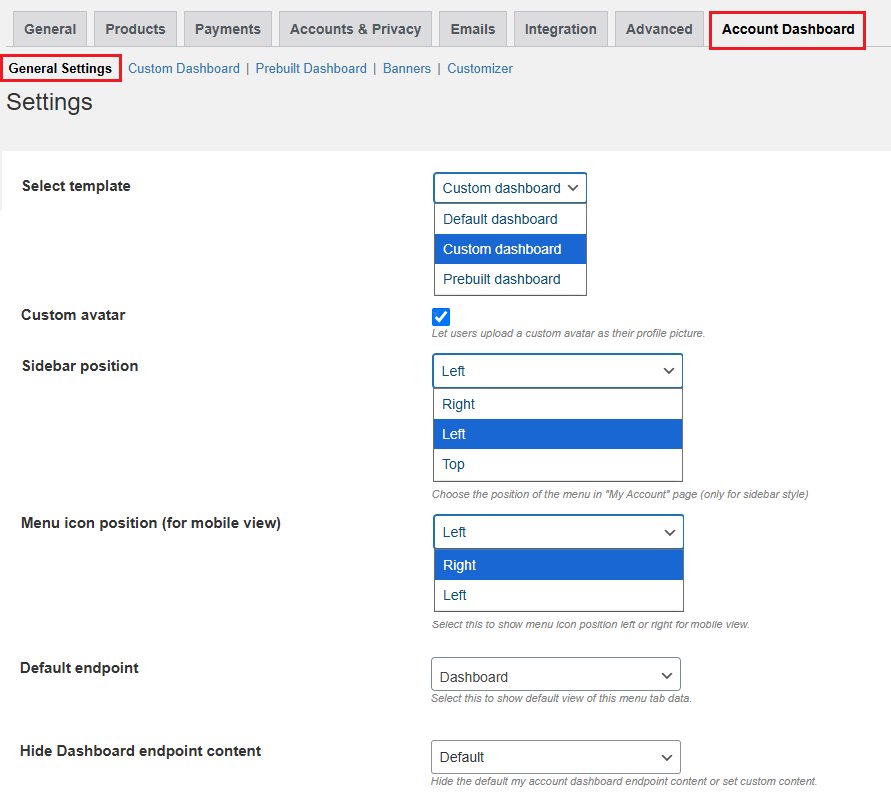
A custom dashboard template allows you to customize WooCommerce account dashboard by creating unlimited endpoints and displaying unique content in such custom endpoints. You can set the icon, text, color, and much more in the custom dashboard.
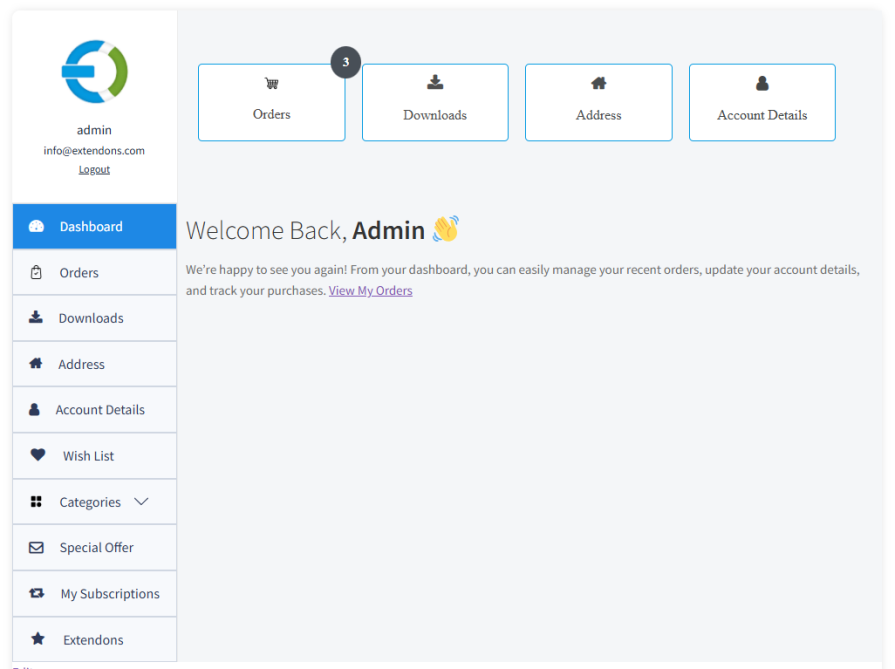
Customize my account for WooCommerce by creating a custom endpoint to display additional information about your store. You can set the name and custom icon to represent the specific endpoint.
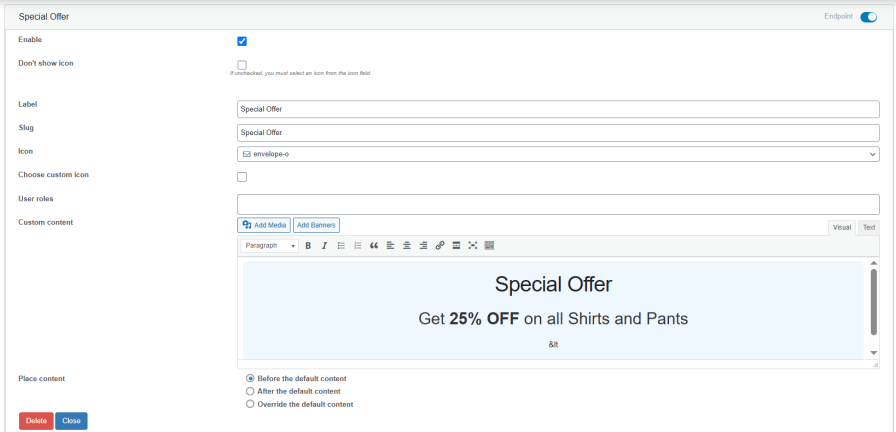
You can customize the default endpoints on the My Account page. Change the name of the endpoint, change the endpoint icon, and add custom content.
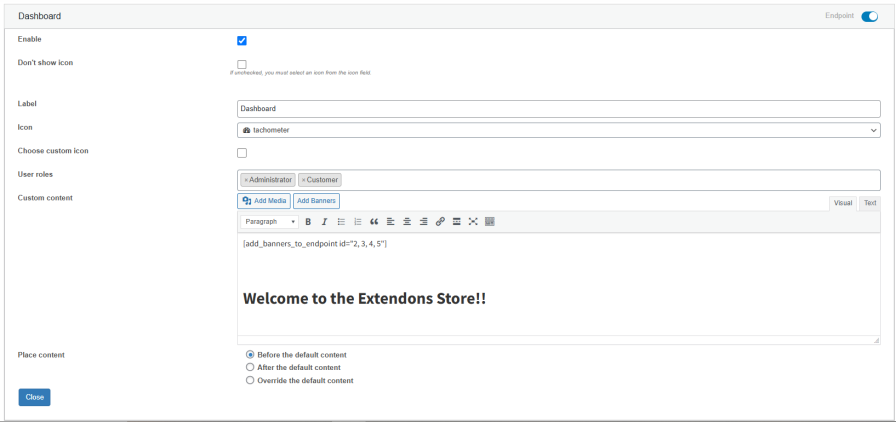
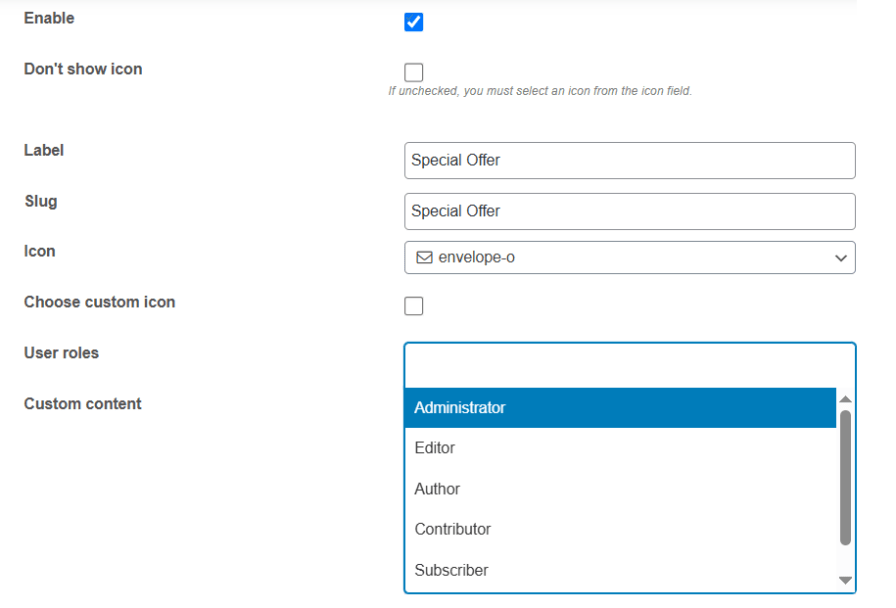
The user dashboard plugin for WooCommerce allows you to assign user roles to specific endpoints. Only the specific user role can view the endpoints.
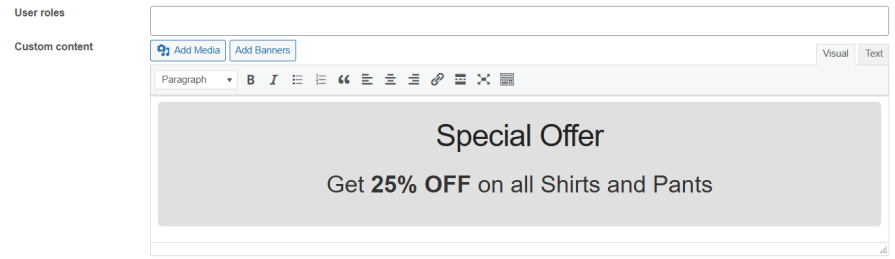
With the help of the WYSIWYG editor, you can customize the content of endpoints. You have complete control over the endpoint’s content, including banners, headings, text, links, and more.
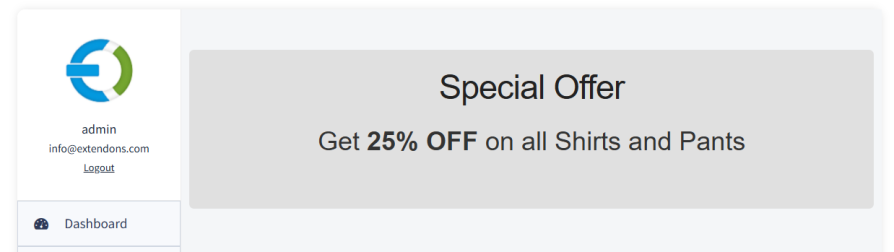
Easily customize or remove the default “Hello, username” and dashboard intro text in your WooCommerce account area. Replace it with your own custom message or HTML content to create a more personalized experience.
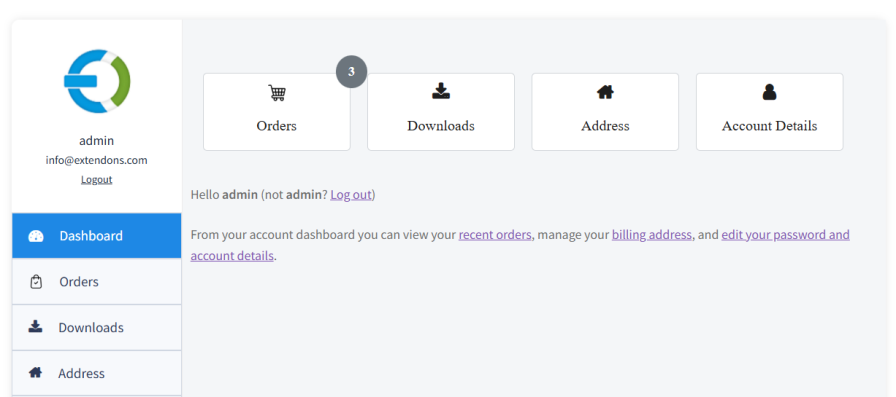
Easily customize your WooCommerce dashboard using the built-in Customizer. Choose from pre-designed layouts, styles, and color palettes, or create your own to match your brand perfectly. Instantly preview and apply changes for a clean, professional look.
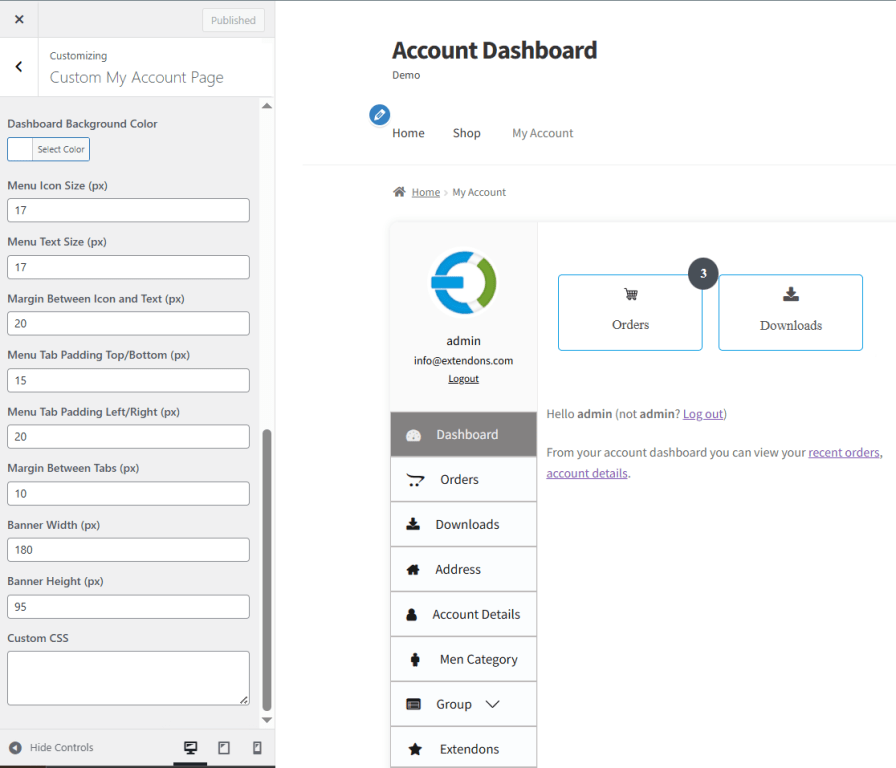
This template allows you to customize my account for WooCommerce with existing endpoints. You can also control the sorting order of these endpoints. Some endpoints are displayed in blocks to enhance the user experience, and you can adjust the block colors to match your store’s branding.
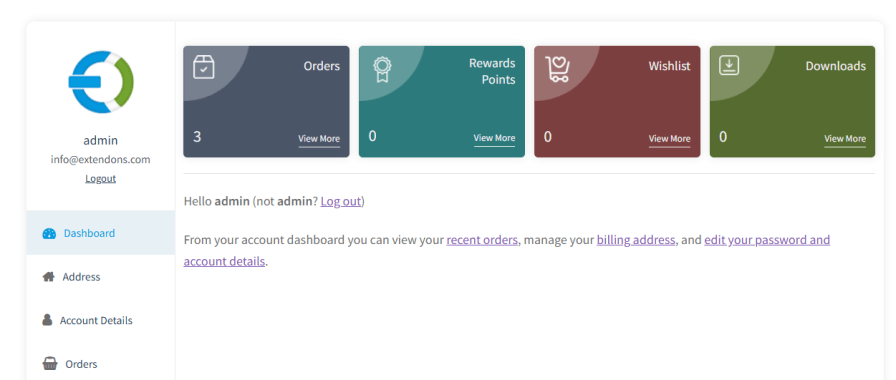
With custom my account dashboard for WooCommerce, you can enhance customer experiences by adding easy-to-use navigational links.
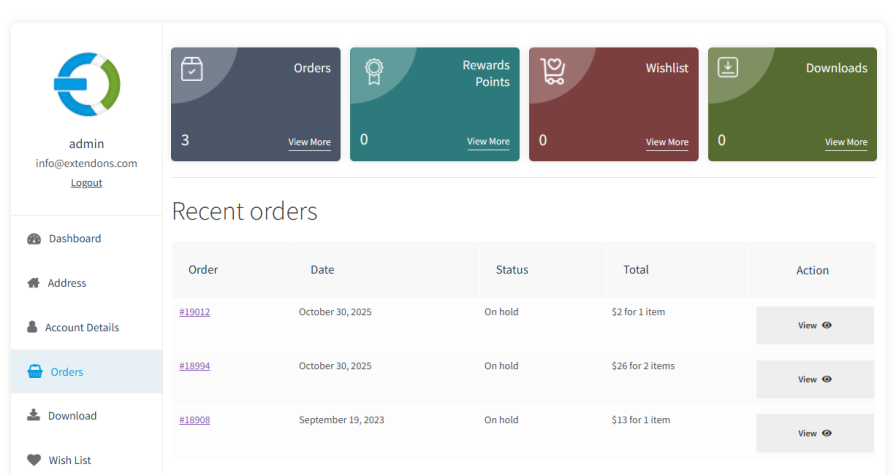
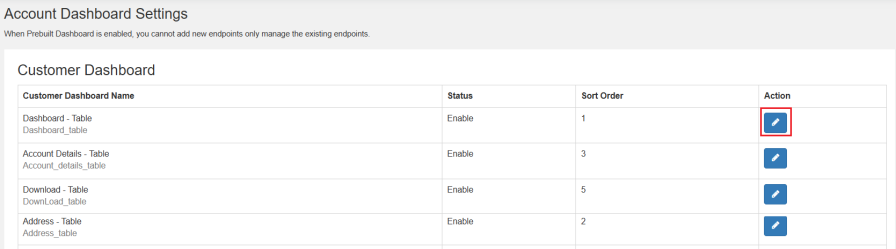
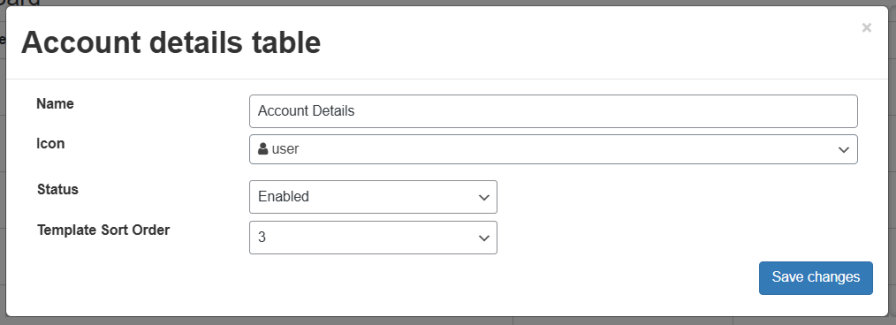
In the prebuilt dashboard template, edit the existing endpoints to customize account page. You can change the name and icon, enable or disable it, and sort the endpoints in the template.
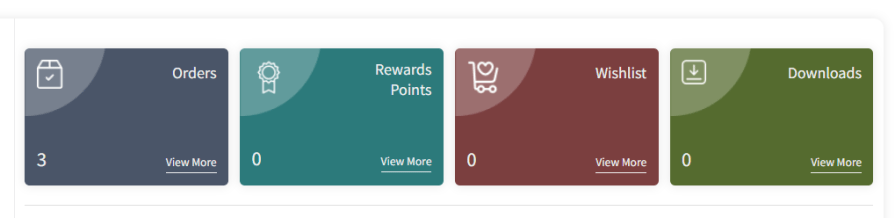
Show customers their orders, downloads, wish lists, reward points, and more in eye catching, attractive cards.
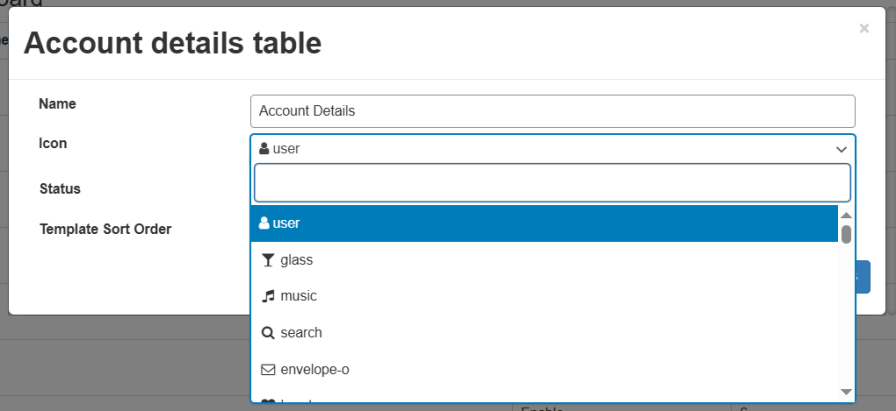
Add various icons for endpoints to make the user dashboard visually appealing and easy for customers to access account information.
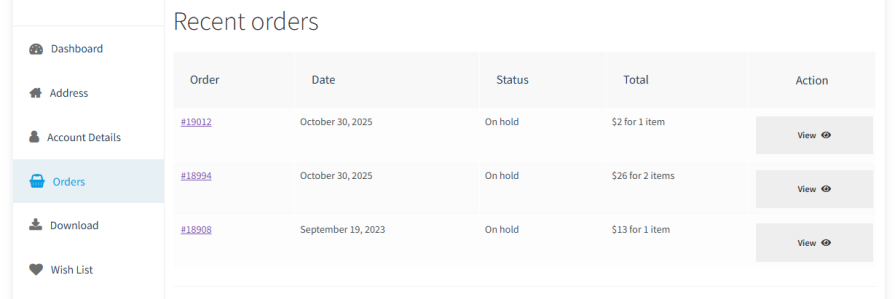
Display recent orders, downloads, wish lists, and more on a table with the customize my account page for WooCommerce. Customers can see all their interactions with you in one place.
Customize account page & user dashboard for WooCommerce allows customers to add a custom avatar to their account dashboard and change their avatars at any time.
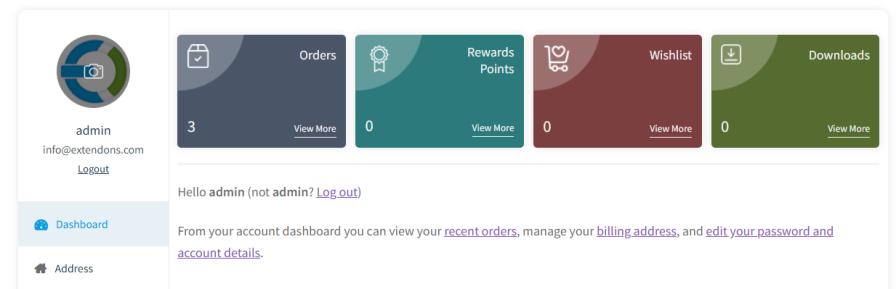
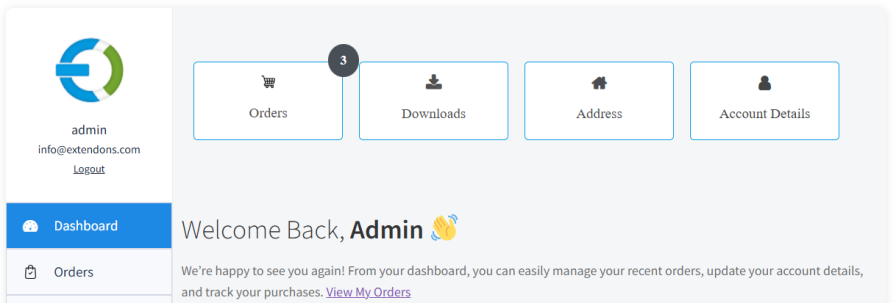
Enhance and edit the WooCommerce My Account Page with the help of the customizable banners. It allows you to create multiple banners and link them to specific endpoints. This enables the user to quickly access their orders, downloads, account details, or any custom endpoints. It enables you to set the position of the banners at the backend with the help of the drag-and-drop feature.
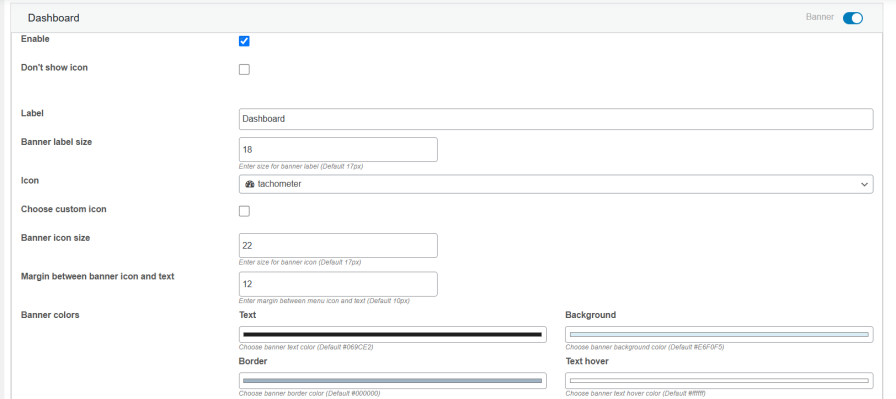
Customize my account for WooCommerce by Extendons allows you to set the custom label and icon for the banner. It also enables you to set custom icons to represent the specific instead of settling for the already provided icons. You can also customize the colors, adjust the icon, and the margin between the label and the icon.
You can display the item counts in the banners to improve the overall user experience of WooCommerce my account page. It allows you to select the option of which you want to display the item counts, such as orders, cart items, downloads, and wishlists. Furthermore, you can also customize the colors of item counts.
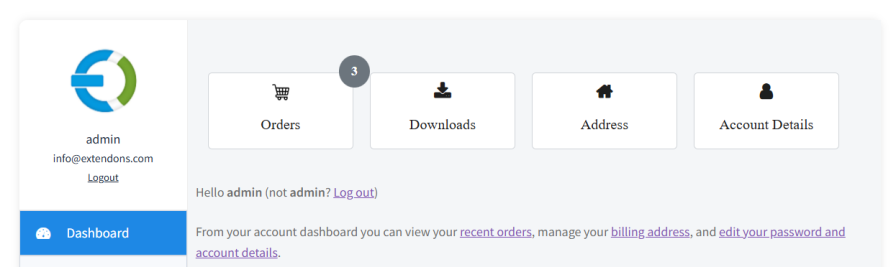
The customize account page plugin allows you to add banners to specific endpoints. You can link the banners to show the specific endpoint content or link to the external URL to redirect customers.
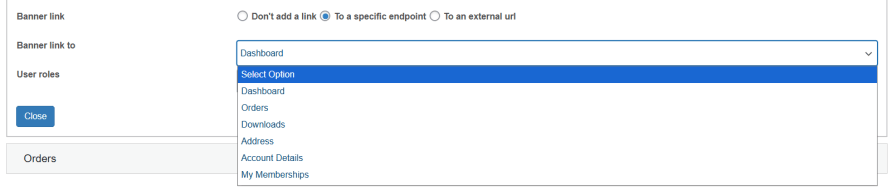
Display banners to the specific user roles with the help of the My Account Dashboard plugin for WooCommerce. It enables you to display only relevant banners to your users on the basis of the role they are assigned.

Currently, the plugin is compatible with the following plugins:
It allows you to customize or edit WooCommerce my account page. Add widgets, templates, banners, role control, custom endpoints, and user data display.
Yes, you can customize the default endpoints in the account page. Change the endpoint names, icons, and add custom content according to your preference.
It enhances the WooCommerce My Account page with a clean, interactive layout and easy navigation, allowing customers to quickly access orders, downloads, wishlists, and account details for a smoother experience.
Customize my account for WooCommerce enables you to display and customize the banners on the WooCommerce account dashboard. You can create multiple banners, link them to specific endpoints, and adjust their appearance with custom icons, labels, and colors to match your brand.
Extension information
Quality Checks
Countries










