
Subscription includes
Support
Everyone wants to increase sales, and a simple way to do that is by making the buying process easier. Customers feel more confident when they have all the information they need before making a purchase. Providing product documents helps remove doubts and makes it easier for them to decide. The WooCommerce product documents plugin allows you to display product documentation with a shortcode or below the short description.
You can add multiple product documents, such as user guides, specifications, and troubleshooting manuals, to give customers complete information. Attach documents to individual products or entire categories to save time and ensure consistency. Upload files directly to your website or link external URLs from platforms like Google Drive or Dropbox. You can also easily attach documents from the WooCommerce product edit page, making them instantly available to customers.
Attach documents like user manuals, installation guides, FAQs, and warranty details to make it easy for customers to find important product information. Clear documentation helps customers understand your products better, reducing confusion and support requests. The WooCommerce Product Documents plugin allows you to upload multiple files per product or category, ensuring customers always have access to the information they need.
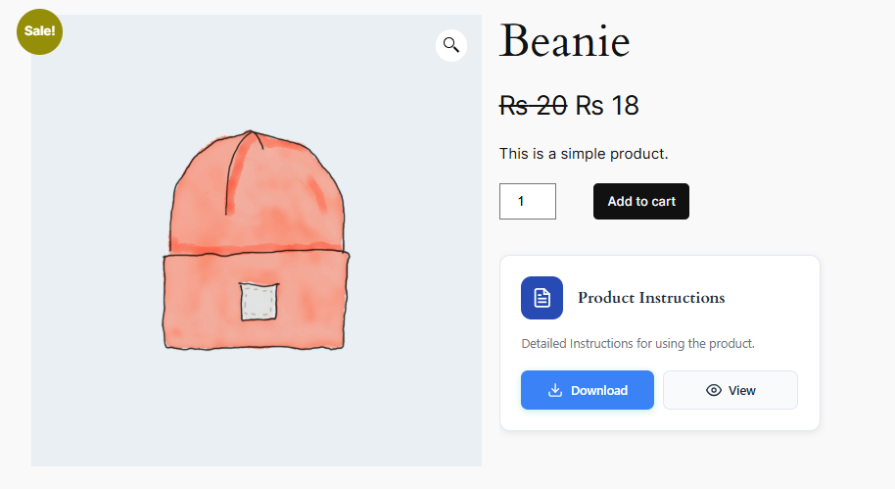
You can easily display product documents anywhere on your site using shortcodes. A general shortcode lets you showcase a list of common documents in any location, such as a dedicated documentation page or a sidebar. If you need to display documents for a specific product, you can use a product-specific shortcode to ensure customers find the right information directly on the product page or any custom placement.

Easily manage and attach documents directly from the WooCommerce product edit page. Go to the product settings, upload the necessary files, and they will be instantly available to customers. You can add user manuals, installation guides, FAQs, or any other important documents without hassle. This makes it simple to keep product information organized and accessible, reducing customer confusion and support requests.
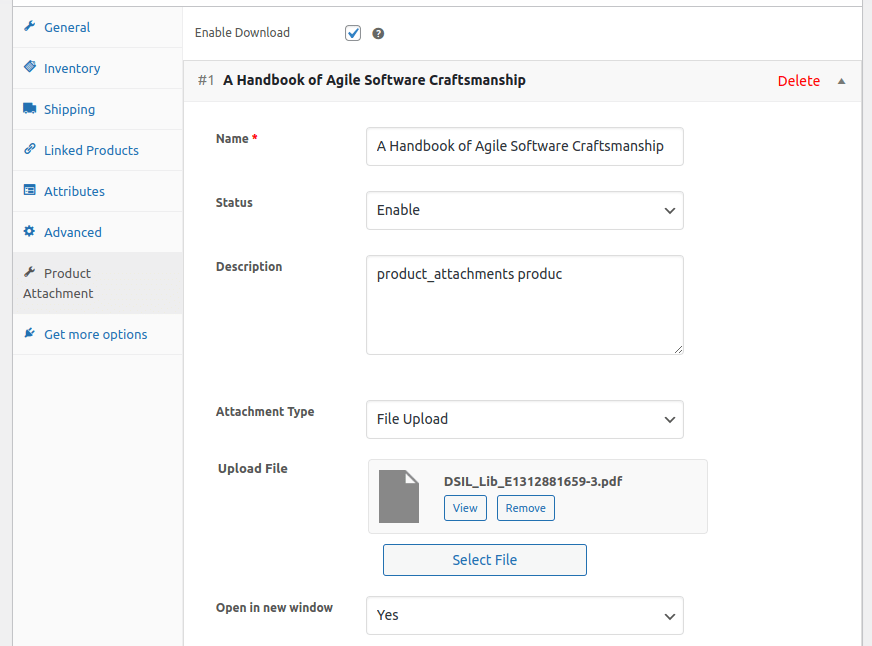
The WooCommerce product documents plugin allows you to customize where you want to display the product attachment. You can display it in the product tabs or after the add to cart button. This allows store owners to customize the layout of their pages to meet their requirements.
You can upload multiple documents for each product to give customers all the information they need. Add user guides, specifications, troubleshooting manuals, or any other important files. This is especially helpful for products that need detailed instructions or come in multiple languages.
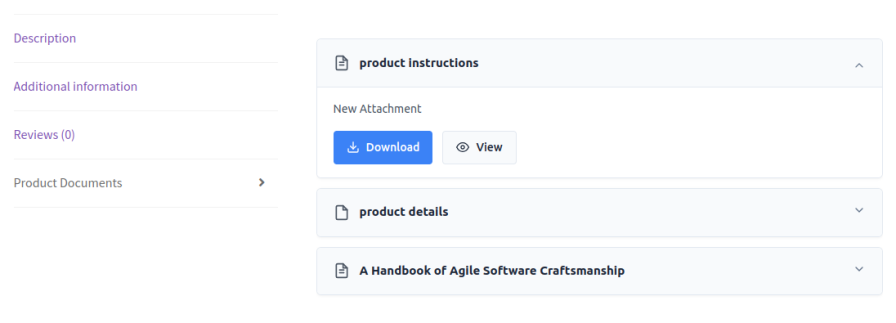
Show your product attachments in multiple stylish layouts, including card grid, simple row, or accordions. Choose the design that best fits your store’s look while keeping files easy to view and download. Enhance user experience with a clean, professional presentation for all your product documents.
You can assign documents to both individual products and entire categories, giving you full control over how information is shared. Attach specific documents to individual products when they have unique instructions, user guides, or specifications. If multiple products in a category share the same documents, assign them at the category level to save time and ensure consistency.
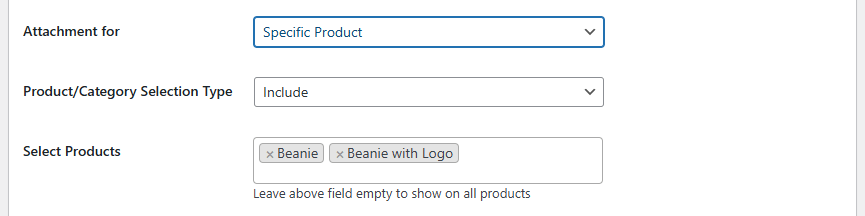
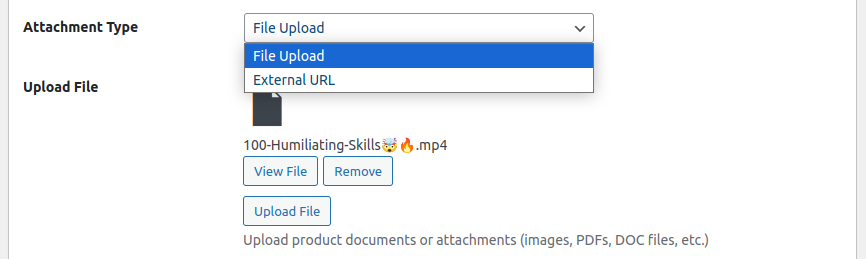
You can add product documents in two ways:
With these options, you can manage documents efficiently while ensuring customers always have the latest information.
Keep customers updated by providing them with the product documents and attachments at different stages. Customers will receive the documents in the order email and can also check them in the My Account section. This way, customers can easily access the documents whenever they want.
You can easily upload and attach documents from the WooCommerce product edit page. Just go to the product settings, upload the necessary files, and they will be instantly available for customers.
Yes, you can attach multiple documents, like user manuals, installation guides, and warranties to each product, ensuring customers have all the information they need.
Yes, you can attach documents at the category level, saving time and ensuring that all products within the category share the same reference materials.
Yes, you can link to external documents hosted on platforms like Google Drive, Dropbox, or YouTube, allowing you to manage files without re-uploading them.
Customers can view attached documents below the product description, in a sidebar, or any custom location using shortcodes.
Categorie
Extension information
Quality Checks
Countries







