

L'abbonamento include
Supporto
Sitora is a modern, elegant, and minimal Full-Site Editing (FSE) WooCommerce theme crafted for home and furniture stores, art and craft shops, and decor-focused brands. Whether you sell handcrafted items, contemporary furniture, home accessories, or creative decor pieces, Sitora helps you create a refined, high-performing online store that puts your products in the spotlight.
Built entirely with WordPress blocks, Sitora gives you complete creative control. Customize layouts, colors, typography, and templates visually using the WordPress Site Editor—no coding required. It’s streamlined, flexible, and designed for both ease of use and aesthetic impact.
Pre-Build Essential Pages
Includes ready-made pages such as:
These pages help customers learn about your brand, browse products easily, and connect with your business.
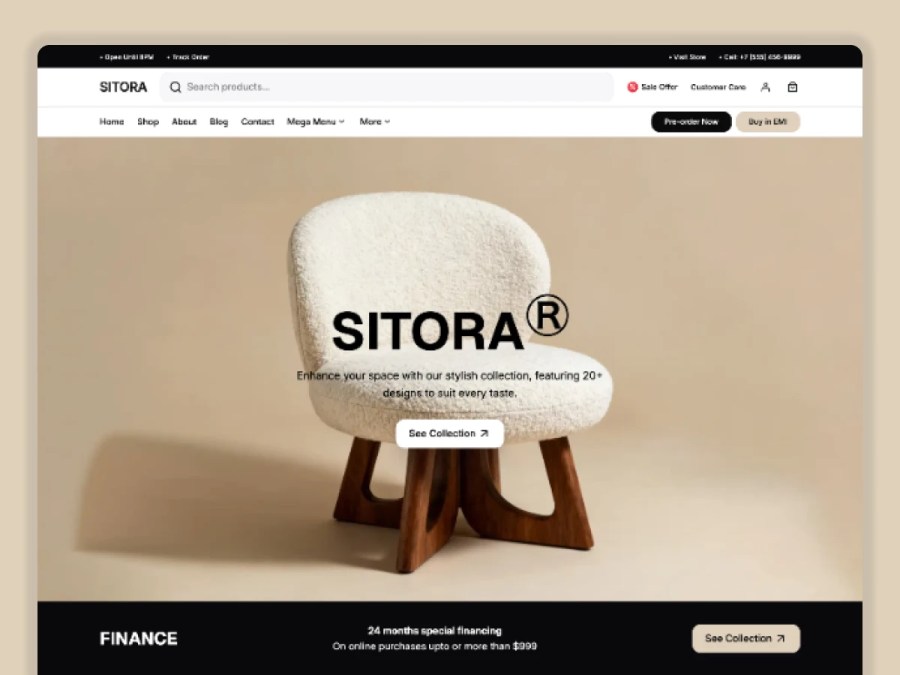
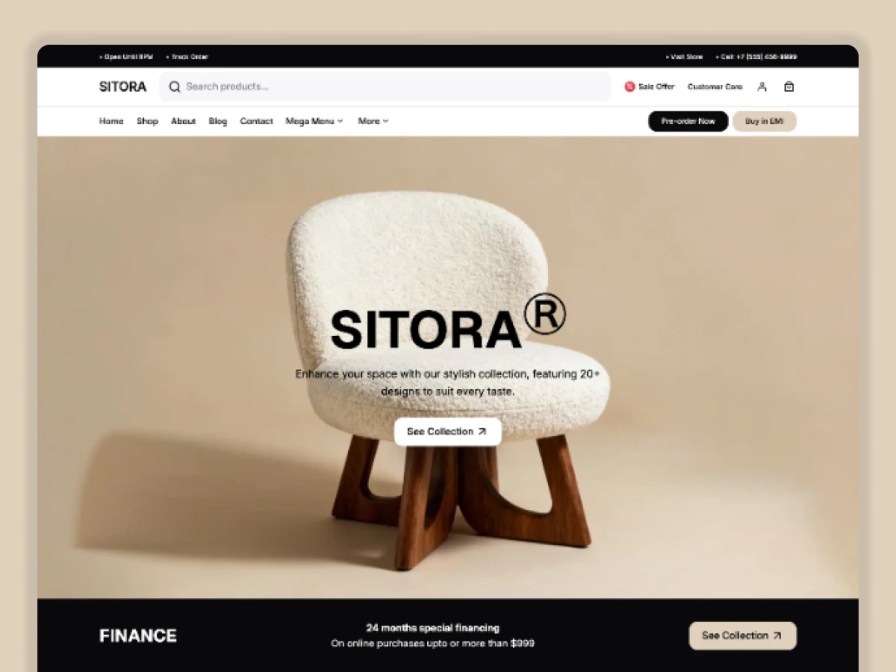
Sitora’s landing page focuses on clean layouts, soft typography, and balanced spacing to create a calming and premium shopping experience. Showcase collections, featured products, and seasonal highlights with clarity and style.
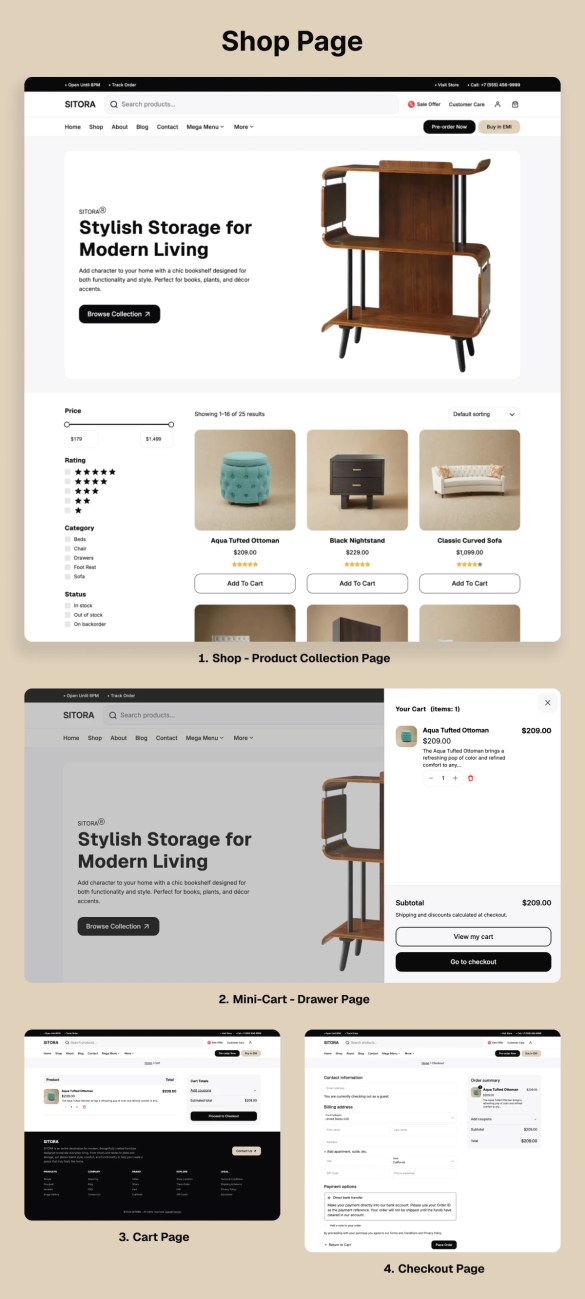
The shop layout features a clean product grid with intuitive filtering options. Customers can easily browse categories, styles, or price ranges, making product discovery effortless and enjoyable.
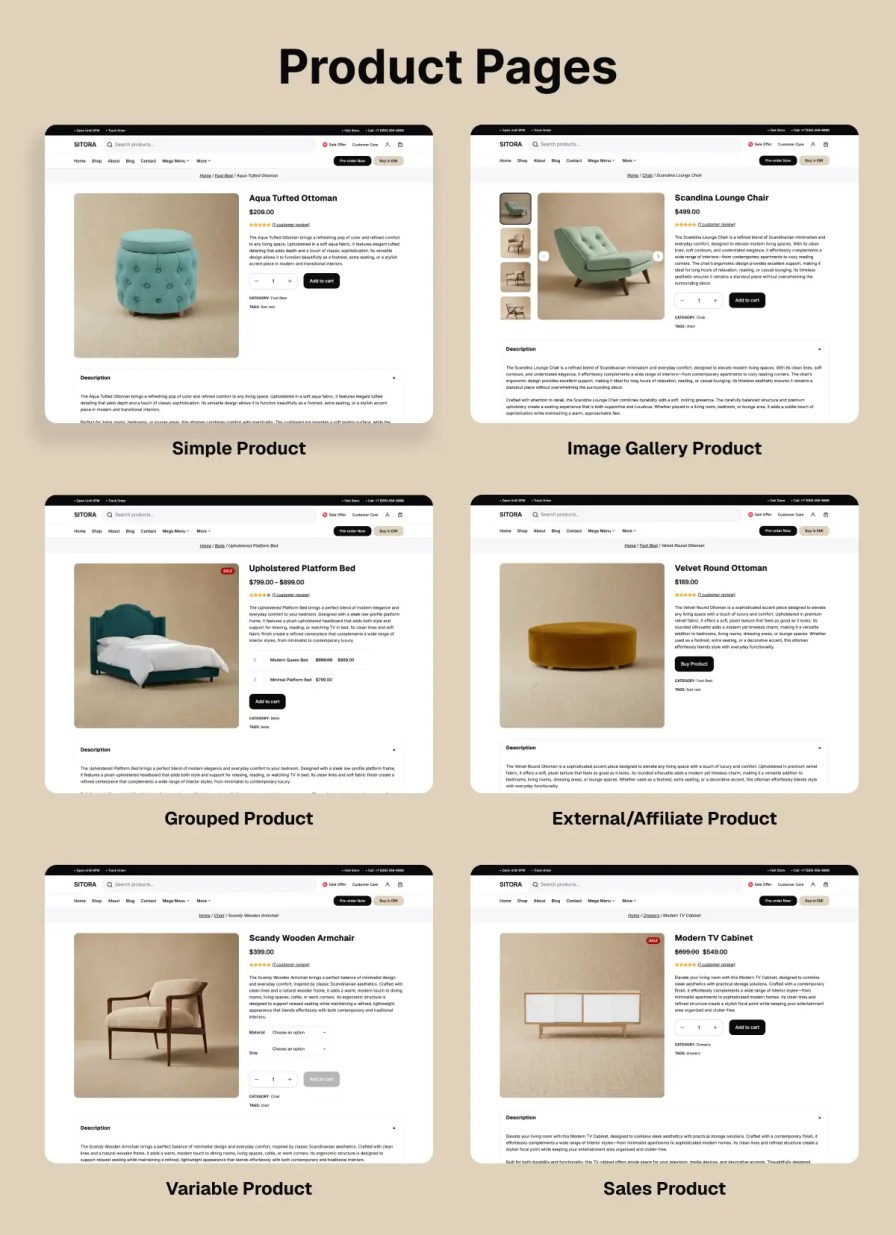
Highlight your products with large imagery, refined layouts, and clear product information. Sitora’s product pages are designed to emphasize craftsmanship, materials, and design details—helping customers make confident decisions.
Share interior design tips, decor inspiration, DIY ideas, or product stories through beautifully structured blog layouts. Sitora helps you connect with your audience and build brand authority.
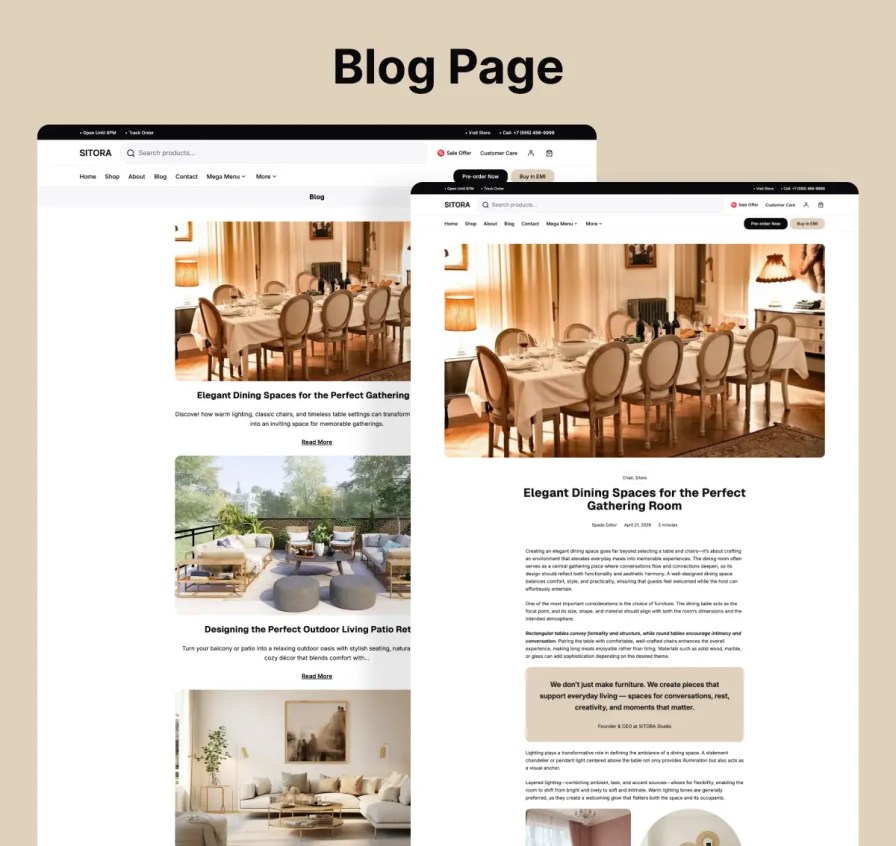
Introduce your business, creative vision, craftsmanship, and values with an elegant About page layout. Share your journey, mission, and the inspiration behind your products to build stronger customer connections.
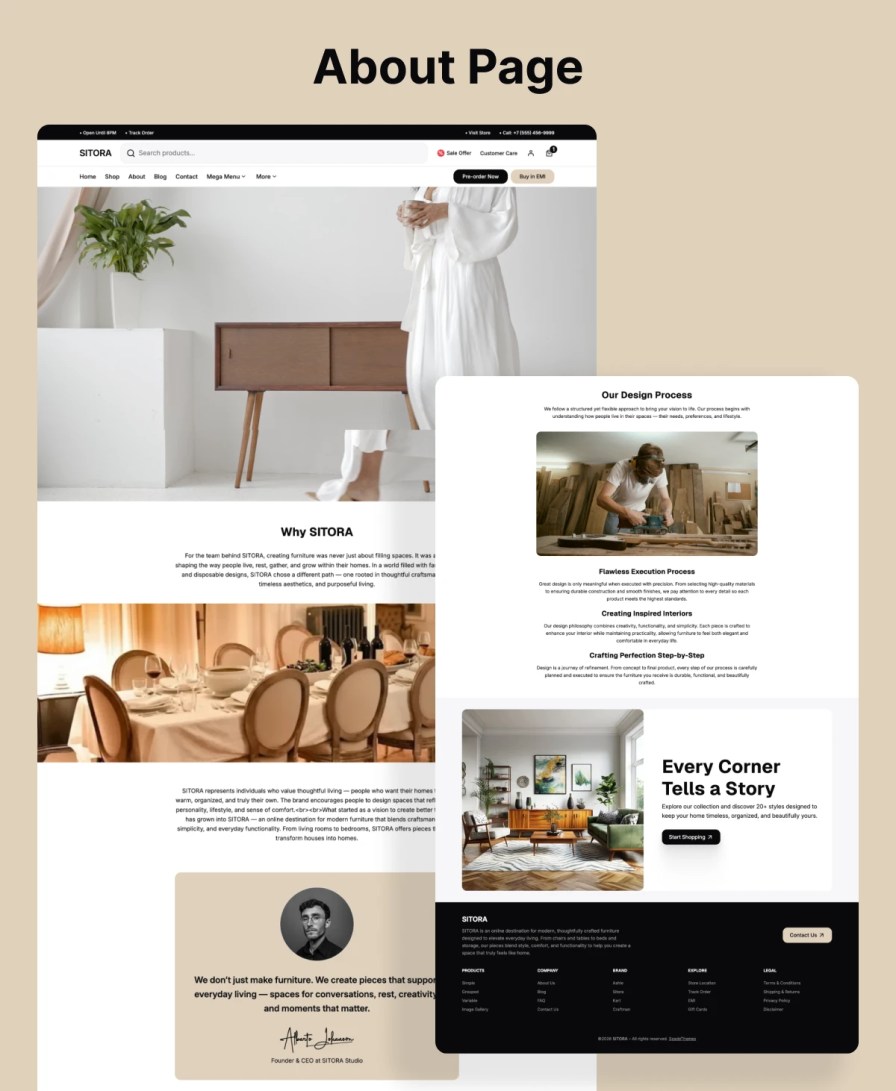
Sitora includes a clean and modern Contact page design with space for contact forms, store information, social links, maps, and customer support details, helping customers reach your business effortlessly.
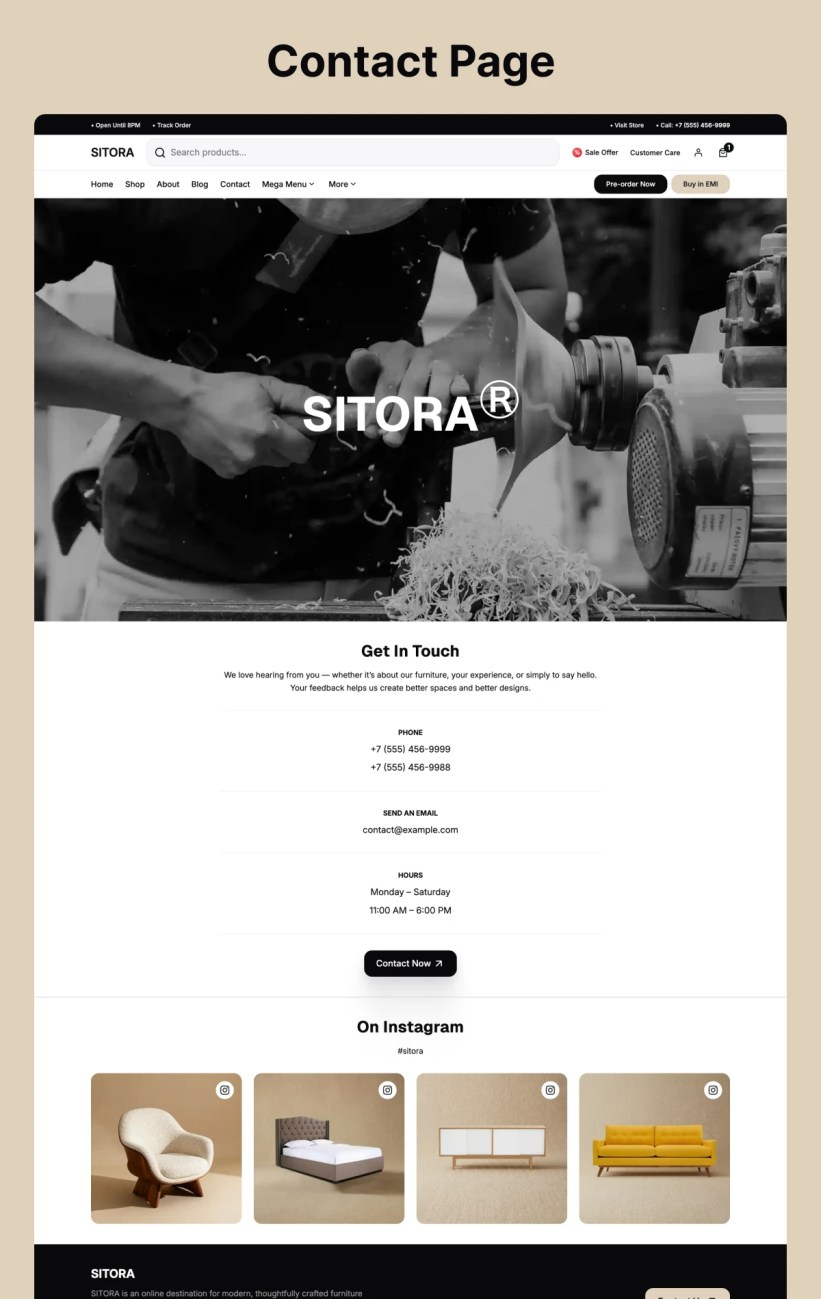
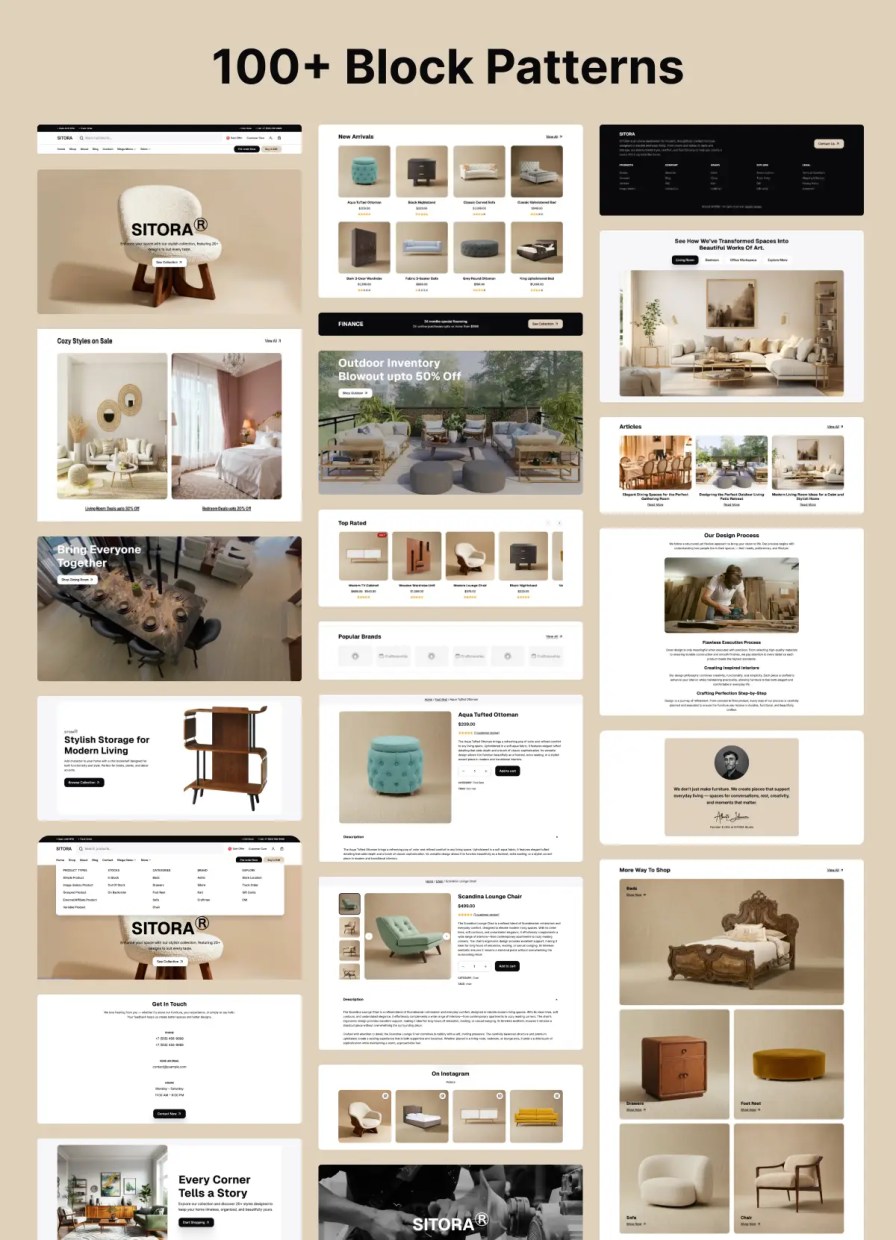
Save time with a collection of pre-designed block patterns including hero sections, featured collections, testimonials, galleries, and call-to-action sections—fully customizable to match your brand.
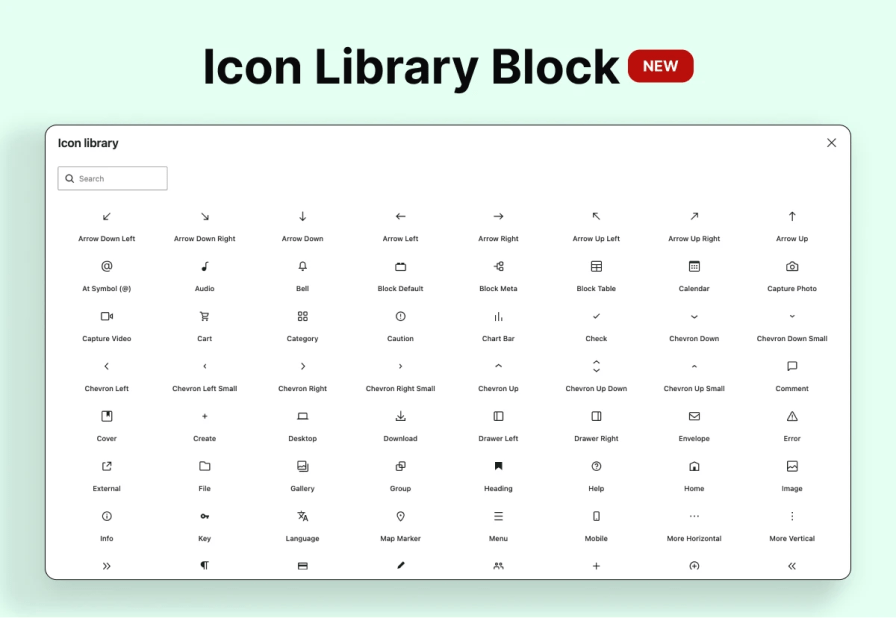
Collection of SVG Icon Block Library. Easy to change color and size.
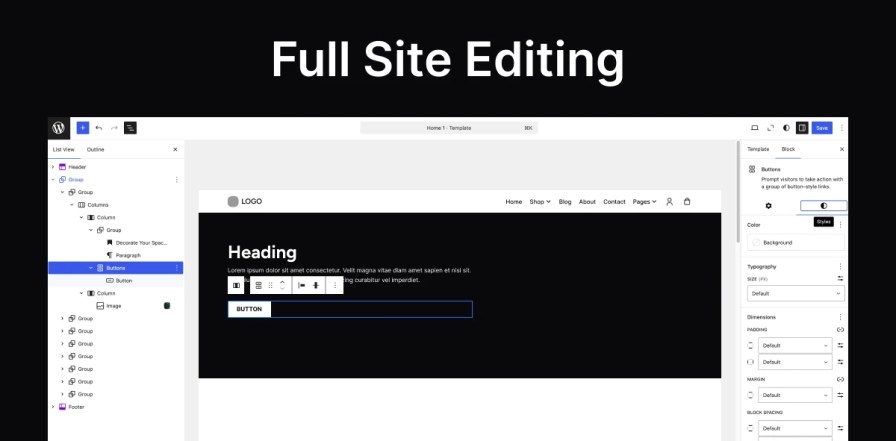
Sitora leverages Full-Site Editing to give you complete control over headers, footers, templates, and global styles—all managed visually through the Site Editor.
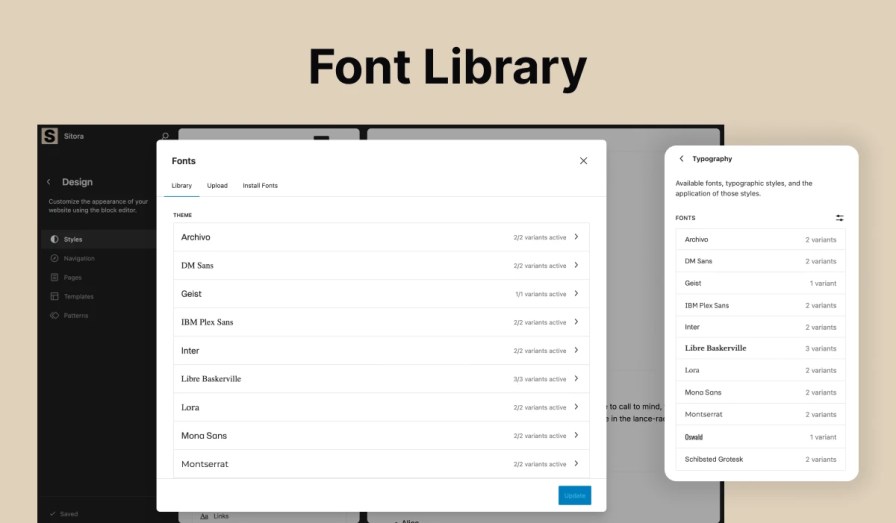
Sitora uses locally hosted fonts for improved loading speed, better privacy, and a smoother browsing experience.
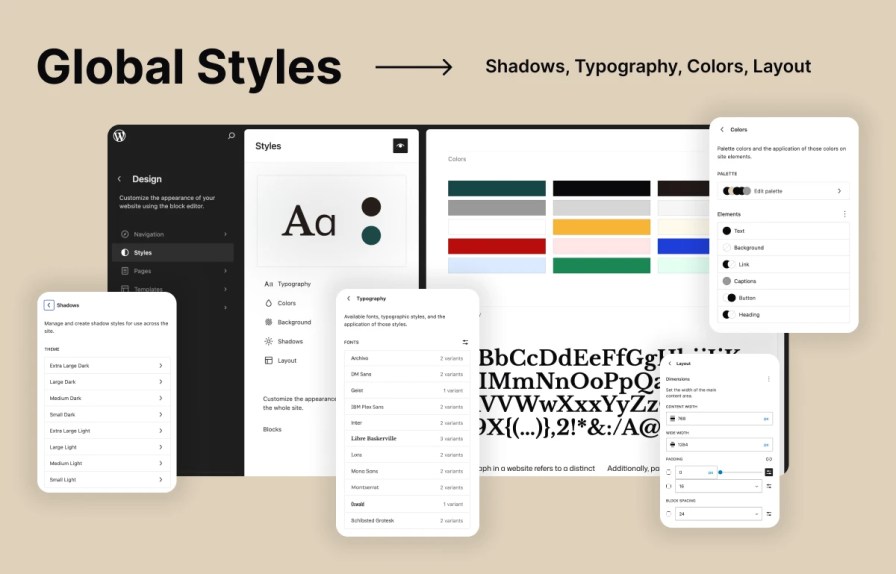
Manage your brand’s colors, typography, and layout settings from one place. Sitora ensures a consistent and polished look across your entire website.
Sitora includes support for elegant and user-friendly mega menu layouts, making it easier for customers to explore large product catalogs and navigate your store efficiently. Perfect for furniture collections, home decor categories, lifestyle products, and multi-level product structures, the mega menu helps create a seamless browsing experience while maintaining Sitora’s clean and minimal aesthetic.
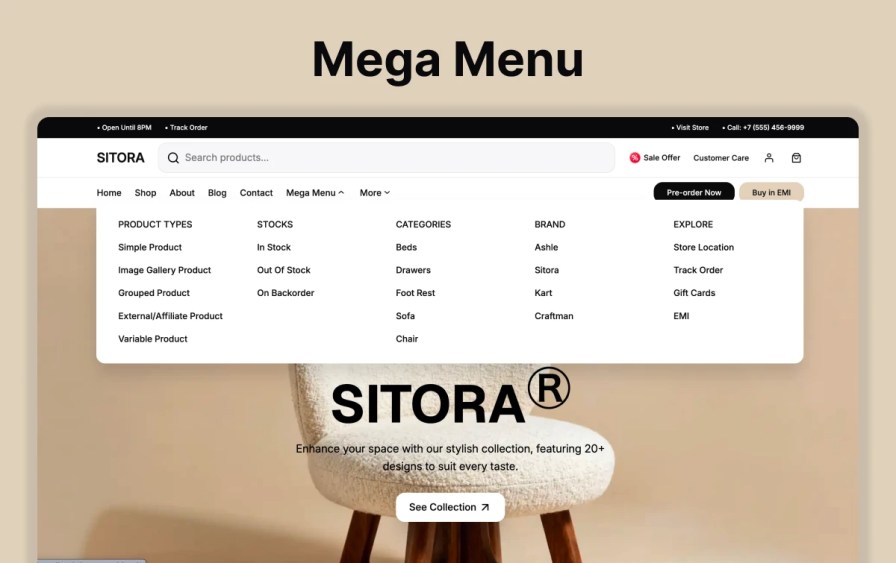
Sitora’s mega menu capability helps customers quickly find what they’re looking for while enhancing the professional appearance and usability of your online store.
Create a stylish, professional, and high-performing WooCommerce website with Sitora. Designed for modern furniture, decor, lifestyle, and creative brands, Sitora helps you showcase your products with elegance while delivering a seamless shopping experience across every device.
Launch your online store with confidence using a theme built for beauty, flexibility, speed, and simplicity.
After activating the theme and installing the required plugins, go to:
Appearance > Demo Import → Click "Import" → Wait for setup to complete.
Your site will instantly look just like the demo.
Navigate to Appearance > Editor > Patterns > Headers to select and customize your header layout.
Go to Appearance > Editor > Patterns > Footer and customize widgets, text, and layouts as needed.
Go to Dashboard > Pages > Edit Page > Click "Add Patterns" to insert any of the pre-designed layouts.
Categorie
Controlli di qualità
Paesi