

A assinatura inclui
Suporte
Custom registration fields for WooCommerce allow you to collect additional information from customers by creating unlimited fields. You can include 17 types of fields, such as text fields, text boxes, select boxes, checkboxes, and many more. Display only relevant fields to users by enabling the conditional logic on the fields. With this plugin, you allow your customers to log in with their Google account.
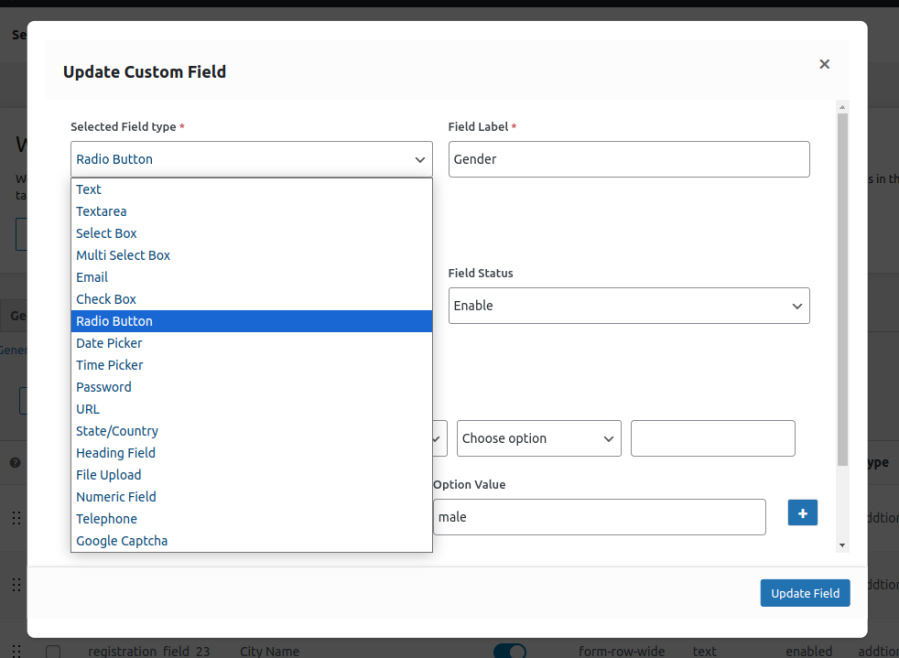
Personalize your registration process by customizing the form with the help of 17 different field types. Custom user registration fields for WooCommerce enable you to create unlimited fields for your registration form. The field types are:
Note: The same fields are displayed in the create account section on the checkout page, except for the file upload field.
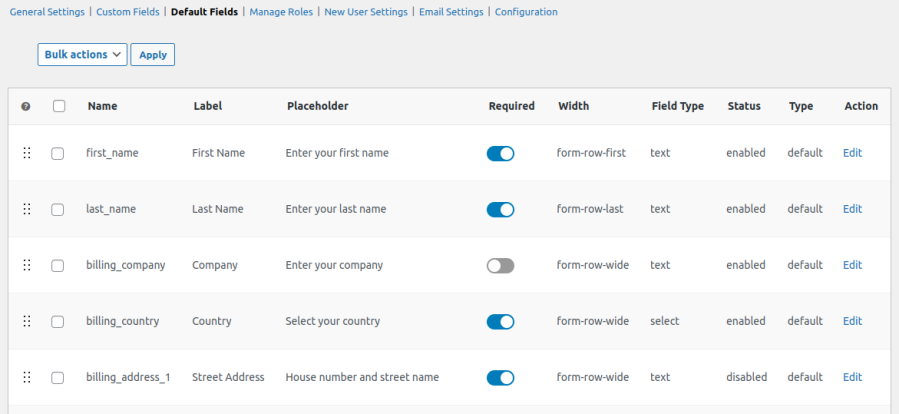
User registration for WooCommerce empowers you to disable the default registration fields from the form. This helps you collect only relevant information from the users. You can also edit the default field, such as its label, placeholder, and size.
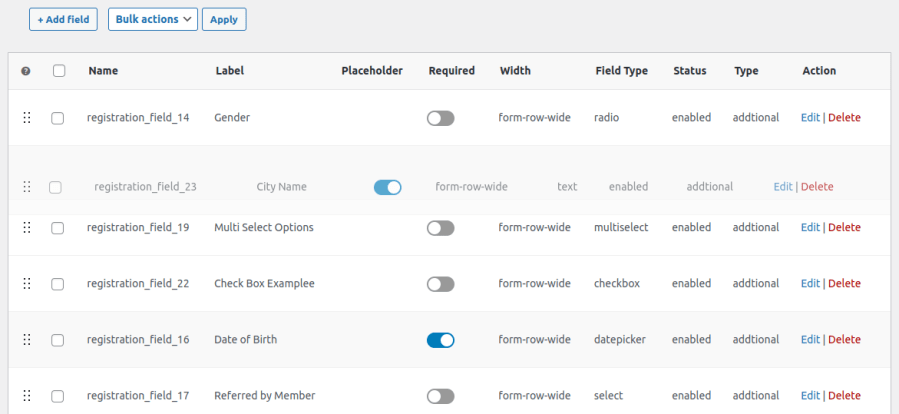
Easily manage custom user registration fields through a user-friendly drag-and-drop feature. In this way, you can sort different fields effectively within a form. This saves users time and allows them to sort the field orders without any hassle.
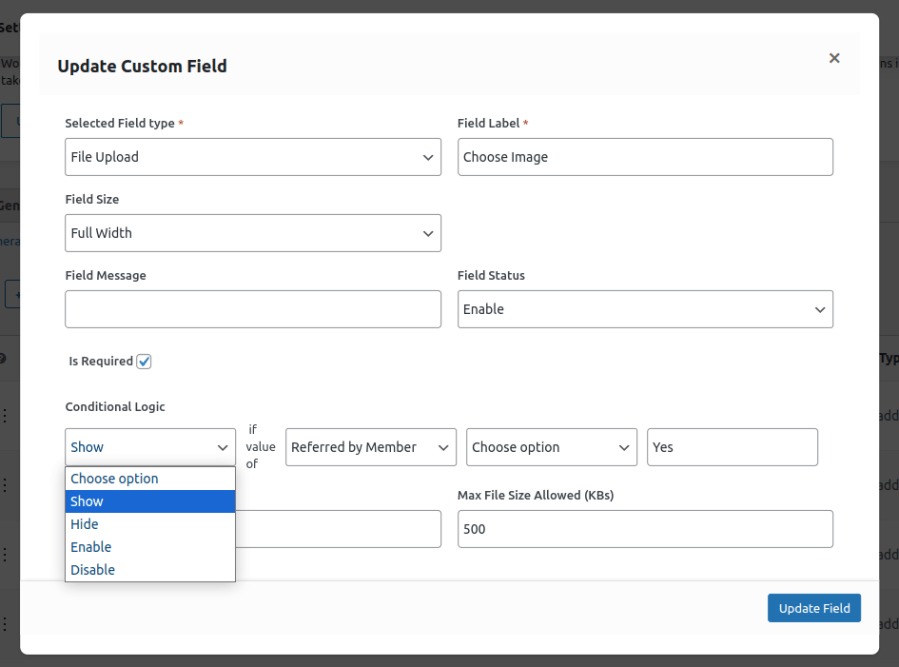
Display only relevant fields on your form by applying the conditional logic to custom user registration fields. This allows additional fields to appear when specific requirements are met, improving the registration process.
Custom registration fields for WooCommerce enable you to specify user roles on the registration page, allowing customers to register with a specific role. You can display all or specific user roles in the dropdown to enable customers to select the preferred role. Set each user role for manual and auto-approval.

The plugin gives you complete control, such as manually approving a user role or automatically approving when customers sign up on the WooCommerce registration form. You can approve or reject user accounts, assign user roles, block users, and provide limited access.
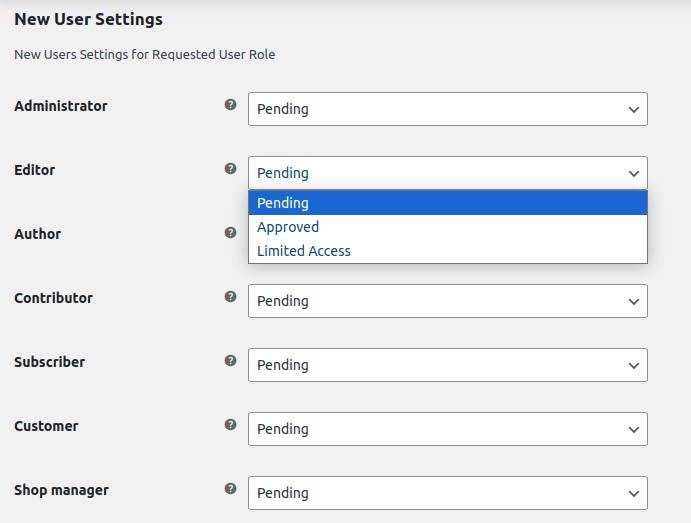
User registration plugin for WooCommerce allows you to send personalized emails to your users regarding their account approval and user role. You can notify customers about role grant, reject role, approve user, block user, and limited access. It uses shortcodes to automatically display the user’s name to personalize the text of the email.

Custom user registration fields for WooCommerce let you display the custom fields on the checkout page. You can enable registration on checkout from the settings and allow customers to register while checking out.
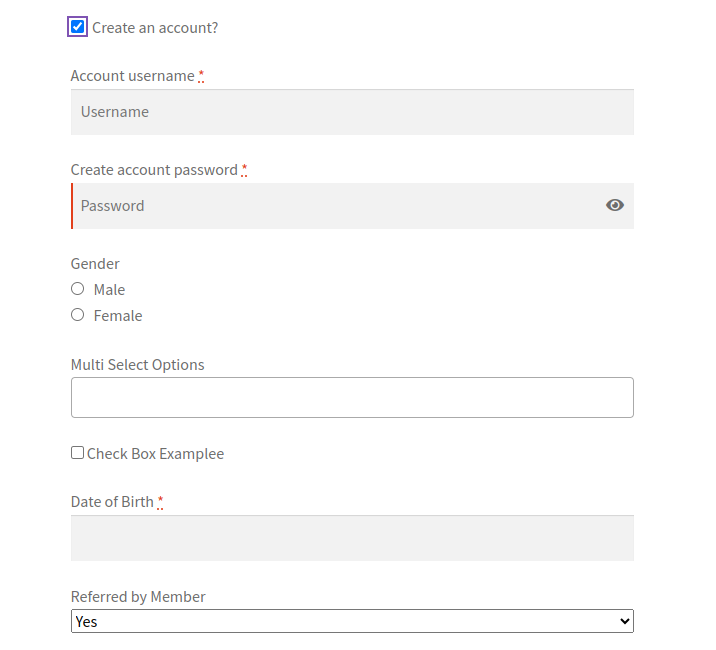
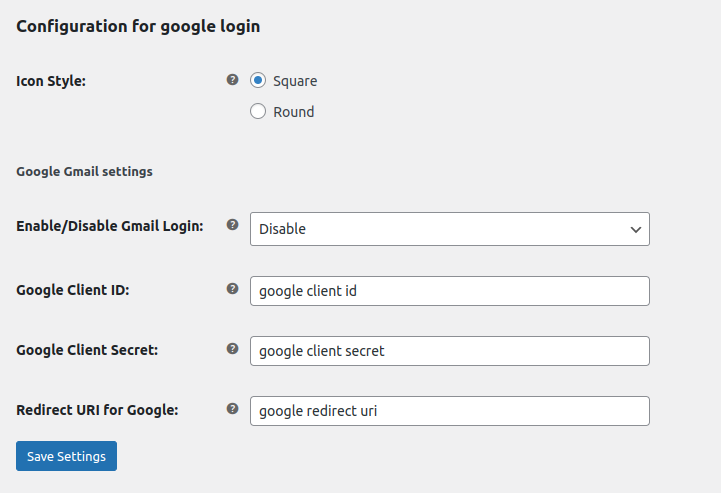
Streamline the login process by enabling customers to log in with a Google account. It eliminates the need for users to remember usernames and passwords when creating or logging into their accounts.
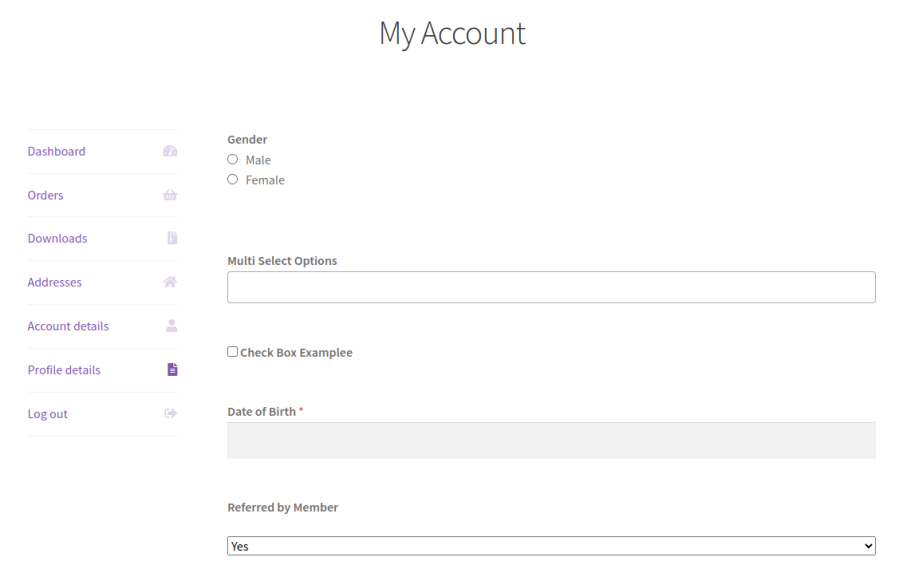
This plugin displays all the data of the WooCommerce registration form in the customer’s “My Account” section. You can allow customers to edit the fields or mark them read-only to prevent any changes in customer information.
Enable Google reCAPTCHA to restrict spam registration on your WooCommerce store. You can select Google reCAPTCHA as the field type to display it on the custom registration form.
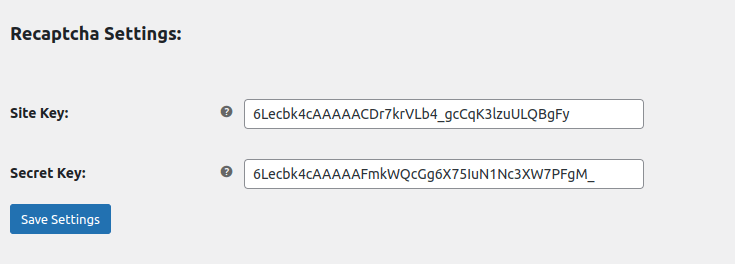
You can choose from 17 field types, including text area, text box, select box, checkbox, multi-select box, radio button, time picker, date picker, password, file/image upload, color picker, numeric field, and Google reCaptcha.
Yes, the plugin lets you disable or edit default fields (including labels, placeholders, and sizes) so you only collect the most relevant information.
User registration for WooCommerce has an intuitive drag-and-drop interface, allowing you to easily set the field order according to your preference.
You can display user roles on the registration page, allow customers to choose their preferred role, and configure each role for auto or manual approval. This also includes options to block users or provide limited access.
Yes, this user registration plugin streamlines the login process by enabling customers to sign in with their Google account, eliminating the need to remember separate usernames and passwords.
Extension information
Quality Checks
Países








