
Ícone do produto

Order Workflows para WooCommerce

por W7S
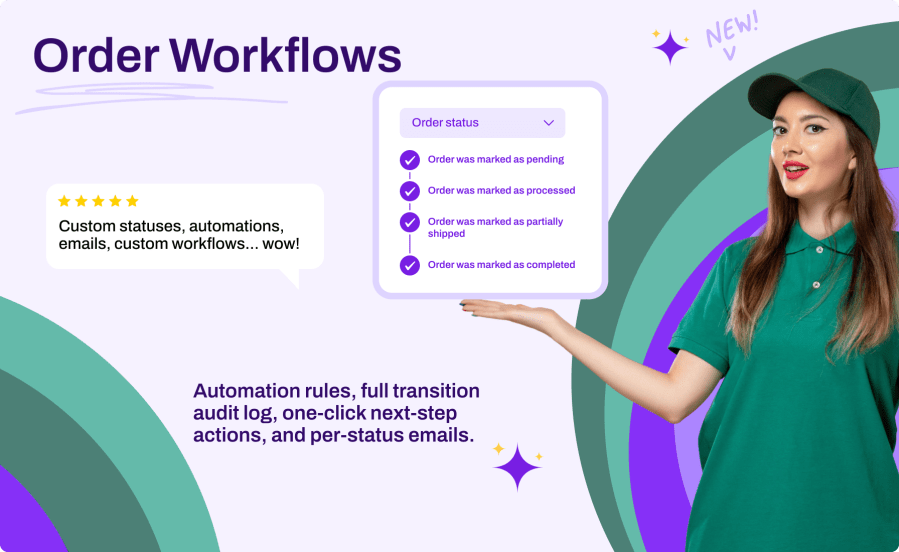
Order workflows for WooCommerce: automation rules, a full transition audit log, one-click next-step actions, and per-status emails.
Escolha uma opção de cobrança
$39
Economize 20%
$78 $62.40

A assinatura inclui

  • Melhorias e atualizações de produtos
  • Suporte ao cliente
  • Garantia de 30 dias para reembolso

WooCommerce ships with seven order statuses, but real stores rarely fit in seven boxes. Whether you need “Ready for Pickup”, “Awaiting Supplier”, “In Production”, or “Out for Delivery”, Order Workflows lets you model your actual fulfillment process inside WooCommerce. Create unlimited custom statuses with color-coded badges, define which status comes next with one-click action buttons, notify customers automatically by email at each step, and let automation rules assign statuses based on payment method, order total, shipping method, and more. A complete transition log keeps an audit trail of every change, so you always know who moved an order, when, and why.

Key Benefits

  • Model Your Real Workflow – Create the statuses your business actually uses instead of forcing orders into the default seven
  • Fewer Clicks, Fewer Mistakes – Next-status action buttons and defined transitions guide your team through the correct fulfillment flow
  • Keep Customers Informed – Automatic email notifications at each status change, fully integrated with WooCommerce email settings
  • Full Accountability – Every status change is logged with the user, source, and timestamp

Main Features

  • Unlimited Custom Statuses – Name, slug, description, badge color, text color, icon, and filled or outlined badge style
  • Core Status Customization – Change the badge color and icon of built-in WooCommerce statuses
  • Workflow Transitions – Define which statuses can follow each status, for both custom and core statuses
  • Next-Status Action Buttons – One-click buttons in the orders list and actions in the order edit screen, with custom labels and icons
  • Email Notifications – Each status registers a native WooCommerce email with configurable recipient, subject, heading, and content placeholders
  • Automation Rules – Auto-assign statuses at checkout or on payment based on payment method, order total, user role, shipping method, product type, category, coupon, or country
  • Transition Log – Complete audit trail with statistics, filtering by order, status, source and date, plus CSV export
  • Bulk Actions – Change the status of multiple orders at once from the orders list
  • Customer-Facing Descriptions – Explain each status to customers in My Account
  • Reports & Payment Logic – Choose per status whether orders count as paid and appear in reports
  • Workflow Templates – Apply pre-built status workflows in one click
  • Import / Export – Move your full configuration between sites as JSON
  • WooCommerce HPOS Compatible – Works with both traditional and High-Performance Order Storage

Guide Your Team Through Fulfillment

Define the allowed transitions between statuses and the plugin turns them into action buttons: a one-click “Ready for Pickup” button directly in the orders list, and “Change to…” actions on the order screen. Your team always sees the next valid step, with the badge colors and icons you chose.

Notify Customers Automatically

Every custom status registers a real WooCommerce email, managed in WooCommerce > Settings > Emails like any native notification. Choose the recipient (customer, admin, both, or a custom address), customize the subject and heading with placeholders, and override the template in your theme if needed.

Automate Status Assignment

Build rules that assign a status the moment an order is placed or paid. Combine conditions on payment method, order total, user role, shipping method, product type, category, coupon usage, and customer country. Rules run by priority and the first match wins.

Audit Every Change

The transition log records every status change with the order, the old and new status, the user, the source (manual, bulk, automation, system), and the timestamp. Filter the history, view statistics, and export everything to CSV for reporting.

How It Works

  1. Install & Activate – Upload the plugin and activate it in WordPress
  2. Enable & Create Statuses – Go to WooCommerce > Settings > Advanced > Order Workflows, toggle the plugin on, and create your custom statuses
  3. Define Your Workflow – Choose which statuses can follow each status and configure action buttons
  4. Configure Emails & Automation – Enable per-status notifications and create auto-assignment rules
  5. Manage Orders – Use action buttons, bulk actions, and the transition log to run your fulfillment flow

Perguntas frequentes

What happens to orders in a custom status if I deactivate the plugin?

No data is lost. Orders keep their status value in the database; the label simply displays as a raw slug until the plugin is reactivated. Your statuses, workflows, rules, and log are all preserved.

Do custom statuses work with WooCommerce reports and analytics?

Yes. Each status has an "Include in reports" toggle so orders in that status appear in WooCommerce reporting, and a "Counts as paid" toggle so payment-related logic treats them correctly.

Can customers see the custom statuses?

Yes. Customers see the status name for their orders in My Account, and you can add an optional customer-facing description per status to explain what it means. Status change emails keep them informed automatically.

Can I customize the built-in WooCommerce statuses too?

Yes. You can change the badge color and icon of the seven core statuses, and give them workflow transitions and action buttons, without altering how WooCommerce processes them.

Is it compatible with HPOS and the block checkout?

Yes. The plugin declares full compatibility with WooCommerce High-Performance Order Storage and Cart/Checkout Blocks, and it is completely translation-ready.

Related Products

Preço: $79 Anualmente
Classificado com 3.4 de 5 estrelas
Preço: $279 Anualmente
Classificado com 3.6 de 5 estrelas
Preço: $59 Anualmente
Classificado com 3.1 de 5 estrelas
Preço: $109 Anualmente
Classificado com 2.7 de 5 estrelas
Preço: $49 Anualmente
Classificado com 4.1 de 5 estrelas
Preço: $109 Anualmente
Classificado com 2 de 5 estrelas
Preço: $109 Anualmente
Classificado com 2.3 de 5 estrelas
Preço: $39 Anualmente
Classificado com 2.8 de 5 estrelas
Preço: $109 Anualmente
Classificado com 2.6 de 5 estrelas
Uso dos seus dados pessoais
Nós e nossos parceiros processamos seus dados pessoais (como dados de navegação, endereços IP, informações de cookies e outros identificadores únicos) com base em seu consentimento e/ou nosso interesse legítimo para otimizar nosso site, atividades de marketing e sua experiência de usuário.




