

Instalações ativas
100+
Comparação de produtos
A assinatura inclui
Suporte
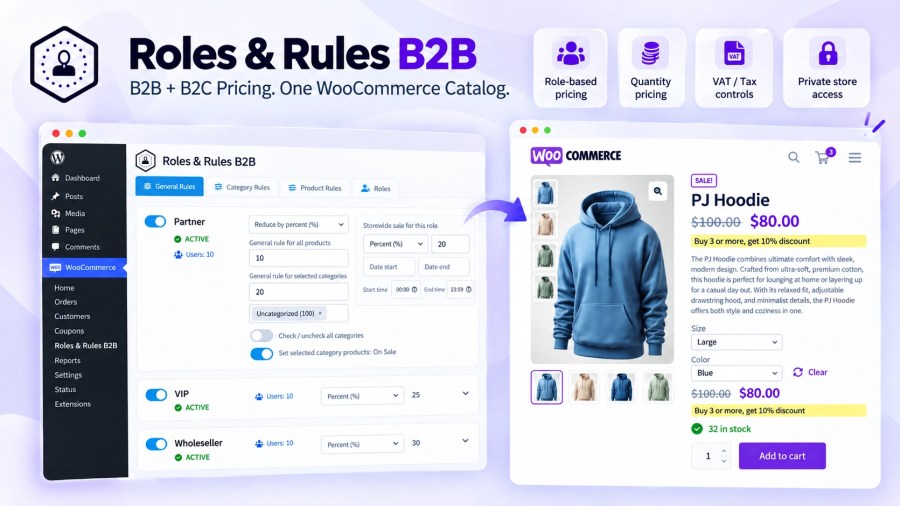
Roles & Rules B2B lets you manage B2B and B2C pricing from the same WooCommerce catalog and pricing foundation — without maintaining a separate wholesale pricing system.
Create role-based percentage adjustments, markups, fixed-amount adjustments, fixed prices, quantity discounts, VAT/tax rules and access controls for wholesalers, distributors, VIP customers, partners or other customer roles.
Percentage, markup and fixed-amount adjustments continue to calculate from the regular WooCommerce price when that price changes. A fixed-price rule remains fixed until you update that rule.
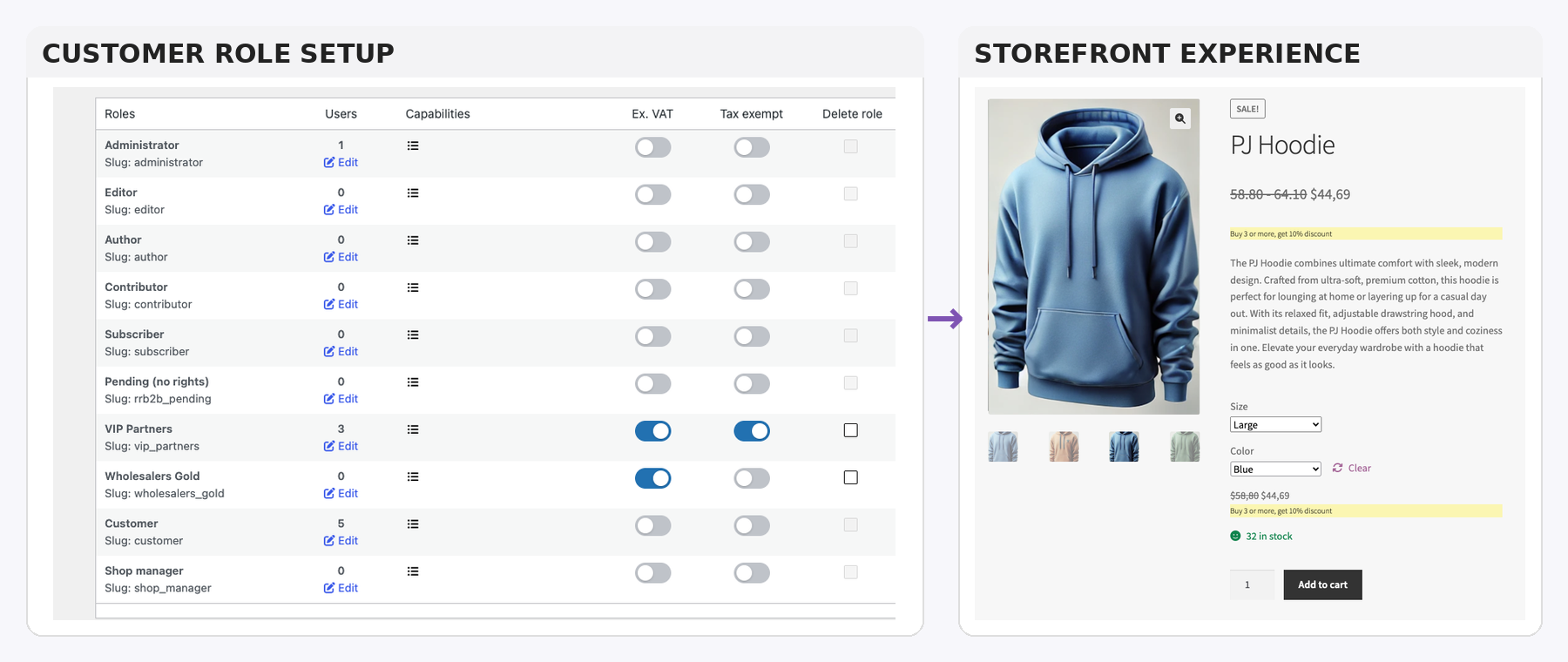
Create customer roles and control the pricing, VAT and storefront experience assigned to them.
Use only the rule levels your pricing model needs. A store can use one broad General Rule, manage most pricing by category, or override selected products with Product Rules.
Use a General Rule when you want one broad rule for a customer role across the store, such as a 5% discount on all products. General Rules are optional — many stores can manage most of their pricing through Category and Product Rules instead.
This is also where role-based WooCommerce coupons are selected and where storewide role sales are scheduled. While an active storewide sale is running, it overrides the other pricing discounts for that role.
Apply pricing to a product category, hide the category for a role, or run a category sale. Child categories inherit the parent category rule unless you create a more specific rule for the child category.
Each category can also have one quantity rule, for example: Buy 3 or more and get 10% off.
Use Product Rules when a specific product or variation needs pricing that overrides the Category Rule. You can create a role-specific discount or fixed price, hide the product for that role, and configure one quantity rule for the product or variation.
For normal pricing, Product Rules take priority over Category Rules, and Category Rules take priority over General Rules.
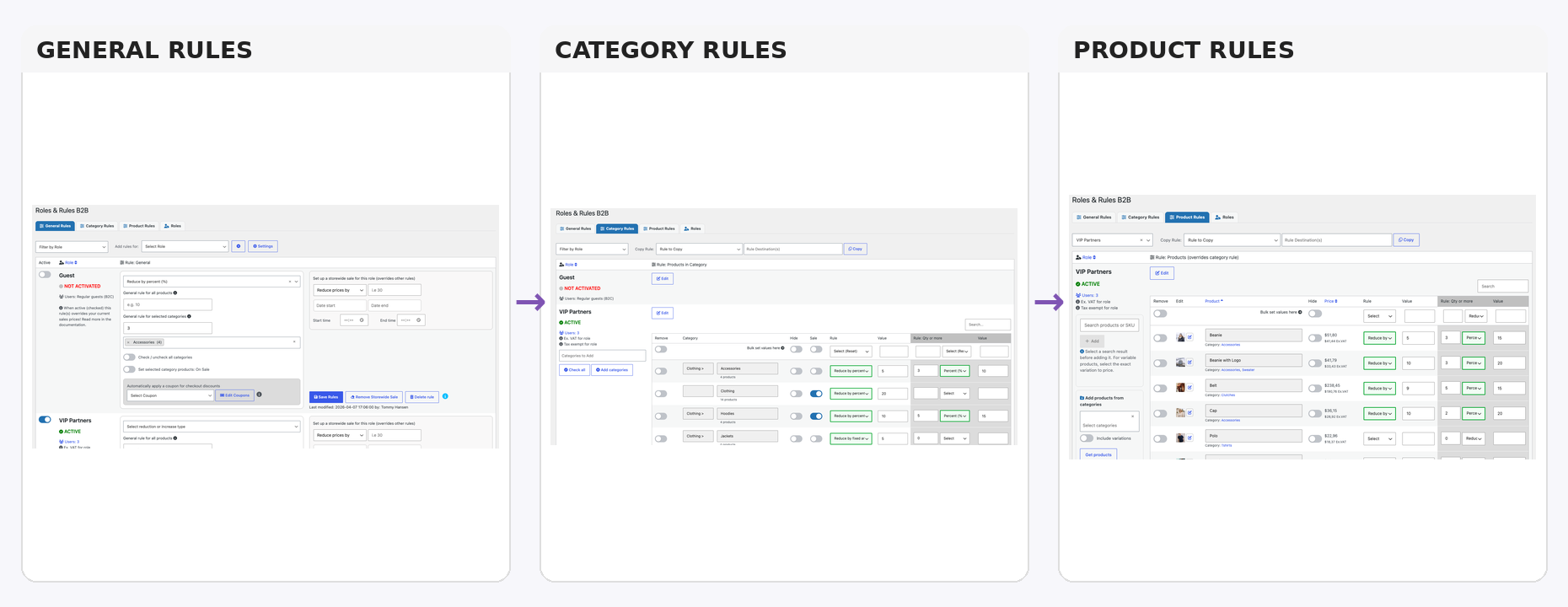
The plugin moves from broad role-level pricing to more specific category and product rules when needed.
Set one quantity threshold and discount rule for a category, product or variation. For example, a product can have its normal role discount plus a quantity rule such as Buy 3 or more and get 15% off.
The cart can also show customers how many more items they need to add to unlock the configured quantity discount. Once the threshold is reached, the cart can confirm that quantity pricing has been applied.
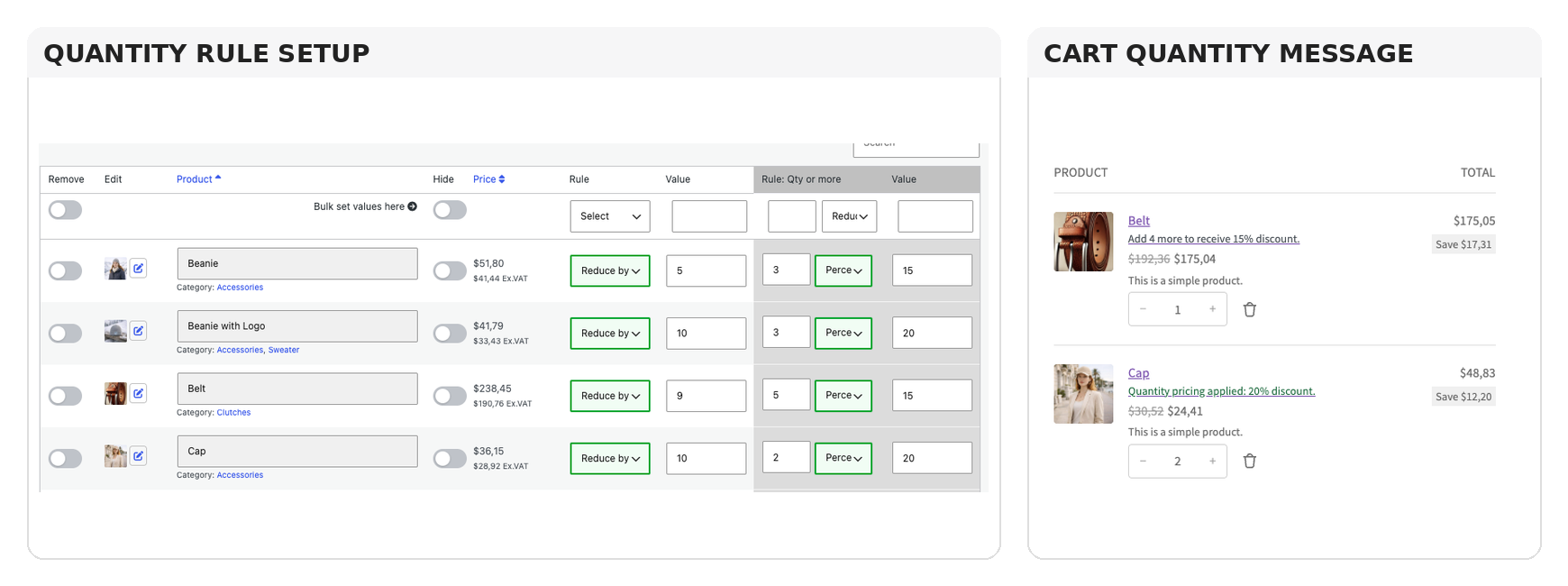
One quantity rule per category or product, with cart messaging that makes the volume incentive visible.
“Login to view price” or similar private-store messaging only appears when that access behaviour has been configured.
Supports key WooCommerce workflows including variable products, WooCommerce Subscriptions, Product Bundles, Cart & Checkout Blocks and supported currency-switching workflows.
Keep your existing WooCommerce catalog as the foundation, then use Roles & Rules B2B to control customer pricing, quantity discounts, promotions, VAT/tax treatment and access by role.
One store. One pricing foundation. The right experience for every customer.
No. Roles & Rules B2B uses your regular prices as the source of truth, then applies role, product, and category rules on top. Change a regular price once—every role price stays in sync.
They’re cart-aware and replace—never stack. When a shopper hits the threshold (e.g., “Buy 3+, get 20%”), the qty rule automatically swaps in for that role/category/product, preventing double-discounting.
Yes. Parent rules automatically apply to child categories unless you override them. That makes broad policies easy (e.g., Clothing −10%) while still letting you set a different rule for T-Shirts (e.g., −15% or 25% at 3+).
Yes. It works with variations and WooCommerce Subscriptions, and is designed to be lightweight and compatible with common extensions (e.g., currency switchers, bundles). You get focused pricing logic without the bloat.
Categorias
Informações da extensão
Verificações de qualidade
Funciona com
Países
Idiomas
Thank you so much for your feedback, always happy to assist.







