

A assinatura inclui
Suporte
Smart Inventory Alerts – WooCommerce Stock Notification Plugin
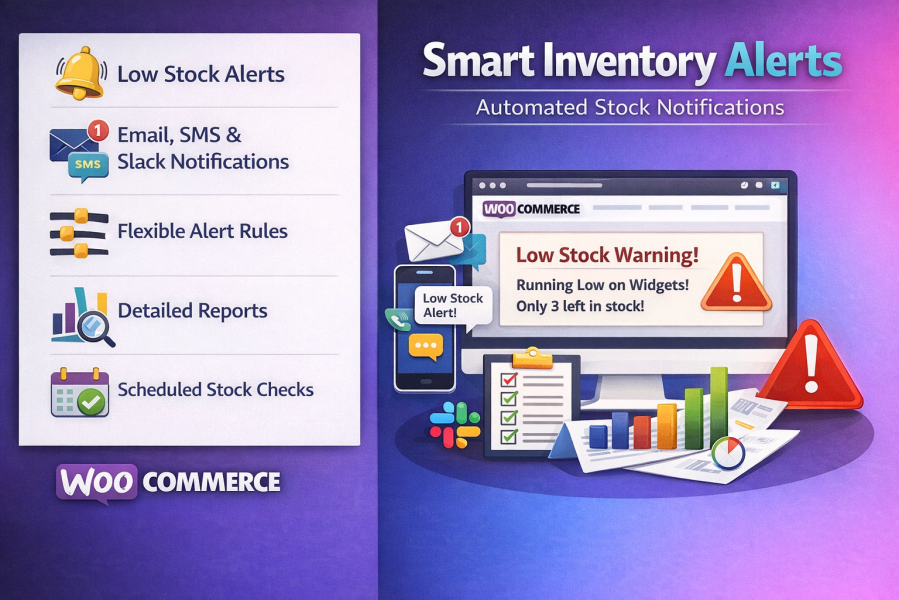
Ensure your store never misses a sale due to low stock. Smart Inventory Alerts is a powerful WooCommerce plugin that automatically notifies you and your team whenever stock levels drop below your custom thresholds. Designed for store owners, marketplaces, and inventory managers, this plugin saves time, prevents stockouts, and helps you make informed restocking decisions.
Smart Inventory Alerts – Automate your stock management, keep your team informed, and never run out of products again.
Absolutely! You can enable Email, SMS, and Slack simultaneously. Each alert rule can specify which channels to use.
You’ll need an account with Twilio or Vonage (Nexmo). Obtain your API credentials from their dashboard and enter them in the SMS settings tab of the plugin.
Go to Slack Incoming Webhooks.
Create a new app or use an existing one.
Enable Incoming Webhooks and create a webhook for your channel.
Copy the webhook URL and paste it into the Slack settings tab in the plugin.
Rules are checked in order of priority. Lower numbers indicate higher priority. For example, a product rule with priority 1 is checked before a category rule with priority 10. The first matching rule’s settings are applied.
Yes, you can receive alerts when products go on backorder, ensuring you can manage restocking efficiently.
Absolutely. Smart Inventory Alerts keeps a detailed notification history and provides comprehensive reports and statistics for trend analysis and inventory planning.
Categorias
Extension information
Quality Checks
Países







