

La suscripción incluye
Ayuda y soporte
Increase your variation product sales without spending extra on multiple plugins. Normally, you need separate plugins for variation swatches, galleries, tables, quick view, and bulk add-to-cart, costing more and slowing your store.
Variation Monster solves this by offering a compact, all-in-one solution for WooCommerce variation products. It improves product visibility, speeds up purchasing, and delivers a smoother shopping experience, helping customers buy faster and more confidently.
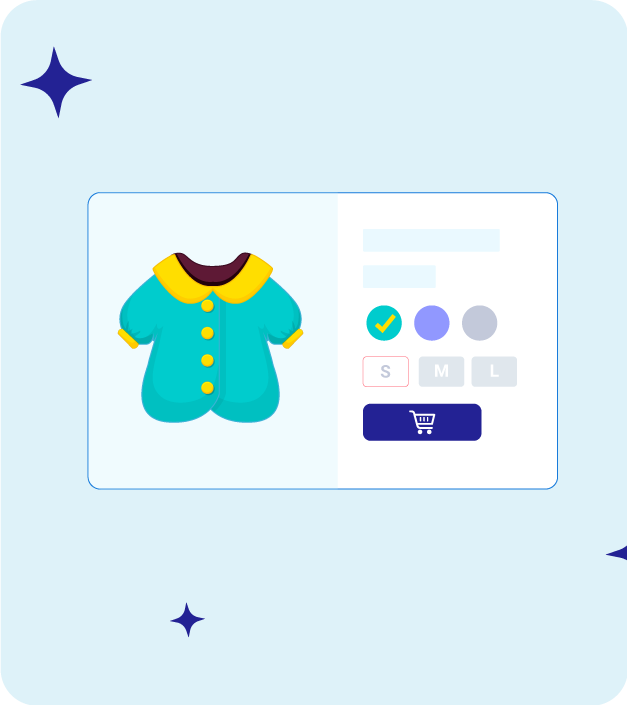
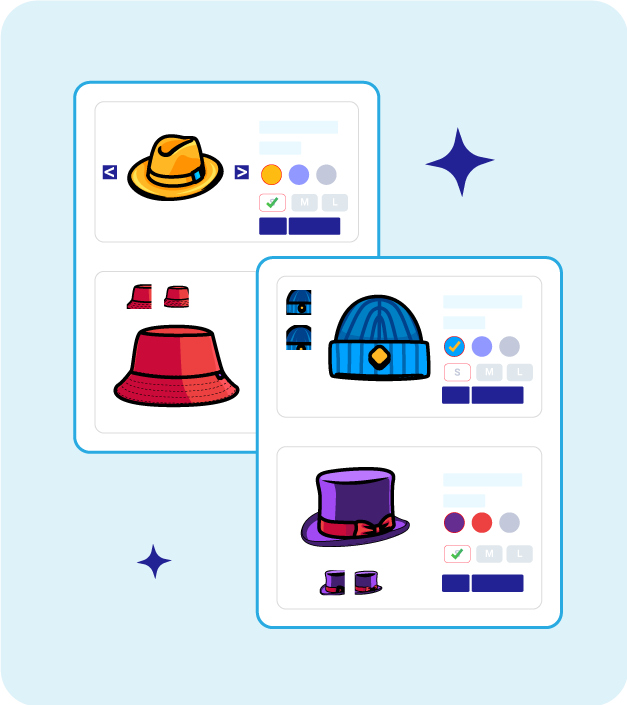
Advance Variation Swatches for WooCommerceThis feature helps you increase sales by making variation selection fast and intuitive. Customers can easily choose their perfect variation using visually rich swatches instead of confusing dropdowns. With 40+ powerful customization options, admins have full control over how swatches appear and behave. You can enable or disable tooltips, control their position, and choose from image swatches, color swatches, button styles, radio buttons, or classic select options. Everything is flexible, easy to manage, and built to deliver a smoother shopping experience that converts better. |
 |
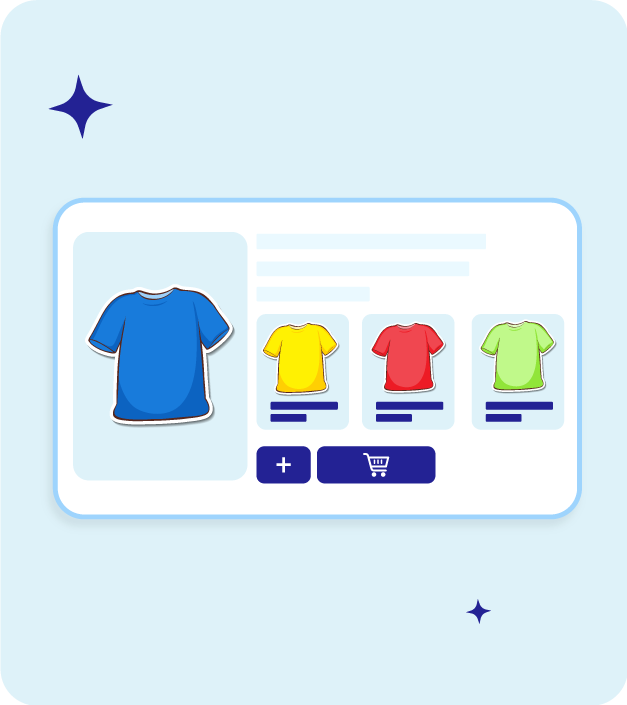 |
Amazing Variation List with Two TemplatesVariation Monster includes a powerful Variation List feature for the single product page, making variation selection simple and fast. Customers don’t need to click multiple buttons—just one click selects a variation instantly, reducing friction and improving the buying experience. You can choose from two beautifully designed templates:
Both templates enhance clarity, add visual appeal, and make your product pages more colorful and conversion-focused. |
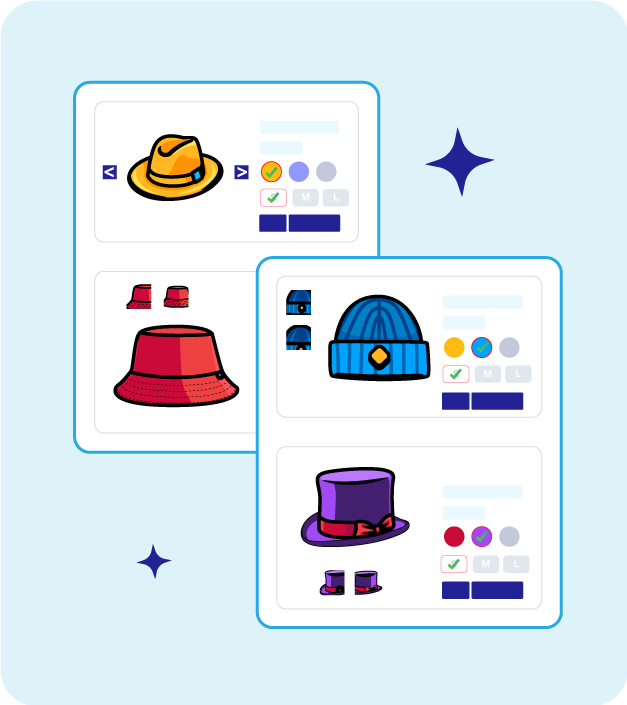
Variation GalleryDisplay a dedicated image gallery for each product variation that updates instantly when a variation is selected. You can assign multiple images per variation, allowing customers to view the exact look of their chosen option. This ensures customers see the right images every time, reduces confusion, and helps them make confident purchase decisions faster. |
 |
 |
Attribute GalleryAttribute Gallery lets you assign images to individual attributes such as color, style, or material. When customers choose an attribute, the related images update instantly, giving a clear visual preview of each option. This feature improves product clarity, enhances the shopping experience, and helps customers confidently select the right variation. |
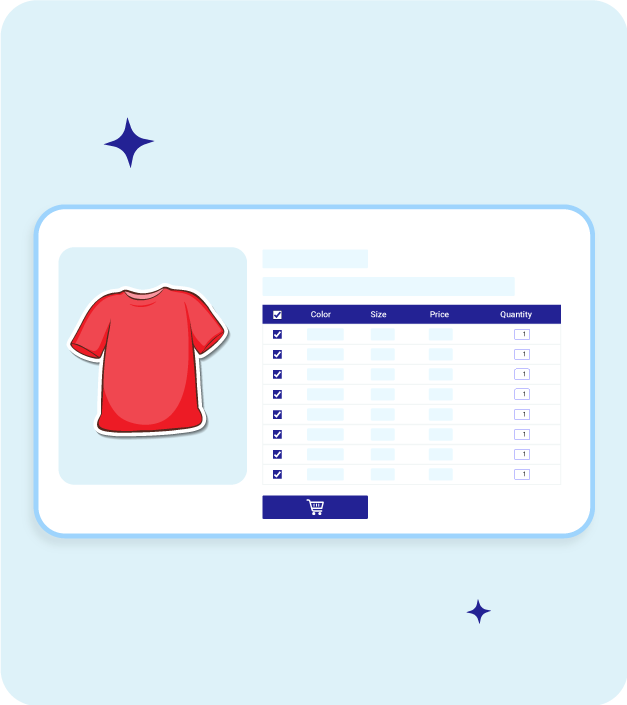
Bulk Add-to-Cart(Single Product Page)The Bulk Add-to-Cart feature allows customers to purchase multiple product variations in one simple action. When enabled from the product meta settings, the standard WooCommerce Add to Cart button is replaced with a clean, user-friendly variation table on the single product page. Customers can easily choose multiple variations, set quantities, and add them to the cart at the same time, saving effort and reducing checkout friction. This powerful feature is not available in default WooCommerce, making it ideal for B2B stores, wholesale buyers, and high-volume sales. By streamlining bulk purchases, this feature improves user experience, increases order value, and boosts conversion rates. |
 |
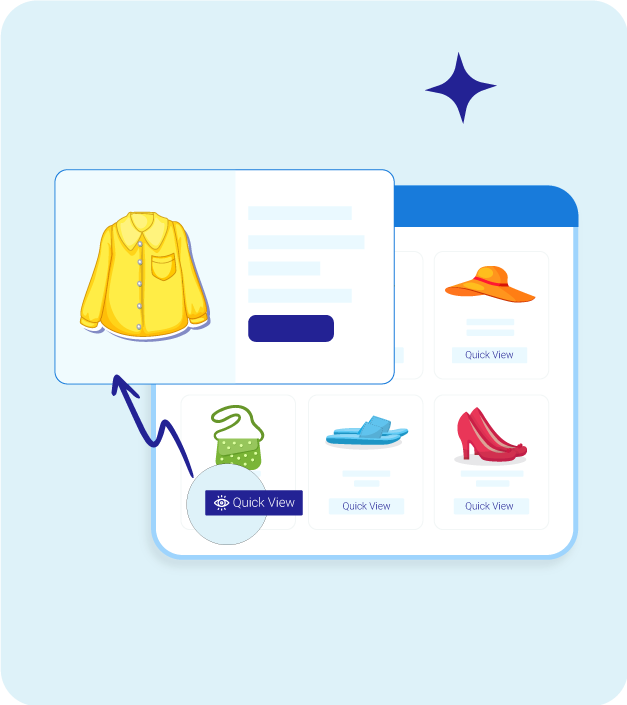 |
Quick View for WooCommerceThe Quick View feature allows customers to instantly preview product details without leaving the shop or category page. With a fast-loading popup, shoppers can view images, prices, variations, and key product information in seconds. This reduces page load interruptions, speeds up the buying process, and keeps customers engaged, leading to better user experience and higher conversion rates. Quick View is fully optimized for WooCommerce stores and works seamlessly with variation products. |
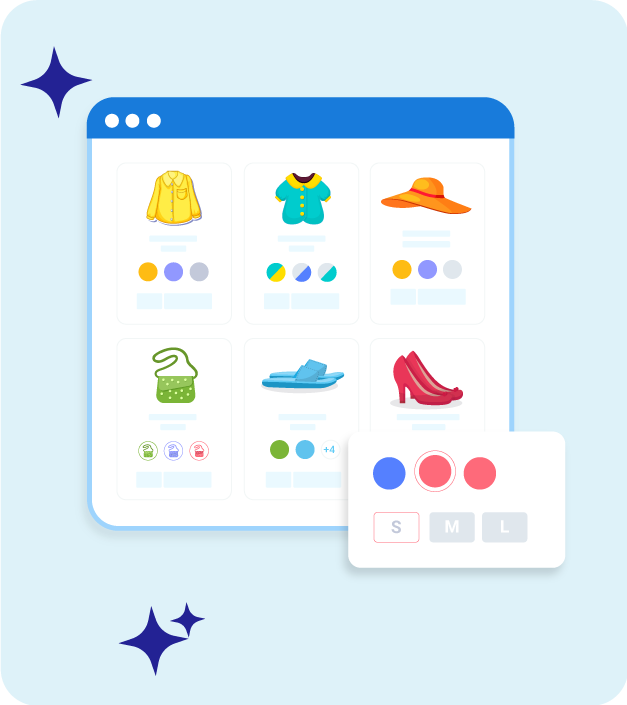
Variation Swatches Quick Cart (Shop Page)The Variation Swatches Quick Cart feature lets customers select product variations and add items to the cart directly from the shop or archive pages—without visiting the single product page. All available variation attributes (such as color and size) are displayed below the product image. When a customer selects their desired options—for example, Red and Large—the correct variation is automatically added to the cart instantly. This streamlined buying process reduces clicks, saves time, and significantly improves conversion rates by allowing faster purchases straight from the shop page. |
 |
|
Quick View with Quick Cart (Shop Page) with Four TemplateThe Quick View with Quick Cart feature allows customers to preview and purchase variation products directly from the shop or archive pages. Variation images can be displayed above or below the product image and shown in a smooth carousel layout for easy browsing. When a customer clicks on a selected variation, a fast-loading popup opens showing complete product details, variation options, pricing, and images. Customers can also adjust quantity and add the product to the cart directly from the popup, without visiting the single product page. This feature reduces friction, improves user experience, and boosts conversions by enabling faster and more convenient purchasing. |
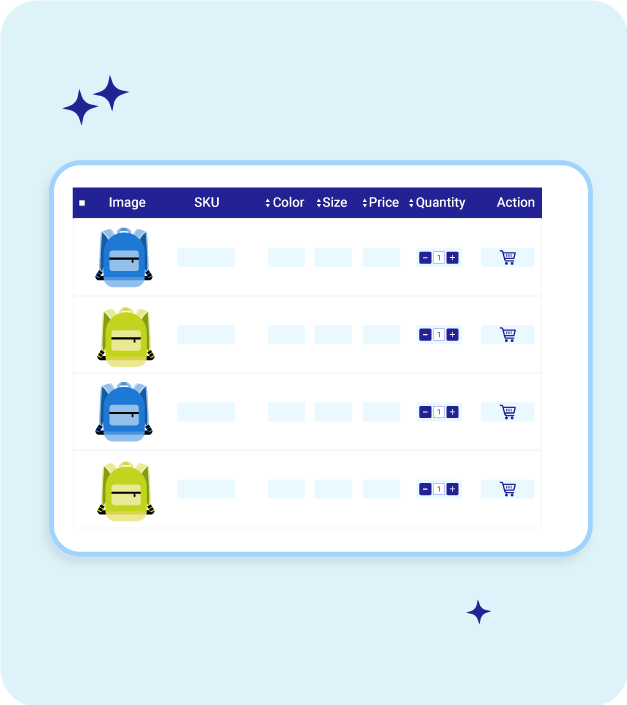
Variation Table for WooCommerce with Two TemplateThe Variation Table feature displays all product variations in a structured, easy-to-read table format. Customers can quickly compare prices, attributes, stock status, and quantities without switching between dropdowns. This layout simplifies variation selection, speeds up purchasing decisions, and is especially effective for stores selling complex, bulk, or B2B products. By improving clarity and usability, the Variation Table helps increase conversion rates and overall sales performance. |
 |
Variation Monster goes far beyond basic variation handling. It combines multiple powerful variation features into one compact, high-performance plugin, eliminating the need for multiple add-ons and reducing costs, conflicts, and performance issues.
With Variation Monster, you can fully control how variation products are displayed, selected, and purchased, boosting user experience and increasing conversion rates.
Variation Monster is the ultimate solution for managing WooCommerce variation products—smarter, faster, and more powerful.
Variation Monster is an all-in-one WooCommerce plugin that enhances variable products with advanced variation swatches, variation lists, tables, galleries, quick view, quick cart, and bulk add-to-cart features—eliminating the need for multiple plugins.
No. Variation Monster combines all these features into a single lightweight plugin, reducing cost, plugin conflicts, and performance issues.
Yes. You can replace default dropdowns with visually rich variation swatches such as color, image, button, radio, or keep the classic select option if needed.
Yes. The Bulk Add-to-Cart feature allows customers to select multiple variations, set quantities, and add them to the cart in one action from the single product page.
Absolutely. Features like bulk add-to-cart, variation tables, and quick ordering make it ideal for B2B, wholesale, and high-volume stores.
Yes. Variation Monster supports Variation Gallery and Attribute Gallery, allowing you to assign multiple images per variation or attribute for accurate visual previews.
Yes. Quick View fully supports variable products and allows customers to select variations, adjust quantity, and add products to the cart directly from the popup.
Yes. With Variation Swatches Quick Cart and Quick View with Quick Cart, customers can select variations and add products to the cart without visiting the single product page.
No. It’s optimized for performance and built as a compact solution, reducing the need for multiple heavy plugins.
Yes. With 40+ customization options, you can control swatch styles, tooltips, layouts, behavior, and display settings—no coding required. All over, it has 100+ options
Yes. Variation Monster is fully compatible with the Dokan multi-vendor plugin.
Variation Monster works with variable products and is compatible with simple and complex WooCommerce product setups.
Yes. The plugin is built with clean, extensible code, making it easy for developers to customize or extend.
Variation Monster is perfect for:
Categorías
Información de la extensión
Comprobaciones de calidad
Países







