

Active installs
100+
L’abonnement comprend
Assistance
Mix and match for WooCommerce encourages your customers to create personalized bundles consisting of different products in one box. The interactive display and ease of adding products to custom boxes provide a fulfilling shopping experience, perfect for gifts or business purposes.
Customers prefer to buy grouped products together for ease, with custom product boxes. This plugin gives them the freedom to make their own product boxes. Whether it’s a gourmet treat bundle for a friend or a practical first-aid kit, this plugin meets various customer needs while opening new revenue streams.
The mix and match products for WooCommerce allow customers to add personalized gift notes for their loved ones. It further enhances their shopping experience. Store owners can also offer pre-filled product bundles or even allow customers to customize their own. The customers can choose between fixed or dynamic pricing options.
Mix and match plugin for WooCommerce lets you choose from various layouts to display the custom product boxes, Customers can add more products while keeping an eye on the previously added ones. These are the layout options for the product boxes:
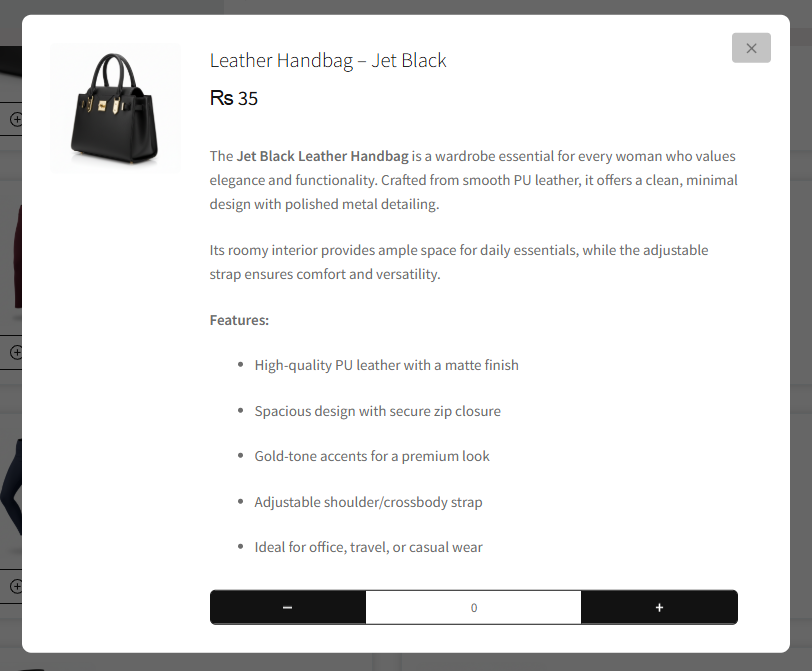
Custom product boxes for WooCommerce offer a quick view pop-up before adding it to a box. It allows customers to review images, prices, and descriptions before adding products to their bundle, saving them time and hassle.
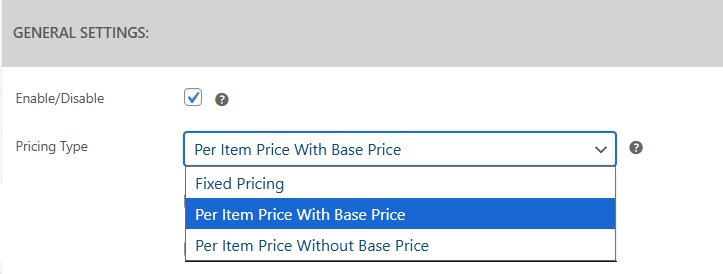
Set a fixed or dynamic price for your bundles with the custom mix & match product boxes plugin. You can set a fixed price or you can calculate as the customer adds more products to their bundle:
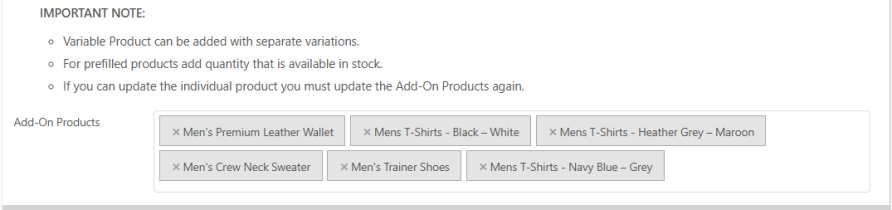
Allow customers to add both simple and variable products to their custom product boxes in WooCommerce. You can help them find their preferred variants from the available options.
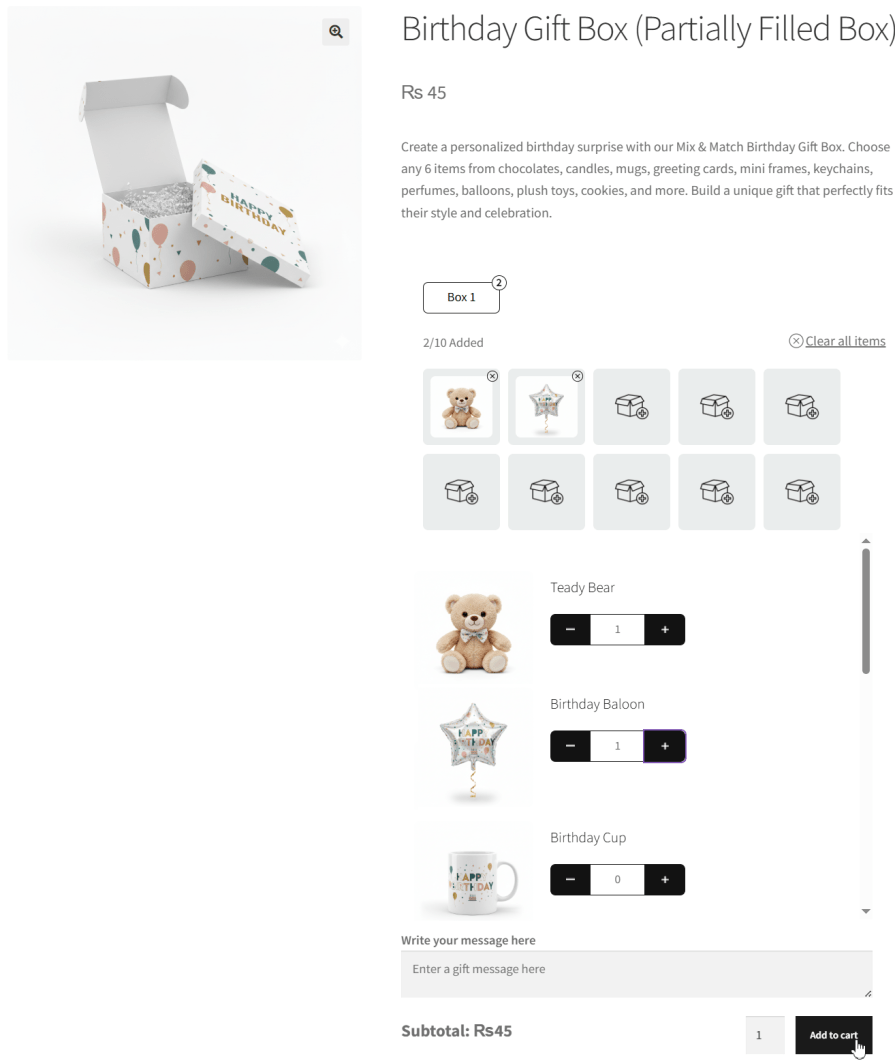
Increase conversions by enabling checkout for partially filled boxes. You can prevent cart abandonment by allowing customers to complete their purchases without pushing them to fill the entire bundle.
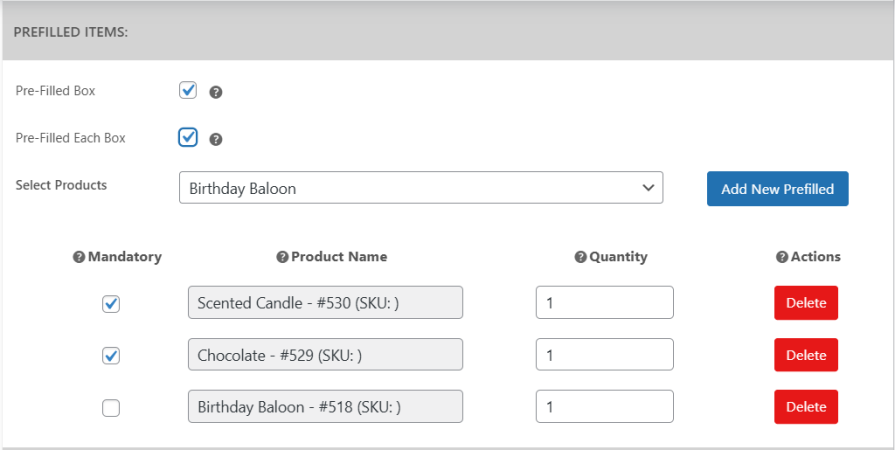
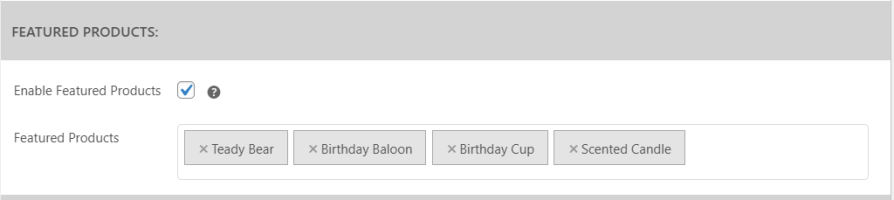
Mix and match for WooCommerce enables you to pre-fill your product box with selected items to guide customers and speed up purchases. It helps showcase recommended combinations, reduces decision effort, and increases conversions by giving customers a ready-to-buy bundle they can customize if needed.
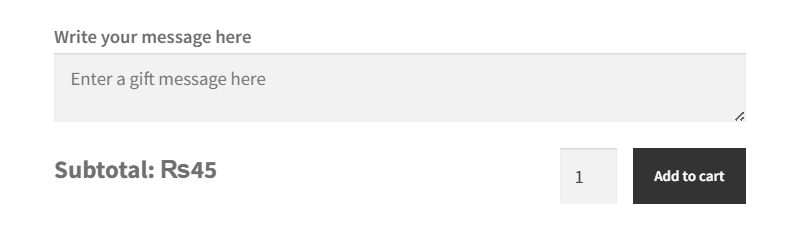
Allow customers to add personalized gift notes to their mix and match products. Perfect for gifts, this feature enhances the shopping experience and adds a thoughtful touch to every custom bundle.
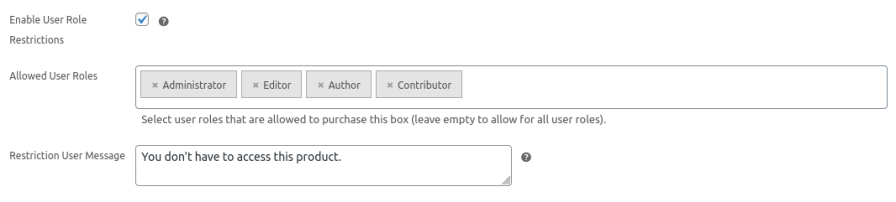
Customize the visibility of product boxes based on user roles such as wholesalers, retailers, or registered members. Custom product boxes for WooCommerce allow you to create exclusive product boxes for specific customer groups, enabling you to offer personalized bundles and targeted promotions.
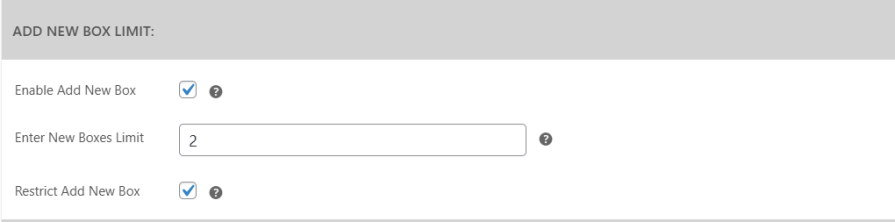
Mix and match products for WooCommerce enables you to set limits on how many custom boxes a customer can add to their cart. By restricting the number of boxes, you can manage stock levels effectively while ensuring fair purchasing for all customers.
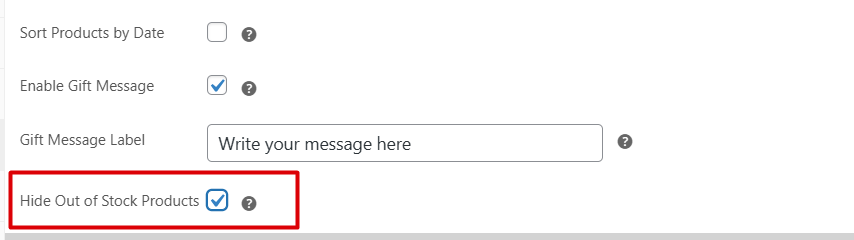
Improve customer experience by automatically hiding products that are out of stock from the available selection in custom product boxes. This ensures customers only see items they can purchase, making the shopping process smooth.
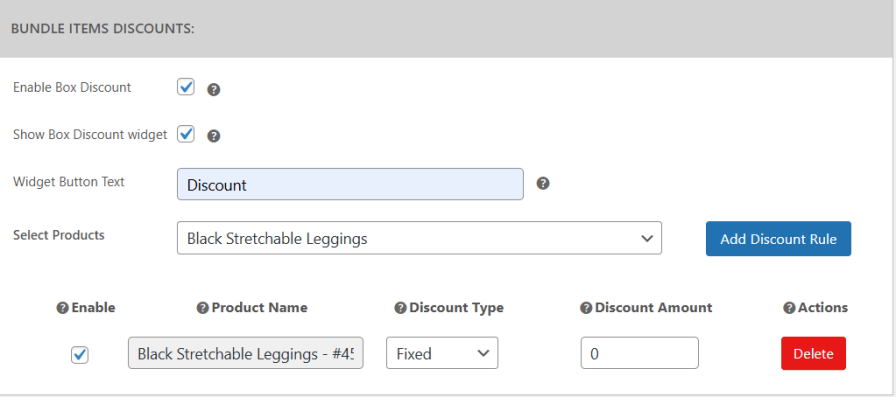
Increase sales by offering flexible discounts on mix and match products. Apply fixed or percentage discounts to selected products or variations and encourage customers to buy more. Display a clear discount widget with custom button text that highlights the savings, automatically shown when per-item pricing is enabled for the box.
Yes with WooCommerce mix and match plugin allows store owners can create pre-filled product boxes for quick purchases while also giving customers the option to customize their own bundles.
Absolutely! You can set either a fixed price or dynamic pricing based on the items customers add to their bundles.
Yes, the WooCommerce custom product boxes plugin allows customers to checkout even if their custom product box is only partially filled, reducing cart abandonment rates.
The plugin allows you to add both simple and variable products, giving customers a wide range of options when creating their custom bundles.
Custom Product boxes WooCommerce plugin offers several layout options like detailed and compressed list and grid displays, to best showcase your products.
Absolutely! You can set either a fixed price or dynamic pricing based on the items customers add to their bundles.
Catégories
Pays










