Product Icon

Sales Banner Images for WooCommerce

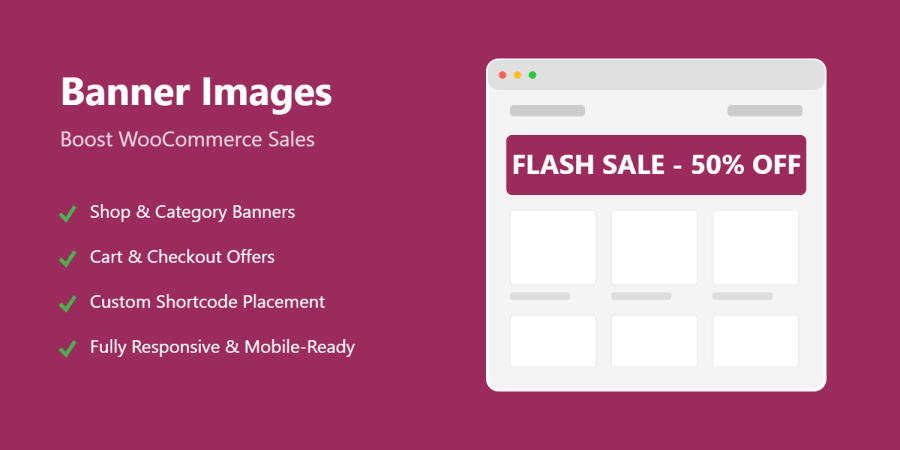
Sales Banner Images for WooCommerce lets you easily add eye-catching promotional banners across your WooCommerce store and WordPress site. Display banners on product pages, categories, shop, cart, checkout, and content pages to highlight sales, offers, and announcements—without any coding. Fully responsive, lightweight, and built for conversions.
Choisissez une option de facturation
$39
Save 20%
$78 $62.40

L’abonnement comprend

  • Mises à jour et améliorations du produit
  • Assistance client
  • Remboursement garanti sous 30 jours

Turn Every Page of Your Store into a High-Converting Promotion Space

Sales Banner Images for WooCommerce is a powerful yet lightweight marketing extension that allows store owners to display professional, eye-catching banner images across their WooCommerce store and WordPress site. Whether you are running flash sales, seasonal campaigns, new product launches, or important announcements, this plugin ensures your message is visible exactly where customers are most likely to take action.

Unlike generic banner plugins, Sales Banner Images for WooCommerce is purpose-built for WooCommerce page structures and buying flows. It integrates seamlessly with product pages, category archives, cart, checkout, and account areas—without breaking themes or requiring custom code.


Built for Conversions, Not Just Decoration

Online shoppers make decisions quickly. Strategic placement of banners at the right time can significantly increase engagement, reduce cart abandonment, and boost conversions. This plugin is designed around real eCommerce behavior:

  • Promote discounts before customers browse products
  • Reinforce offers during cart and checkout
  • Upsell or cross-sell after purchase
  • Communicate trust, shipping offers, or announcements consistently

Every banner is displayed in a clean, non-intrusive way that enhances the shopping experience instead of distracting from it.


Complete Feature Overview

WooCommerce-Specific Banner Locations

Sales Banner Images for WooCommerce supports all critical WooCommerce pages out of the box:
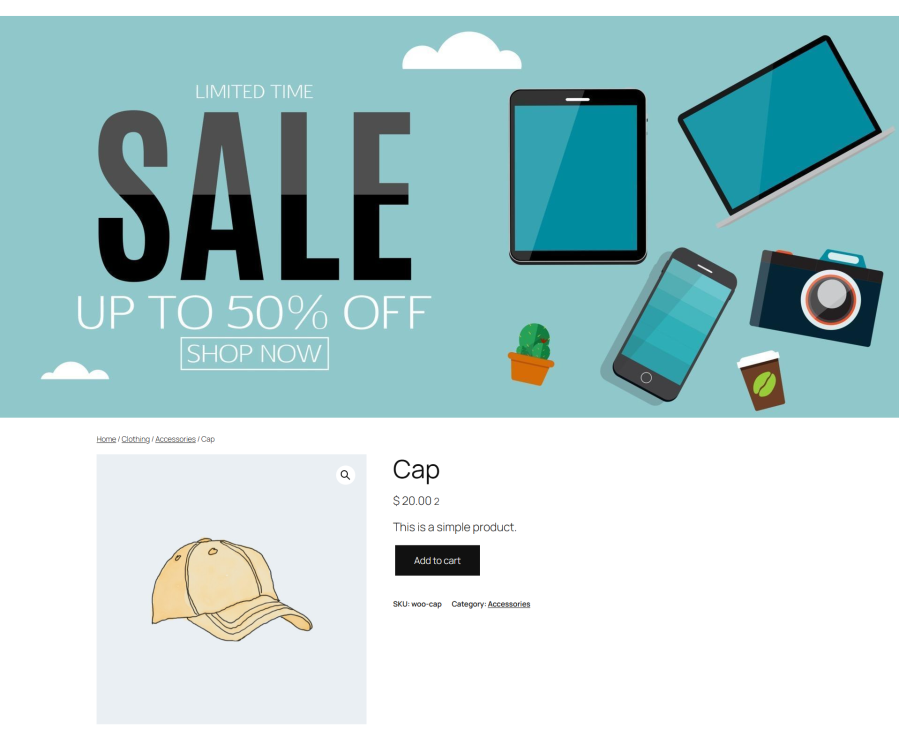
  • Single Product Pages
    Display banners above product content to highlight discounts, limited-time offers, warranty messages, or shipping perks.

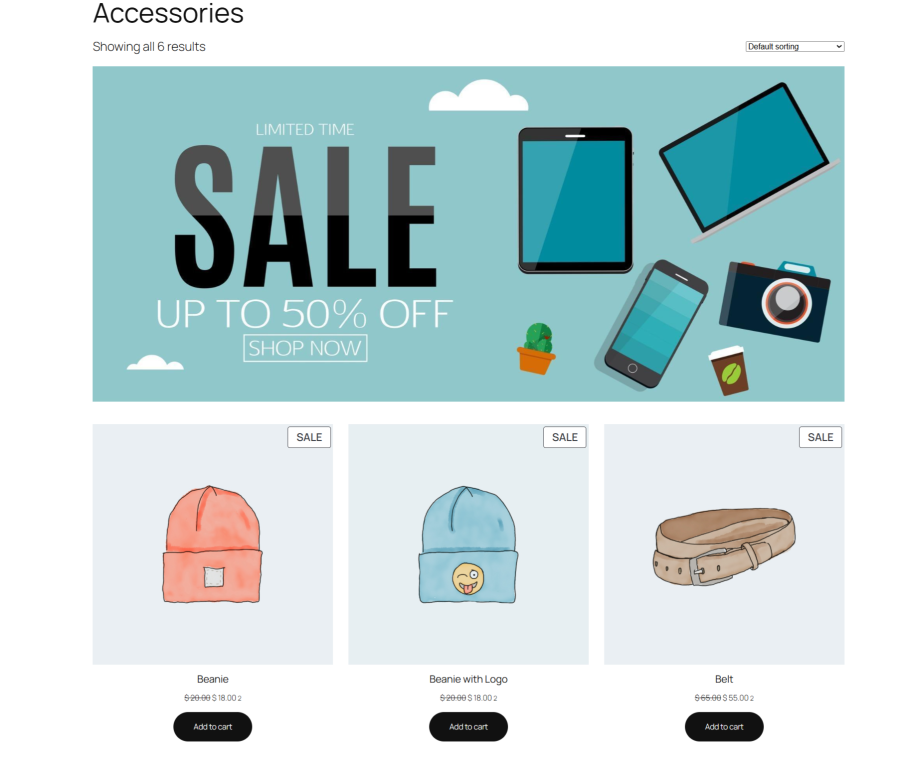
  • Product Category Pages
    Add category-specific promotions such as “Up to 30% off Shoes” or “New Arrivals in Electronics”.

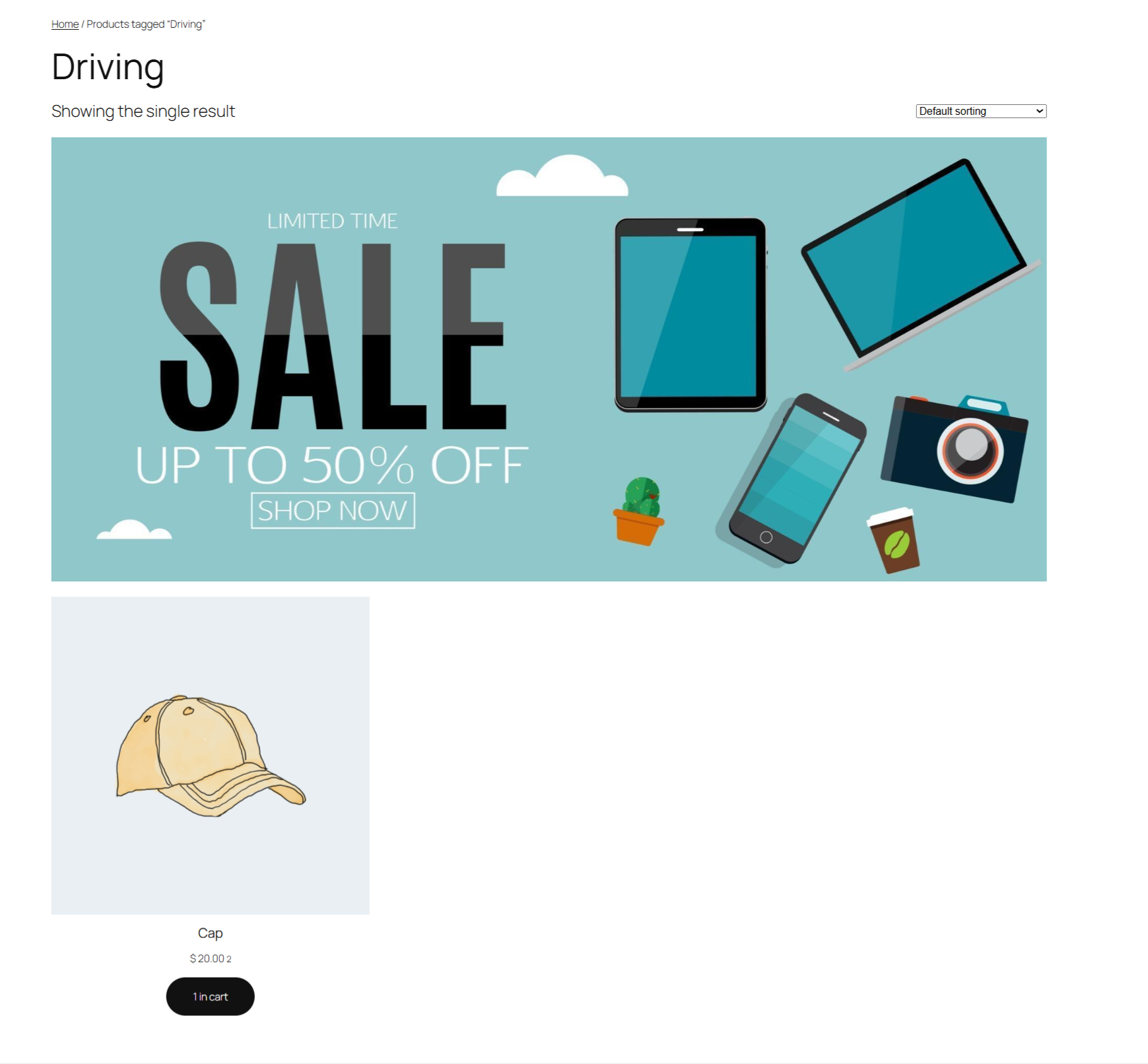
  • Product Tag Pages
    Target tag-based browsing with focused promotional banners.
tags-sales-banner
tags-sales-banner
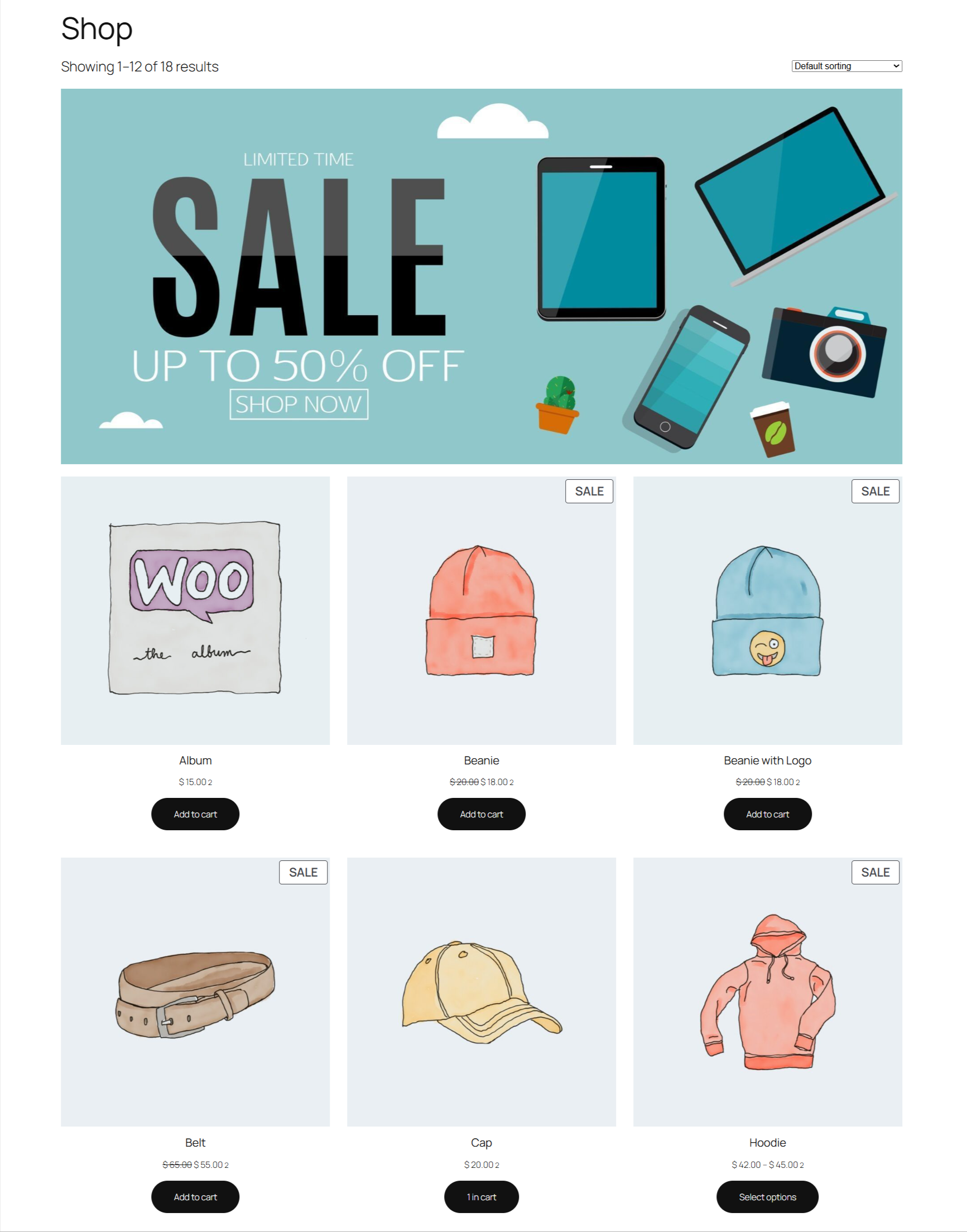
  • Shop Page
    Set a global shop banner to announce store-wide sales, coupon campaigns, or seasonal promotions.

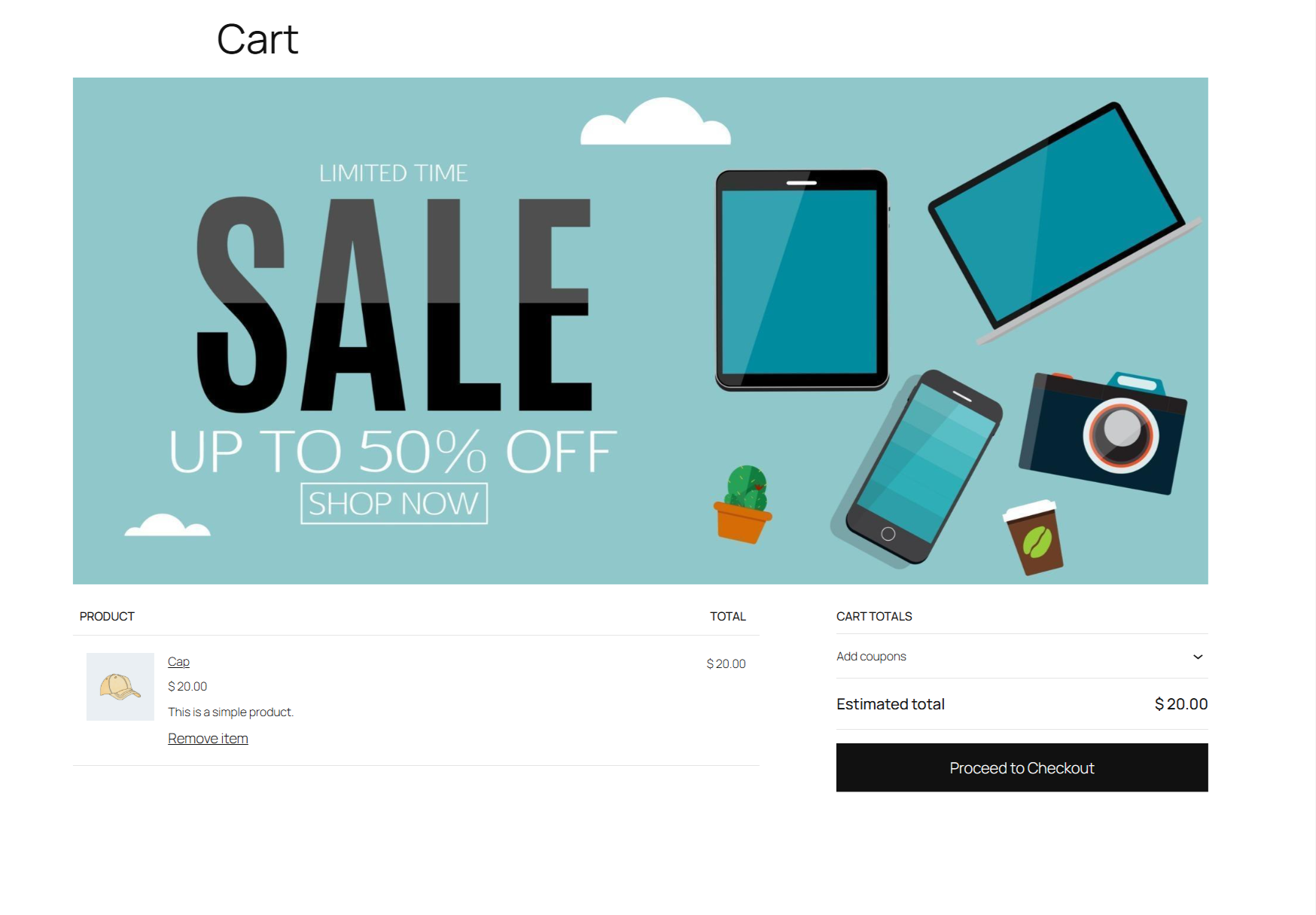
  • Cart Page
    Reinforce trust badges, free shipping thresholds, or last-chance offers before checkout.

  • Checkout Page
    Display reassuring messages, guarantees, or final promotional reminders at the most critical conversion stage.

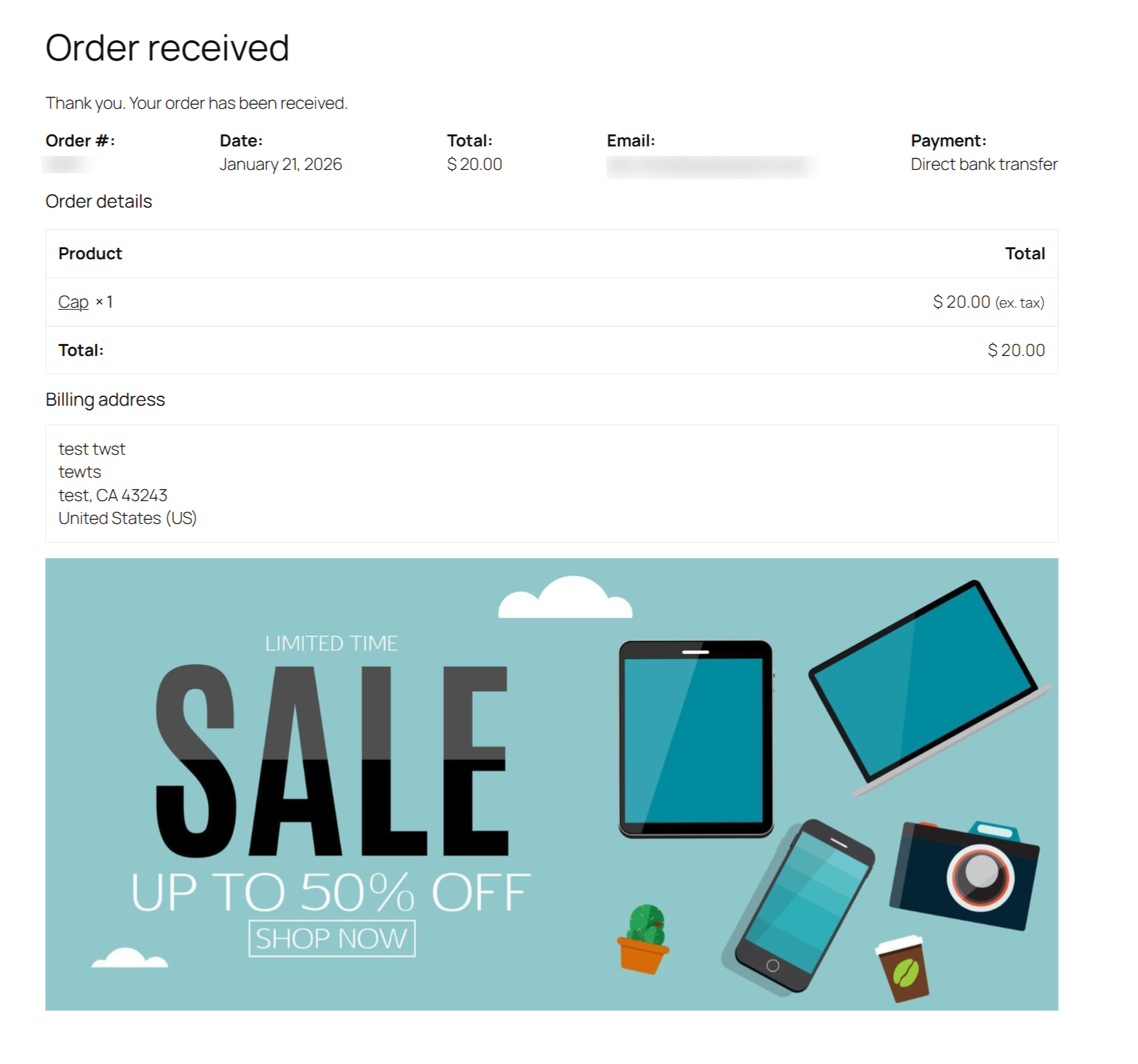
  • Thank You Page
    Show thank-you messages, upsell related products, promote loyalty programs, or encourage repeat purchases.

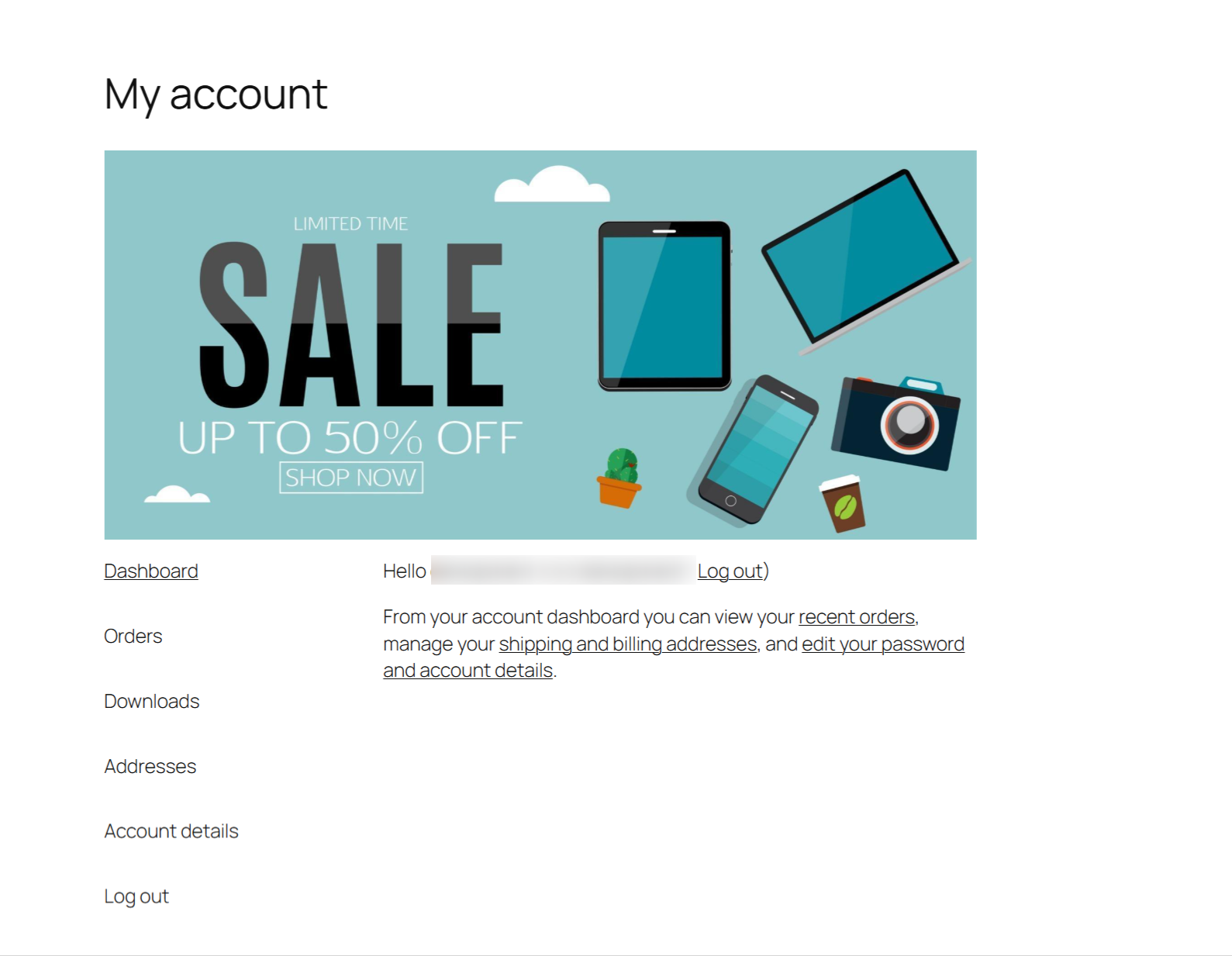
  • My Account Page
    Share exclusive offers, announcements, or member-only campaigns with logged-in customers.


WordPress Content Banner Support

In addition to WooCommerce pages, the plugin fully supports standard WordPress content:
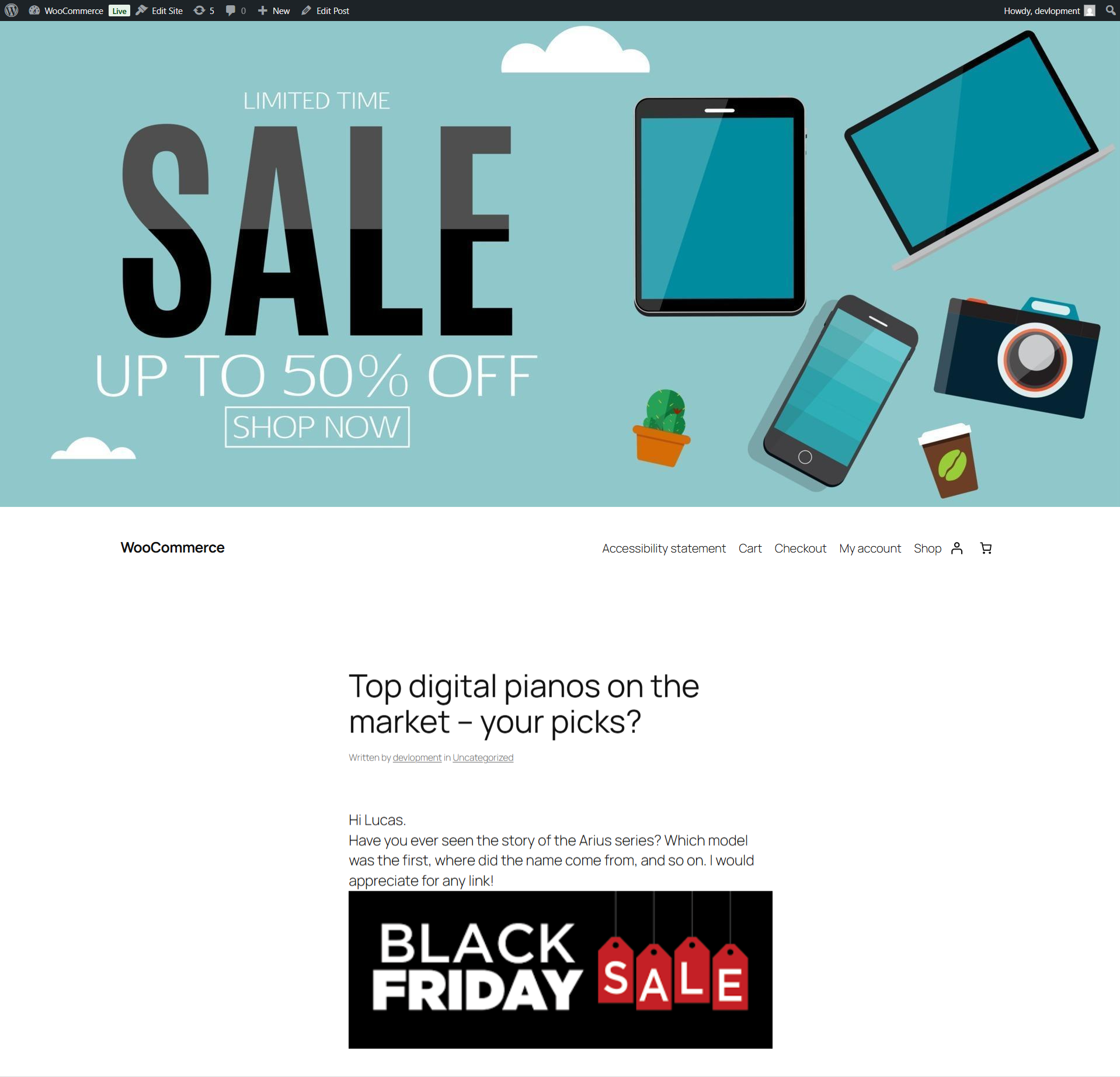
  • Posts – Add banners above blog articles to promote products or campaigns

  • Pages – Display banners on landing pages, about pages, or custom layouts
  • WordPress Category Pages – Promote content-specific offers or announcements

This makes the plugin ideal for content-driven stores that rely on blogging and SEO traffic.


Custom Banners with Shortcodes

Need full control? Create unlimited custom banners and place them anywhere using shortcodes.

[sales_banner id="1"]

Shortcodes work inside:

  • WordPress editor (Classic & Block)
  • Widgets
  • Custom templates
  • Page builders that support shortcodes

This flexibility allows advanced users to design highly targeted promotional layouts.


Design & Customization Options

Every banner is fully customizable without touching code:

  • Responsive Design – Automatically adapts to desktop, tablet, and mobile devices
  • Custom Dimensions – Set width, height, max-width, and max-height
  • Clickable Banners – Link banners to internal or external URLs
  • Open in New Tab Option – Control link behavior
  • Alt Text Support – Improve accessibility and SEO
  • Enable / Disable Controls – Toggle banners per page type

All banners are rendered using clean markup to ensure fast loading and compatibility with caching and optimization plugins.


Easy-to-Use Settings Panel

All configuration options are centralized under:
WooCommerce → Settings → Banner Images

The settings page is organized into intuitive sub-sections:

General Settings

  • Enable or disable banners for:
    • Products
    • Categories
    • Tags
    • Posts
    • Pages
    • WordPress categories

Page Banners

  • Upload global banners for:
    • Shop page
    • Cart page
    • Checkout page
    • Thank You page
    • My Account page

Banner Size & Behavior

  • Default banner dimensions
  • Max width and height controls
  • Link behavior (same tab / new tab)

No learning curve—everything follows standard WooCommerce UI patterns.

Use Cases & Examples

  • Flash sales and limited-time discounts
  • Seasonal campaigns (Black Friday, Eid, Christmas, Summer Sale)
  • New product launches
  • Free shipping or COD announcements
  • Trust messages (Money-back guarantee, Secure checkout)
  • Newsletter sign-ups or app promotions

Whether you run a small store or a large catalog, the plugin scales with your needs.


Foire aux questions

Do I need WooCommerce to use this plugin?

Yes. Sales Banner Images for WooCommerce requires WooCommerce to be installed and activated. If WooCommerce is not active, the plugin will display an admin notice.

Can I add banners to regular WordPress pages and posts?

Yes. In addition to WooCommerce pages, the plugin fully supports WordPress posts, pages, and WordPress category archives.

Where will banners appear on WooCommerce pages?

Banners are automatically displayed in optimal locations, such as:

  • Above product content on single product pages
  • Above product grids on shop and category pages
  • Above cart contents and checkout forms
  • On the Thank You and My Account pages
Can I create custom banners and place them anywhere?

Yes. You can create unlimited custom banners and insert them anywhere using shortcodes, including inside content, widgets, or custom templates.

Are banners responsive and mobile-friendly?

Absolutely. All banners are fully responsive and automatically adapt to mobile, tablet, and desktop screen sizes.

Can banners link to external or internal URLs?

Yes. You can make any banner clickable and link it to internal pages, products, categories, or external URLs. You can also choose whether links open in the same tab or a new tab.

Avis Clients

Related Products

Prix $79 par an
Noté 3.4 sur 5 étoiles
Prix $59 par an
Noté 3.1 sur 5 étoiles
Prix $109 par an
Noté 3 sur 5 étoiles
Prix $49 par an
Noté 4.1 sur 5 étoiles
Prix $109 par an
Noté 2 sur 5 étoiles
Prix $109 par an
Noté 2.3 sur 5 étoiles
Prix $109 par an
Noté 2.6 sur 5 étoiles
Prix $109 par an
Noté 2.3 sur 5 étoiles
Prix $109 par an
Noté 2 sur 5 étoiles