

Confronto prodotti
L'abbonamento include
Supporto
1. Download the plugin ZIP file and upload it to the WordPress plugins screen
2. Activate the plugin through the ‘Plugins’ screen in WordPress.
3. Navigate to WooCommerce > Settings > Order by Spreadsheet to configure the plugin settings.
4. Customize options as desired.
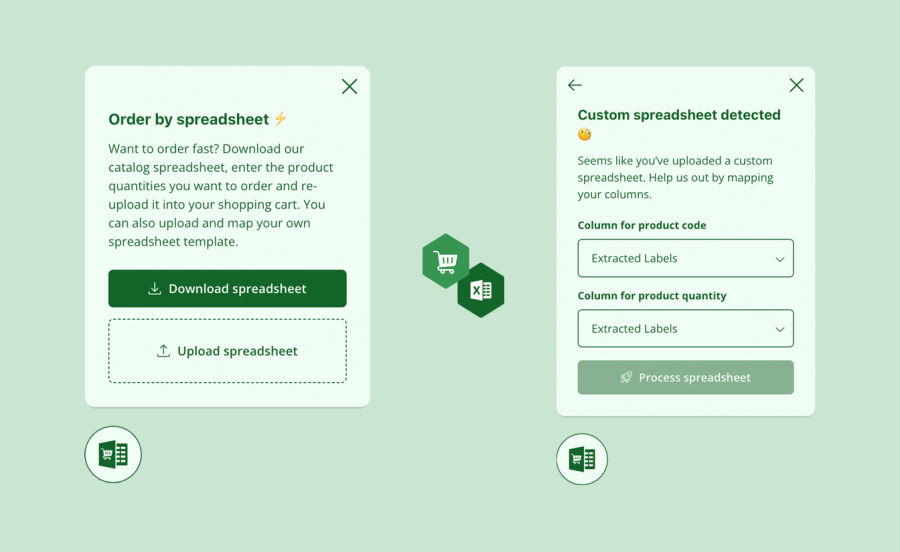
Find out what Order By Spreadsheet can do for you:
Informazioni sull'estensione
Controlli di qualità
Compatibilità
Paesi
Lingue







