
Active installs
100+
Subscription includes
Support
Professional Invoice Branding & Customization Made Simple
A Smoother Customer Experience
Smart Invoice Management & Compatibility
Yes. When you print an invoice, delivery note, or receipt, it opens in PDF format in the browser. You can print it directly or save it as a PDF on your device.
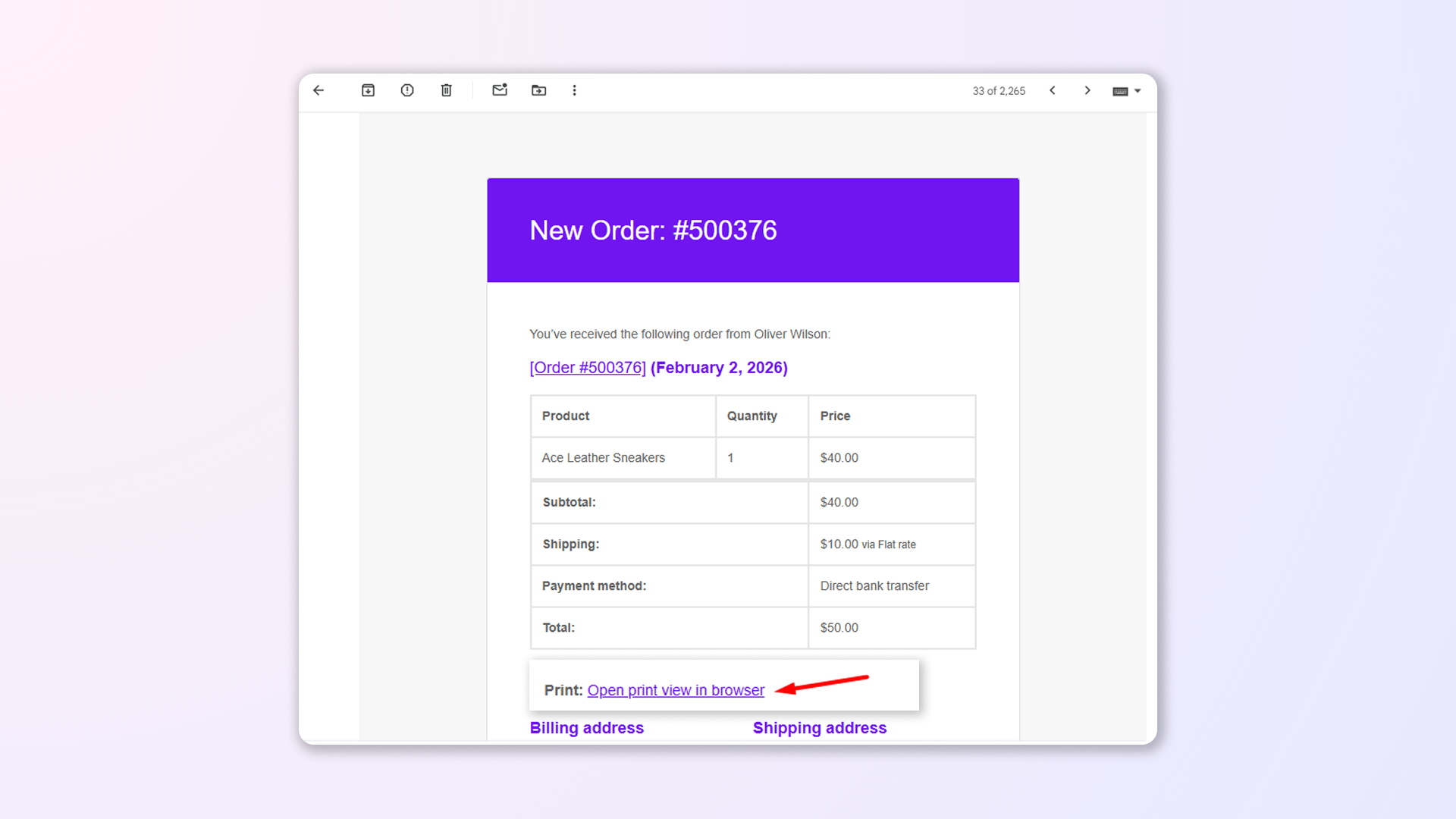
The plugin can automatically include a print invoice link in WooCommerce order emails sent to customers after an order is placed or when the order status changes. Customers can open the link to view and print the invoice.
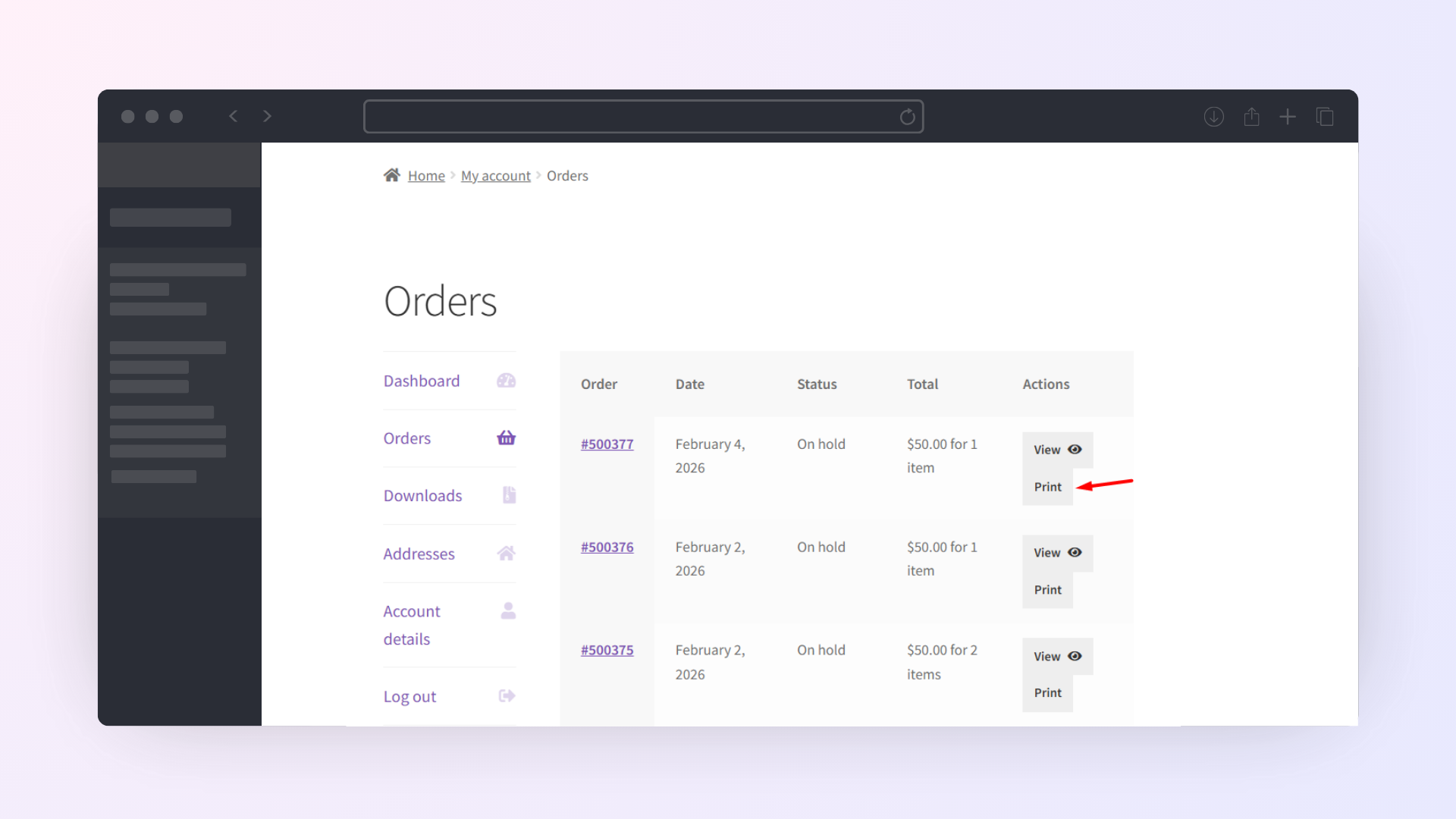
Yes. Customers can access and print their invoices and receipts from My Account → Orders. You can show print buttons on both the My Account page and the individual View Order page.
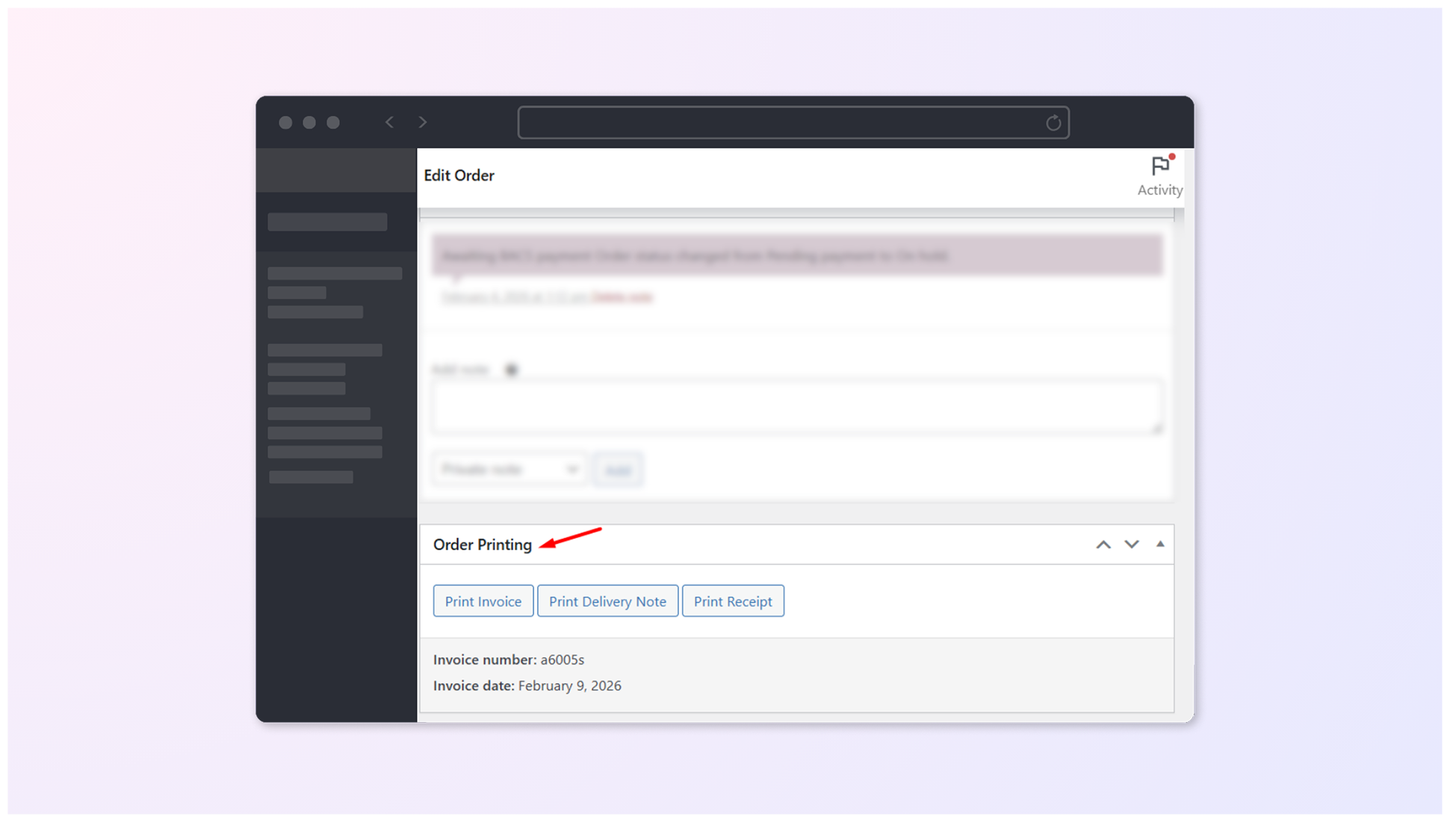
Yes. Admins can print invoices, delivery notes, and receipts directly from the WooCommerce Orders page using the Print buttons or from inside the individual edit order page.
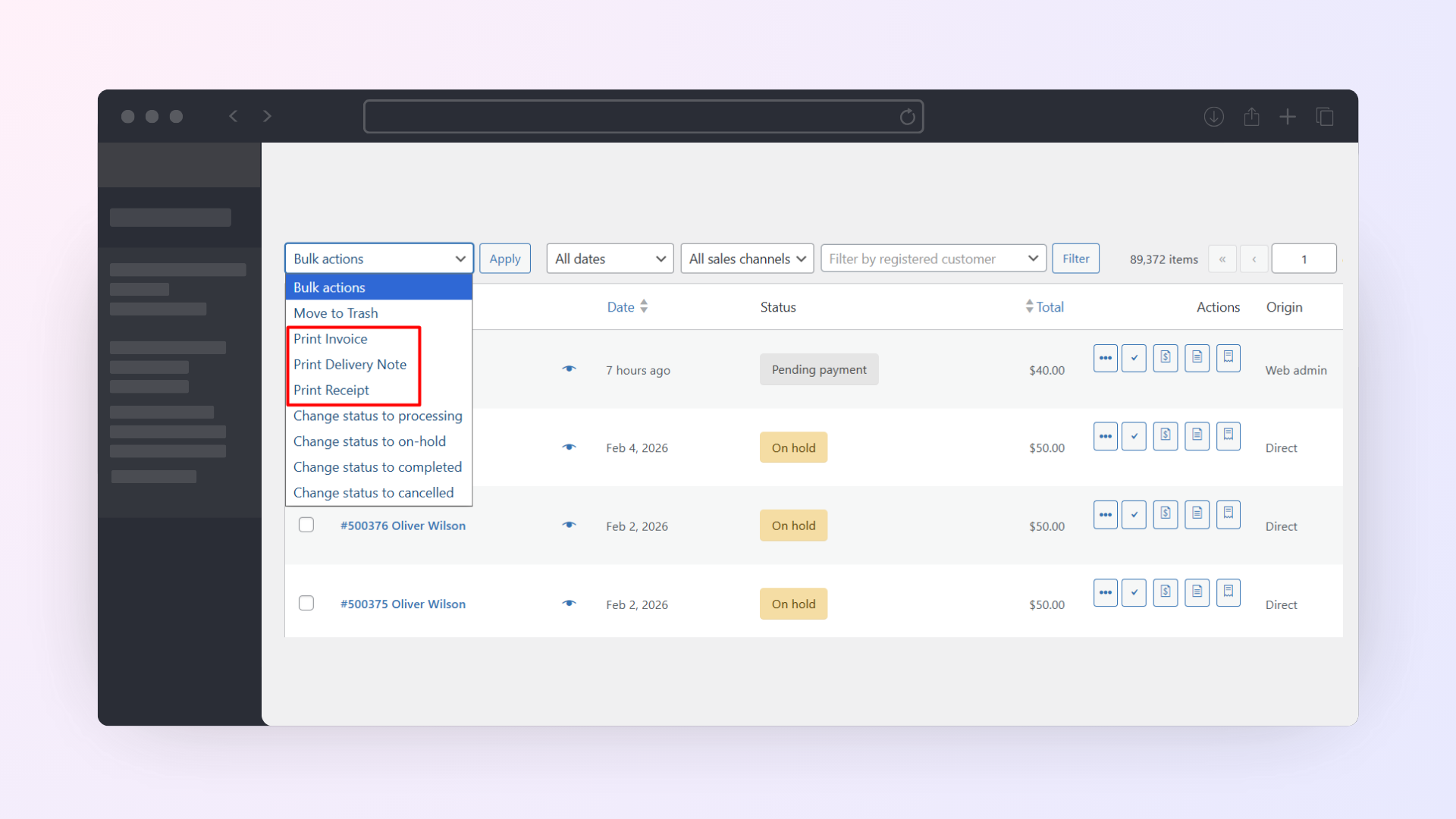
Yes. The plugin supports printing order invoices in bulk. You can select multiple orders from the WooCommerce Orders page and use Bulk Actions to print invoices, delivery notes, or receipts for all selected orders at once.
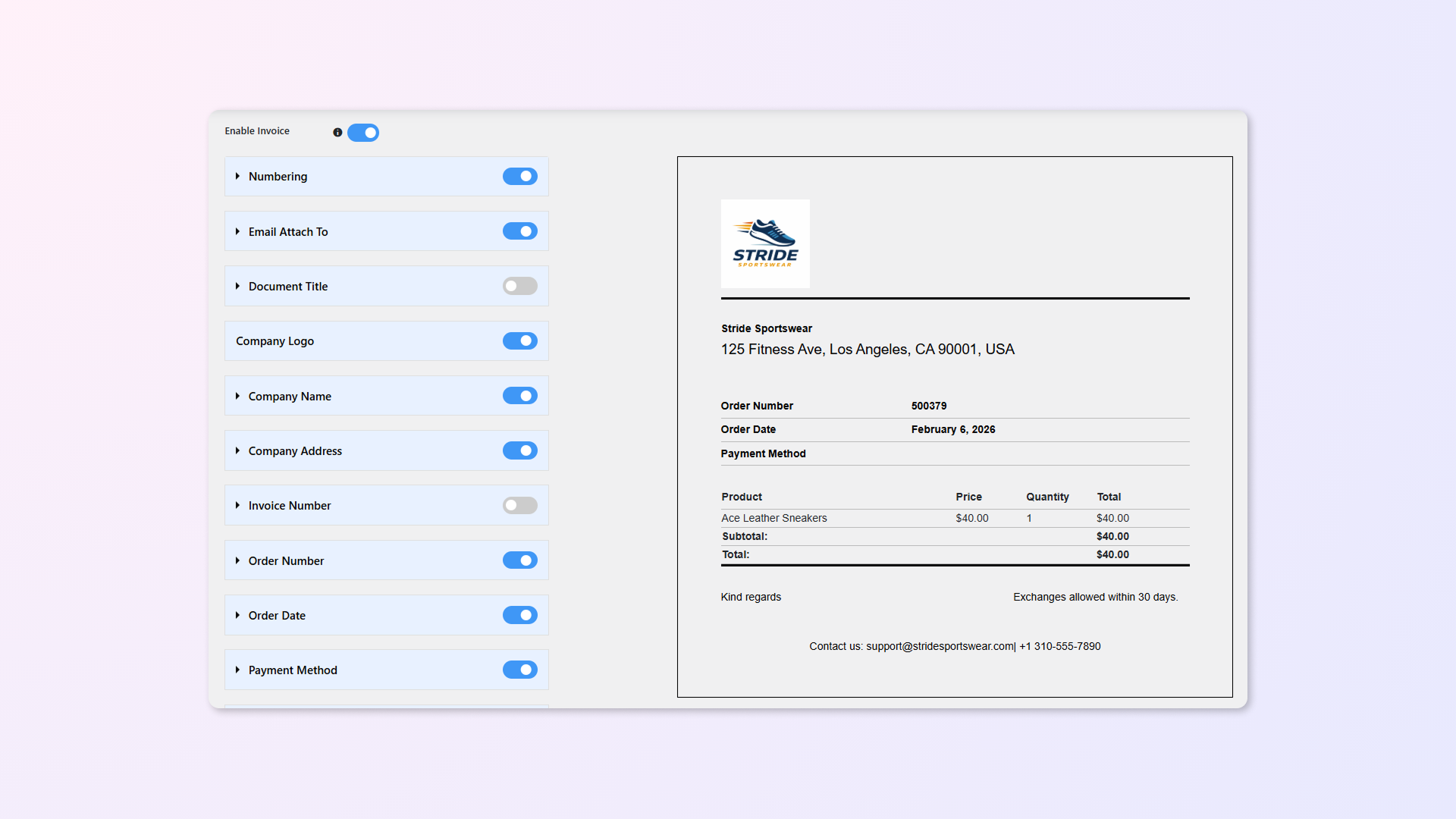
Yes. You can customize the design and content of your invoices, receipts, and delivery notes using the plugin settings. You can also see a live preview of your changes before saving them.
Yes. You can control document titles, text alignment, font size, colors, and choose which fields appear on invoices.
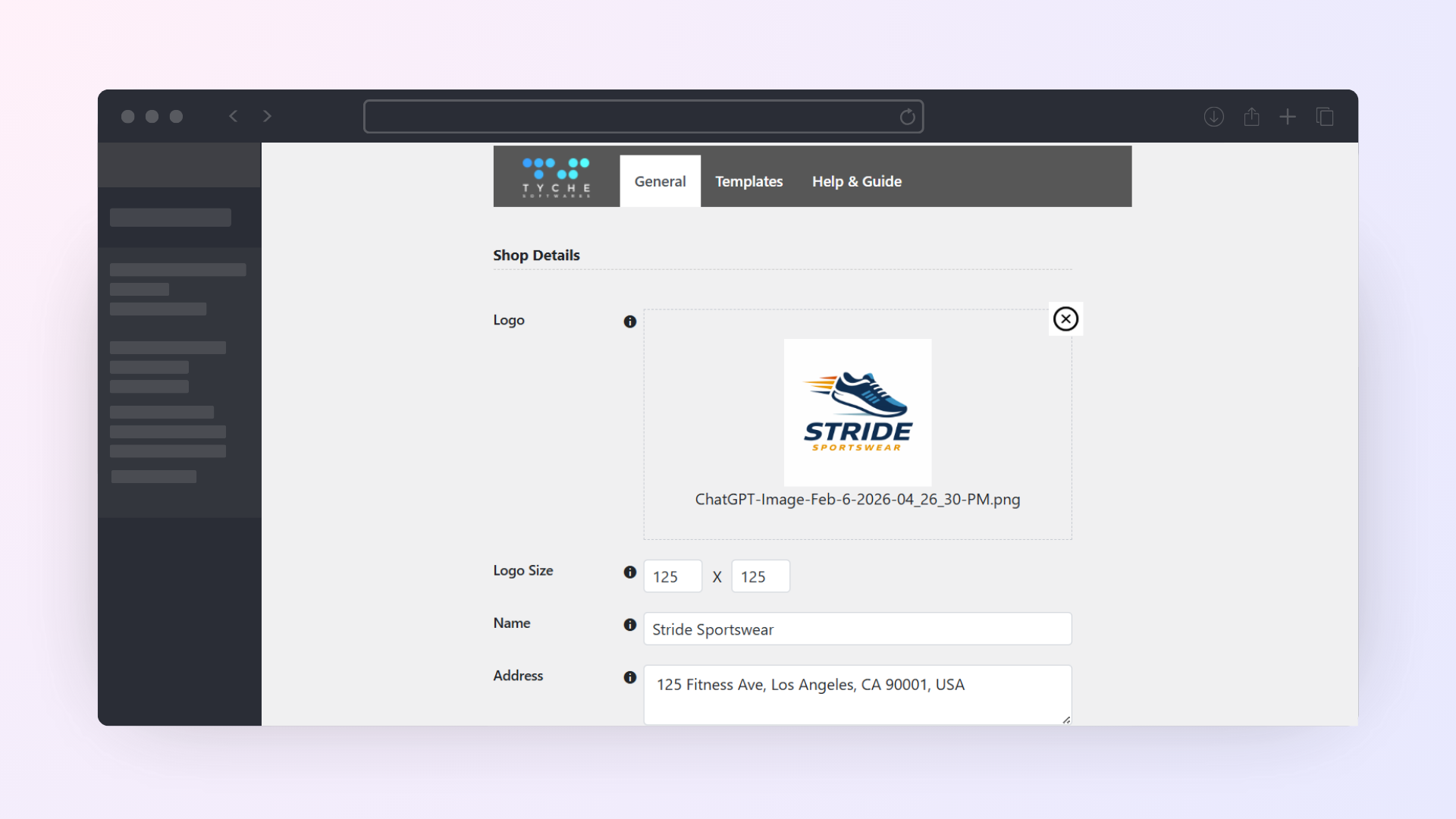
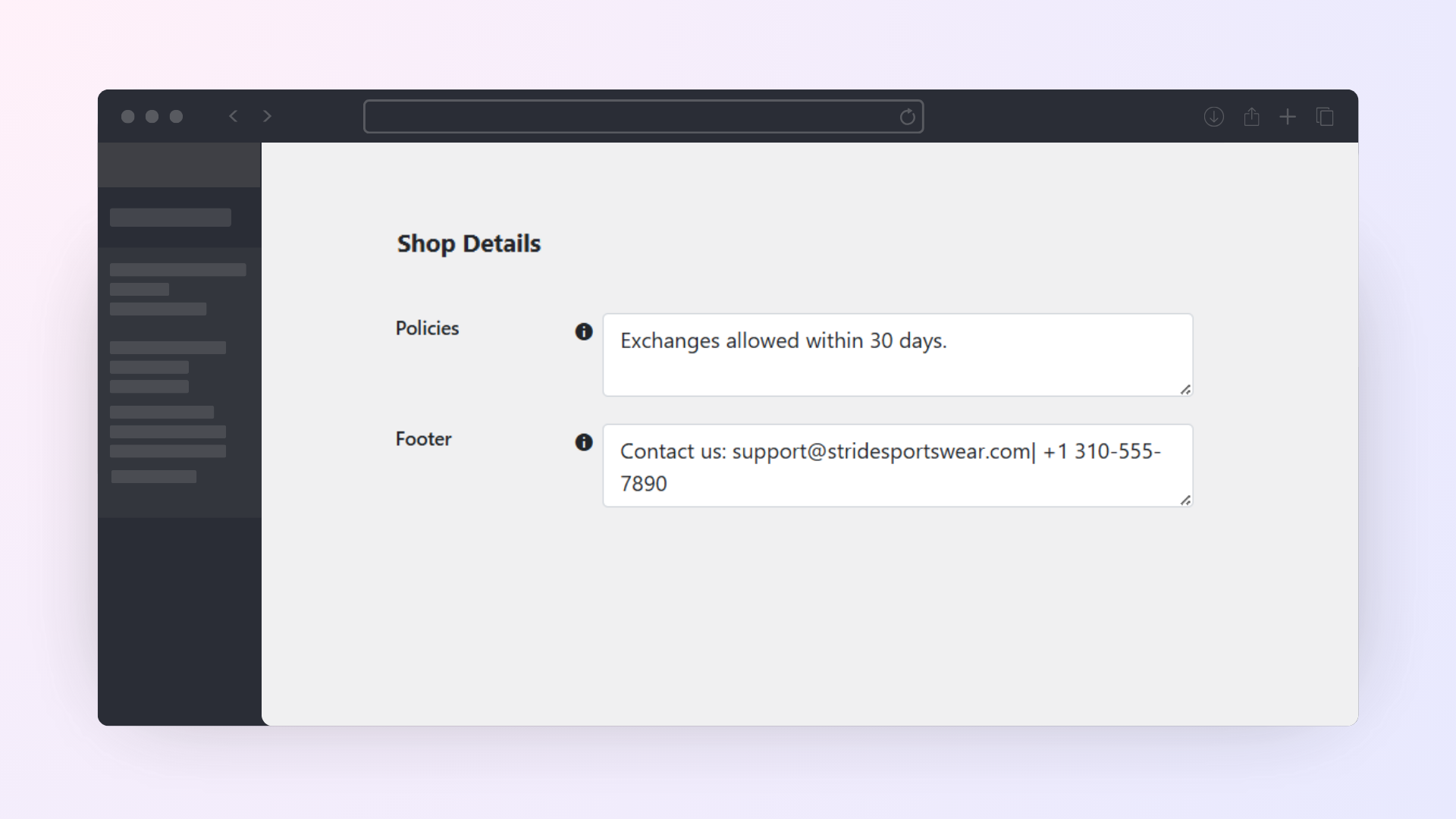
Yes. You can include your company logo, name, address, footer content, policies, and closing text on all documents to ensure they match your store’s branding and business requirements.
Yes. You can choose which details to show, including order number, invoice number, order date, payment method, billing and shipping address, customer contact details, product prices, and customer notes.
Yes. The plugin displays WooCommerce tax data on invoices, including product prices and tax amounts, based on your store’s tax configuration.
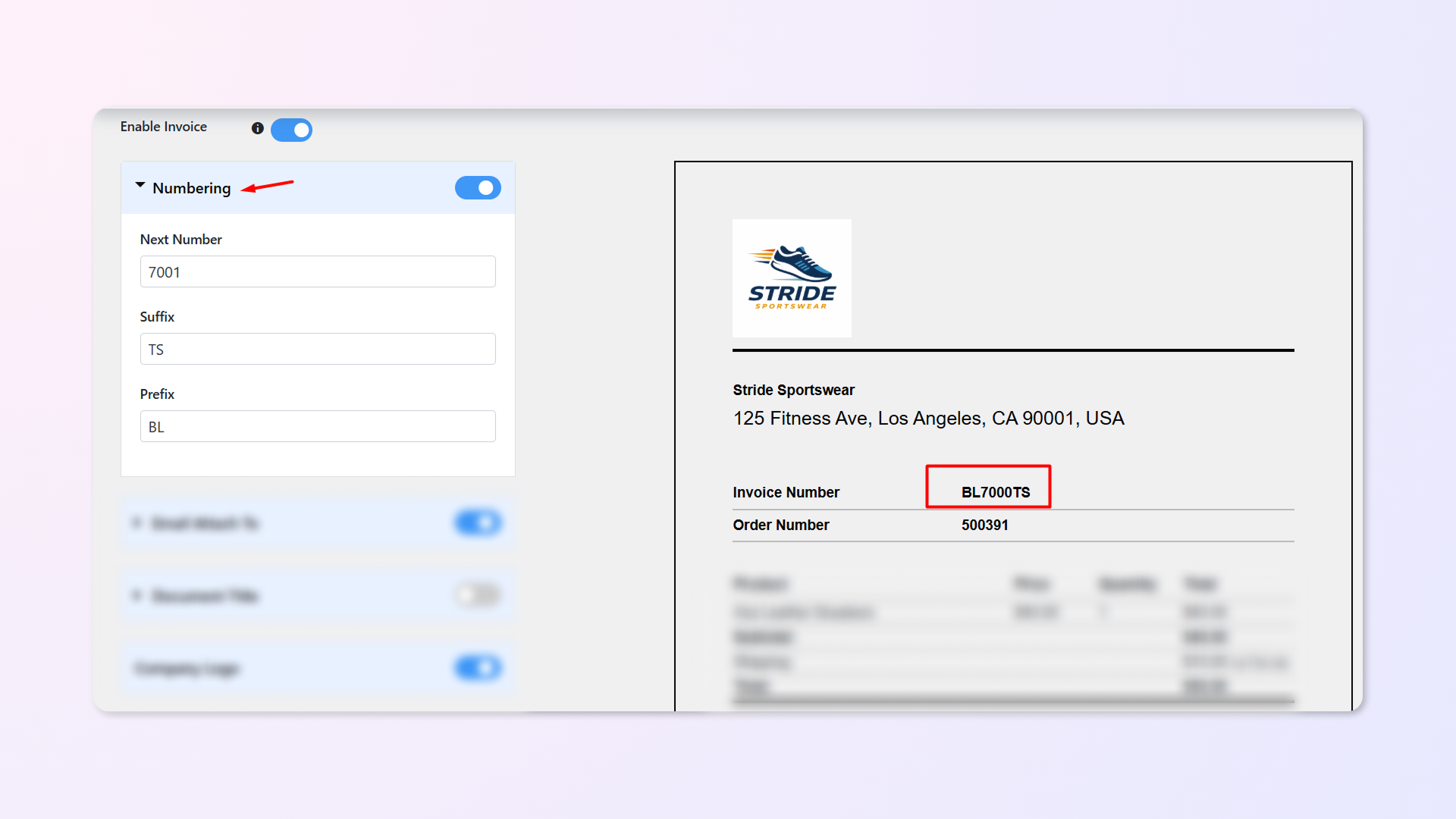
Yes. The plugin lets you use custom order numbers on invoices, including prefixes and suffixes, instead of default WooCommerce order IDs.
Yes. You can translate invoices into any language using a plugin like Loco Translate. Use it to translate the text strings in the Print Invoice & Delivery Notes plugin into your preferred language. Once done, your order invoices will display correctly in your chosen language for your customers.
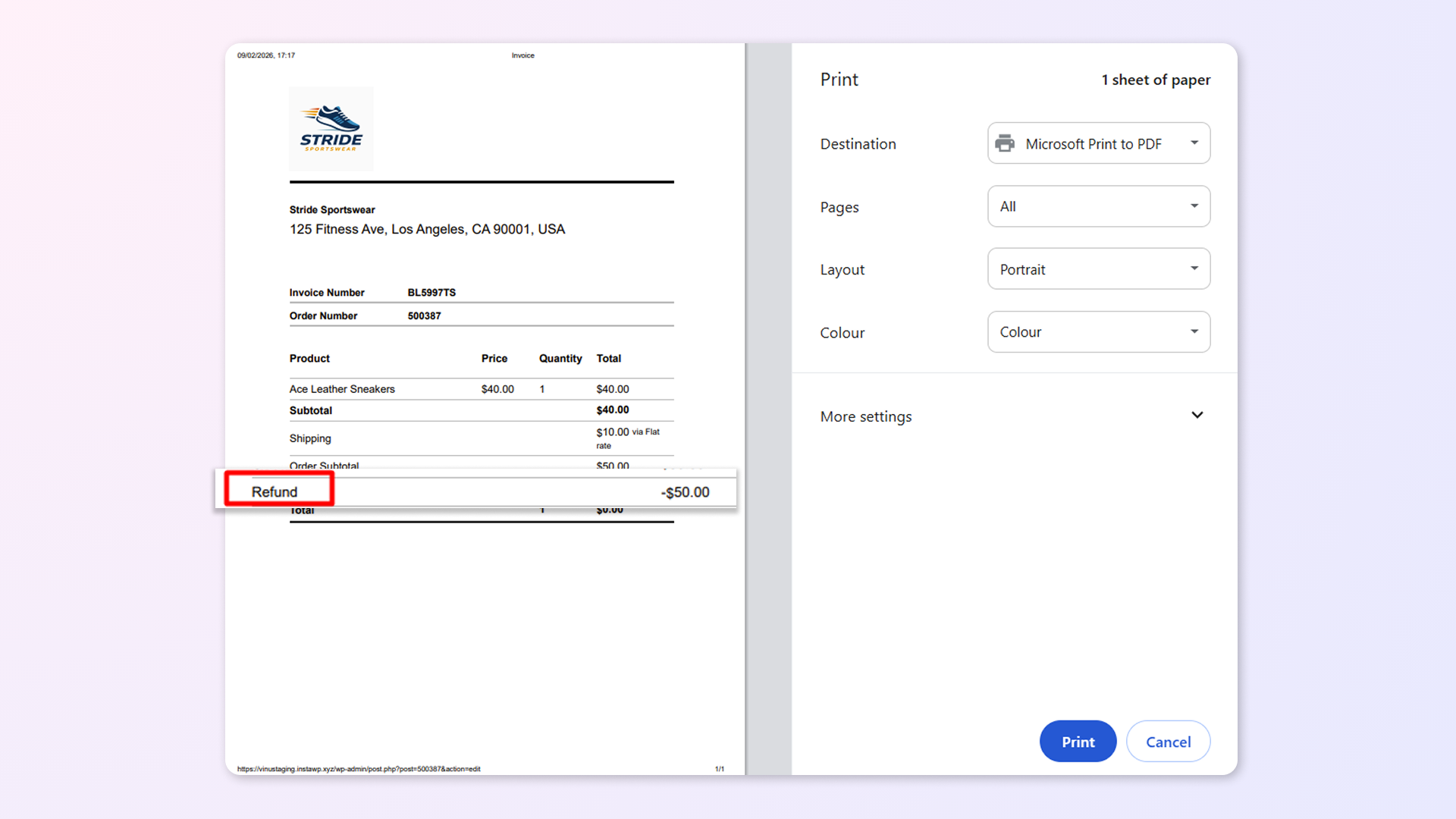
When an order is refunded, the refunded amount is shown on the invoice, and you can still access and print it.
Quality Checks
Countries








