Ícone do produto

Bonsai

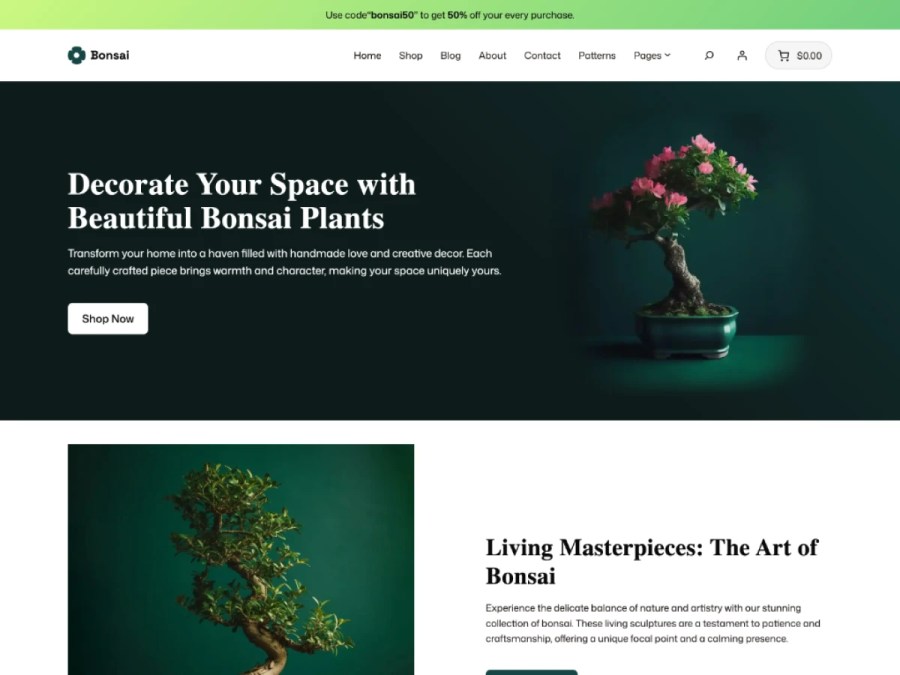
Boost your green sales with the best WooCommerce theme for plant and home decor stores.
Escolha uma opção de cobrança
$49
Economize 20%
$98 $78.40

A assinatura inclui

  • Melhorias e atualizações de produtos
  • Suporte ao cliente
  • Garantia de 30 dias para reembolso

Key Features

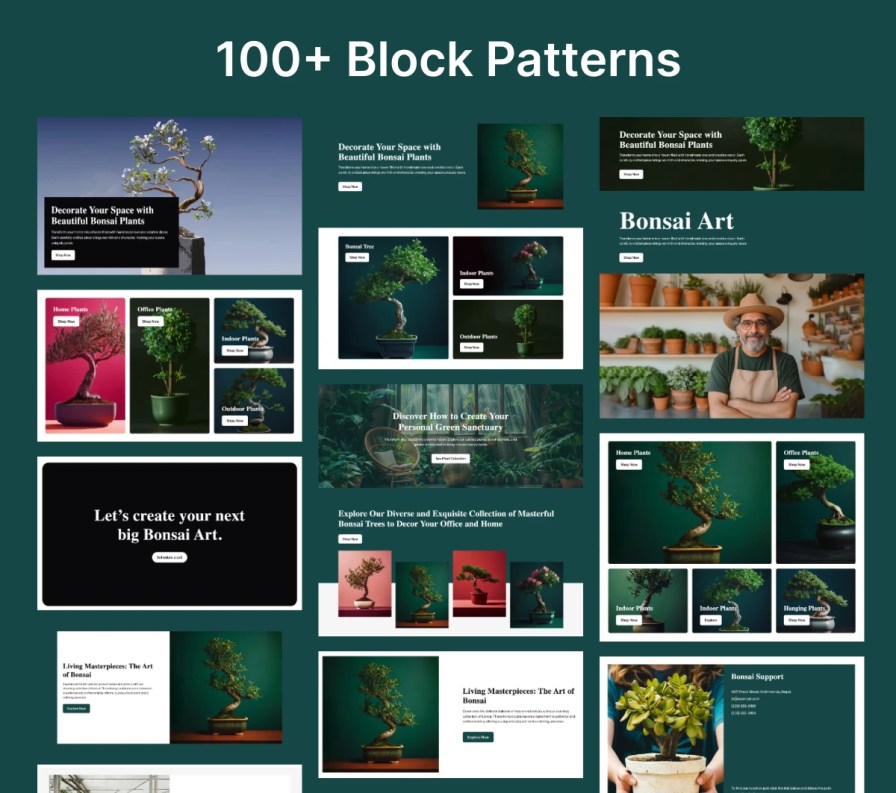
  • Over 100+ pre-built block patterns let you instantly build pages with conversion-optimized layouts.
  • Pre-designed About and Contact pages help you establish trust using ready-made static pages.
  • Engaging home layouts showcase your products with visually striking homepage templates.
  • Pre-designed About and Contact pages help you establish trust using ready-made static pages.
  • Drag and drop editing lets you customize your site live with the intuitive WordPress Editor.
  • Mobile-optimized and responsive design ensures a smooth shopping experience on any device.
  • Multilingual and translation-ready setup allows easy localization with built-in language files.
  • Quick launch with demo content means you can start your site in just one click.

NEW -> Icon Block Library

Collection of SVG Icon Block Library. Easy to change color and size.
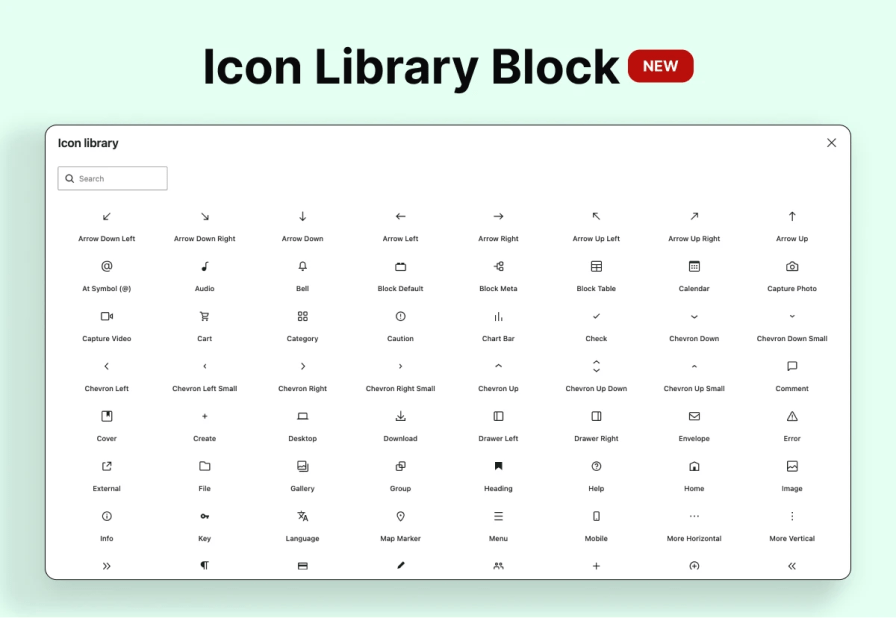
Icon Library Block

Introduction to Bonsai – Full-Site Editing WooCommerce Theme for Modern Plant Stores

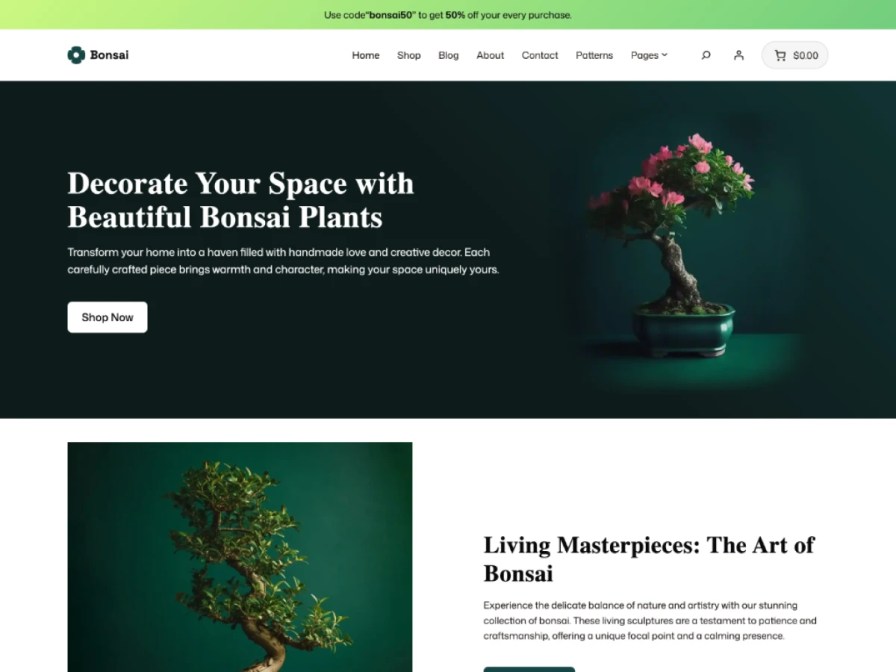
Bonsai is a sleek, powerful, and intuitive WordPress WooCommerce theme designed specifically for online stores selling flowers, indoor/outdoor plants, pots, and home décor. Built with WordPress Full-Site Editing (FSE), it empowers users with complete design control and unmatched flexibility. Whether you’re a florist, gardener, or decor seller, Bonsai brings your shop to life with stunning templates and seamless functionality.
Perfect For:

  • Flower Shops
  • Indoor & Outdoor Plant Stores
  • Garden & Bonsai Product Stores
  • Home Decor Boutiques
  • Eco-Friendly Lifestyle Brands

Bonsai Thumbnail


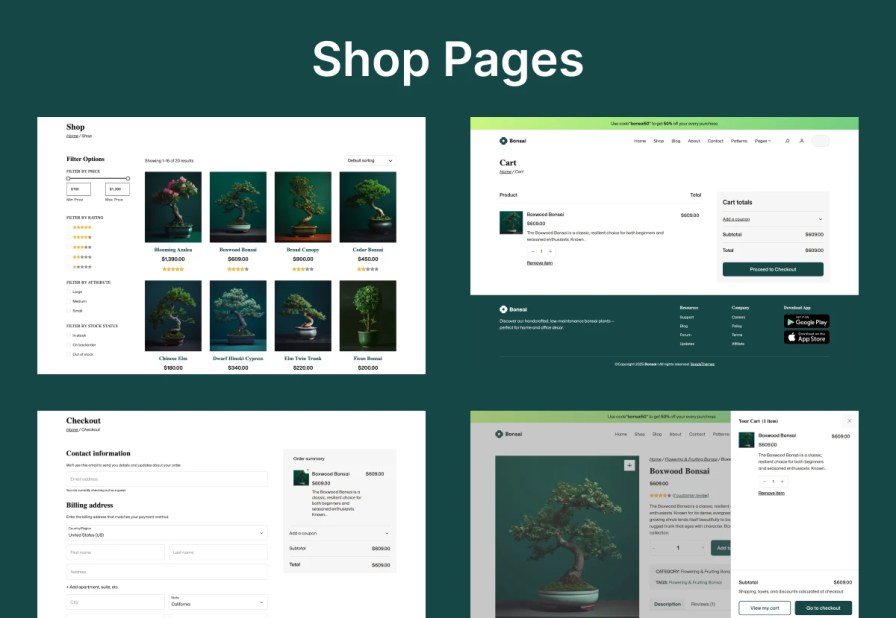
Shop Pages


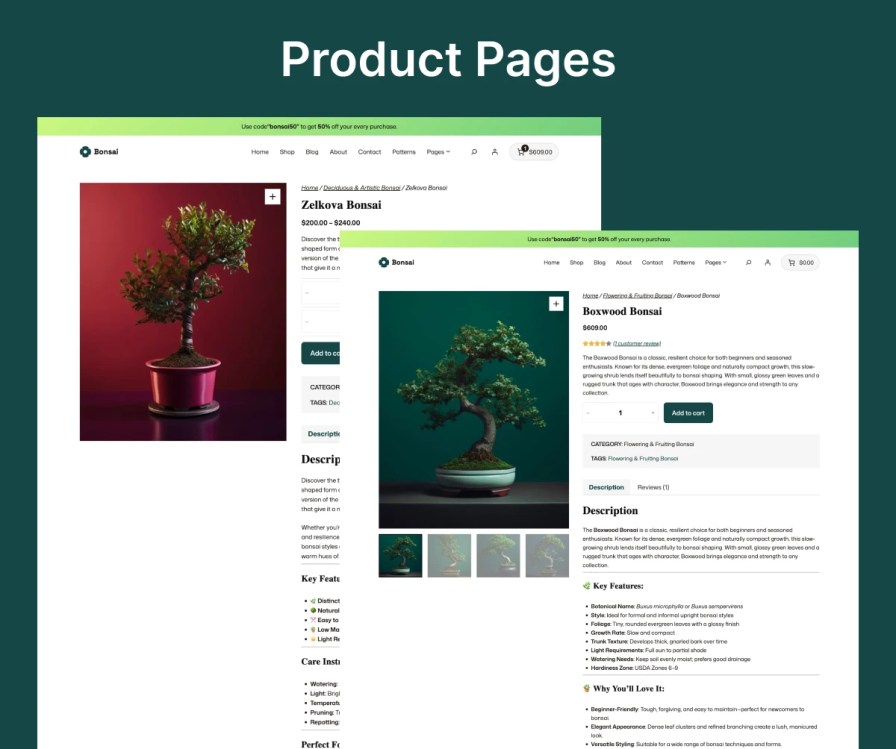
Product Page


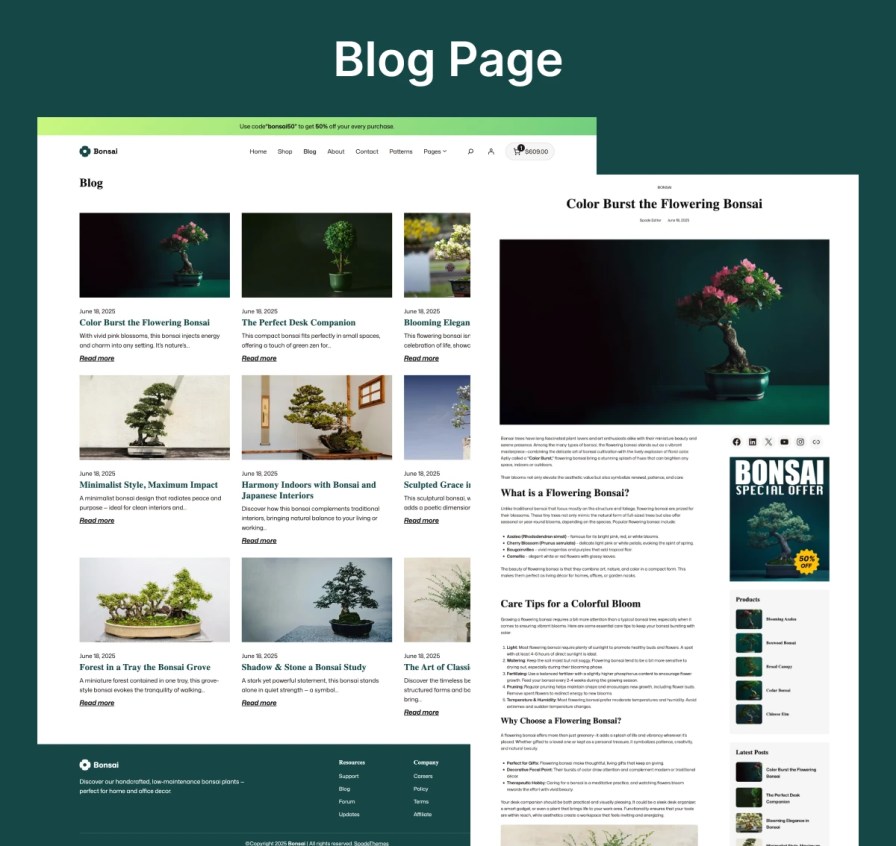
Blog Page

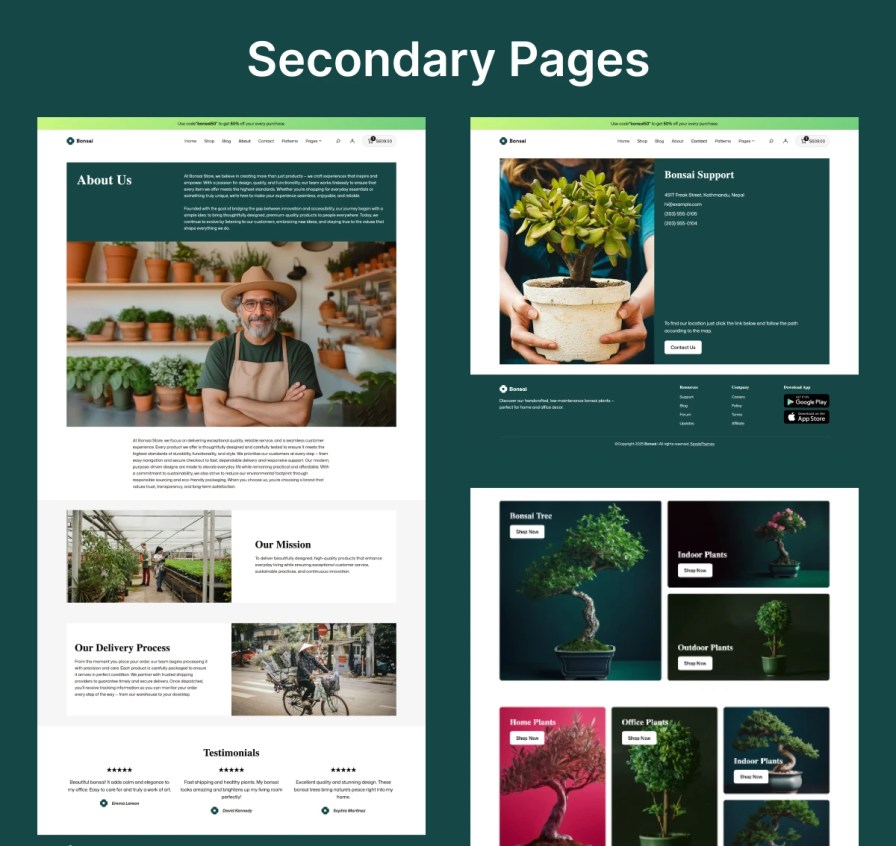
Secondary Pages


Block Patterns


WordPress Full Site Editing

Take full control of your WooCommerce store’s design using WordPress Gutenberg’s full-site editing capabilities—customize every section of your website visually and effortlessly.

Bonsai FSE

GDPR-Friendly Local Font Management

Optimize your typography and protect user data with locally hosted fonts, removing the need for external font services and ensuring full compliance with privacy standards.
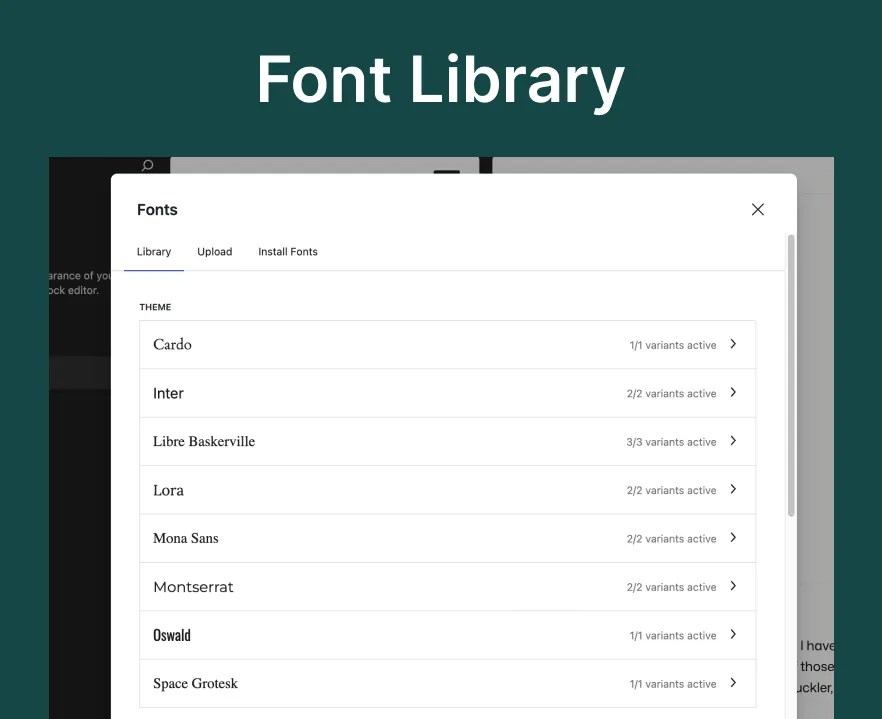
Bonsai Font Library

Unified Global Styling

Maintain a consistent and branded look across your entire store using the robust global styles editor, complete with flexible color palettes and typography controls.
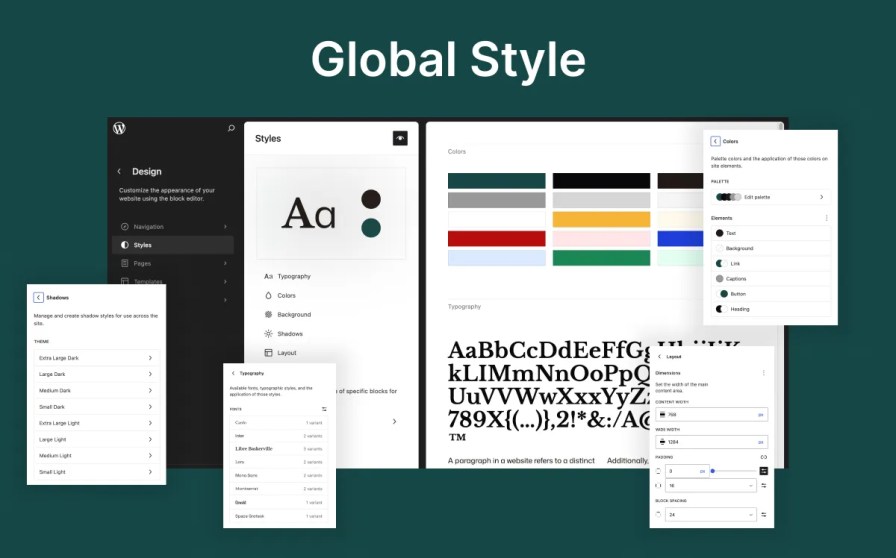

Bonsai Global Style

Instant One-Click Installation Launch your site in no time—import all demo content with a single click and dive straight into customizing your store’s layout and content.

One Click Demo Import


Why Choose Bonsai?

  • Fast Load Times – Built for performance to enhance user experience and conversions.
  • Full-Site Editing – Design and customize every part of your website without touching code.
  • Easy Customization – Adjust headers, footers, colors, fonts, and layouts visually.
  • GDPR-Friendly Local Fonts – Use local typography to stay compliant and stylish.
  • Consistent Branding – Apply global styles across the site for a unified look.
  • SEO Optimized – Designed with SEO best practices to rank better on search engines.
  • Adaptive Design – Looks flawless across desktops, tablets, and smartphones.
  • Regular Updates – Stay future-proof with ongoing feature enhancements and security fixes.

Theme Documentation.

For detailed instructions on installing, setting up, and customizing the theme, refer to the theme documentation.

View Documentation


Perguntas frequentes

How do I import the demo content?

After activating the Bonsai theme and installing required plugins, go to:
Appearance > Demo Import → Click "Import" → Wait for setup to complete. Your site will look just like the demo!

Where can I configure the header layout?

Navigate to Appearance > Editor > Patterns > Headers to select and customize your header layout.

How do I edit the footer area?

Go to Appearance > Editor > Patterns > Footer and customize widgets, text, and layouts as needed.

How can I add patterns?

Goto Dashboard > Pages > Edit Page > Click "Add Patterns" to insert any of the pre-designed layouts.

Avaliações de clientes

Estamos aceitando avaliações para este produto e as exibiremos quando tivermos mais algumas.

Informações da extensão

  • Versão PHP necessária: 7.0
  • Testado com WordPress: 6.9
  • Testado com WooCommerce: 10.6
  • Requer pelo menos o WordPress: 6.9.4
  • Requer pelo menos o WooCommerce: 10.6.1

Países

  • Em todo o mundo

Related themes

Storelio

Capsule

Sophia Lite

Uso dos seus dados pessoais
Nós e nossos parceiros processamos seus dados pessoais (como dados de navegação, endereços IP, informações de cookies e outros identificadores únicos) com base em seu consentimento e/ou nosso interesse legítimo para otimizar nosso site, atividades de marketing e sua experiência de usuário.