

Comparação de produtos
A assinatura inclui
Suporte
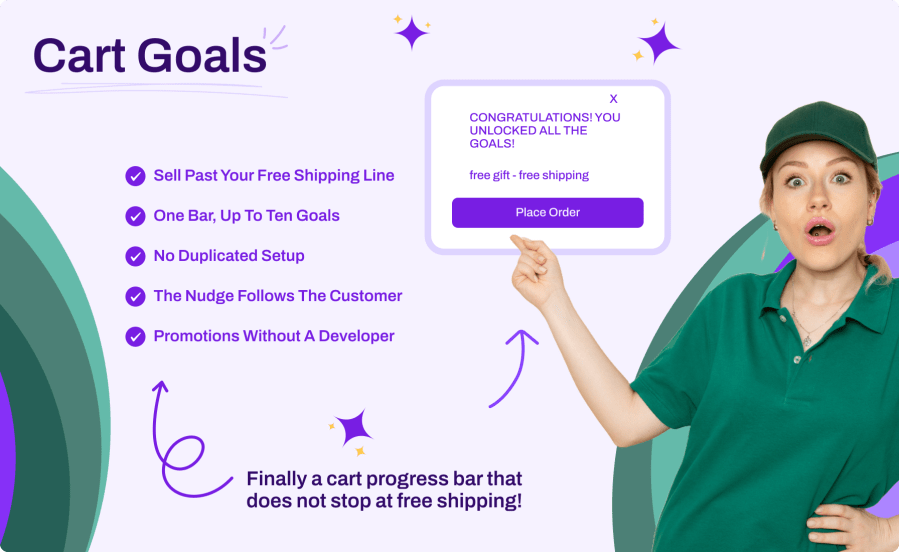
Cart Goals for WooCommerce is a cart progress bar that does not stop at free shipping. It stacks every reward waiting further up the cart on a single track: free shipping, a free gift, and any goal you define yourself. The bar tells the customer what is missing before the next one, and marks each goal off as it is reached. The free shipping amount is read from the Free Shipping method already set up in your shipping zones, so you never type it twice or watch the bar drift out of step with your real shipping rules.
Most progress bars stop at free shipping. Once a customer crosses that line, the reason to add anything else disappears. A ladder keeps going.
A single free shipping threshold gives a customer one reason to add another item, and none at all once they cross it. Cart Goals puts every reward on one track. Each goal is a labeled marker; the fill runs to the highest one. A customer at 35 with goals at 30, 60, and 90 sees the first one earned and two still ahead, which is the difference between a bar that congratulates and a bar that sells.
In automatic mode the bar reads the minimum order amount from the Free Shipping method in the zone that matches the customer, so there is no second copy of the number to maintain. Change your free shipping amount on the shipping method and the bar follows immediately. A card in the settings names the exact method and zone it read, so you can confirm it in one glance. A manual mode is there when your free shipping is handled elsewhere.
If you run the Cart Free Gift extension, its threshold and gift label appear on the bar automatically. Both extensions read the same number, so they cannot show your customer two different figures. Nothing to configure, and nothing breaks when Cart Free Gift is not installed.
Gift wrapping, a sample in the box, priority handling, a handwritten note. A custom goal is a label and a cart amount, so you can advertise anything you are willing to promise and fulfill it in your own workflow. That covers the promotions that never fit a plugin’s feature list.
Progress bars for WooCommerce fall into two groups: those built around a single free shipping threshold, and those that track several goals. Cart Goals is in the second group. Reading the threshold from your shipping zones is common to the serious plugins in this category rather than unique to any of them, so the real differences are how many goals fit on one bar, where the bar can appear, and how it behaves alongside a dedicated free gift extension.
| Cart Goals for WooCommerce | Shipping Progress Bar (Novoa Studio) | Free Shipping Progress Bar for WooCommerce (FmeAddons) | Cart Goal Booster (free and Pro) | |
|---|---|---|---|---|
| Goals on one bar | Up to 10, plus free shipping | Free shipping only | Free shipping only | 1 free, up to 3 in Pro |
| Free shipping amount | Read from the Free Shipping method in the matching shipping zone, or manual | Reads your shipping zone configuration | Works from the free shipping zones set in WooCommerce | Entered manually |
| Free gift goal | Reads the threshold from Cart Free Gift, sold separately | No | No | Built in, Pro only |
| Display locations | Cart, mini cart, checkout, product pages | Product, cart, checkout, plus a shortcode | Shop, product, cart, top or bottom placement | Top or bottom of page, sticky |
| Mini cart | Yes | Not stated | Not stated | Not stated |
| Cart and Checkout blocks | Yes, stated | Not stated | Not stated | Not stated |
| Tested up to | WooCommerce 11.0 | WooCommerce 10.8 | WooCommerce 10.9.4 | WordPress 6.9.7, WooCommerce not stated |
Where the others are stronger, plainly: Cart Goal Booster Pro adds the free gift to the cart itself, where Cart Goals displays the goal and leaves the gift to the Cart Free Gift extension, which is a separate purchase. FmeAddons offers country-specific restrictions that Cart Goals does not have. Shipping Progress Bar ships a shortcode so you can drop the bar anywhere in a template, and both it and Cart Goal Booster offer a sticky bar pinned to the top or bottom of the window. Cart Goals does neither.
If one free shipping threshold is all you advertise, a single-goal plugin will do the job and cost less. Cart Goals earns its place when you have more than one reward to show, when you want the nudge in the mini cart as well as the cart, or when you already run Cart Free Gift and want one bar rather than two competing messages.
Cart Goals for WooCommerce, with updates and support through your WooCommerce.com account.
Before you buy, check these:
No. In automatic mode the extension reads the minimum order amount directly from the Free Shipping method in the shipping zone matching the customer. Change it on the shipping method and the bar follows immediately, with nothing to update in the extension. A card in the settings names the exact method and zone the amount came from, so you can confirm it at a glance.
No. Cart Goals displays goals and tracks progress toward them. Adding a gift product to the cart is what the Cart Free Gift extension does. When both are active, Cart Goals reads the gift threshold from Cart Free Gift so the two always show the same number, and Cart Free Gift handles the product itself.
Yes. A custom goal is a label and a cart amount. The extension shows it and tracks progress toward it; you fulfill the promise in your own order workflow. That is what makes custom goals useful for perks like gift wrapping, a sample in the box, priority handling, or a handwritten note.
Up to ten custom goals, in addition to the free shipping goal and the Cart Free Gift threshold when that extension is active. Goals sort themselves from lowest to highest amount, and two goals set to the same amount are collapsed into one.
Yes. The bar renders above both the classic shortcodes and the Cart and Checkout blocks, and refreshes on block cart events without a page reload.
Yes. The extension declares compatibility with High Performance Order Storage (HPOS) and with the Cart and Checkout blocks.
That depends on a setting you control. By default progress is measured after coupon discounts. Turn off Apply coupon discounts and progress is measured on the subtotal before discounts, so a coupon does not push a customer back below a goal they had already reached. If your Free Shipping method is itself set to ignore discounts, that rule wins and the bar follows it.
Yes, as long as at least one goal exists. You can run it on custom goals alone, or set a manual amount. If no goal at all can be resolved, the bar does not render rather than showing an empty track.
The four locations are switched on and off independently. The bar renders above the cart, inside the mini cart, above the checkout form, and above the product summary. There is no shortcode, and it is not a sticky banner pinned to the top or bottom of the window. If you need it somewhere else, a developer can move it, and the fsb_milestones filter is available for adding goals programmatically.
The bar fills completely and switches to your achieved message, which you write yourself. On the cart and checkout the bar hides itself while the cart is empty; on product pages it always shows, with the full amount remaining, so it works as an incentive before the first add to cart.
Categorias
Informações da extensão
Países







