

Das Abonnement beinhaltet
Support
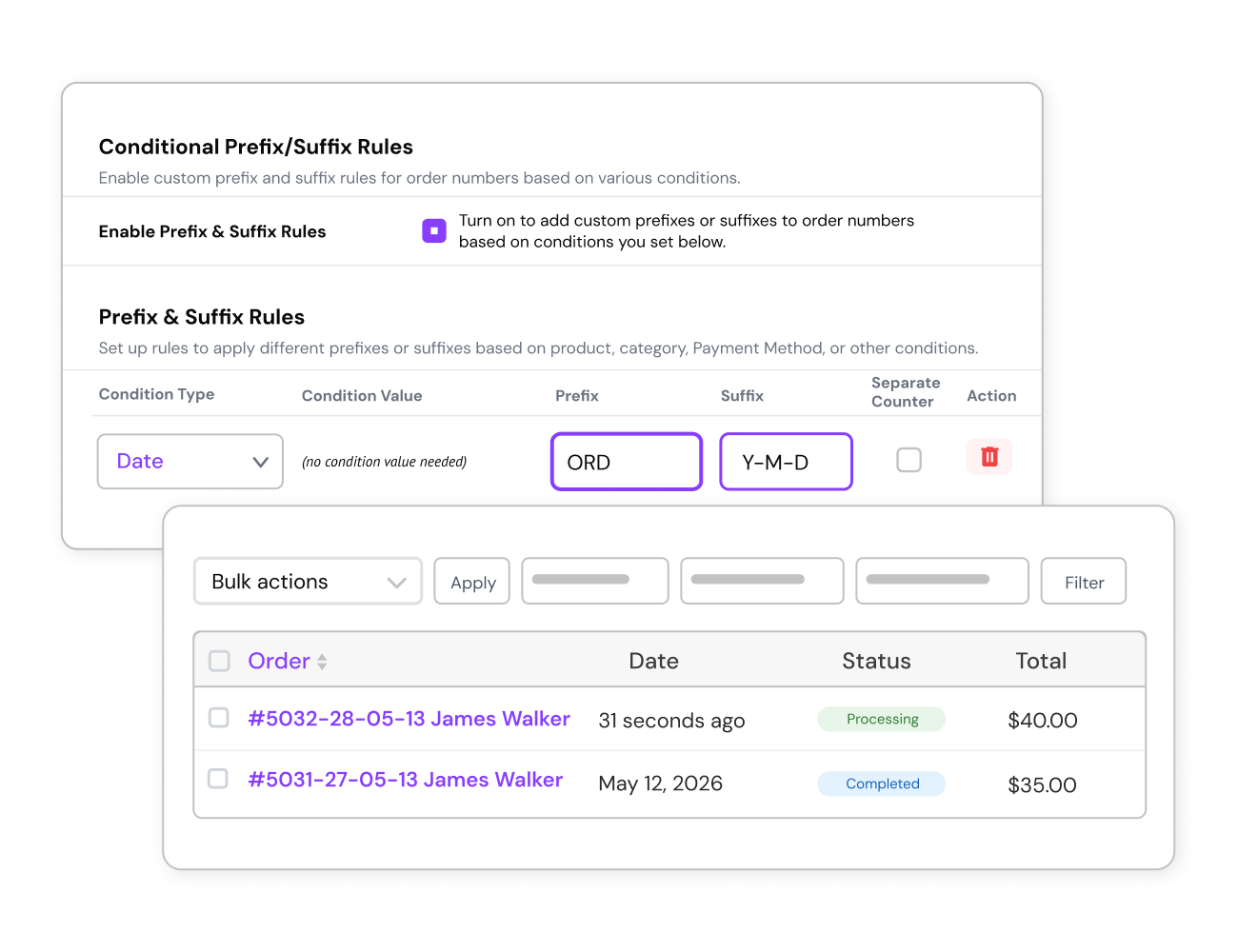
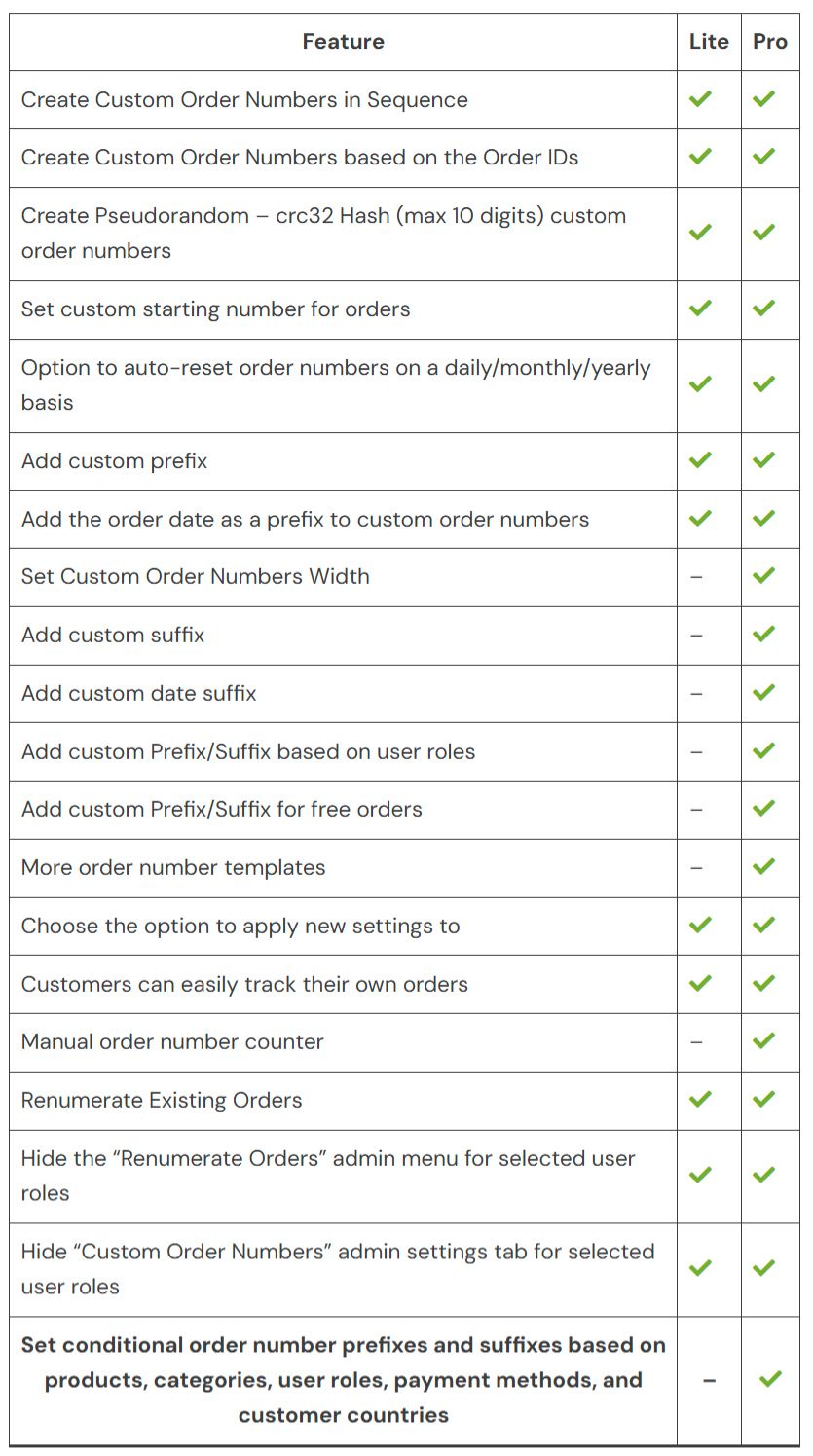
 Date-Based Order Number Prefix
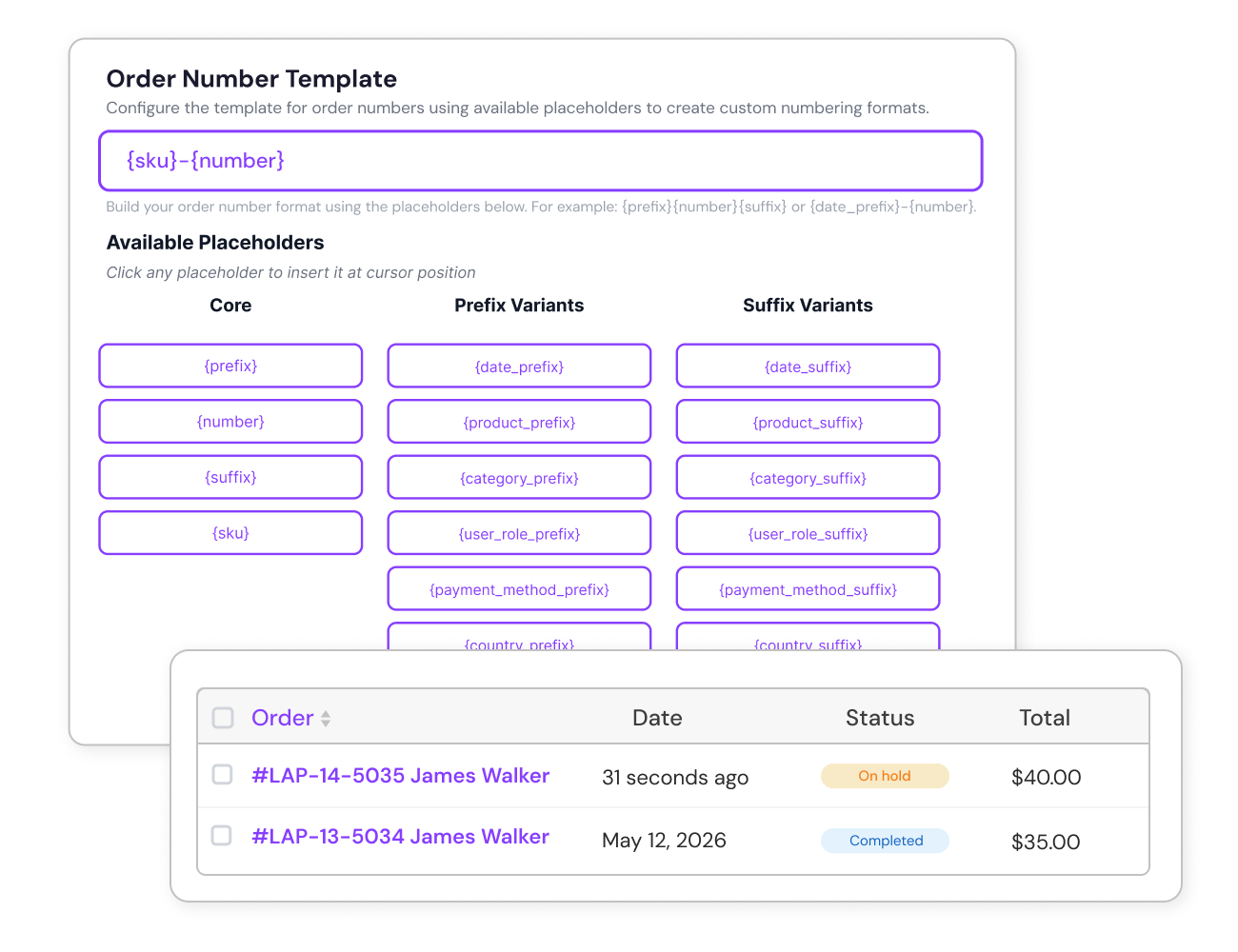
  Product-specific SKUs to Order Numbers
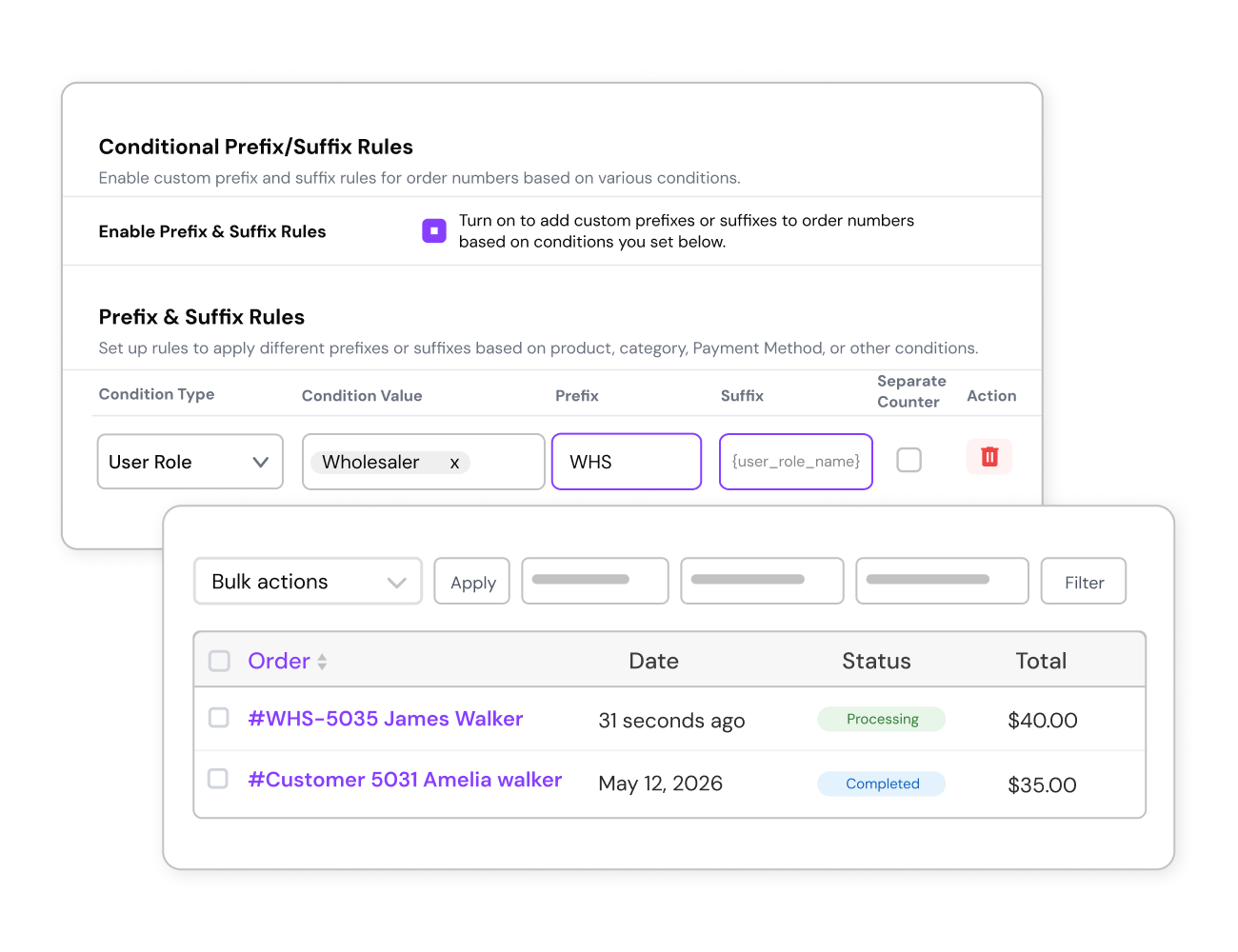
  Conditional Prefixes & Suffixes for Smarter Order Numbers
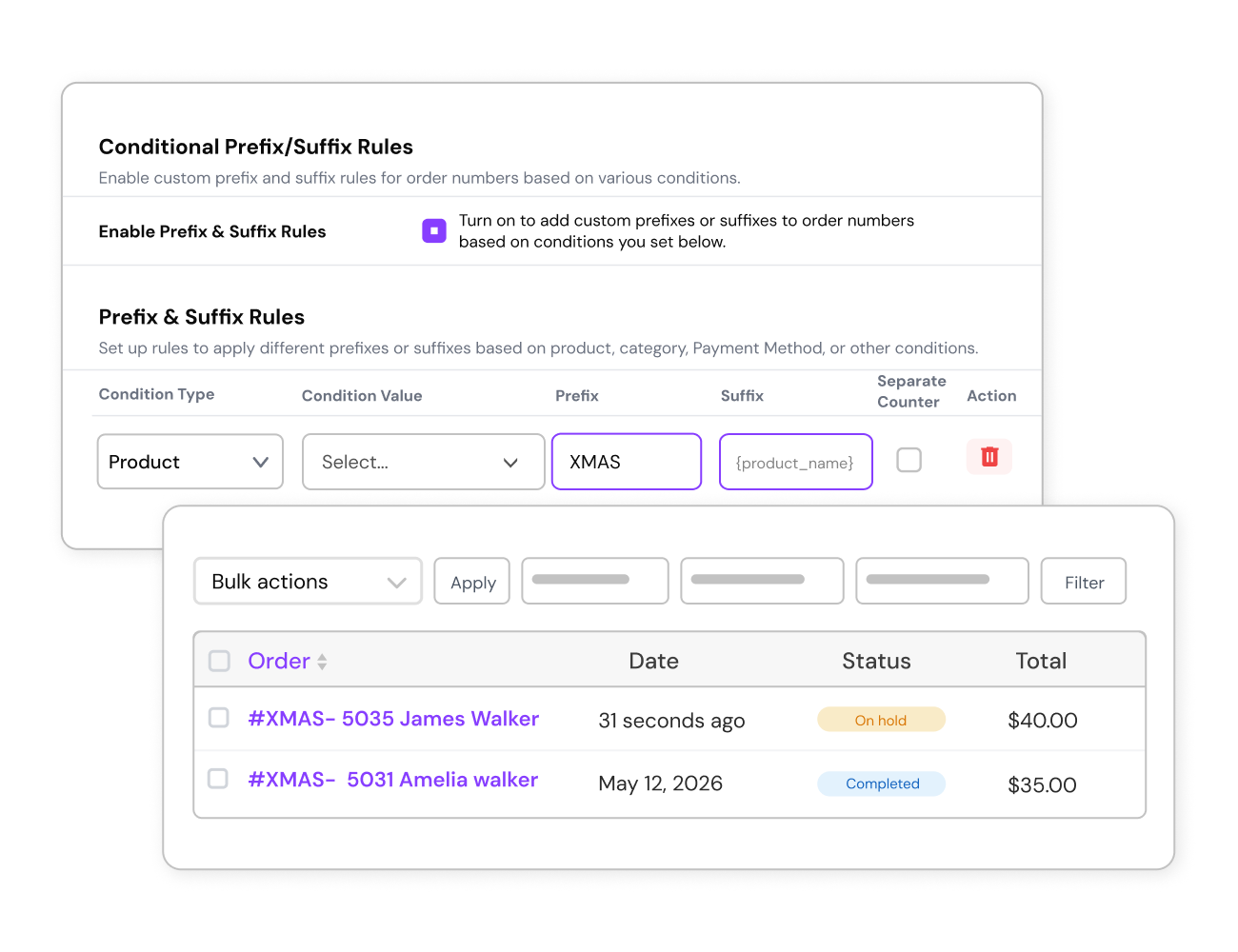
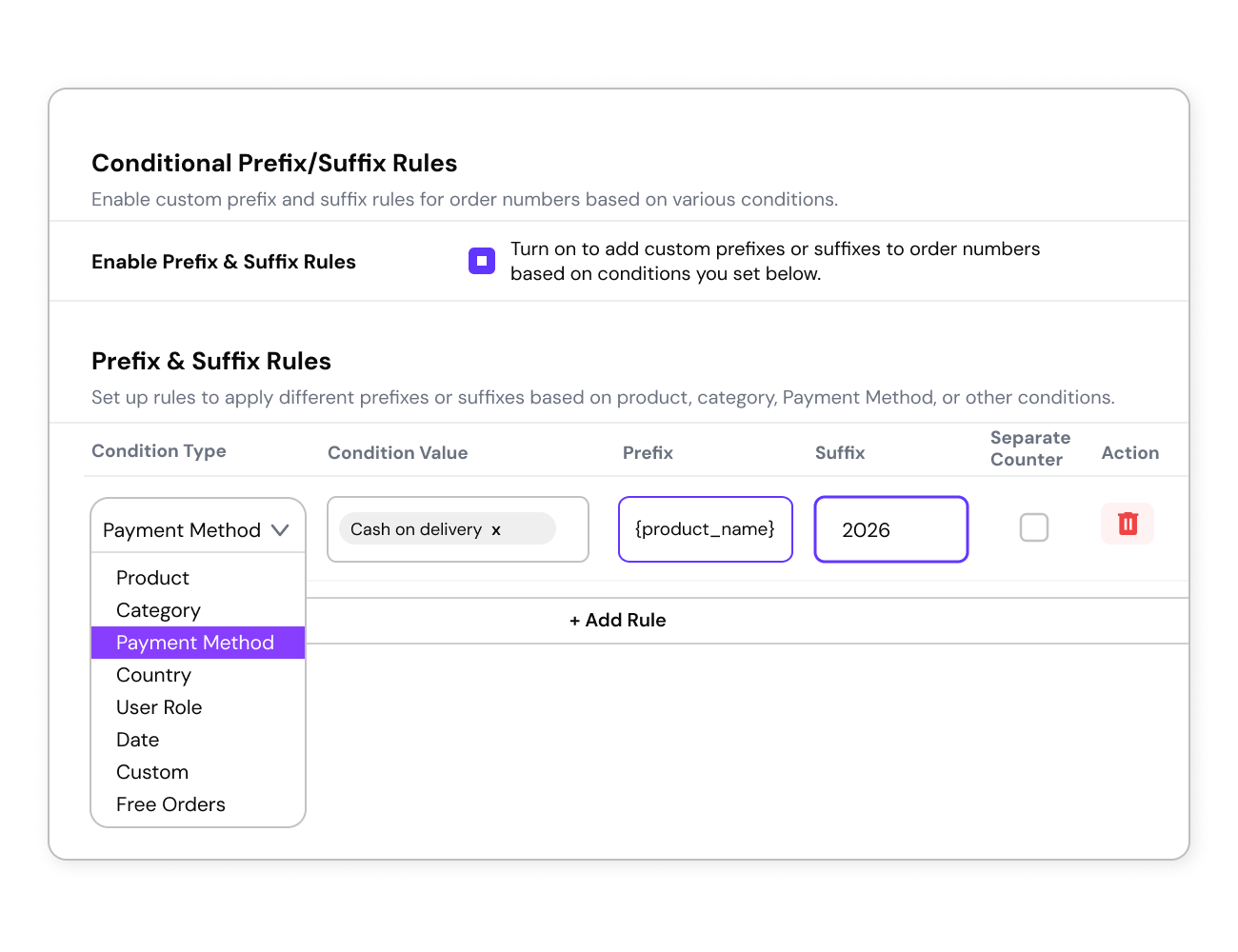 Seasonal or Campaign Tags in Order Numbers
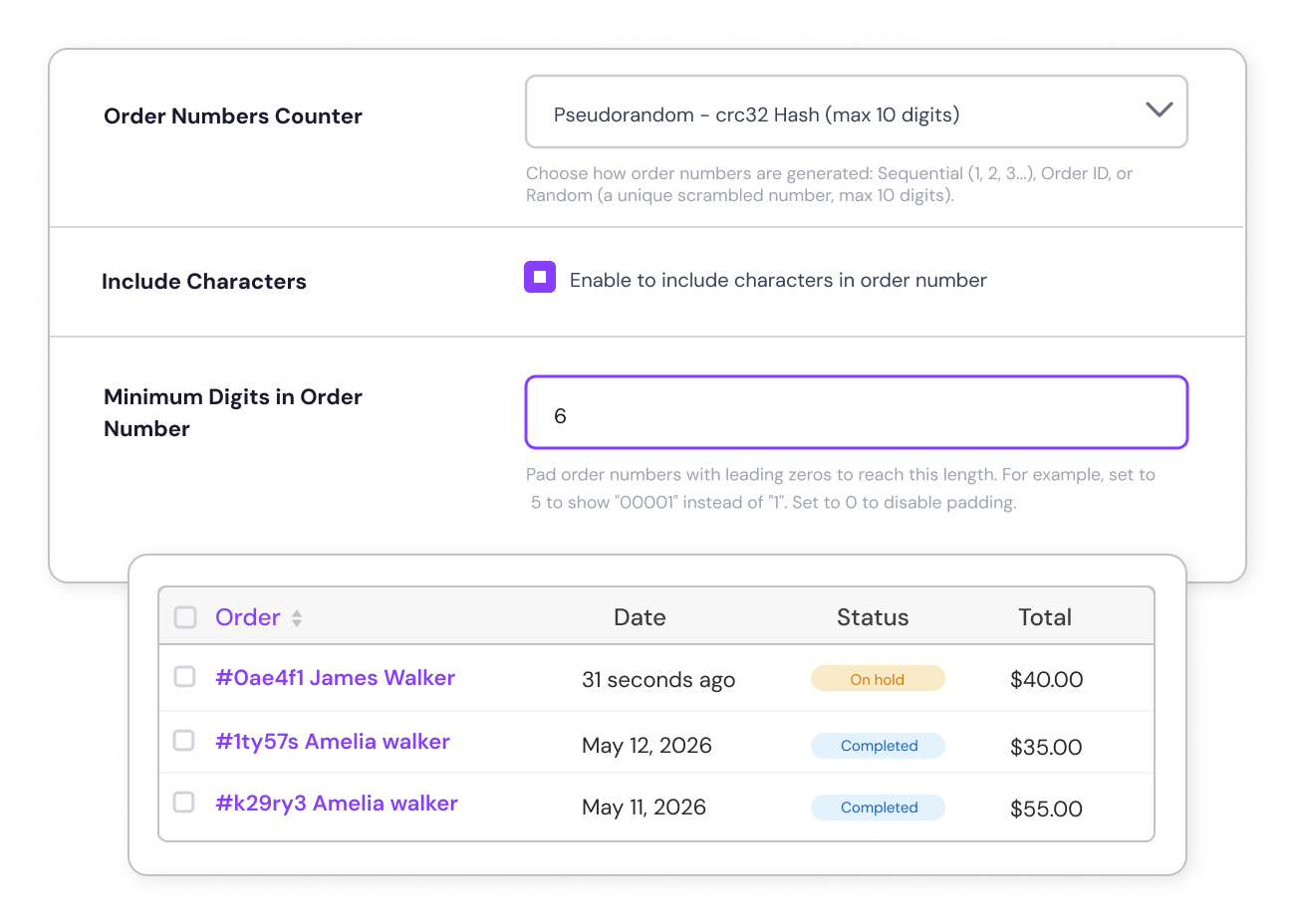
  Set a Consistent width for Order Number
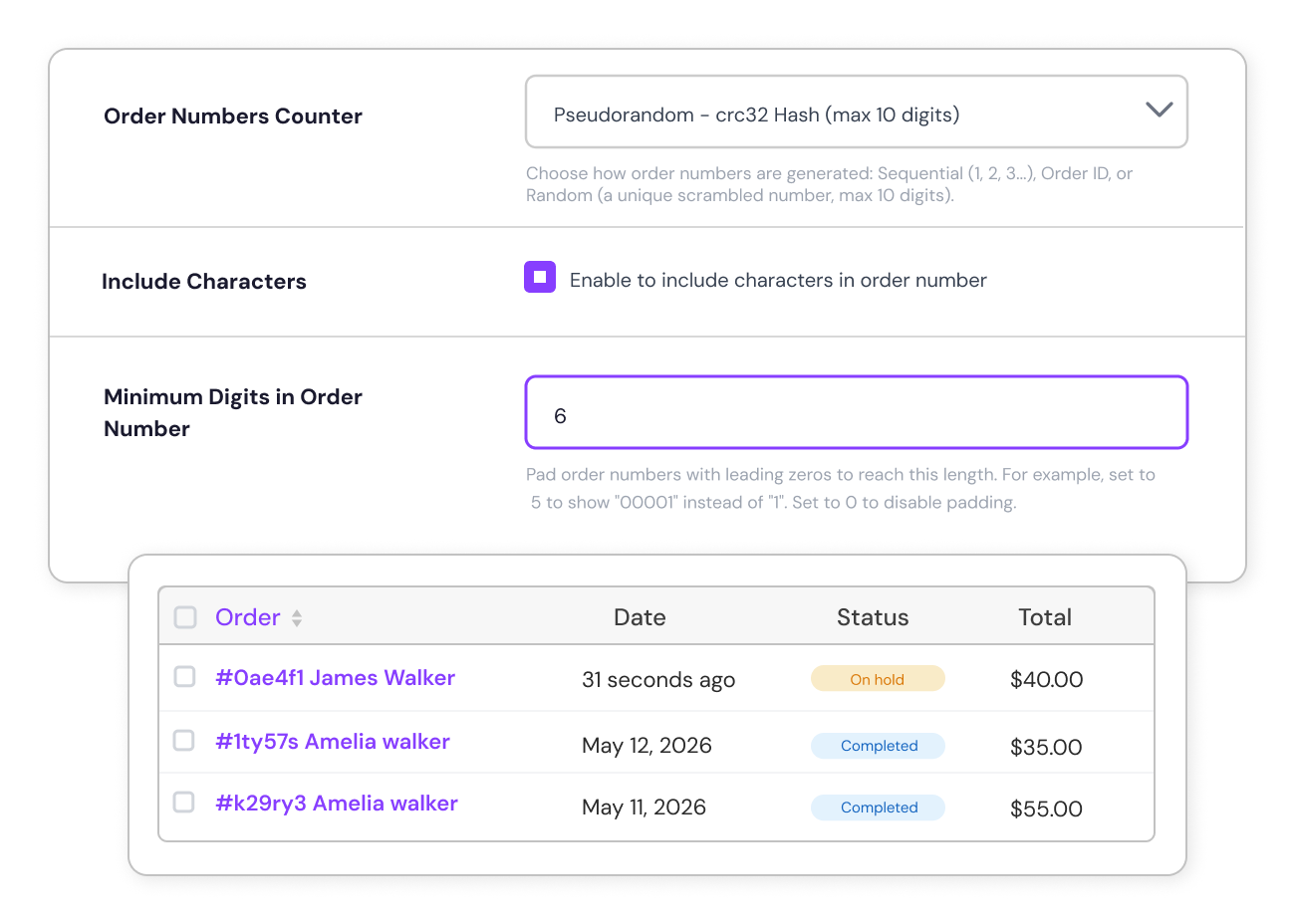
  Randomized Order Numbers
  Role-Based Custom Order Numbering
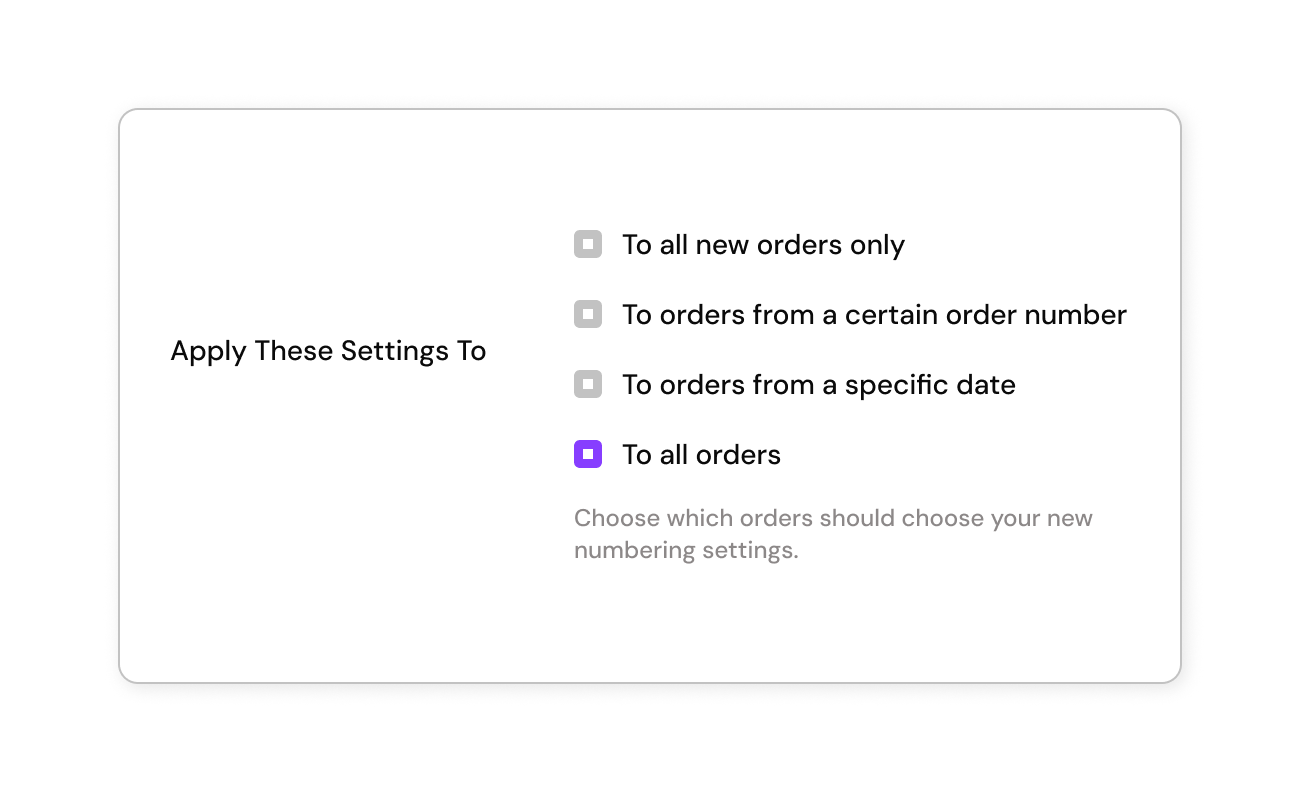
 Apply Order Number Changes to All Orders
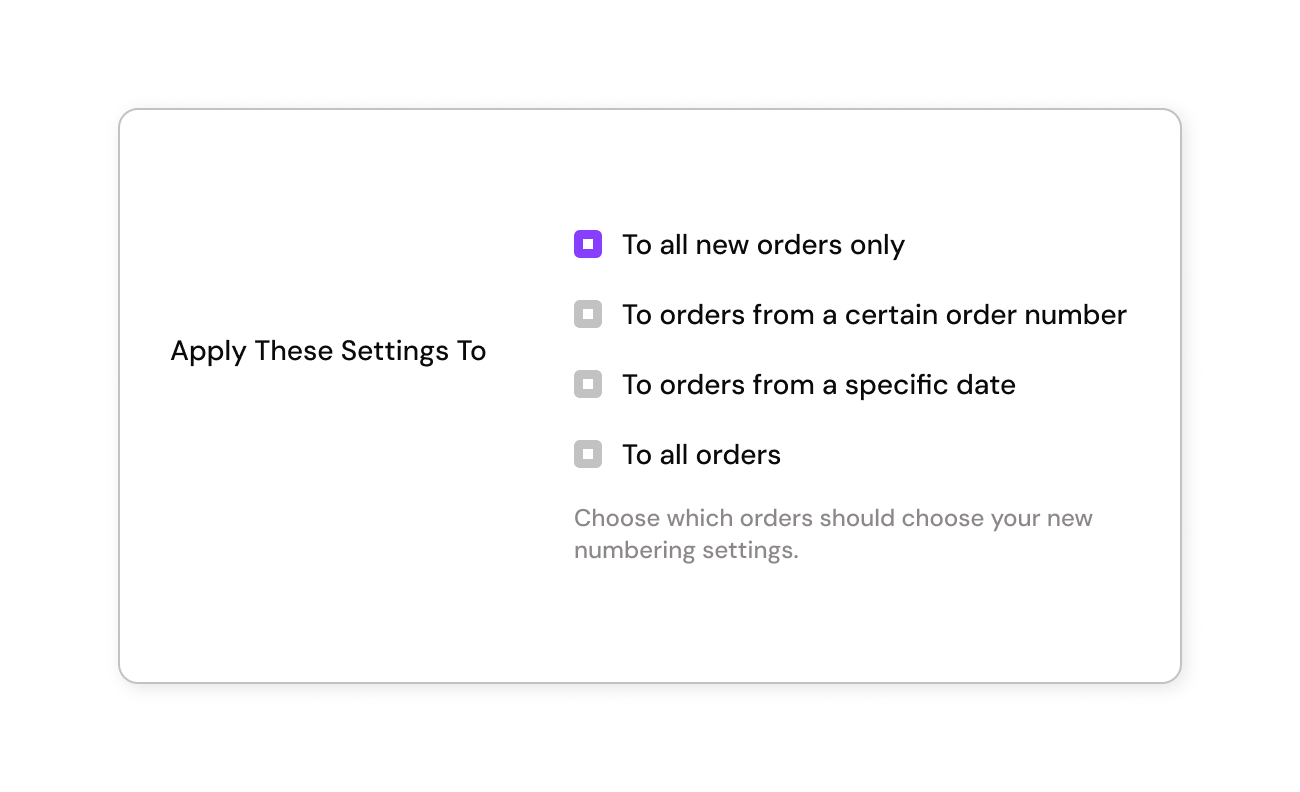
  Apply Order Number Changes to New Orders Only
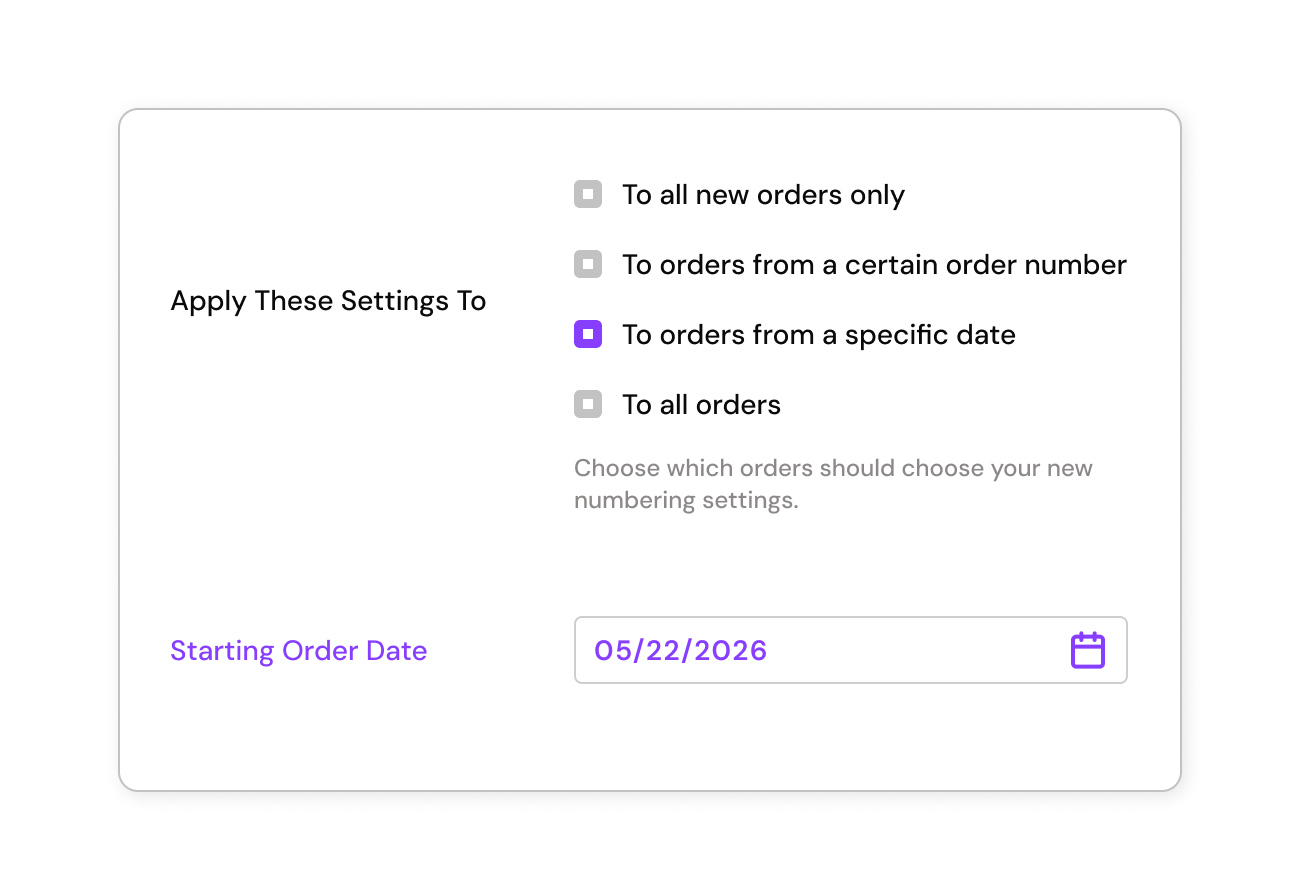
  Apply Order Number Changes from a Specific Date
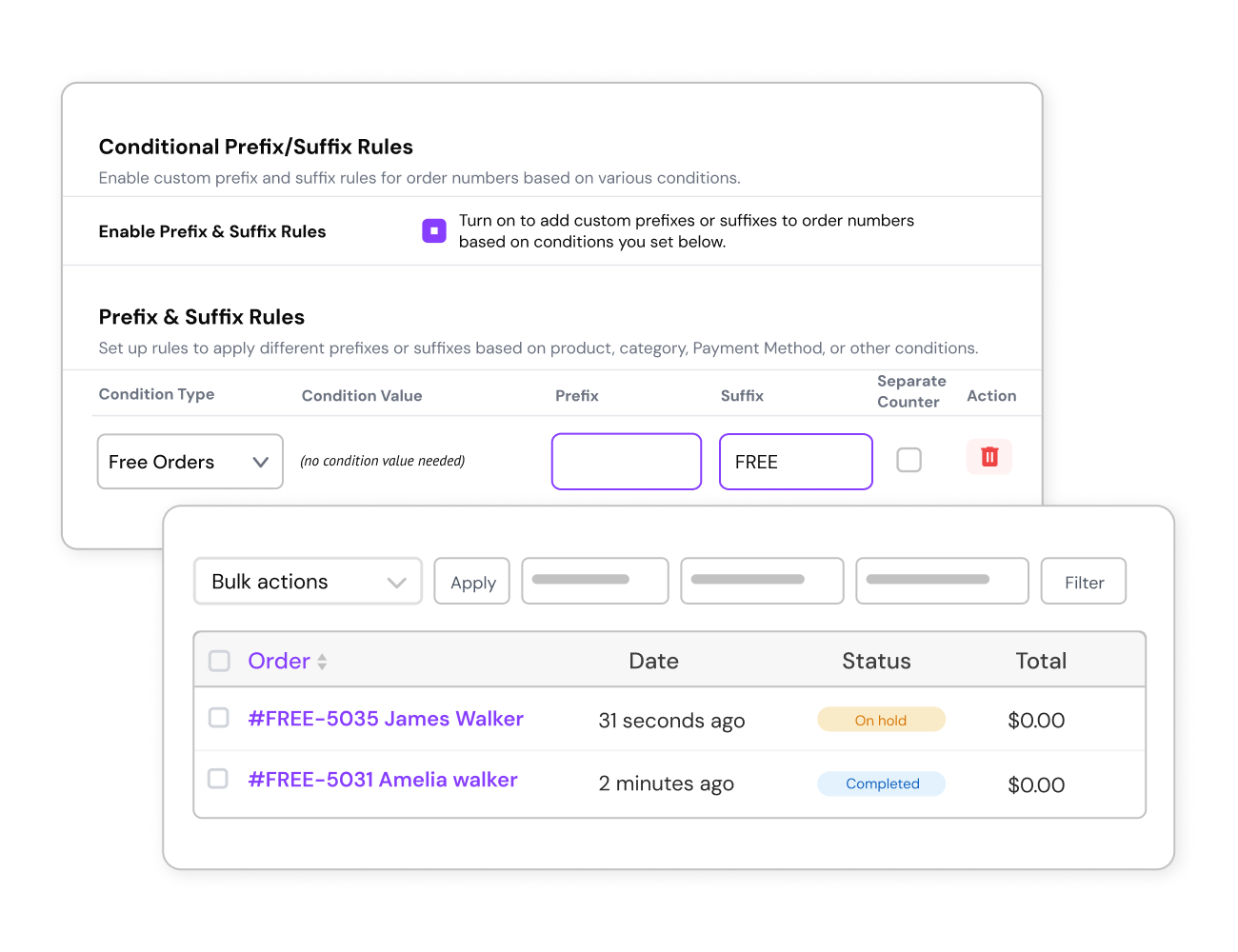
  Track Free Orders with Specific Prefixes
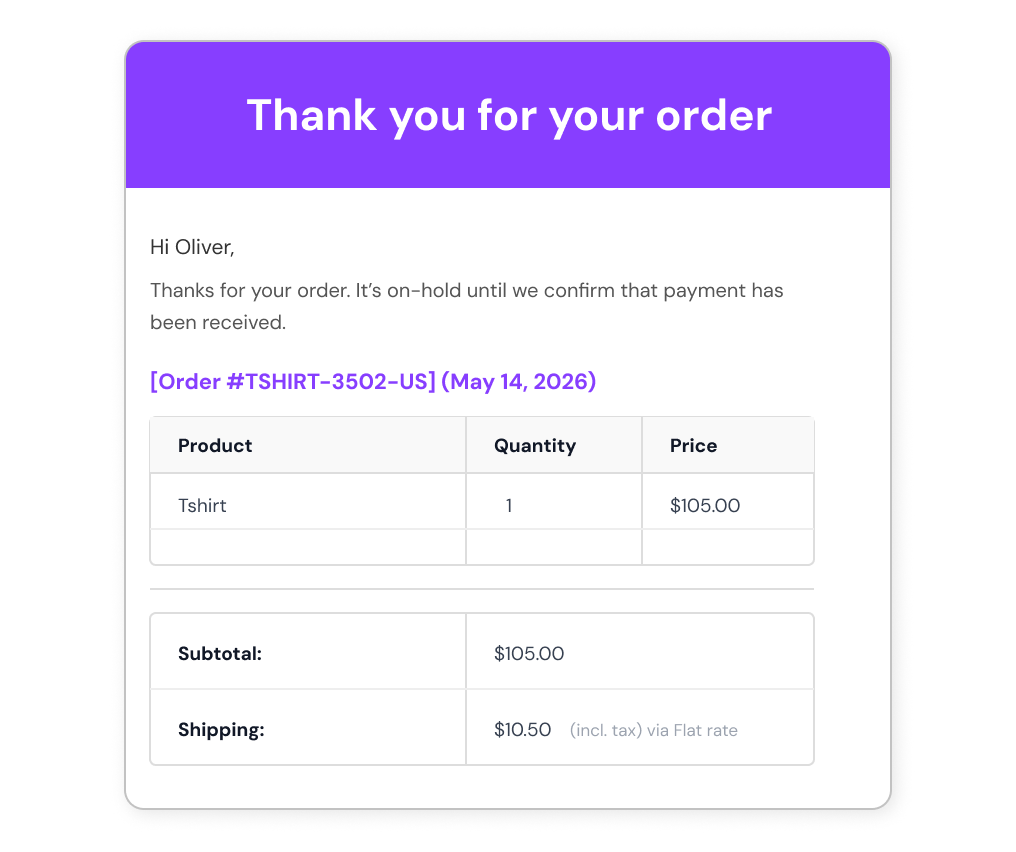
  Custom Order Numbers in Order Confirmation Emails
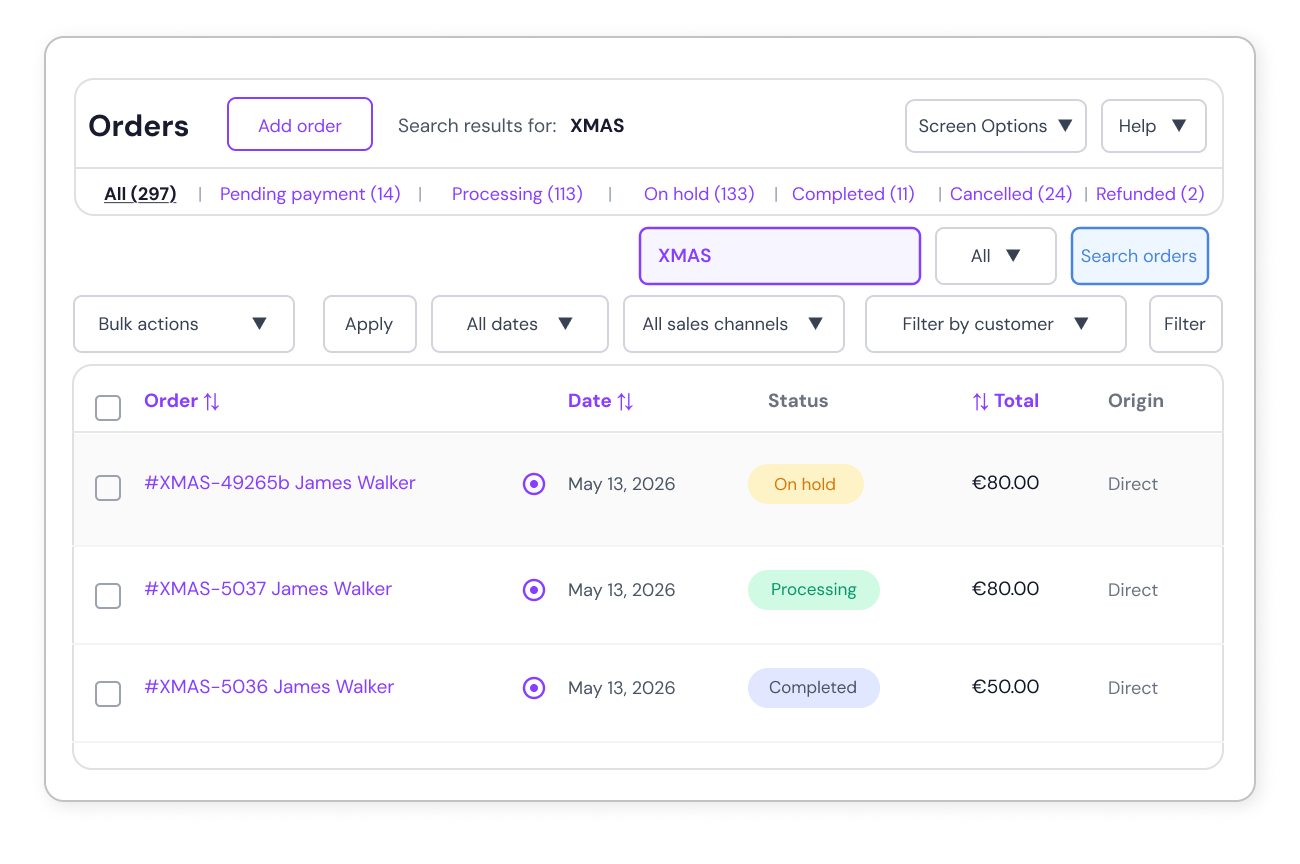
  Quick Search by Custom Order Numbers
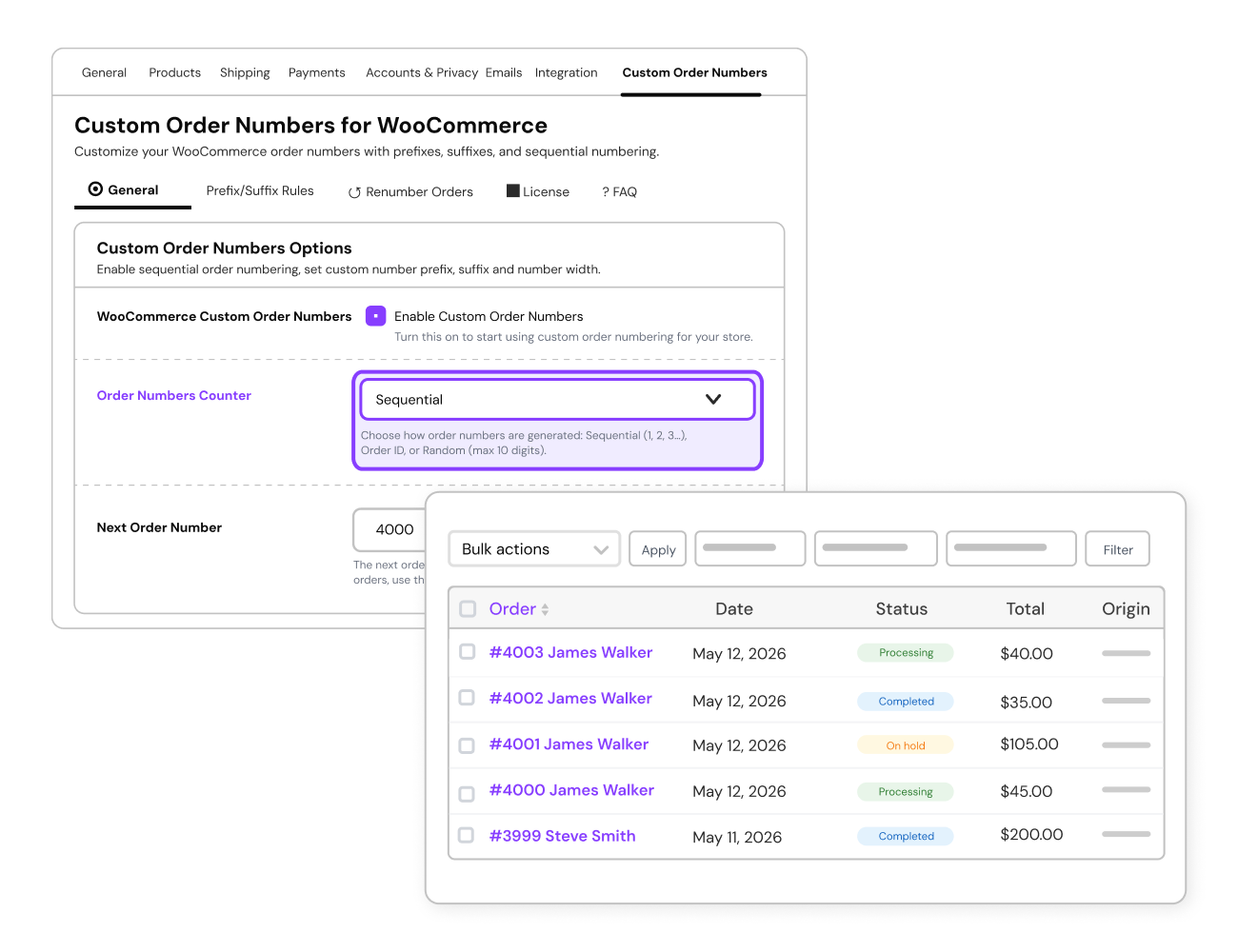
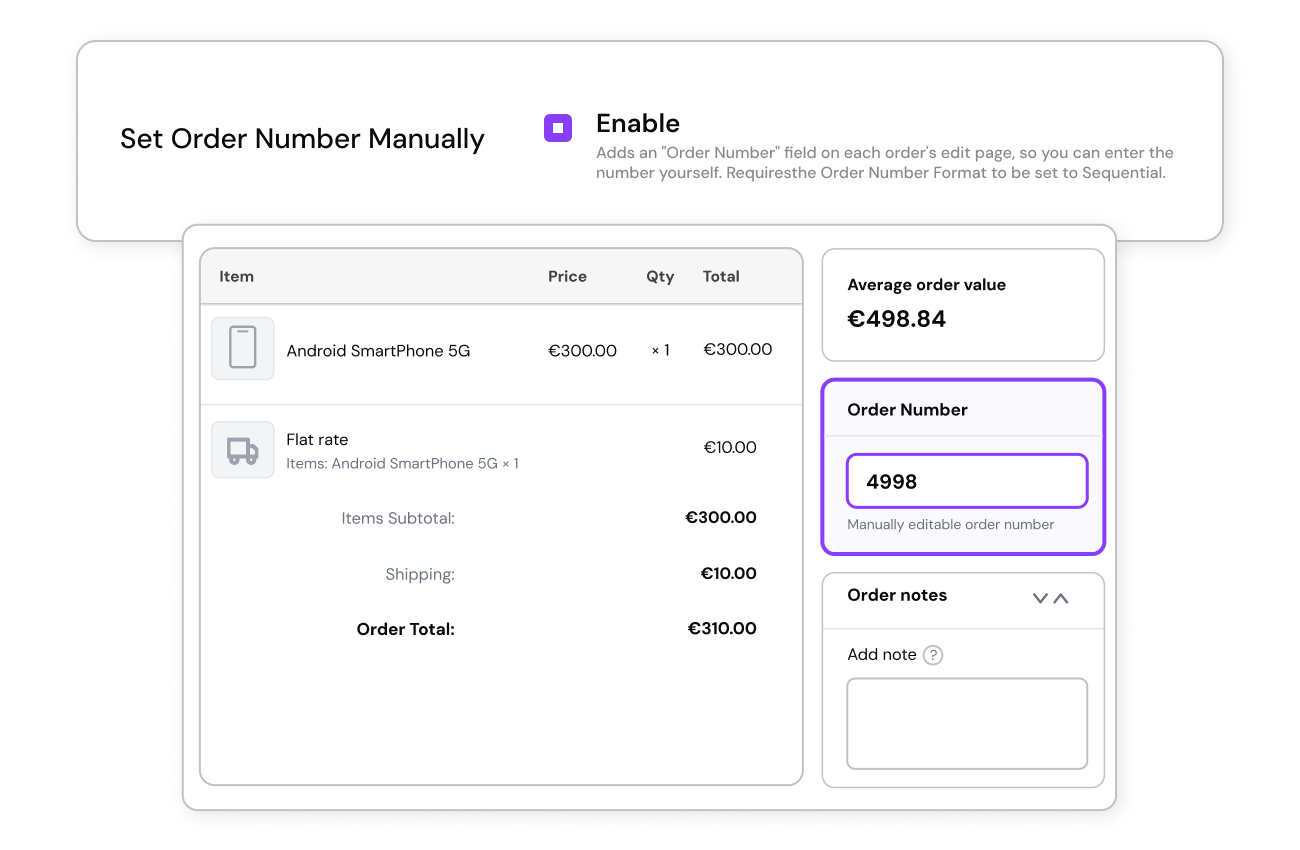
  Manual Order Number Counter
Yes. The plugin lets you replace default WooCommerce order IDs with fully controlled sequential order numbers. You can start from any number, maintain a continuous sequence, and customize formatting using prefixes, suffixes, or conditional rules
Yes. You can add custom prefixes and suffixes to order numbers using fixed text, date/year patterns, product SKU, or a combination of characters. This makes order numbers easily identifiable and unique.
Yes. You can set a minimum length so all order numbers appear in a consistent format.
Yes. You can create separate order number sequences for specific products or categories, so orders are grouped and tracked independently—for example, using different numbering for wholesale orders, subscriptions, or high-value products.
Yes. You can set conditional prefixes and suffixes based on products, categories, user roles, payment methods, country, and more.
Yes. You can set it to reset daily, weekly, monthly, or yearly, keeping your order numbers organized automatically.
Yes. You can reset the order number counter or update it from the settings to continue the sequence correctly.
Yes. You have the flexibility to apply the custom order number format to all orders (past and future), from a specific order ID or date, or to new orders only — depending on your preference and business needs.
Yes. Customers can track their orders using the custom order number just like the default WooCommerce order number.
Yes. The custom order number automatically replaces the default WooCommerce order number in all email notifications sent to customers and admins.
Yes. The plugin works on WordPress Multisite. You can configure different order number prefixes for each subsite by setting them individually.
Yes — you can generate WooCommerce order numbers in three formats: sequential, random, or based on the default Order ID, depending on your business needs.
Please fill out this pre-sales form.
Extension information
Quality Checks
Länder







