
Instalaciones activas
5K+
Product comparison
La suscripción incluye
Ayuda y soporte
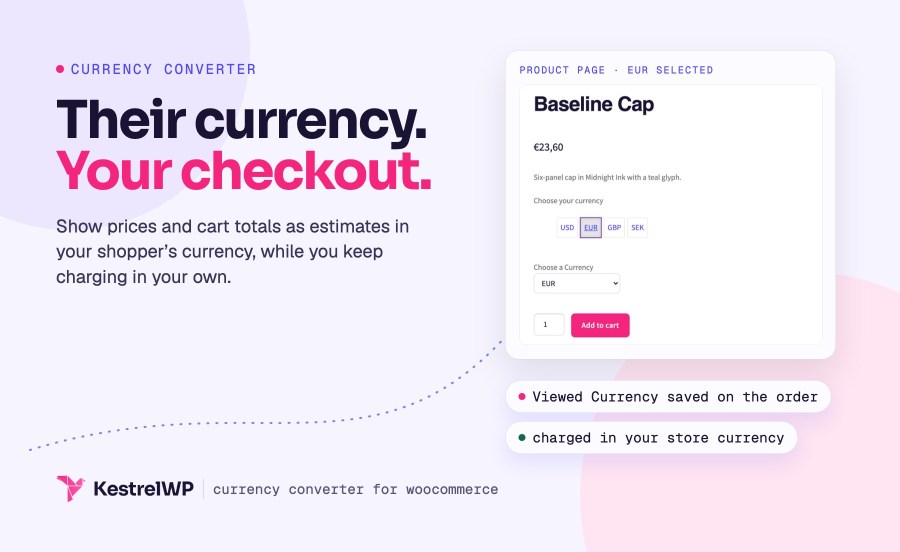
 El widget utiliza money.js y la API de Open Source Exchange Rates para acceder dinámicamente a las últimas tasas de cambio y mostrar los precios en tiempo real. Se actualizan todos los precios de WooCommerce, incluidos los totales. En el proceso de pago se sigue usando la moneda base de tu tienda, pero el precio de la conversión también se guarda para tu referencia.
Puedes añadir y convertir tantas monedas como quieras con los ajustes del widget:

En el front end:

¡Magia! Además, el total convertido también se almacena cuando los usuarios pasan por caja, para que sepas qué precio vieron.
box type=»info»]Las conversiones de divisas son estimadas y deben utilizarse únicamente con fines informativos. El pago o las compras seguirán siendo en la moneda de la tienda. Si buscas una extensión para que los clientes puedan comprar en la moneda que prefieran, te recomendamos WooCommerce Multi-Currency. [/box]
Creado por 
No. Currency Converter Widget changes only what shoppers see while they browse. Customers are charged in your store's base currency, orders are placed in it, and every converted amount is an estimate. For payment in the shopper's own currency, use a multi-currency payment option instead.
By default from Kestrel's rates service, backed by Open Exchange Rates and refreshed every 12 hours. They're estimates for information, and the widget message says so. Your server needs to be able to reach the rates service, or the converter can't fetch new rates.
Every price WooCommerce prints in its standard price markup: product and sale prices, shipping costs, and cart and checkout totals. Prices a theme or another plugin prints in its own format aren't converted, and the switcher has to be on the page for conversion to run there.
On the classic checkout, yes: the order records the Viewed Currency and an estimated Converted Order Total as custom fields. Orders from the checkout block don't get these two fields, and the order itself is always in your base currency.
Yes, unless you turn it off. The switcher uses WooCommerce geolocation to choose a currency from your list for a first-time visitor, and falls back to your store currency when their country isn't on it. A currency the shopper picks themselves always takes priority.
Yes. It converts the prices shown in the Cart and Checkout blocks, including after a coupon is applied or removed, and it declares support for High-Performance Order Storage. On the block checkout, orders don't record the viewed currency.
Categorías
Información de la extensión
Comprobaciones de calidad
Países