

La suscripción incluye
Ayuda y soporte
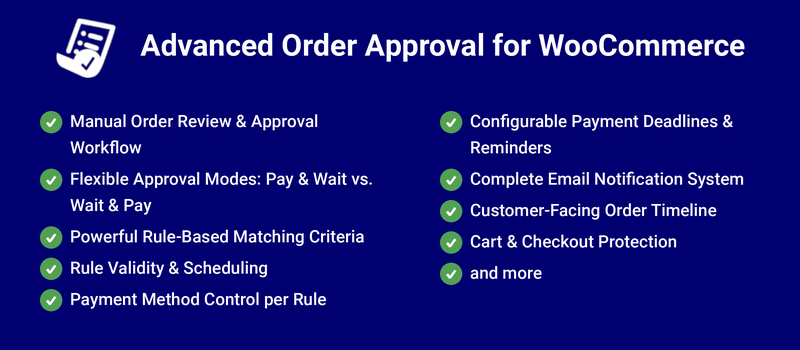
The Advanced Order Approval for WooCommerce extension adds order-approval functionality to your WooCommerce store. With the extension, you can create rules regarding and restricting order approval. Prevent customers from placing orders and making payments upfront or have an easy means to refund payments if you cannot fill their orders.
For custom orders, allow customers to pay upfront and wait for your approval, or wait and pay later after your approval.
If you restrict upfront payments, you can decide when to bill and can avoid making refunds.
Your customers can purchase made-to-order products directly from your store.
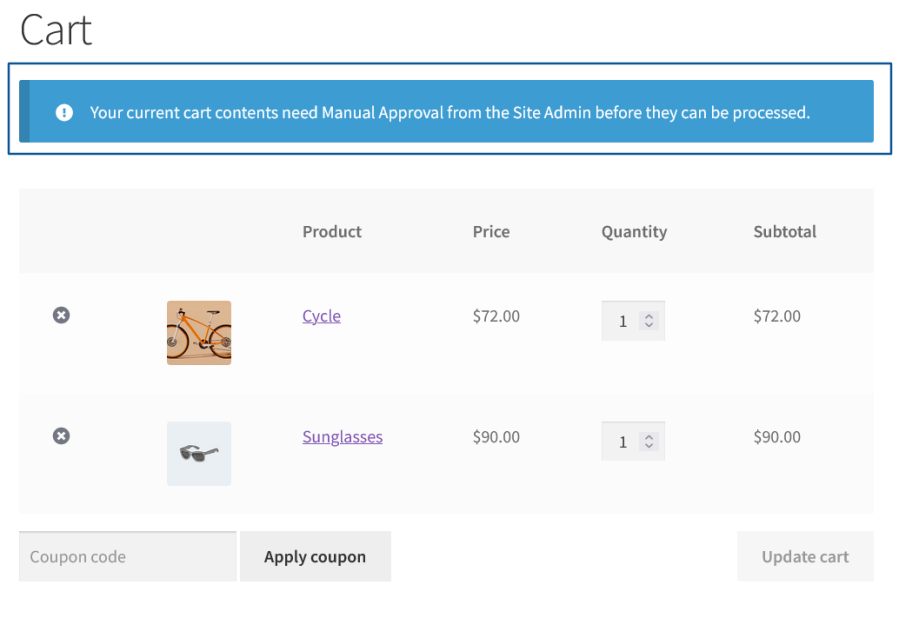
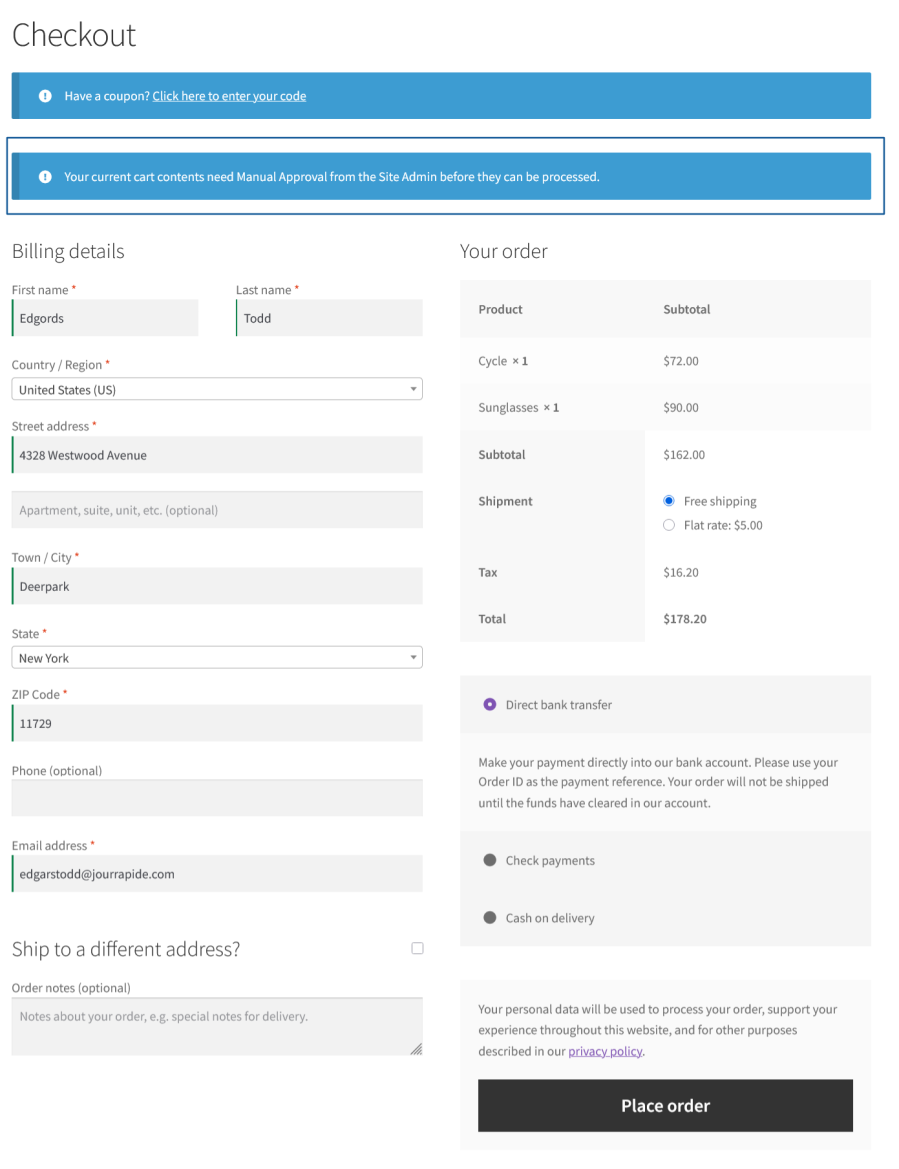
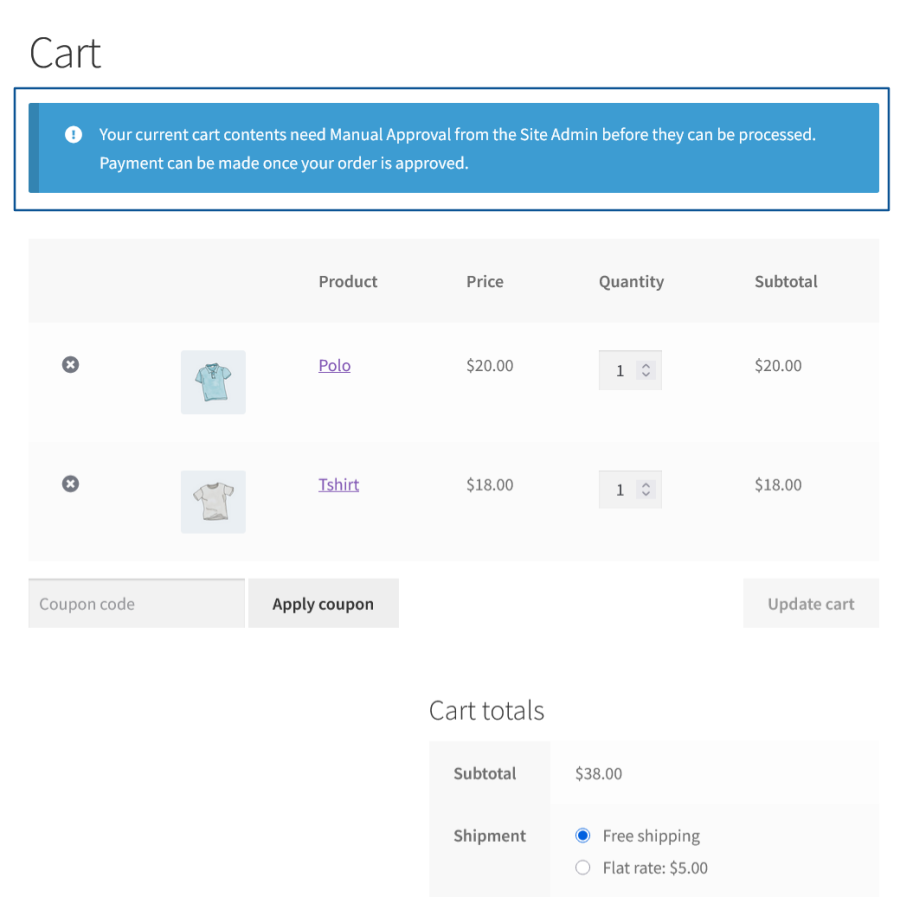
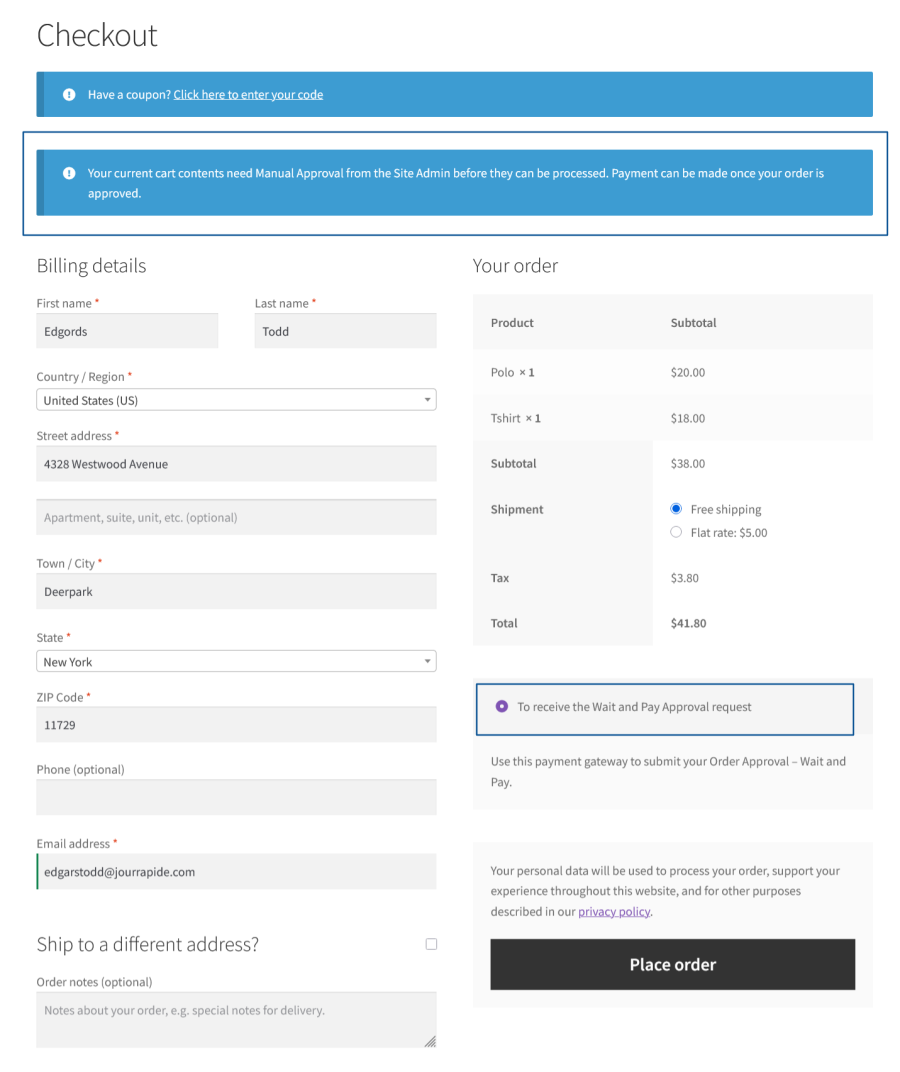
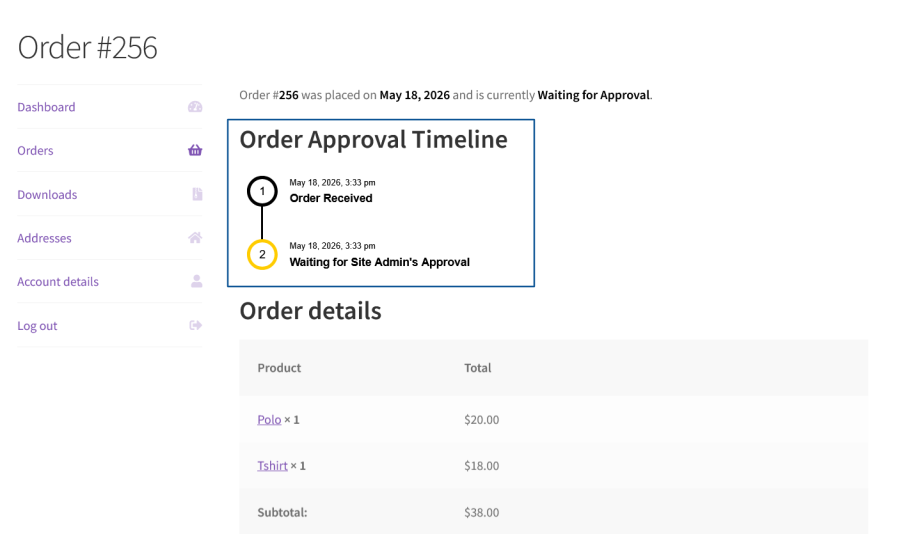
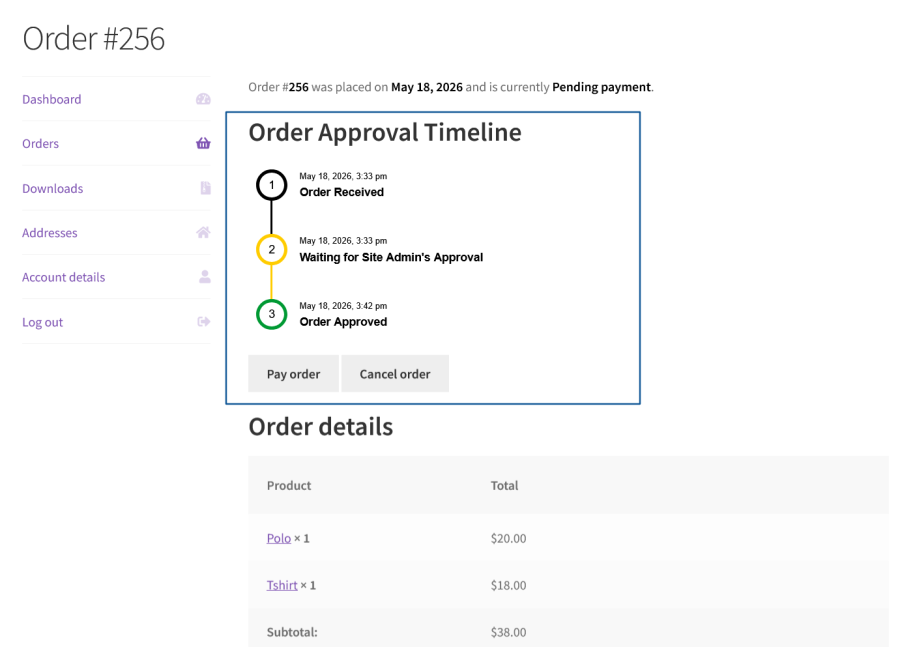
Hold matching orders for admin review before they’re processed, giving you full control over which orders actually get fulfilled.
Key Capabilities:
Choose whether customers pay upfront and wait for approval, or wait for approval first and pay once approved.
Key Capabilities:
Build precise rules to determine exactly which orders require approval, using AND/OR condition groups.
Key Capabilities:
Limit when a given approval rule is active.
Key Capabilities:
Limit which payment options customers see when an order requires approval.
Key Capabilities:
Keep approved orders moving toward payment with automated deadlines and reminders.
Key Capabilities:
Keep both store admins and customers informed at every stage of the approval process.
Key Capabilities:
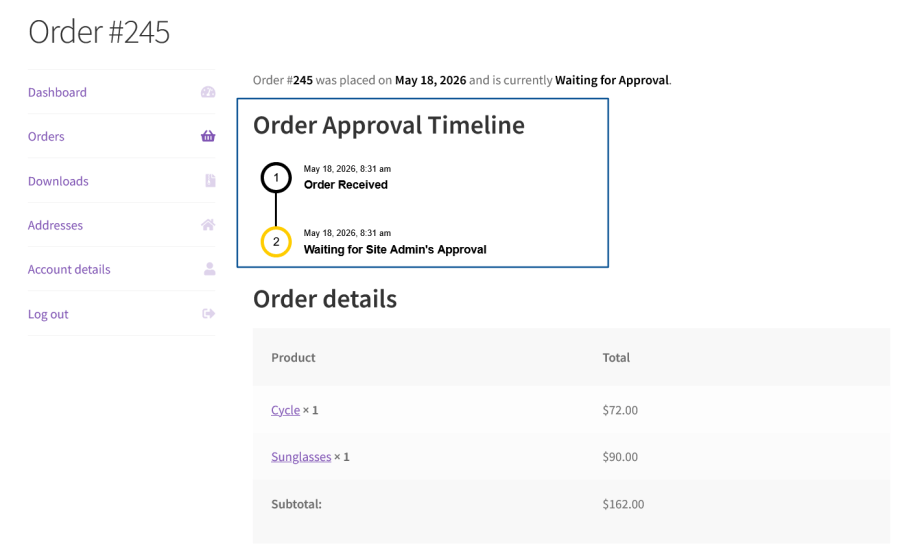
Give customers visibility into where their order stands in the approval process.
Key Capabilities:
Prevent conflicts between approval-required and standard products, and stop orders from being cancelled improperly.
Key Capabilities:
Download the Advanced Order Approval extension to streamline the order-approval process for made-to-order products.
Minimum PHP version: 5.6
Categorías
Información de la extensión
Comprobaciones de calidad
Países
Idioma:







