

La suscripción incluye
Ayuda y soporte
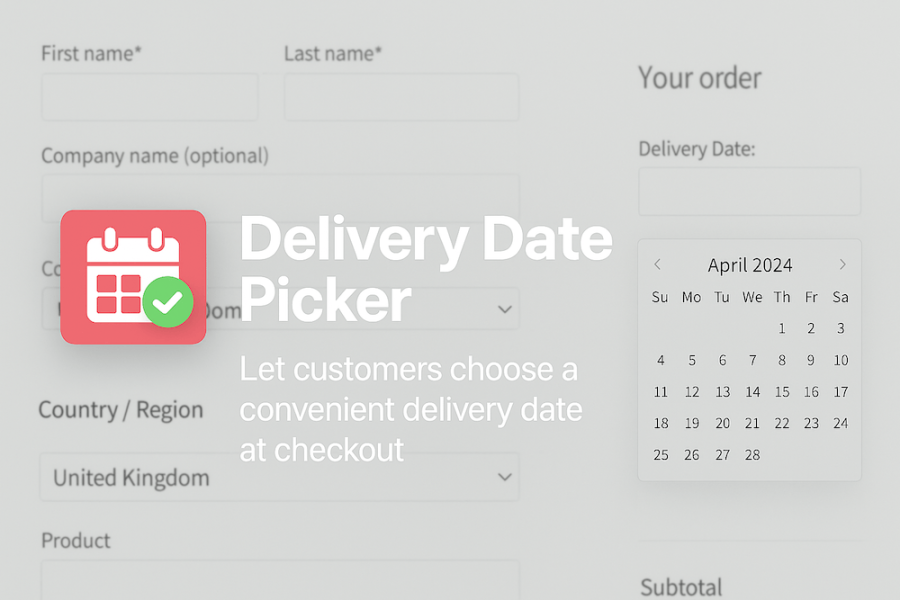
Delivery Date Picker for WooCommerce gives your customers a clear, reliable way to choose when their order will arrive — while giving you full control over when deliveries or collections are allowed. Perfect for bakeries, florists, meal prep services, event suppliers, or any business where fulfilment takes planning, this extension helps prevent unrealistic delivery expectations and reduces scheduling mistakes.
Instead of manually managing delivery date requests or dealing with orders that can’t be fulfilled in time, you set the rules once, and the extension handles the rest. Customers can only pick valid dates based on your lead time, weekend, and holiday settings, and every order includes a clearly stored delivery or collection date, so nothing gets missed.
The result? Fewer headaches for your fulfilment team and a smoother checkout experience for your customers.
Protect your schedule
Prevent customers from selecting dates that don’t give you enough time to prepare orders.
Manage expectations with clarity
Guide customers with a custom field title and hint message tailored to your delivery or collection process.
Reduce admin effort
Orders always include a valid date — even if the customer forgets to choose one.
Adapt to different product needs
Override the global lead time at the product or variation level when certain items take longer to prepare.
Specify business holidays
Exclude your business’ holidays (including public holidays) from lead time calculations and/or prevent your customers requesting deliveries on those dates.
Fully integrated with WooCommerce
Displays the chosen date in admin order screens and in customer emails for easy fulfilment.
Give customers confidence at checkout with Delivery Date Picker for WooCommerce.
Yes. The extension fully supports both the traditional shortcode checkout and WooCommerce’s newer Block-based checkout. No extra setup is required.
Yes. Each product — and even each variation — can override the global lead time with its own minimum number of days.
You can prevent customers from selecting Saturdays and Sundays entirely, or you can allow weekend deliveries while excluding them from lead-time calculations (for example, only counting business days).
The extension automatically assigns the earliest valid delivery/collection date based on your settings, ensuring no order is left without a usable date.
The date appears on the order admin screen, as well as in the order confirmation emails sent to the customer and store admin.
Yes — the field is required by default so the customer must have a valid date selected. When using the Block checkout, missing dates are automatically filled in to avoid checkout failures.
Definitely. You can change the title (e.g. “Delivery Date” vs “Collection Date”) and add your own message to guide customers. You can even include placeholders like {days} to dynamically show the correct minimum lead time.
Yes. You can specify an unlimited number of one-off dates you'd like to mark as a holiday. You will need to enter one per line in the 'Holiday dates' field in our settings area (WooCommerce > Settings > Date Picker) in the format YYYY-MM-DD. You also have the opportunity to choose whether these dates should be excluded from lead time calculations and/or whether customers should be prevented from selecting these dates as delivery dates.
In most cases, yes. The extension uses standard WooCommerce hooks and APIs. If another plugin/extension replaces or removes the normal checkout field handling, you may need small adjustments for full compatibility.
Not currently. The extension standardises on DD-MM-YYYY for consistency between classic and block-based checkout. Format customization may be added in a later update.
No — this extension only manages the date field. Delivery fees and shipping logic remain entirely controlled by WooCommerce and your shipping extensions.
Información de la extensión
Comprobaciones de calidad
Países








