

La suscripción incluye
Ayuda y soporte
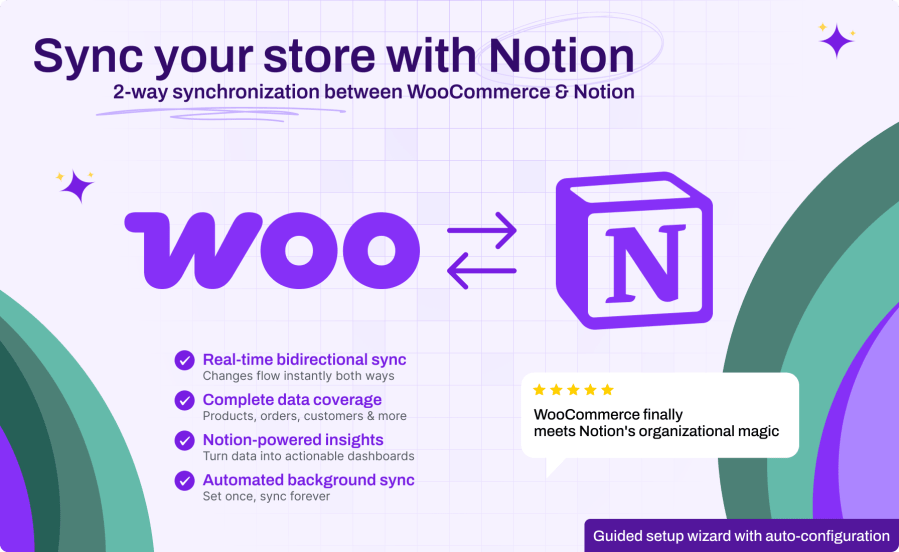
Revolutionize your WooCommerce data management with the ultimate Notion integration! Notion Connector bridges the gap between your online store and Notion’s powerful organizational capabilities. Whether you need to track inventory in custom dashboards, analyze customer data, monitor order trends, or manage your entire business workflow in Notion, this powerful plugin transforms scattered store data into organized, actionable insights.
Perfect for store owners who love Notion’s flexibility, from solo entrepreneurs building custom dashboards to growing businesses managing complex operations. Streamline your data workflows, eliminate manual data entry, and unlock Notion’s full potential with your WooCommerce store data.
Yes, you'll need a Notion workspace and account to use this plugin. The plugin works with both free and paid Notion plans. During setup, you'll need to create a Notion integration and provide an API token - our setup wizard walks you through this process step-by-step. If you don't have a Notion account, you can create one for free at notion.so.
No, the plugin is designed for zero performance impact on your store. All synchronization happens in the background using WordPress's built-in job queue system. Customer-facing pages and checkout processes are never affected. The plugin only processes data after actions are completed, ensuring your store maintains optimal speed and performance.
The plugin is designed to work safely with existing Notion workspaces. During setup, you can choose to create new databases or connect to existing ones. If connecting to existing databases, you can configure field mapping to avoid conflicts. The plugin never deletes existing Notion data - it only adds or updates records as configured. If you are unsure, test a separate database first.
Absolutely! The plugin offers granular control over synchronization. You can enable/disable sync for entire data types (products, orders, customers, etc.) or configure field-level synchronization. This means you can sync only product names and prices while excluding descriptions (using hooks), or sync customer emails but not addresses - whatever fits your privacy and business needs.
Yes, security is our top priority. All data transfers use encrypted HTTPS connections and official Notion APIs. Your Notion API token is stored securely in your WordPress database and never shared with third parties. The plugin only accesses the specific Notion databases you configure - it cannot read or modify other areas of your Notion workspace.
The plugin includes intelligent rate limit management that automatically respects Notion's API limits. If limits are approached, the plugin will queue updates and process them when the limits reset. You'll receive notifications if there are any sync delays, and our background processing ensures no data is lost. For high-volume stores, we provide configuration options to optimize sync timing.
The plugin currently syncs all standard WooCommerce fields for products, orders, customers, coupons, categories, tags, brands, and attributes. For custom fields and third-party extension data, this would depend on the specific extension and whether those fields are stored as standard WordPress meta data.
The plugin is built on a flexible foundation that could support custom fields in future updates. If you have specific custom fields or extensions you need to sync, please contact our support team to discuss your requirements - we're always looking to expand compatibility based on user needs. The plugin is fully compatible with WooCommerce's High-Performance Order Storage (HPOS) and modern WordPress features.
Categorías
Información de la extensión
Comprobaciones de calidad
Países







