

La suscripción incluye
Ayuda y soporte
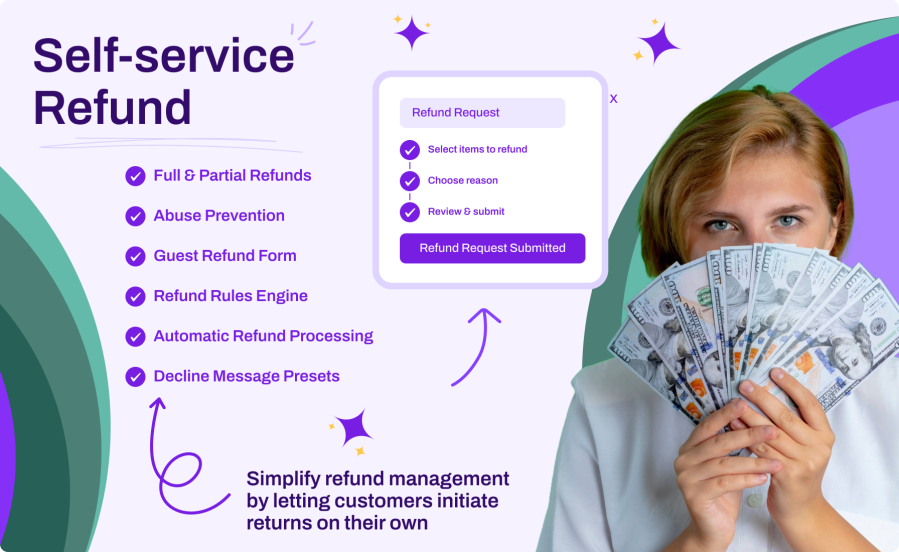
Customers can request refunds directly from their My Account page with a guided multi-step process. Choose full or partial refunds, select line items, provide a reason, and review before submitting. No more back-and-forth emails or support tickets.
Define rules to automatically process or escalate refund requests based on conditions like user role, product category or tag, payment method, shipping zone, order value, and more. First matching rule wins, with drag-and-drop priority ordering.
Allow guest customers to request refunds using a secure three-factor verification form (email, order number, order date). Available as a shortcode or a native Gutenberg block with customizable styling options.
Review and manage refund requests with quick approve/reject actions on the order list and individual order pages. Use decline message presets for consistent, professional rejection responses with rich text support.
Give customers the right level of control:
Automate refund decisions with flexible conditions:
Protect your business while staying customer-friendly:
Keep everyone informed at every step:
Make data-driven decisions with built-in analytics:
Works perfectly with your existing setup:
[ssr_guest_refund] to place the guest form anywhereYes. You can set a maximum number of automatic refunds per customer per day, week, month, or year. When the limit is reached, requests are escalated to manual review instead of being blocked. You can also override the global limit for individual customers from their user profile.
The plugin detects this automatically and escalates the request to manual review. An escalation email is sent to the admin, and the order is flagged with the "Refund Requested" status so you can process it manually through WooCommerce's standard refund interface.
Yes. You can mark any product as non-refundable from its edit screen. For variable products, you can set this per variation. Non-refundable items are excluded from the refund form and clearly indicated to customers during the request process.
Rules are evaluated from top to bottom, and the first matching rule wins. Each rule combines conditions (such as user role, product category, payment method, order value, or shipping zone) with an action, either process automatically or require manual review. If no rule matches, the global automatic refund setting applies.
No. When guest refunds are enabled, customers verify their identity by providing their email address, order number, and order date. You can place the guest refund form on any page using the [ssr_guest_refund] shortcode or the native Gutenberg block.
Categorías
Información de la extensión
Comprobaciones de calidad
Países








