
Instalaciones activas
1K+
Product comparison
La suscripción incluye
Ayuda y soporte
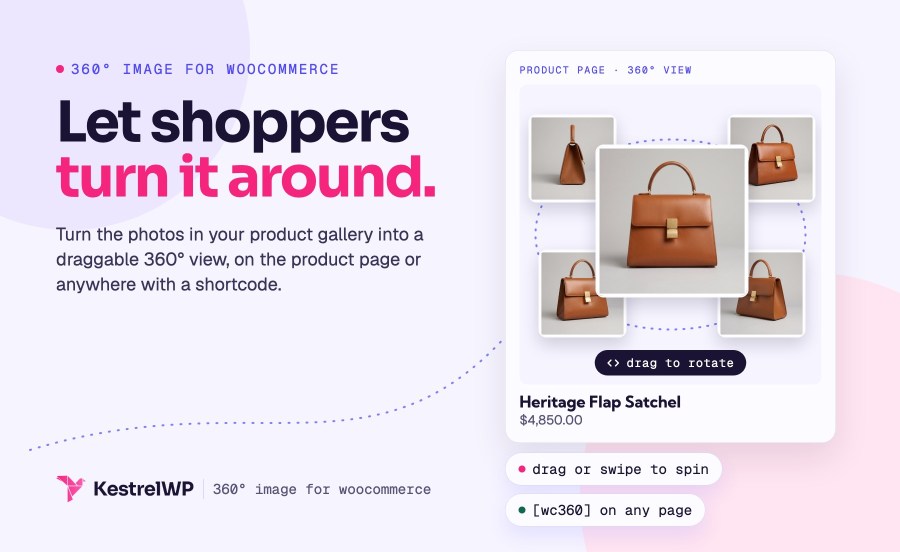
WooCommerce 360 Image es una forma sencilla de añadir una rotación de 360º, dinámica y totalmente controlable a las imágenes de tu sitio de WooCommerce. Con solo añadir un grupo de imágenes a la galería de un producto, tu imagen empezará a girar y la animación aparecerá en lugar de la imagen destacada del producto.
Es adaptable, se controla por toques y su uso es más que sencillo. Tan solo hay que añadir imágenes a la galería de un producto.

En el mundo del eCommerce ya no bastan las imágenes normales, sobre todo cuando intentas vender un artículo con personalidad y valor, en el que los detalles importan. La forma más sencilla de conseguir que tus clientes conozcan tus productos tal y como son, es introducir giros en 360º, que les permiten explorar el producto con más detalle, incluso con su teléfono móvil.
Para echar un vistazo más detallado a WooCommerce 360º Image, consulta la documentación disponible o inicia una solicitud de soporte técnico con tus preguntas sobre preventas.
Creado por 
Take 12 to 36 photos at evenly spaced angles all the way around the product. You can use fewer, but more frames make a smoother turn and add page weight, so export them at the size you'll show them.
Yes, but every variation shows the same spin. The viewer uses the product's shared gallery, and separate photo sets per variation aren't supported. If each color or size needs its own spin, it needs its own product.
Yes, with the shortcode. Leave the checkbox off, keep the normal gallery and add [wc360] to the description. With the checkbox on, the spin replaces the gallery on the product page.
No. It plays back photos you've already taken, turning a gallery of evenly spaced photos into a spin. It doesn't build 3D models, and it doesn't capture or generate the photos, so you shoot the product on a turntable first.
It can add weight, depending on how many frames you use. Frames load at WordPress's large size and are lazy-loaded (stores that installed before 2.0 keep their previous frame size), so keep to 12 to 36 photos, export them at the size you'll show them, and add an image optimization plugin or a CDN if pages still feel slow.
Yes, with the classic product template and WooCommerce's Product Image Gallery block. If your theme builds its own gallery and the spin doesn't appear, add the [wc360] shortcode to the product description instead.
Categorías
Información de la extensión
Comprobaciones de calidad
Países