
Instalaciones activas
700+
La suscripción incluye
Ayuda y soporte
Drip Integration for WooCommerce permite conectar tu tienda WooCommerce a tu cuenta de marketing por correo electrónico de Drip. Permite a los clientes suscribirse para recibir correos electrónicos y hacer un seguimiento de las conversiones, las ventas y la permanencia de los usuarios que se suscriben.
Cuando se hace una venta en tu tienda, Drip Integration for WooCommerce lleva a cabo diferentes acciones:

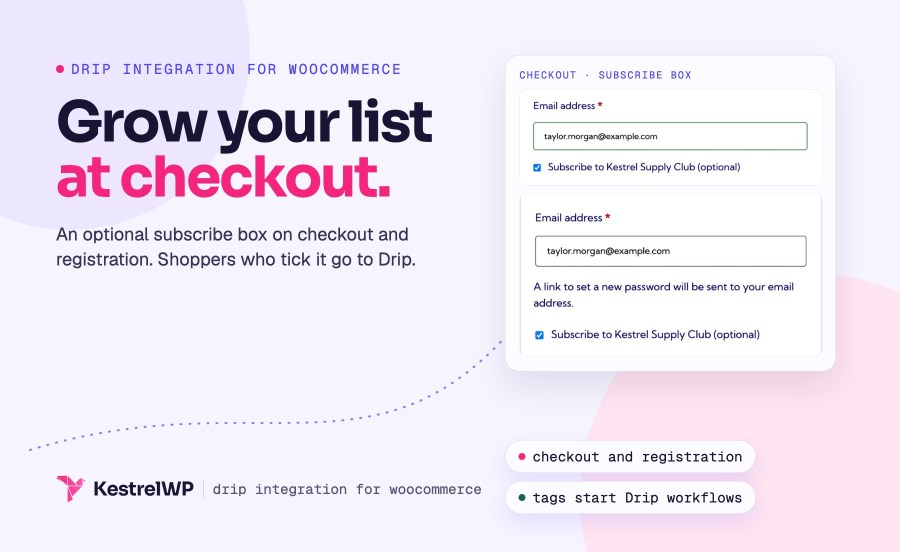
Drip Integration for WooCommerce también incluye la casilla opcional «Suscribirse a la campaña», que puedes activar y añadir a los formularios de pago y de registro de cuenta. Puedes elegir la campaña a la que los usuarios pueden suscribirse e incluso personalizar el texto que aparece junto a la casilla.

Para obtener más información sobre Drip Integration for WooCommerce, consulta la documentación disponible o abre una solicitud de soporte con tus preguntas sobre preventa.
Creado por 
Orders as e-commerce activity (placed, paid, fulfilled, refunded and canceled) with totals, line items and addresses; carts with a link that restores them; and a Customer tag and updated name and address for buyers. Shoppers who haven’t opted in become people in Drip tagged Not opted in, so keep that tag out of your broadcasts.
Yes. The subscribe checkbox appears on the classic checkout, the WooCommerce Checkout block and the registration form. It works without choosing an Email Series, and tags the customer so you can start any Drip workflow. It starts unticked, and you write the label.
Yes. Choose all shoppers, only shoppers who opt in, or off. A cart is sent once Drip can tell whose it is, with a link that restores it on any device, so an abandoned cart workflow you build in Drip can bring the shopper back.
No. It sends an order when something happens to it, such as being placed or paid. Orders created before you upgraded from 1.x don’t get order activity, so Drip’s workflows don’t fire late for old orders.
Yes. The order and cart activity can start the order and abandoned cart workflows you build in Drip, and the Customer and opt-in tags can start others. The plugin doesn’t create workflows or send emails.
Your store keeps sending the 1.x Purchase event until you stop it from the notice on the settings screen, so existing Drip workflows keep firing, and cart tracking starts off. Once you stop it, the plugin also stops writing the lifetime value and purchased products fields, because Drip works lifetime value out from order activity.
Categorías
Información de la extensión
Comprobaciones de calidad
Países