


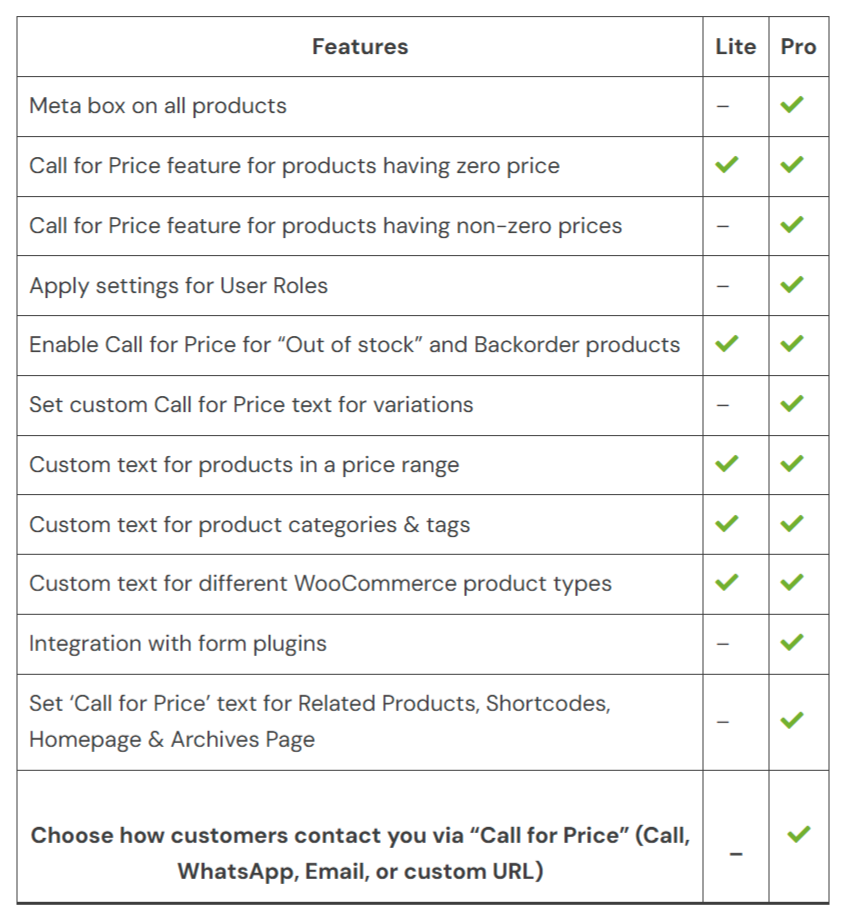
Comparaison de produits
L’abonnement comprend
Assistance
Create Customized Call-to-Actions for all Products from selected Product Categories

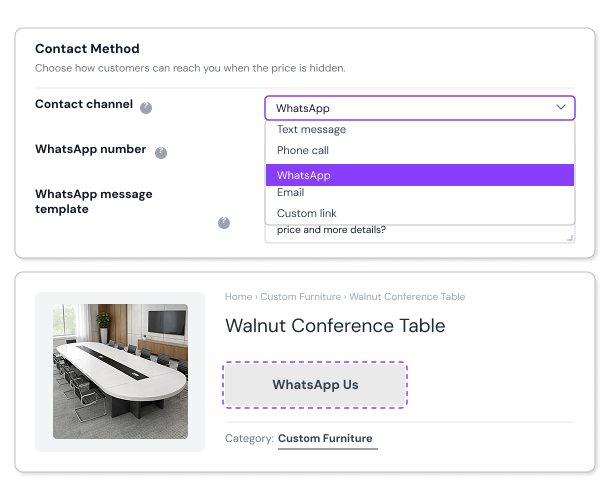
Set Call Type for the Call for Price Button
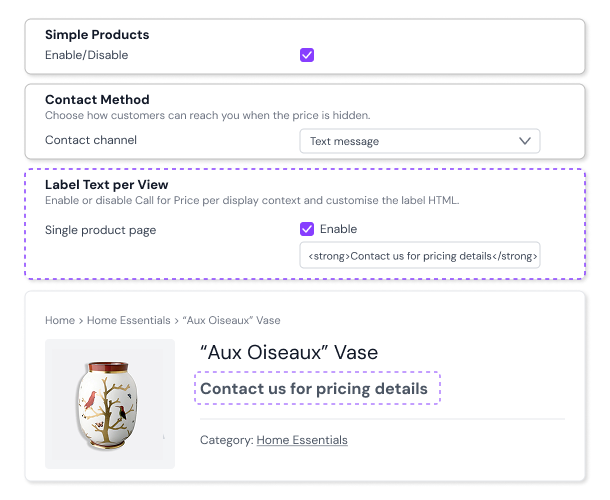
Custom Message for Simple Products
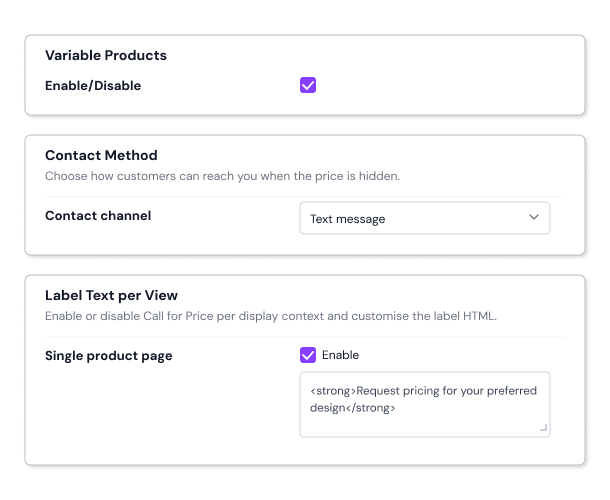
Variable Products wise Custom Call For Price Message
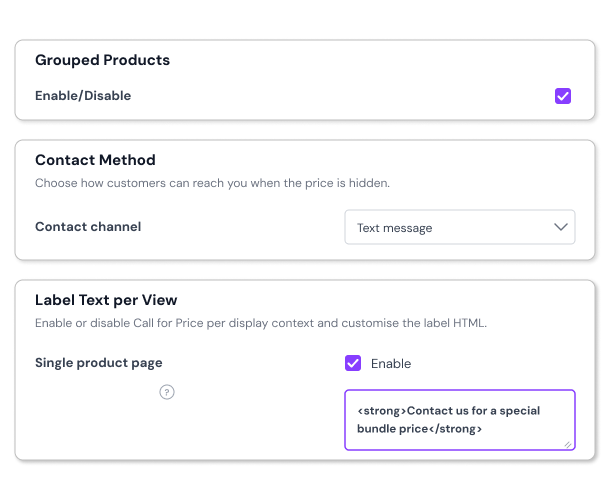
Call For Price Custom Message for Grouped Products
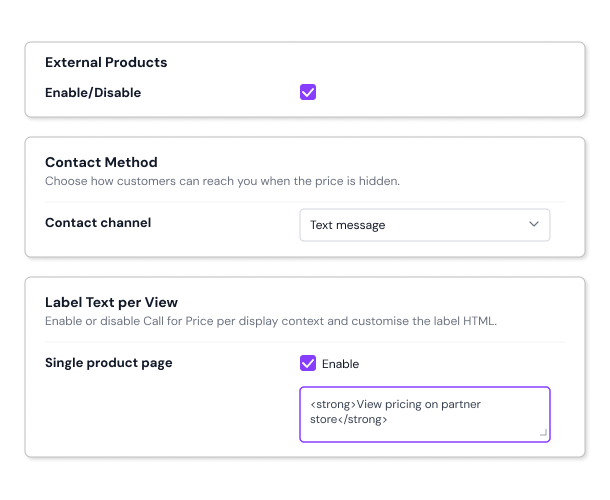
Give External Product based Custom Call For Price Message
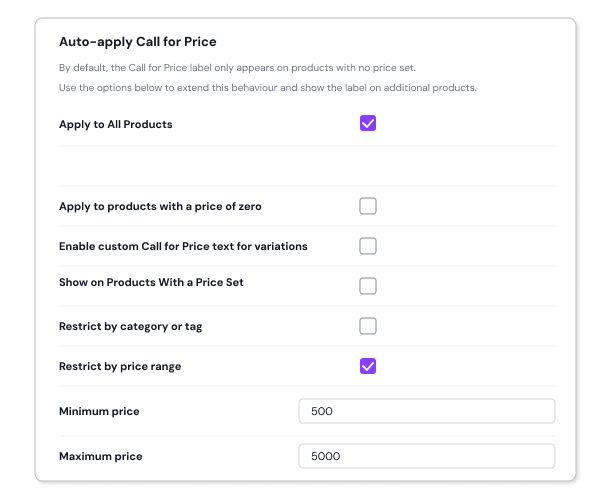
Engage Customers Based on Price Ranges
Hide WooCommerce Product Prices Strategically for Specific User Roles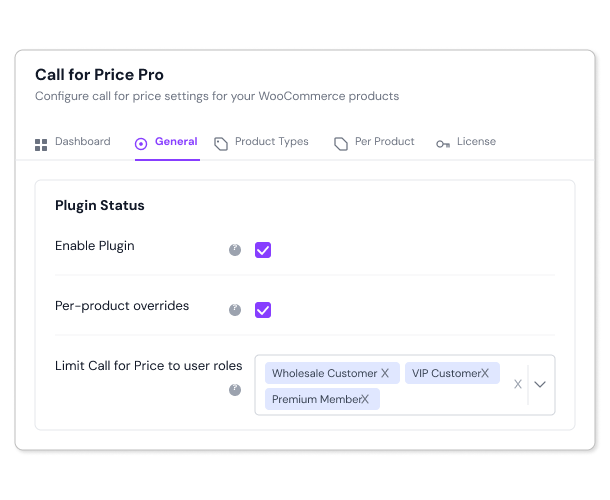
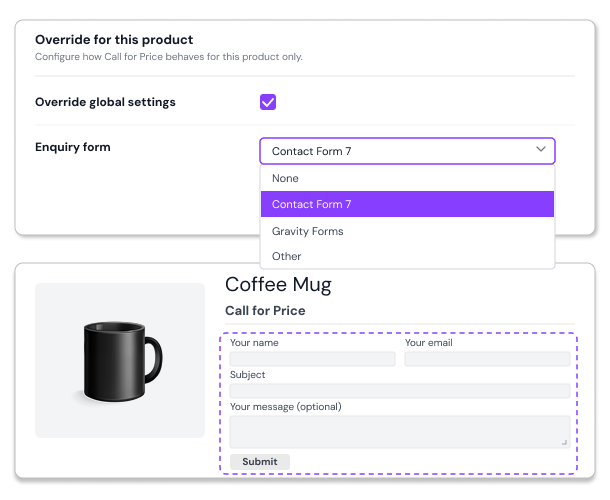
Integration with Form Plugins such as Contact Form 7 and Gravity Forms
Never Lose a Sale on Out-of-Stock or Backorder Items
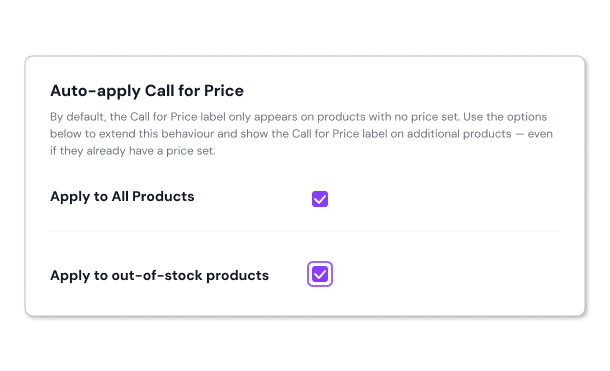
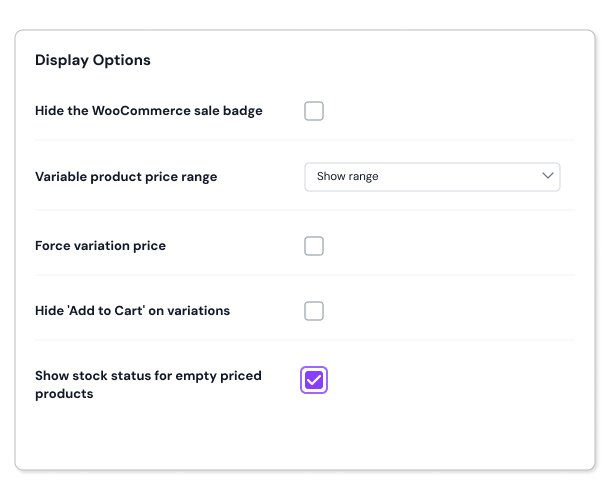
Show Stock Status for Products with Empty Prices
 Exclude Products or Categories from Call for Price
 Add Meta Box to Each Product’s Backend
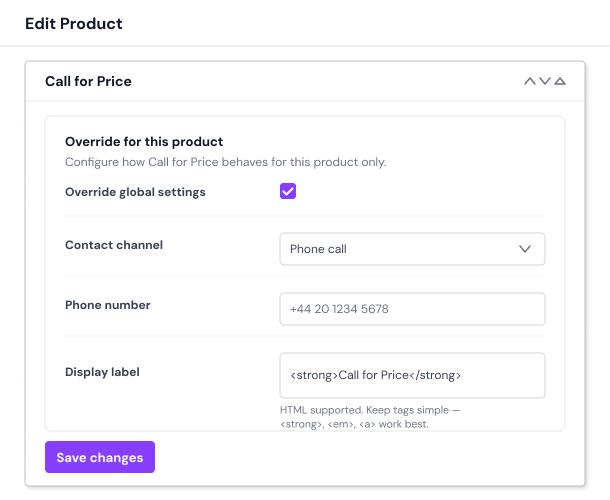
Whether you are doing made-to-order business or selling high-value products or having a special bundle/ service for which you want to hide pricing and give a custom quote based on user requirements, this the best plugin for you.
With the built-in logical conditions, you can strategically hide the default pricing of the product and replace it with custom text like Request Quote or Call for Price or whichever custom text you want. The Call for Price plugin makes you more accessible to customers and improves sales.
Yes! Instead of the Add to Cart button, you can display custom text such as Call for Price or Request a Quote that guides your customers to call, email, or WhatsApp you to get the product price.
When customers click the Call for Price button, they are directed to the action you configure, such as starting a WhatsApp chat, making a phone call, sending an email, or visiting a custom link like a contact or quote request page.
Yes. The Call for Price plugin works with simple, variable, grouped, and external WooCommerce product types.
Yes. You can enable the setting globally so all products display the Call for Price message.
Yes. You can display a “Call for Price” message for products that are out of stock or on backorder, encouraging customers to reach out and reserve or inquire about availability
Yes. You can show “Call for Price” message for certain user roles – like guests, wholesalers, or retailers – so the product price is hidden only for those roles.
Yes. You can enable the Call for Price option for selected products, product categories, or tags.
Yes. You can display different “Call for Price” messages on product pages, shop pages, and category or archive listings, so it fits perfectly wherever it appears and grabs your customers’ attention.
Yes. You can set the Call for Price button to redirect customers to any URL you choose, making it easy to guide them to a contact page, quote request page, or any other destination.
Yes. You can embed a custom form created with plugins like Contact Form 7, Gravity Forms and other forms directly on your product page. This allows customers to submit inquiries instantly, making it easier for them to reach out without leaving the page.
Please fill out this pre-sales form.
Catégories
Informations sur l'extension
Vérifications qualité
Pays







