


L’abonnement comprend
Assistance
The geolocation plugin for WooCommerce helps protect your online store by blocking unwanted traffic based on visitor IP addresses. Easily restrict products, categories, or CMS pages so they’re visible only to selected regions. Admins can set up automated IP-based rules that apply to individual pages or your entire site. You can also show custom messages or redirect restricted visitors to alternative pages for a seamless user experience.
Geolocation based products plugin uses a database service to automatically identify the physical location of a website visitor based on their IP address. This allows the plugin to restrict users’ access to certain parts of your website or to the entire website.
Geolocation based products filter lets you restrict users from certain locations using multiple rules. You can block access to products, categories, website pages, or display custom messages. You can set the priority of each rule according to your needs and add a custom title to each rule.
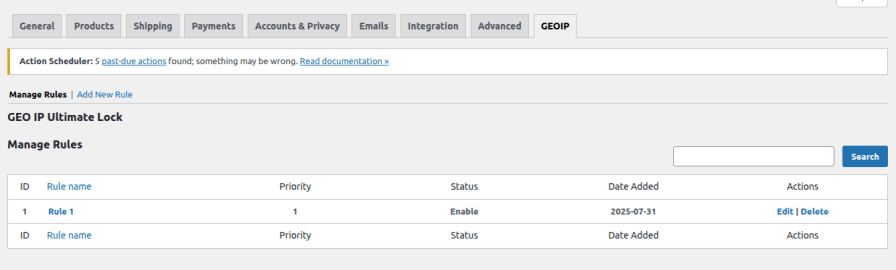
Block visitors from specific countries or regions with geolocation WooCommerce. You can restrict access to entire regions or choose individual countries from different continents, giving you full control over who can view your products.
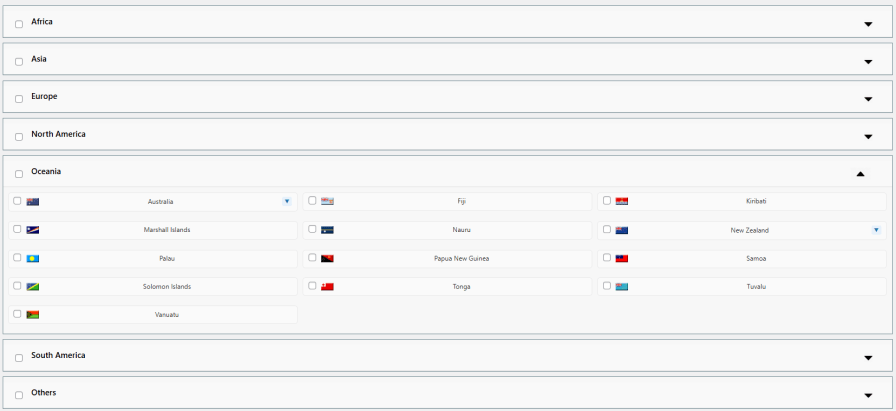
Easily manage who can access your store by blocking specific states. Control the visibility of products, categories, or pages so that only visitors from allowed states can browse. For example, you can show a product only to customers in California while hiding it from other states.
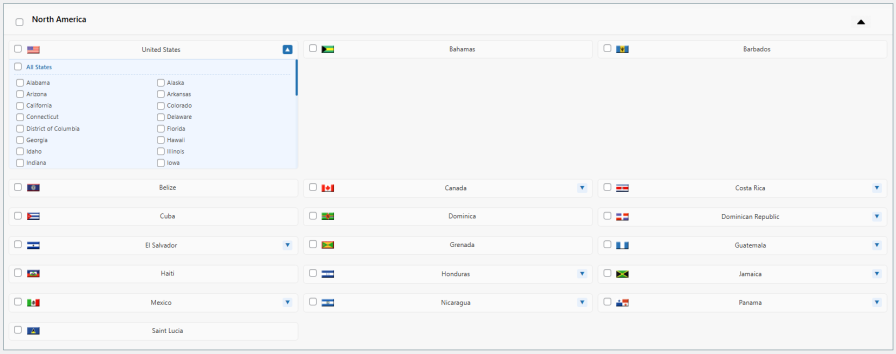
You can restrict access to your website from specific regions, countries, or states. For example, if your eCommerce website is only intended for customers in Europe, you can block visitors from Asia or other regions. This can help you to focus on your target market and improve your conversion rates.
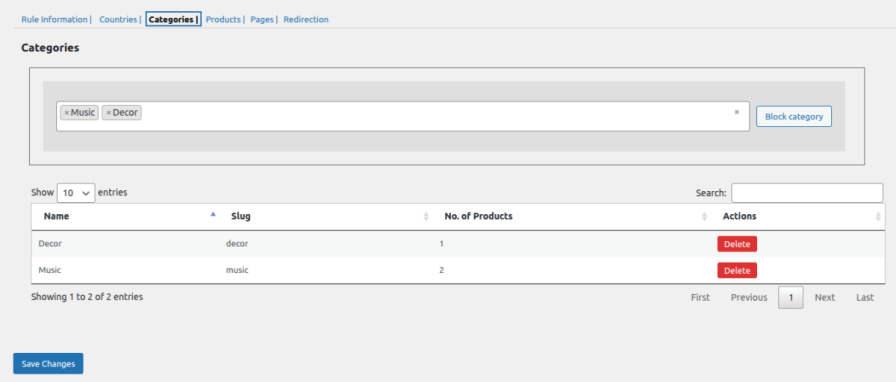
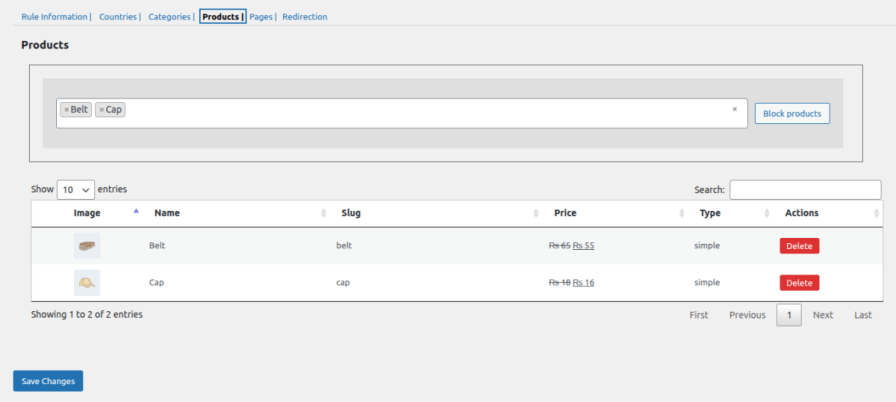
With the geolocation plugin for WooCommerce, you can block products and categories for specific countries. It helps you increase the exposure of certain products to your desired territories, and the irrelevant users will be unable to browse them.
Categories:
Products:
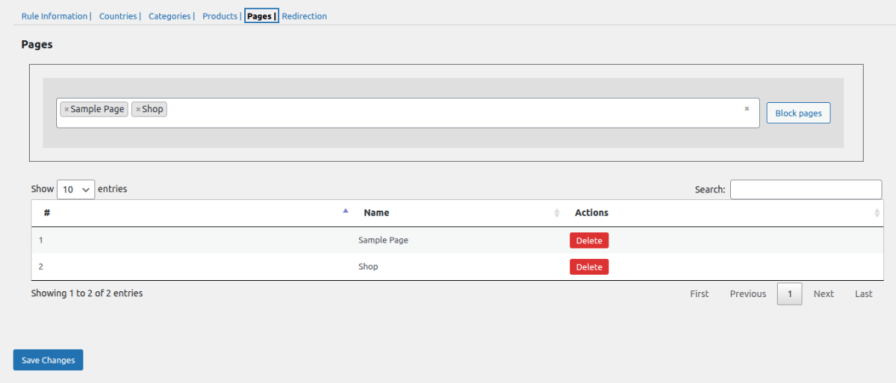
You can hide CMS pages from users in specific countries using the geolocation based products filter. This enables you to restrict content or information, such as shipping details and return policies, for a region that may not apply to another.
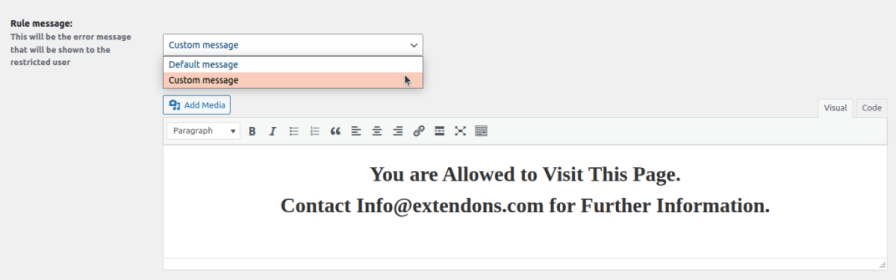
When you block your website in certain countries, you can show those users a custom message. This message can explain why they are being restricted and what they can do to gain access.
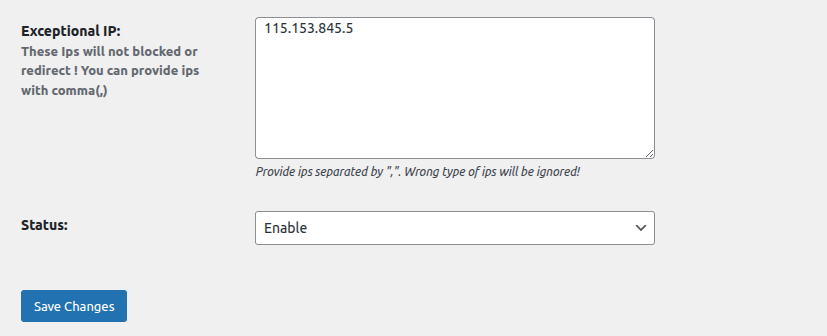
Allows users to bypass regional restrictions by adding their IP addresses to the exception field. This will allow them to continue browsing your store, even if they are located in a region that is restricted.
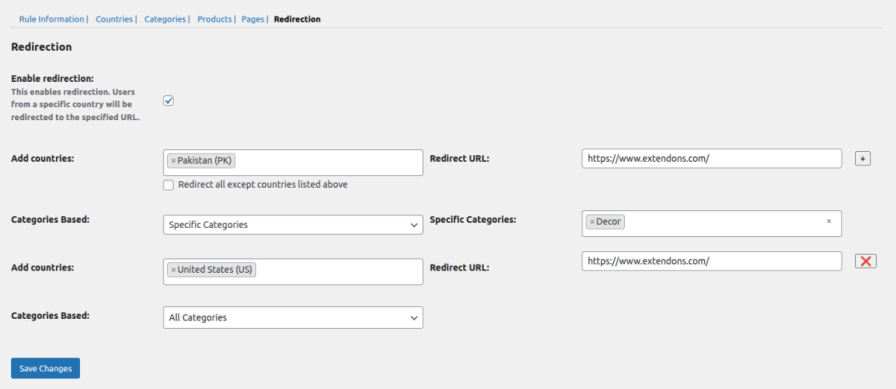
Geolocation plugin for WooCommerce lets you redirect restricted users to a specific URL. You can set redirections based on geographic location or product categories. Multiple redirections can be created, with the first one you set given the highest priority.
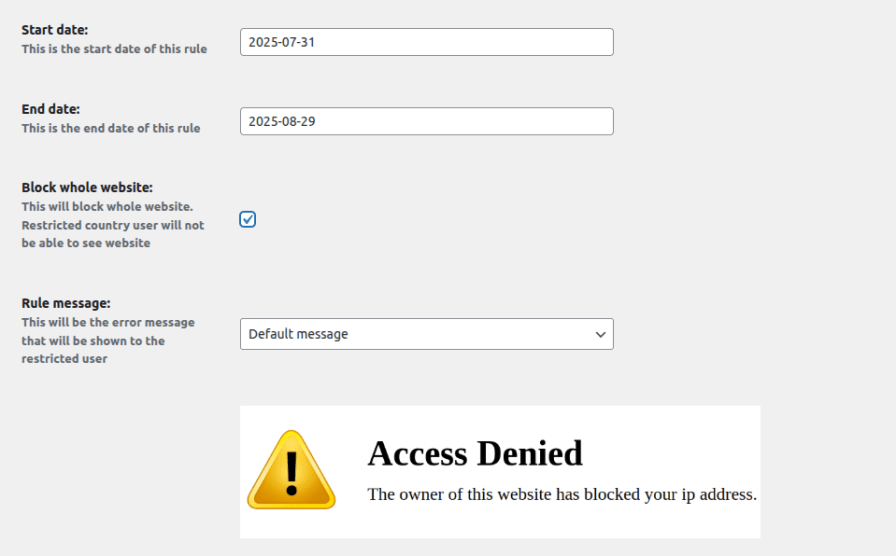
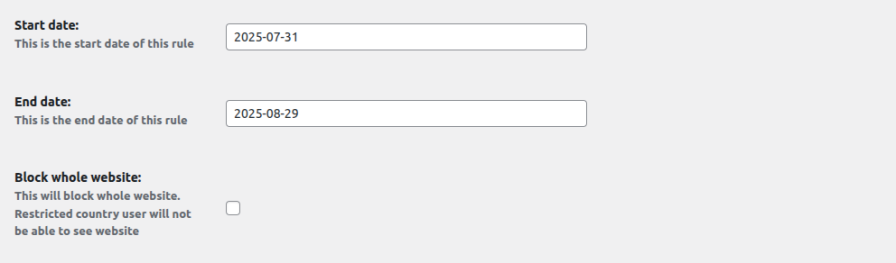
Geolocation based products plugin enables you to schedule user restrictions for a specific period by choosing a start and end date. By doing so, you can prevent users from visiting your website for a limited period of time and then allow them to return once the rule has expired.
This plugin lets you control access to your store by hiding products, categories, CMS pages, or even your entire website based on a visitor’s country, region, or state.
It uses an IP-based geolocation system to automatically identify the physical location of your visitors. Restrictions are applied dynamically based on their IP addresses.
Yes, you can create rules to restrict users by country, region, or even specific states. You can select entire regions or individual locations to control who can access your content.
Absolutely. You can show a custom message to users who are restricted, letting them know why they cannot access certain products, pages, or sections of your store.
Yes, the plugin allows you to add specific IP addresses as exceptions, so those users can access your store even if they are in restricted locations.
Extension information
Quality Checks
Pays






