

Comparaison de produits
L’abonnement comprend
Assistance
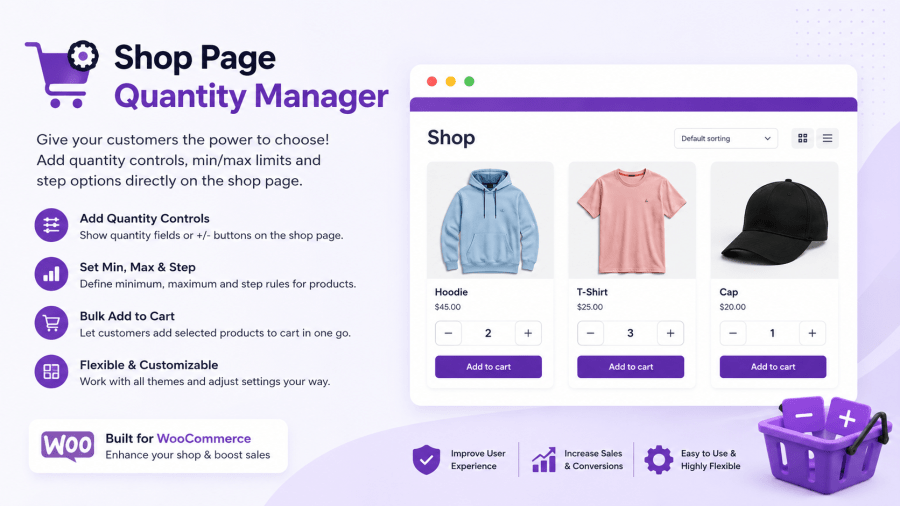
Every extra click between “I like this” and “Add to Cart” can cost you sales. When shoppers have to open a product page just to change the quantity, it adds friction and makes buying less convenient.
Shop Page Quantity Manager puts quantity selection right where your customers are already shopping—on the shop and category pages. Combine it with automatic bulk discounts to make buying more convenient while encouraging larger orders.
Unlike basic quantity plugins, Shop Page Quantity Manager fully supports variable products. Customers can choose a size, color, or other variation and set their desired quantity without leaving the shop grid.
With configurable quantity rules, stock-aware limits, and flexible bulk pricing, it’s built to handle real-world WooCommerce stores—not just simple product catalogs.
Quantity selling isn’t just for simple products anymore. Shoppers can choose a variation (size, color, material — whatever attributes your product uses) and set a quantity right from the shop page, with live price and stock updates as they pick.
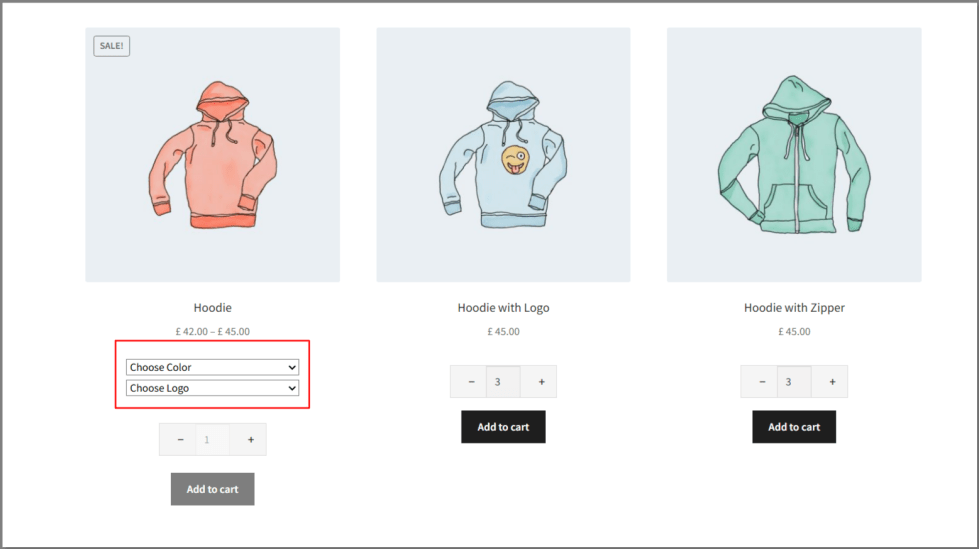
Give customers a familiar, tap-friendly way to adjust quantity — no typing required. Choose between a plus/minus stepper, a plain number field, or a select dropdown, whichever fits your store’s design best.
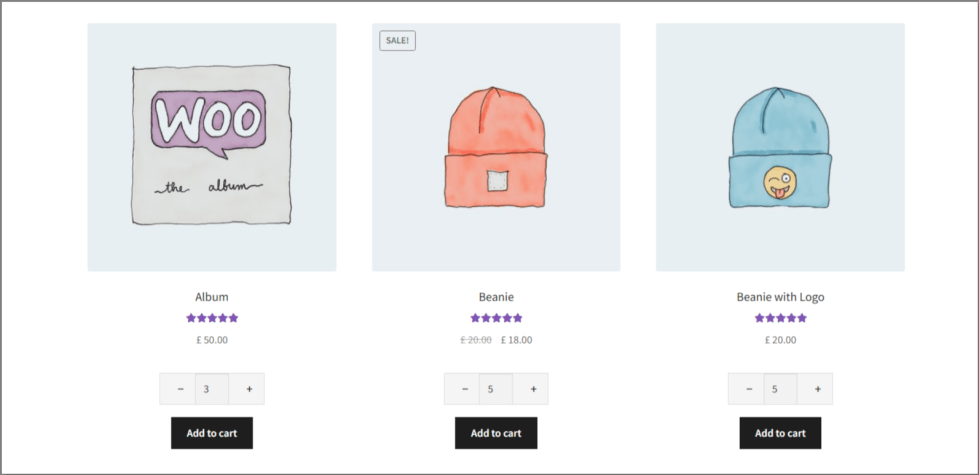
Set a minimum order quantity, a maximum per customer, and a custom step (e.g., sell only in multiples of 1 or 5) — perfect for wholesale-style stores, packs, or case quantities.

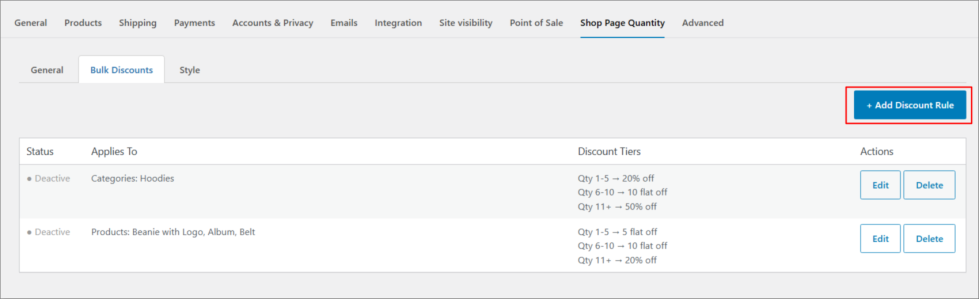
Reward bigger orders automatically. Set up unlimited discount rules — for your whole shop, specific products, or specific categories — each with its own quantity ranges and either a percentage or a fixed-amount discount. Buyers see the savings table right on the shop page, and the cart applies it automatically.
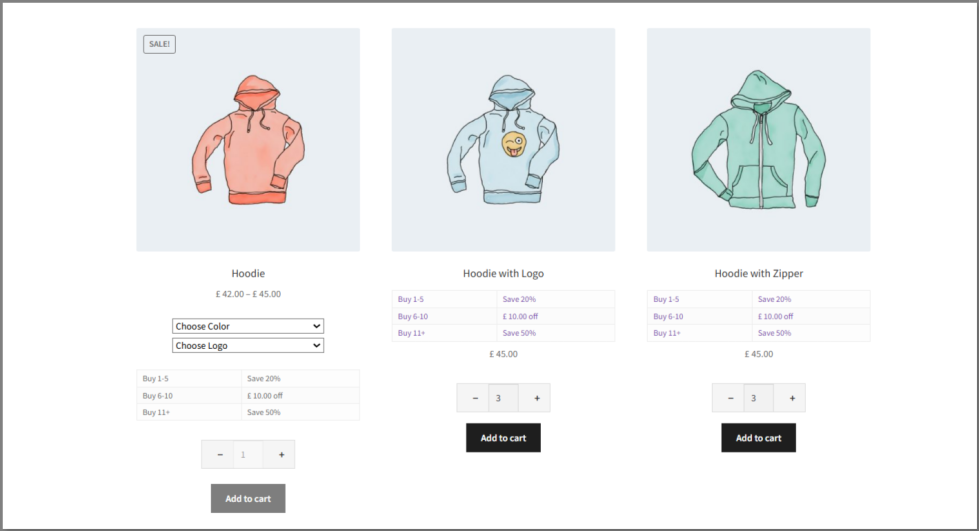
Not every product needs the same deal. Create separate discount rules for your whole shop, a handful of products, or entire categories — and layer them however your pricing strategy needs.
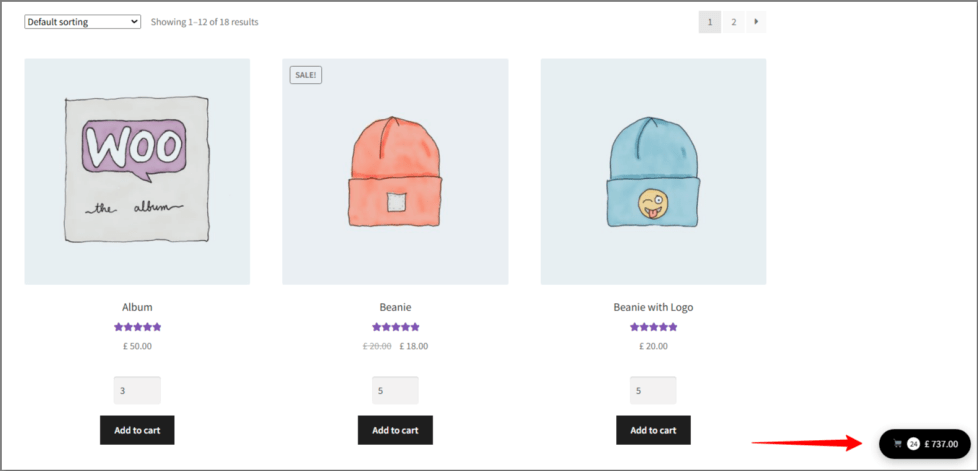
A lightweight cart summary follows shoppers as they browse, showing item count and total at a glance — a gentle, constant reminder of what’s in their cart.
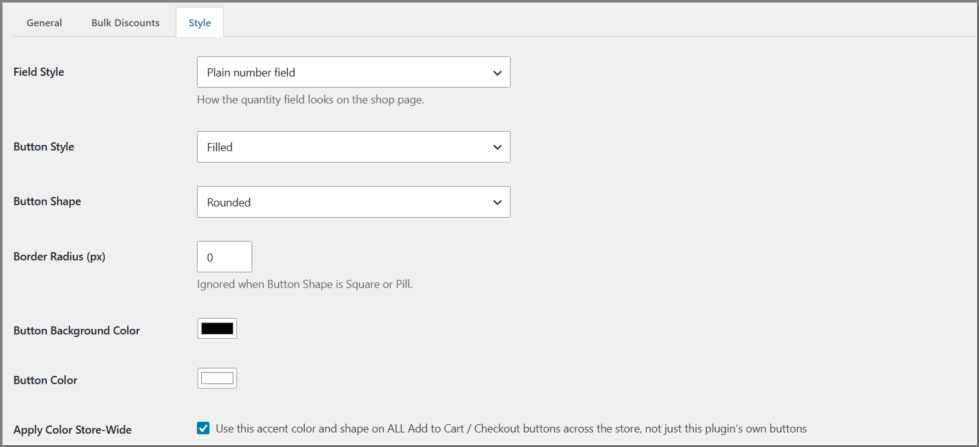
Match your brand in seconds: pick a background color, text color, border radius, and button shape (square, rounded, or pill) — no CSS required. Apply it store-wide or just to this plugin’s own elements.
Yes. Customers can select a variation and quantity directly on the shop page, with live price and stock updates.
Yes. Create as many discount rules as you like — for your whole shop, specific products, or specific categories — each with its own quantity tiers and discount type (percentage or fixed amount).
No, not if you enable Stock-Aware Quantity Limit. The quantity field automatically caps at your available stock.
Yes. The Style tab lets you set colors, border radius, and button shape, and optionally apply them to matching buttons across your whole store.
Catégories
Informations sur l'extension
Vérifications qualité
Pays







