
Active installs
1K+
Product comparison
Subscription includes
Support
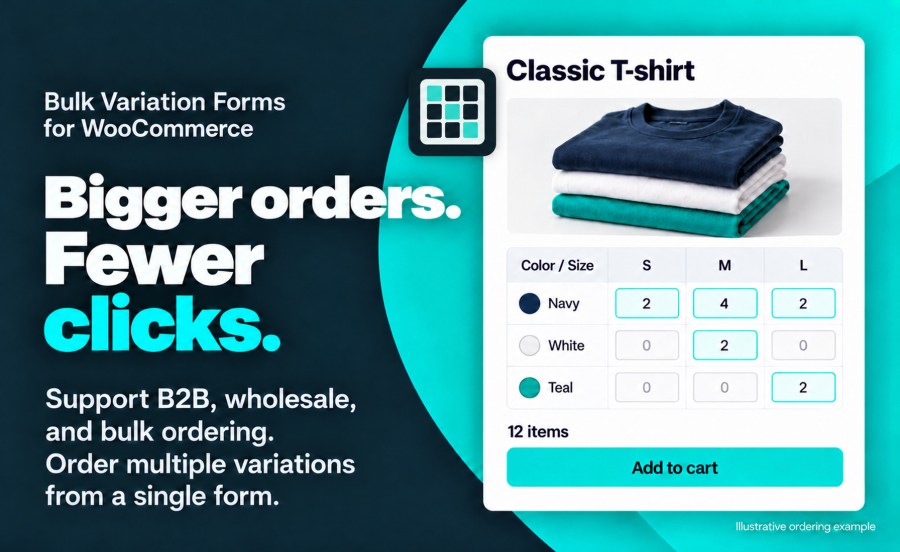
Let shoppers enter quantities for multiple variations of one product and add the assortment to their cart together. Bulk Variations 2.0 supports products with more than two variation attributes, so a buyer can order shirts across Size, Color, Material and Fit from the same product page.
Use it for wholesale clothing, workwear, parts and other products customers buy in several configurations at once.
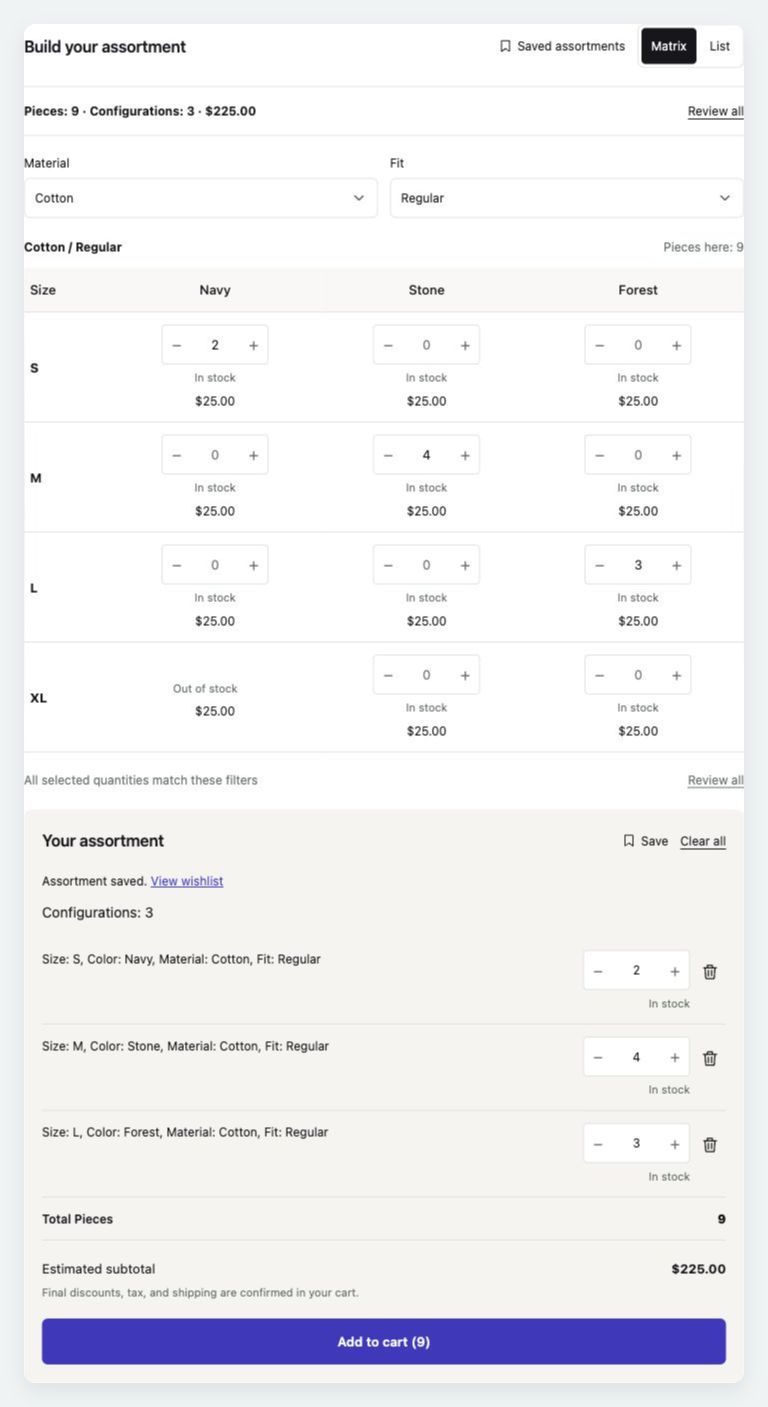
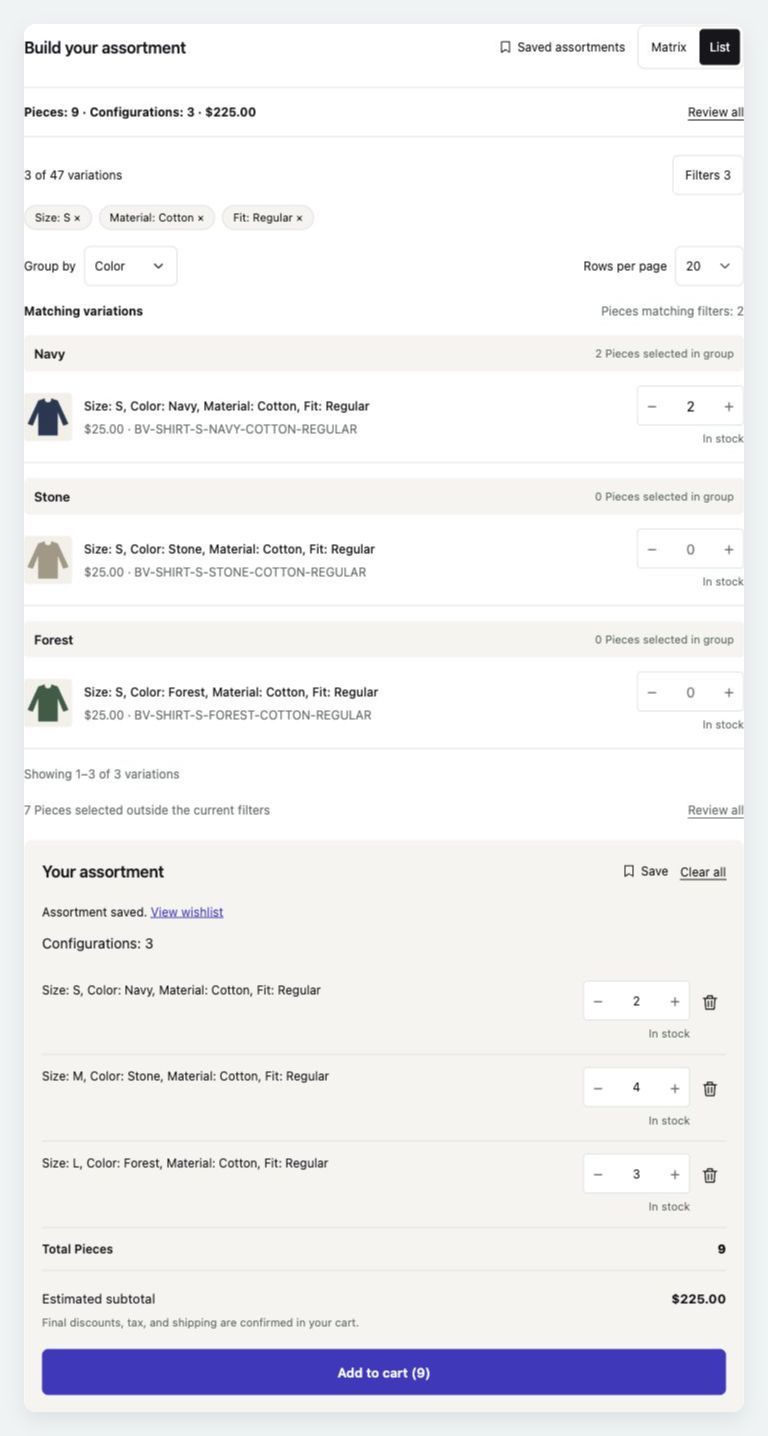
Offer Matrix, List or both, and choose the opening view. The matrix puts two attributes on its rows and columns, with selectors for the remaining attributes. List view shows each complete configuration and its quantity field.
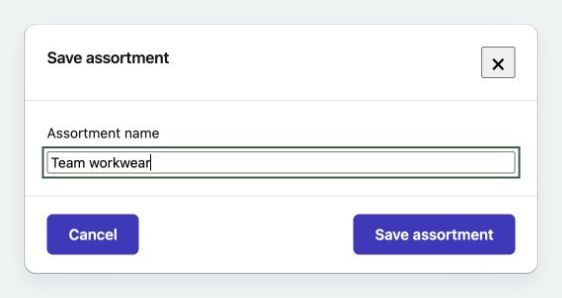
With WooCommerce Wishlists installed separately, shoppers can name and save an assortment, then return to the product to resume it. Selected variations, whole-number quantities and supported shared add-on answers are restored.
Each save creates a new wishlist. Customers resume their own assortments; guest saving follows your Wishlists settings.
Set up an individual product in its Bulk Variations tab, or create a profile under WooCommerce > Variation Profiles for products with the same set of global variation attributes. Choose the views, matrix axes, list grouping and whether Standard Order is available. Custom and Disabled products keep their individual settings.
Show variation prices and images when useful, change the quantity label to match your store, and optionally preview the focused variation in a compatible main product gallery.
Keep the bulk form in the product purchase area, or choose Full page to give larger assortments more room. A Bulk order link opens the full-width form, with a Back to product link when shoppers want to return. Products upgraded from 1.8 use Full page; review custom templates and ordering behavior on staging before upgrading.
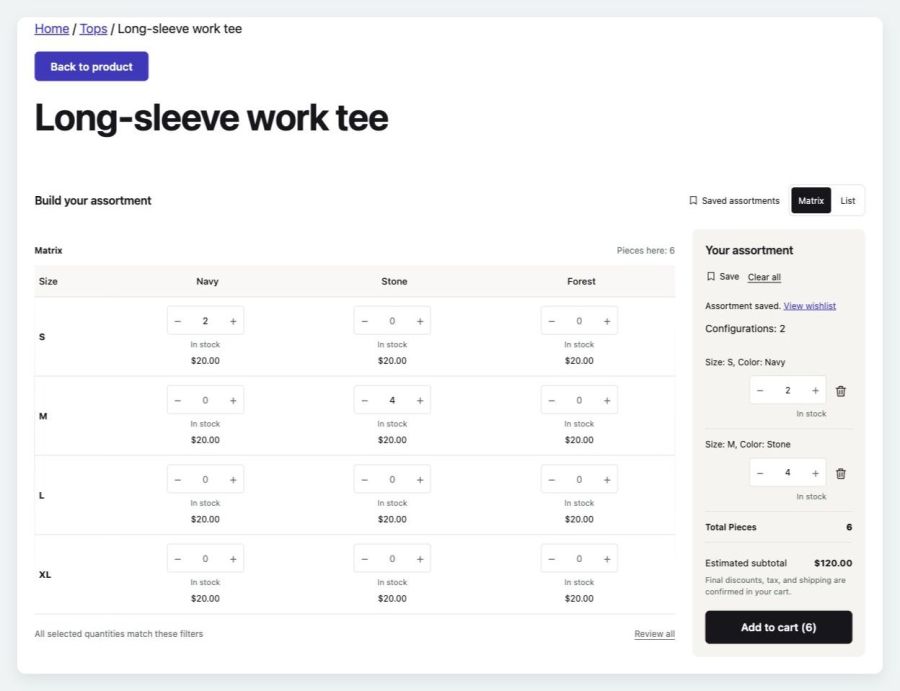
Bulk ordering works with classic product forms and WooCommerce’s Add to Cart with Options block. A shortcode and a server-rendered block provide placement options. Your product data, variation availability and cart validation still govern what can be ordered.
Supported basic Product Add-Ons and Gravity Forms Product Add-Ons fields can be configured once for the assortment. Each variation receives the same answers, with the add-on extension’s normal charges applied to each cart line. Complex forms use Standard Order instead.
Bulk Variations orders variations of one WooCommerce variable product at a time. The displayed catalog is limited to 2,500 configurations; larger products use Standard Order. Saved assortments require the separate WooCommerce Wishlists extension. See the setup and compatibility documentation for add-on field support, gallery requirements and upgrading from 1.8.
Yes. Version 2.0 supports variable products with more than two variation attributes. Matrix uses two attributes for rows and columns, with selectors for the others. List shows each complete configuration. Each bulk form orders variations of one product.
Yes. Matrix and List share the same assortment. Switching views, changing filters or grouping, and moving between pages keep selected quantities. Your assortment includes selections outside the current filters.
Yes. Inline keeps the form in the product purchase area. Full page opens a wide ordering view through the Bulk order link, with Back to product to return. Choose the layout in store settings, a configuration profile or an individual product. Products upgraded from 1.8 use Full page.
Yes, with the separate WooCommerce Wishlists extension. After entering quantities, choose Save in Your assortment. Saved assortments appears beside the view controls when the shopper has a saved selection for that product. Each save creates a new wishlist. Whole-number quantities and supported shared add-on answers can be restored; guest access follows your Wishlists settings.
Supported shared fields can be filled in once for the assortment. Every selected variation receives the same answers, and normal add-on charges apply to each cart line. Complex or unsupported forms use Standard ordering. See the documentation for supported fields and limits.
Bulk ordering supports classic variable-product forms and WooCommerce’s Add to Cart with Options block. Shortcode and server-rendered block placement are also available. Check your actual product template on staging, especially when upgrading a customized store.
The displayed catalog is limited to 2,500 complete configurations; larger products use Standard ordering. The assortment subtotal is an estimate. Final discounts, option charges, tax and shipping are confirmed in the cart.
Existing enabled products retain their settings and use Full page. The storefront interface is new, so review custom templates, CSS selectors and JavaScript customizations on staging. Legacy row-wide quantity shortcuts are not included. Follow the documentation’s upgrade checklist before updating a customized store.
Categories
Extension information
Quality Checks
Countries