

A assinatura inclui
Suporte
AI Semantic Search connects your store to OpenAI to understand customer intent, not just the exact words typed into the search box. Combine AI-driven meaning matching with keyword precision through Hybrid mode, or run pure semantic search for more complex, natural-language queries. Choose exactly which product data powers your search, from titles and descriptions to attributes and tags, and control how much weight each one carries in the results.
The plugin also includes voice search, a modern popup search overlay, automatic typo correction, configurable rate limiting, and a built-in search analytics dashboard, giving you full visibility into how customers search your store.
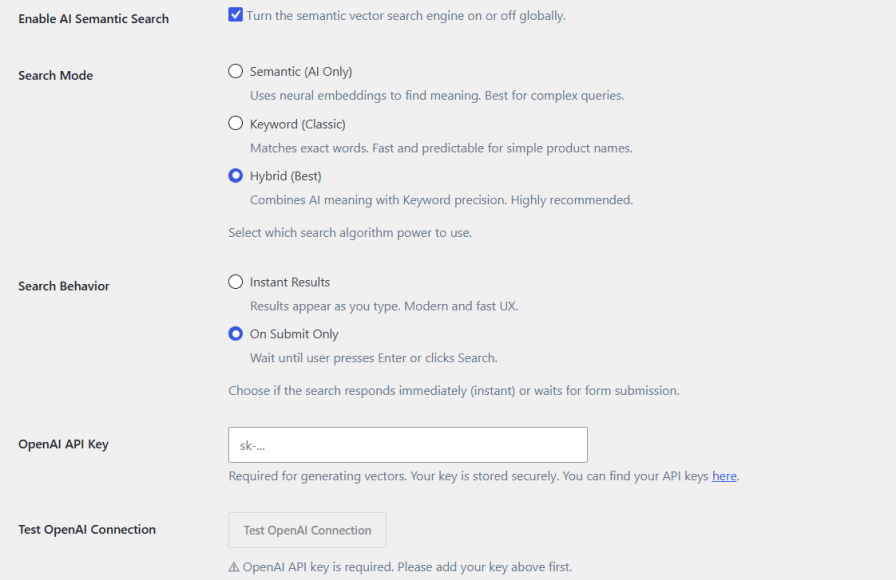
Give shoppers a search experience that understands intent, not just isolated keywords. Semantic mode applies neural embeddings for complex or conversational queries, Keyword mode matches exact terms for speed and predictability, and Hybrid mode blends both for maximum relevance. Connect your OpenAI API key and verify the connection directly from the settings screen.
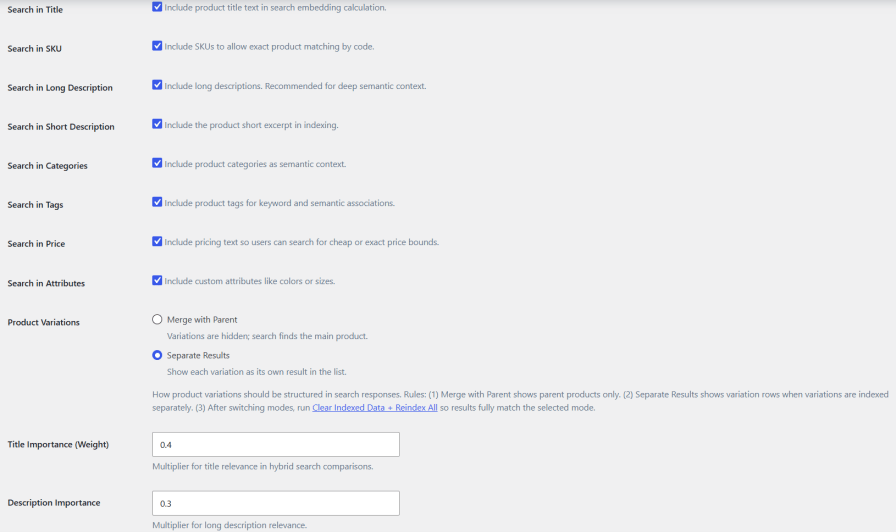
Choose exactly which product fields feed the search engine, including title, SKU, long and short description, categories, tags, price, and custom attributes. Decide whether product variations appear as separate results or merge under the parent product, and fine-tune how much weight title, description, attributes, and tags carry in relevance scoring.
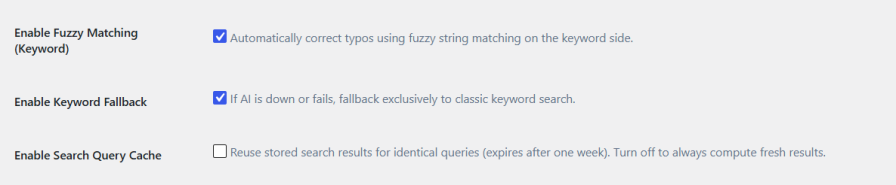
Fuzzy matching automatically corrects minor spelling mistakes on the keyword side, so a typo never costs you a sale. If the AI connection is ever unavailable, the plugin automatically falls back to classic keyword search, keeping store search fully operational at all times. An optional query cache stores repeated results to improve response speed.
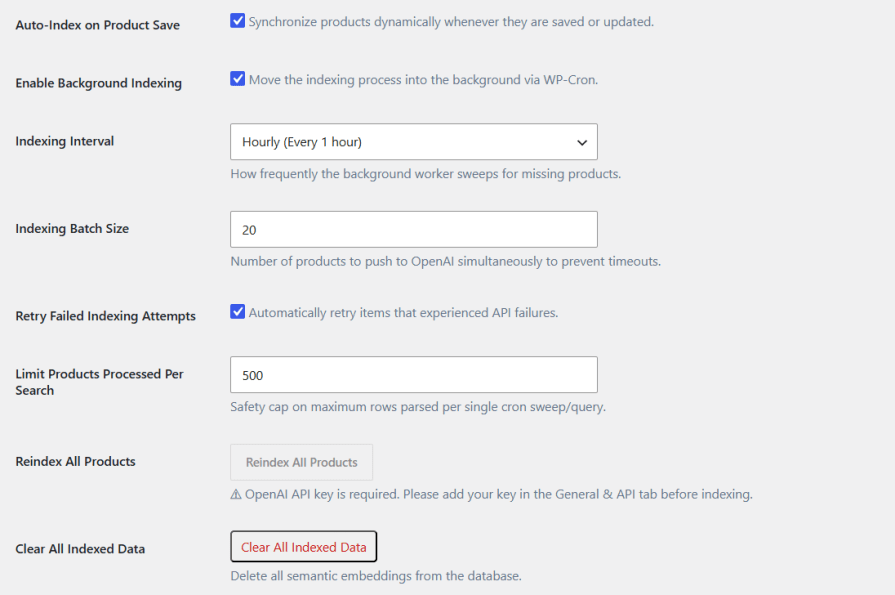
Products are indexed automatically whenever they’re saved or updated. Background indexing runs on a configurable schedule through WP-Cron, with adjustable batch sizes to prevent timeouts and automatic retries for failed items. Reindex all products at any time, clear indexed data completely, and monitor every run through the indexing history log.
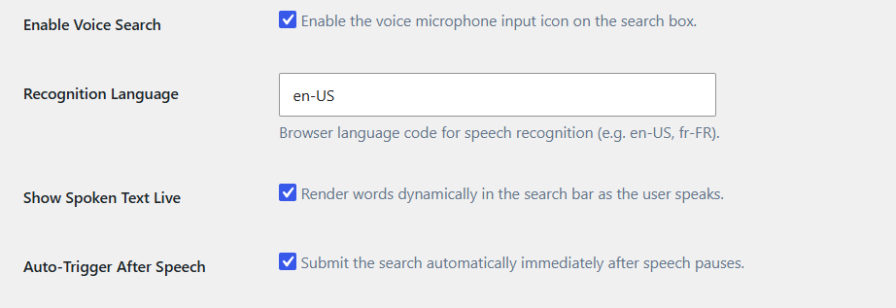
Let customers search by speaking instead of typing. Enable the microphone icon on the search box, set the recognition language, display spoken words live as they’re detected, and automatically submit the search once the customer finishes speaking.
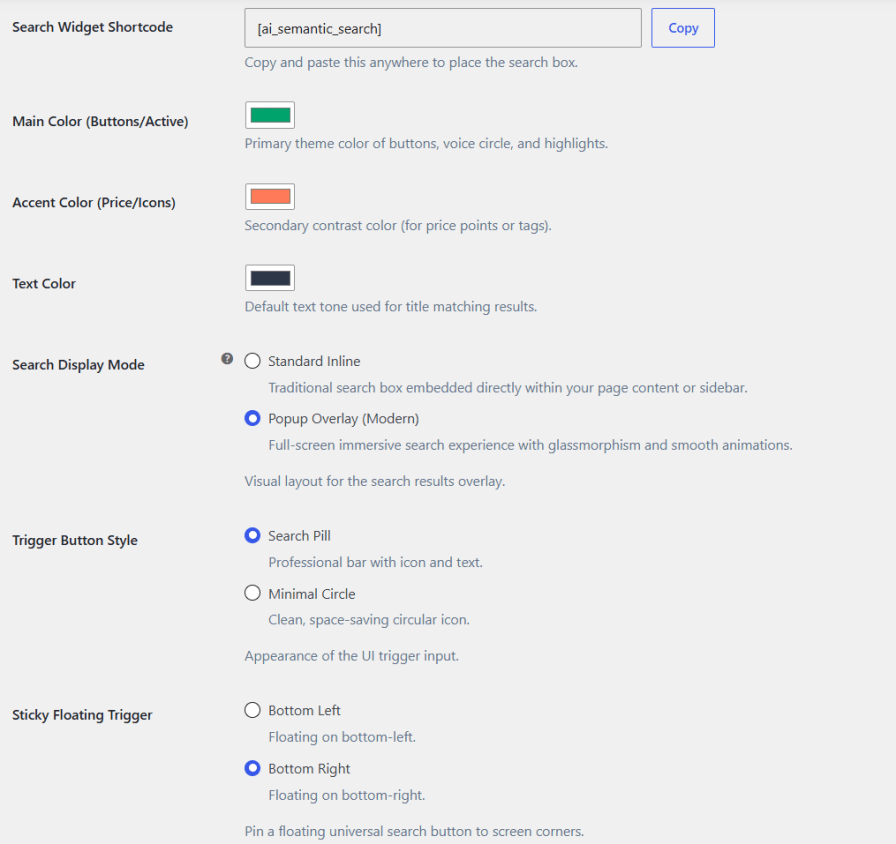
Display search as a standard inline box or a full-screen popup overlay with glassmorphism styling. Customize the main color, accent color, and text color to match your theme, choose between a search pill or minimal circle trigger, and pin a floating search button to either bottom corner of the screen.
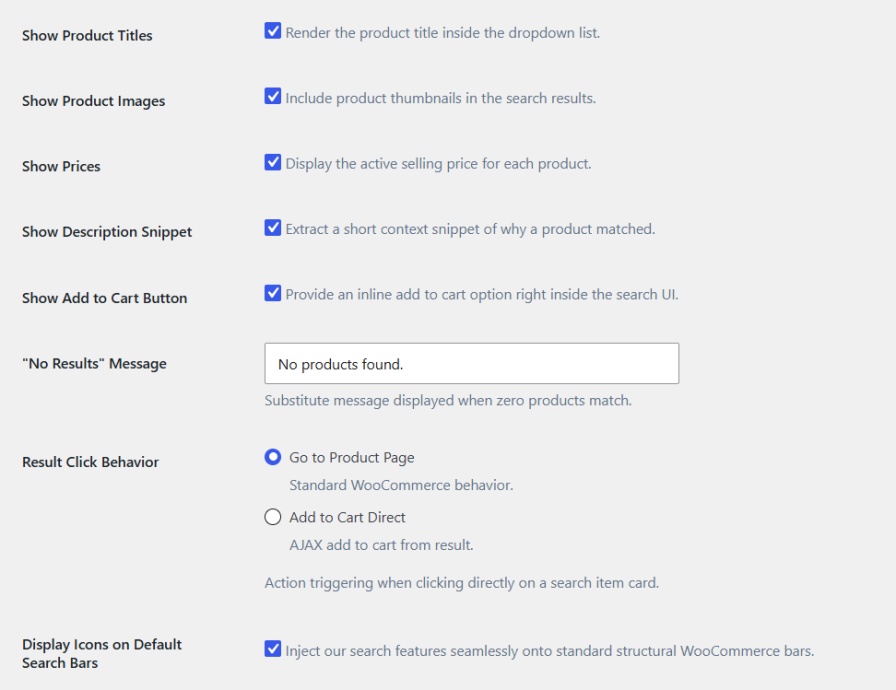
Show product titles, thumbnails, prices, and short matching snippets directly within the search results. Add an inline Add to Cart button so customers can complete a purchase without leaving the search dropdown, and customize the message shown when no products match. Choose whether clicking a result opens the product page or adds the item directly to the cart.
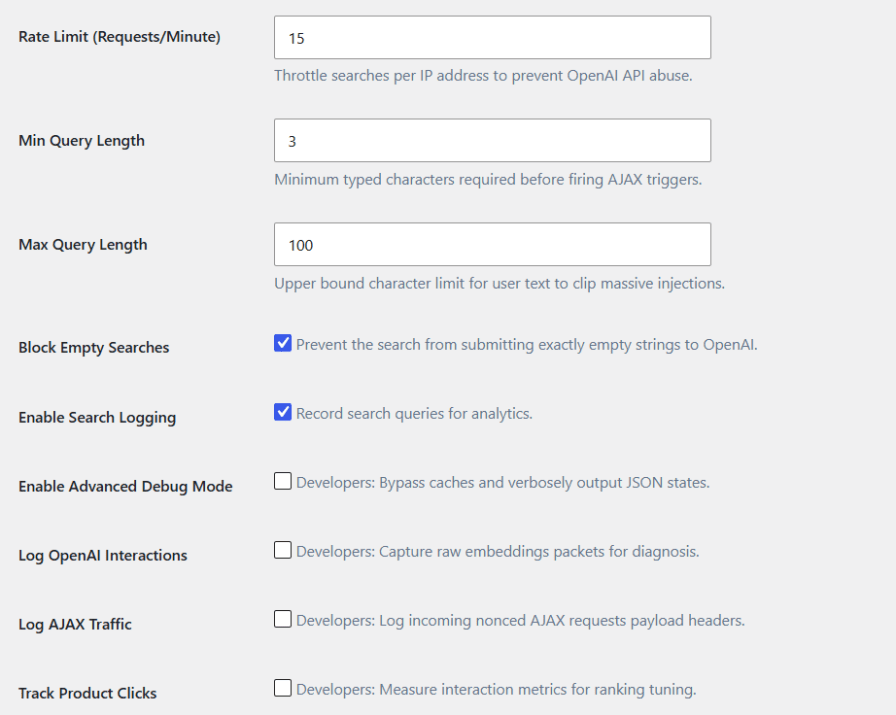
Protect your store and manage OpenAI usage with configurable rate limiting per IP address, minimum and maximum query length restrictions, and a block on empty search submissions. Developer options include debug mode, OpenAI interaction logging, AJAX traffic logging, and product click tracking for deeper performance tuning.
Yes, an OpenAI API key is required to generate the AI vectors used for semantic search. Keyword search remains functional without one.
If the AI connection is down or unavailable, the plugin automatically falls back to classic keyword search, ensuring store search remains fully functional.
Yes, you can include or exclude title, SKU, descriptions, categories, tags, price, and attributes, and adjust the weight each carries in relevance scoring.
Yes, customers can search by voice, with live transcription and automatic submission once they finish speaking.
Categorias
Verificações de qualidade
Países







