
Instalações ativas
8K+
A assinatura inclui
Suporte
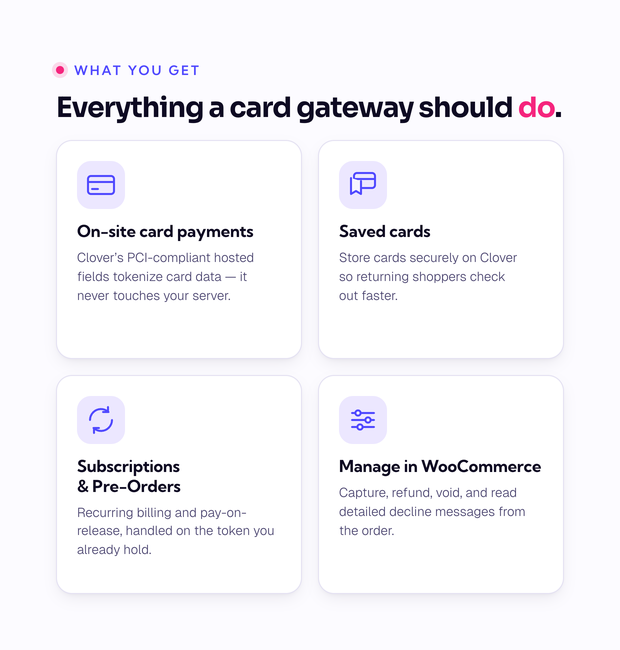
Accept credit cards on your WooCommerce checkout through Clover, with saved cards, Subscriptions and Pre-Orders, and captures and refunds you run right from the order screen.
Let your customers easily and seamlessly check out with Clover Gateway for WooCommerce. Capture more sales and reduce cart abandonment by taking advantage of card tokenization, allowing customers to securely and safely save their cards for a seamless future checkout. Benefit from tons of great features like enhanced checkout forms, Subscriptions support, authorization / capture, and more!
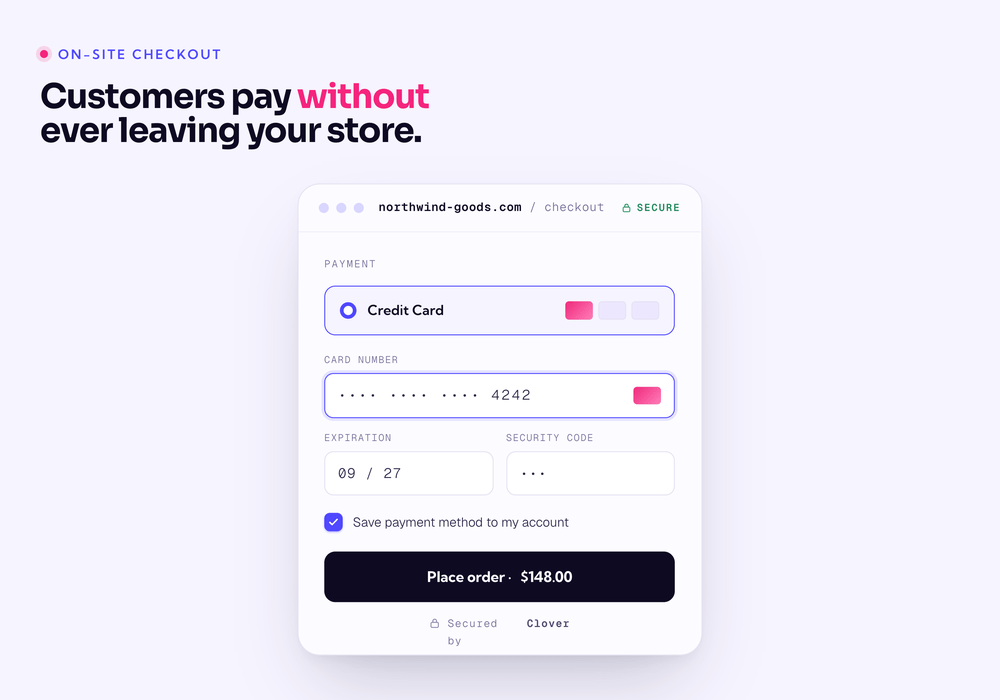
Using the Clover extension allows you to decide what your checkout process will look like, while keeping the customer on your site for the entire process. This gives you maximum control over this experience, providing a slick checkout process for the user with maximum customizability.
You can now opt to show detailed decline messages to your customers, no more “an error occurred” error messages!
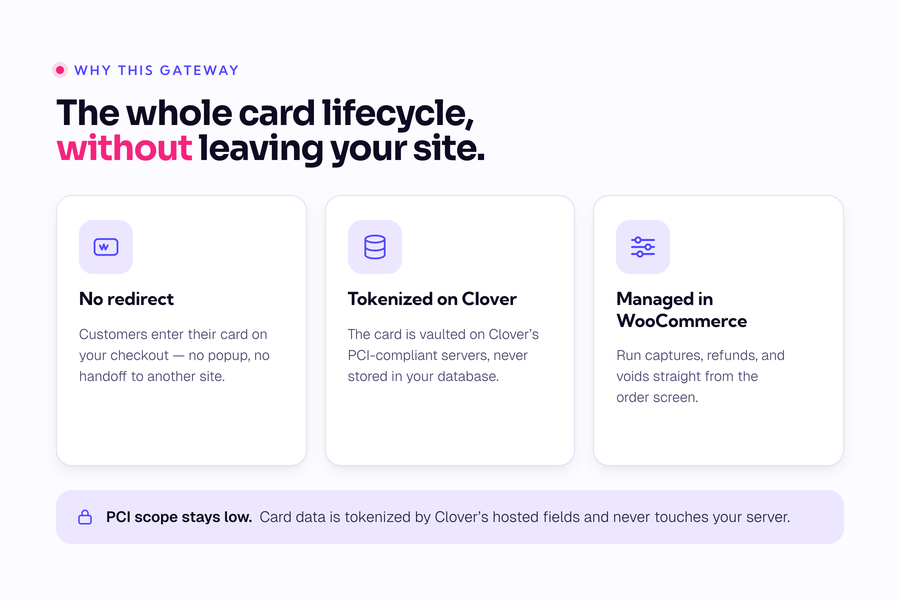
The Clover Gateway for WooCommerce payment gateway plugin supports three gateway modes:
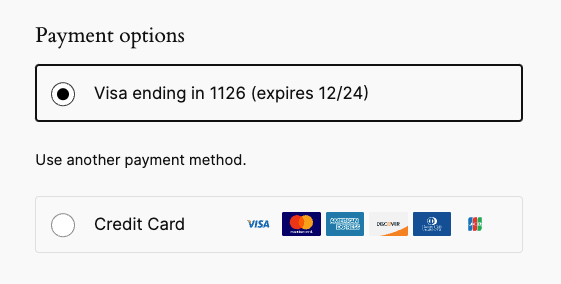
Customers can easily and securely save their credit card to their account for faster checkout. Payment data is stored on Clover’s secure servers, so your responsibility for PCI compliance is significantly reduced. Customers can then select a saved card to pay for future orders.
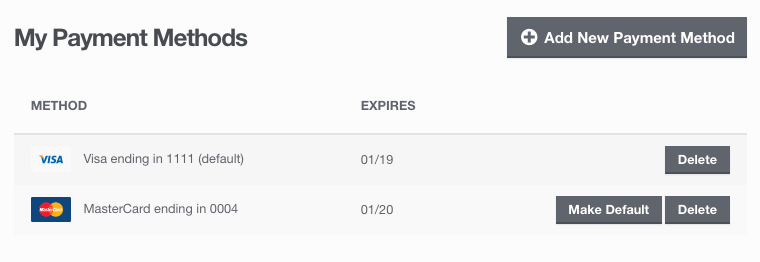
Customers can remove or update their saved payment method from the My Account page.
Clover Gateway for WooCommerce works hand-in-hand with Clover’s own fraud protection. Enable the optional Address Verification Service (AVS) fields to collect the billing street address and cardholder name at checkout and pass them to Clover, so Clover’s Address Verification Fraud Prevention Tool can flag transactions where the details don’t match the card. AVS matching, CVV verification, and transaction velocity limits are all configured in your Clover merchant account, so you stay in full control of how strict your screening is.
To shut down automated card-testing attacks – where bots push stolen card numbers through your checkout – pair Clover with CheckoutWC and switch on Cloudflare Turnstile, a privacy-first CAPTCHA that blocks bots at checkout without adding friction for genuine customers.
Some merchants choose to set the payment gateway to only authorize charges rather than authorize & capture them. However, this requires the merchant to then log into the payment gateway admin to capture charges. You can optionally capture previously authorized transactions directly from the WooCommerce Edit Order screen rather than logging into your Clover control panel to do so. Simply edit the order, select the “Capture Charge” action, and charges will be captured through Clover
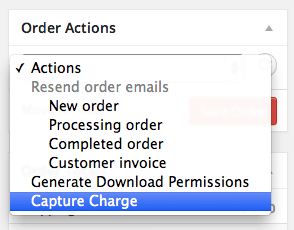
You can even capture charges in bulk for multiple orders!
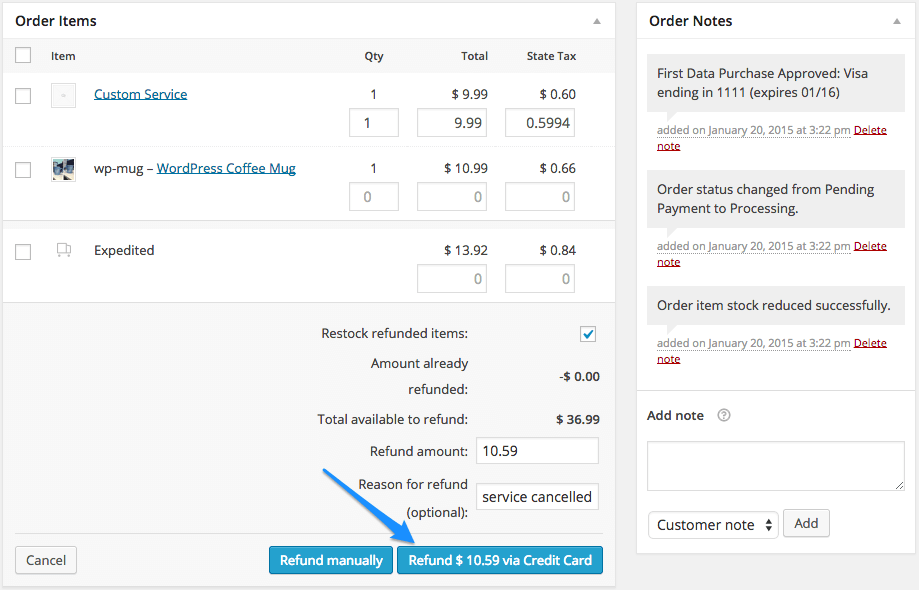
Shop employees can process refunds for an order paid for with Clover directly from within WooCommerce — no more logging into your Clover account to process refunds! Speed up your store management by creating refunds from the “Edit Order” screen and sending the transaction automatically to Clover by clicking “Refund via Credit Card”.
Clover is an ideal gateway for WooCommerce Subscriptions, offering support for all of Subscriptions features – subscription date changes, payment date changes, and more. The gateway also fully supports WooCommerce Pre-Orders, so you can take customers’ payment information upfront and then automatically charge their payment method once the pre-order is released.
Looking for even more information? Read the extensive documentation for details on setup, configuration, and more.
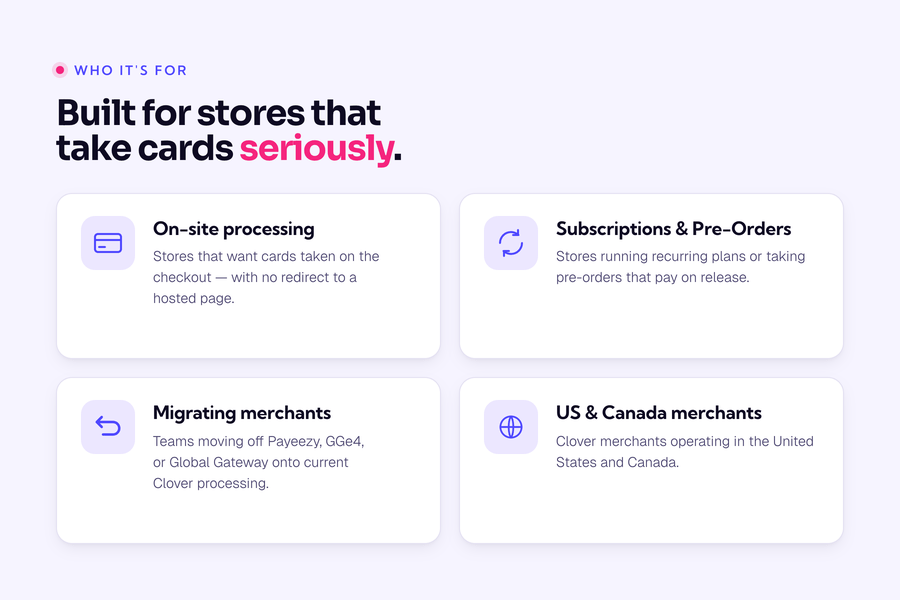
This plugin supports Clover merchant accounts in the US and Canada only. Other markets (UK) are not currently supported.
Need any more reason to buy? When you purchase a Kestrel-developed extension, you’re getting the highest quality extensions for your WooCommerce store. Gain peace of mind by knowing that when you purchase our products, your store’s performance is as important to us as it is to you.
Looking for more details? Contact Kestrel support.
Made by

Clover merchant accounts in the United States and Canada. Other markets, including the UK, are not currently supported. If you need to use Clover in another region, please reach out to our support team and let us know!
Yes. Clover Gateway fully supports both, handling recurring billing and pay-on-release charges on the saved card token.
Yes. Capture pre-authorized charges, issue refunds, and void transactions from the Edit Order screen, without logging into Clover. Partial refunds through the API are not supported (full refunds only); process partial refunds in your Clover dashboard.
Fiserv upgraded Payeezy and Global Gateway to Clover, and the plugin still supports those legacy modes. If your account was migrated, your credentials carry over, and new stores should connect in Clover mode. If you're still awaiting a migration, you can continue using your existing gateway. If you have any questions, please reach out to our support team. We're happy to help!
Not currently. Clover Gateway processes credit and debit card payments.
Categorias
Informações da extensão
Verificações de qualidade
Países
Idiomas
Requisitos