

Instalações ativas
600+
A assinatura inclui
Suporte
Let customers log in and register using just their phone number, verified with a one-time password. Login with Phone Number for WooCommerce removes the friction of usernames and passwords, while adding a genuine layer of two-factor authentication that helps protect your store from brute-force attacks and spam registrations.
Choose from four SMS and messaging providers – Firebase, MSG91, Twilio, or WhatsApp via Meta – so you can send OTPs through whichever service fits your customer base and region. Returning customers can log in with an OTP or fall back to a password, and you can hide your default login form entirely so phone login becomes the primary way in.
Beyond login, the plugin gives you fine control over security, messaging, and design: failed-attempt and login-count restrictions, Google reCAPTCHA, fully customizable field labels and system messages, and color controls for every button and popup element, so the experience matches your store instead of looking bolted on.
Customers enter their phone number, receive an OTP, and verify it to log in; no password required. This OTP login flow is faster for customers and removes one of the most common points of login friction: forgotten passwords.
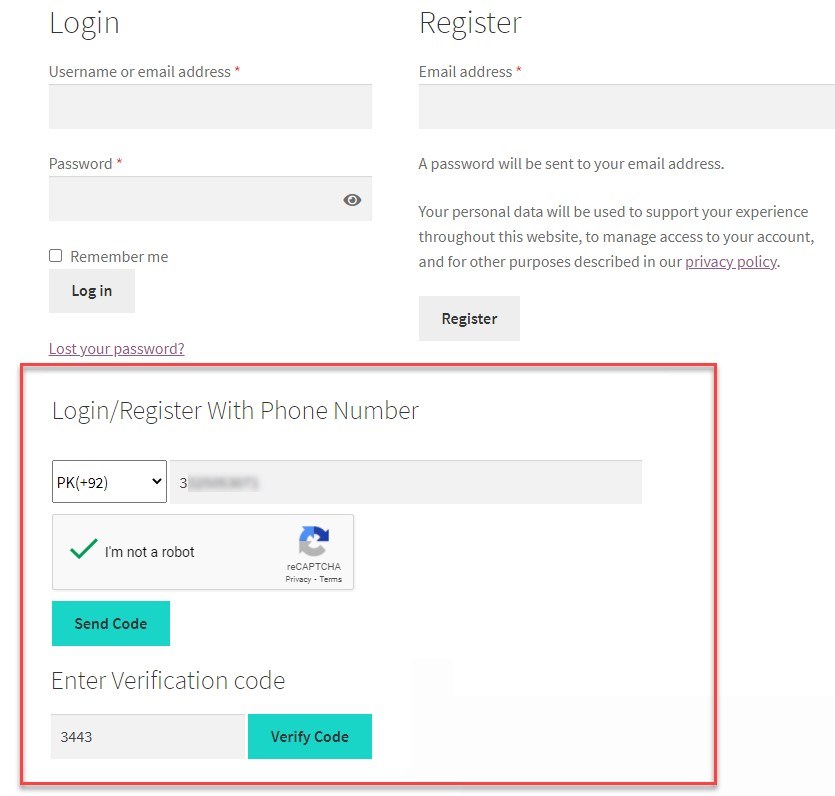
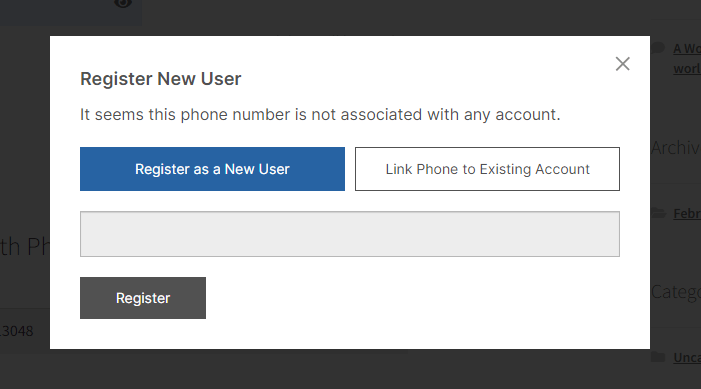
New customers can register using only their phone number. Once the OTP is verified, they’re prompted to complete registration by adding an email address, so you still capture the account details you need without a lengthy signup form.
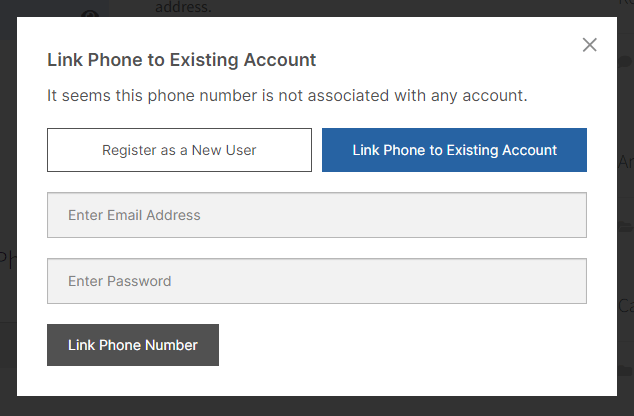
Previously registered customers can link their email account to a phone number. Once linked, they can log in with just their phone number on future visits, without giving up the account history tied to their original registration.
Decide whether already-registered users verify with a fresh OTP every time, or log in with their phone number and password instead. This gives you the flexibility to balance security against convenience for your specific customer base.

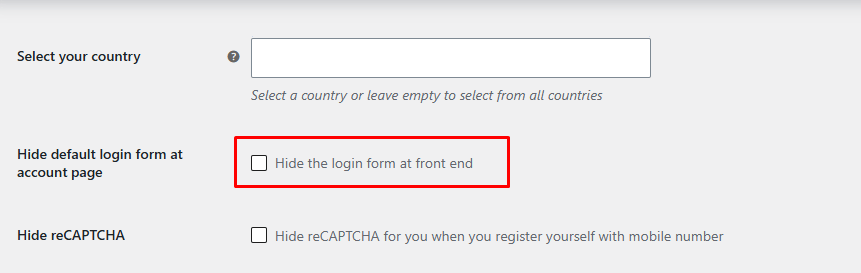
Replace the standard WordPress login form with phone-only login and registration, so customers have one clear, consistent way to access their account.
Connect the provider that fits your store: Firebase, MSG91, Twilio, or WhatsApp via Meta. Each integrates directly with the plugin’s settings, so OTPs go out through the channel your customers already trust and actually check.
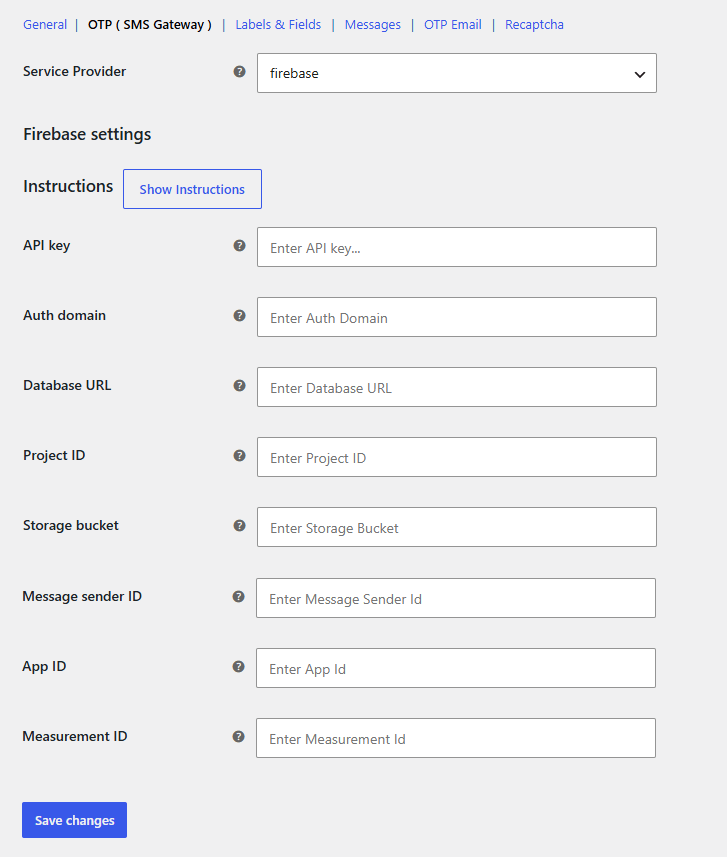
Connect your Google Firebase project to send OTPs through Firebase Authentication. A reliable, widely used option that’s straightforward to set up if you’re already in the Google ecosystem.
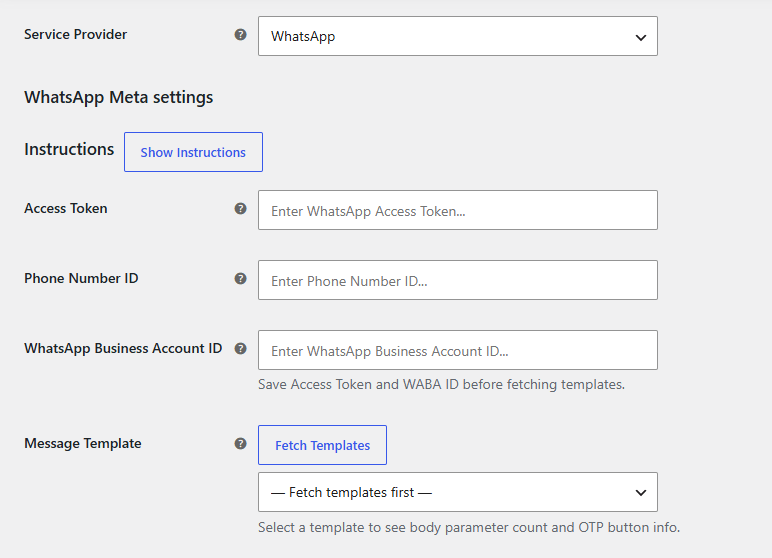
Send OTPs directly through WhatsApp using the Meta WhatsApp Business API. A strong choice if your customers check WhatsApp more often than SMS, especially in regions where WhatsApp is the primary messaging app.
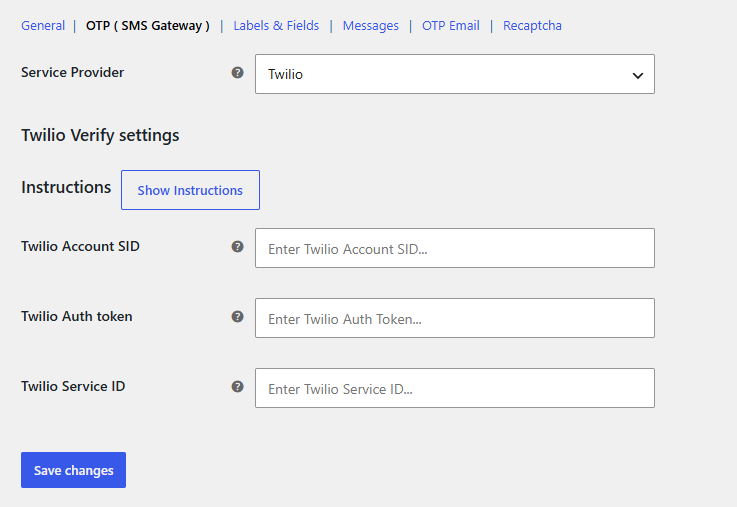
Use Twilio Verify to send OTPs through one of the most established SMS providers globally, with reliable delivery across a wide range of countries.
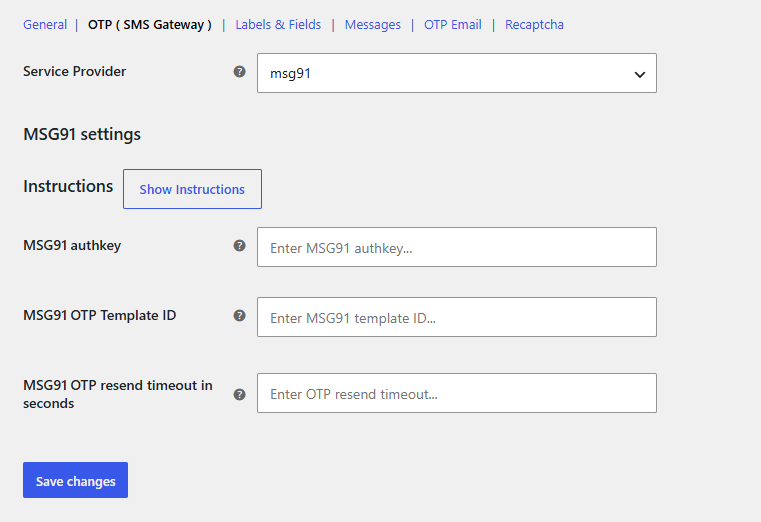
Send OTPs through MSG91, a popular choice for stores with a large customer base in India and other South Asian markets, with competitive regional delivery rates.
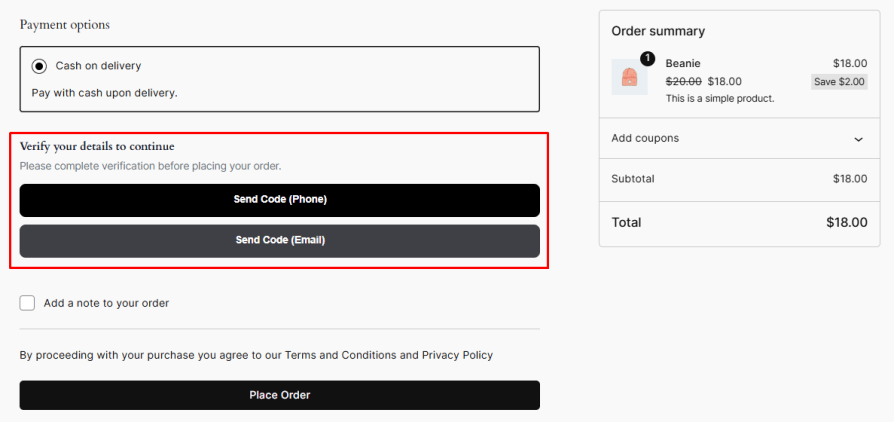
Make sure every guest order comes with a real phone number or email with the WooCommerce Checkout OTP plugin. Guests receive a one-time password on their billing phone or email and enter it before placing the order, with no account or login needed. Enable phone verification, email verification, or both, and choose where the box appears on classic checkout. It also works with the Checkout block to reduce fake orders and failed deliveries.
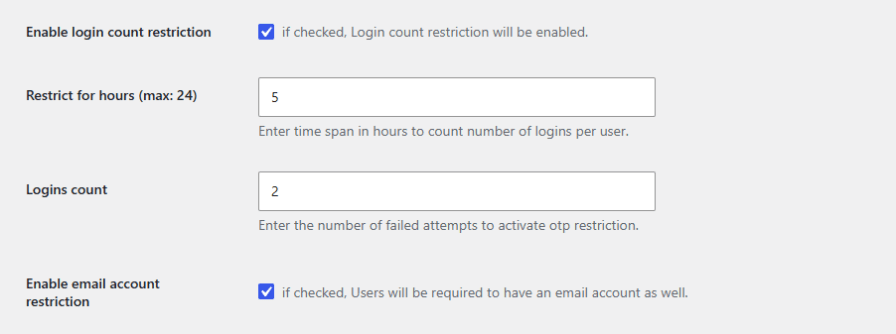
Protect your store from abuse with layered controls. Block users temporarily after too many failed OTP attempts, cap how many times a user can log in within a set number of hours, and enable Google reCAPTCHA v2 on the login and registration form for an extra layer of bot protection.
Give customers a clear expiry window for their OTP with a configurable countdown timer, up to 10 minutes, so codes don’t stay valid indefinitely.

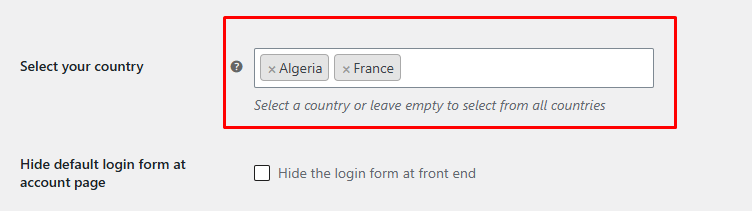
Limit phone login and registration to a specific country, or leave the setting empty to accept customers from anywhere in the world.
Require customers to log in or register before completing checkout with the WooCommerce force authentication before checkout plugin. Once they log in, the plugin automatically pulls in their saved information, speeding up checkout while ensuring every order is tied to a verified account. You can also hide the checkout form entirely from guests until they log in on classic checkout.
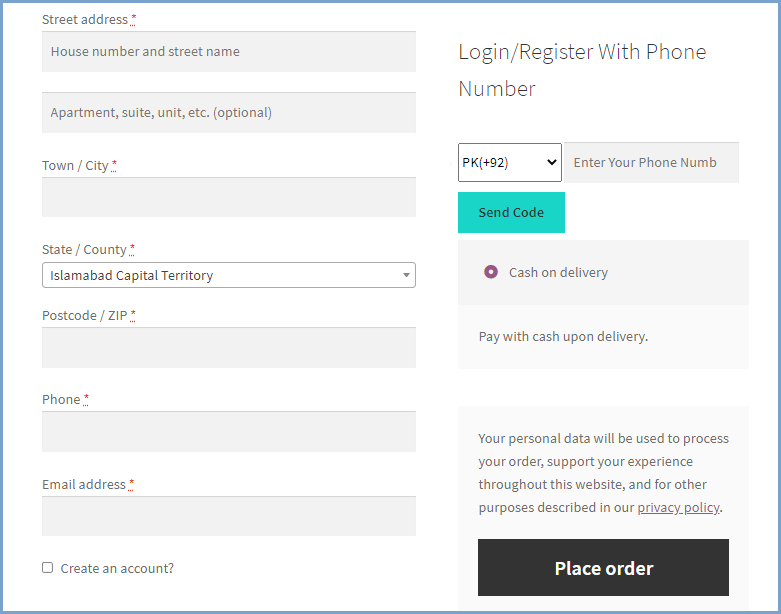
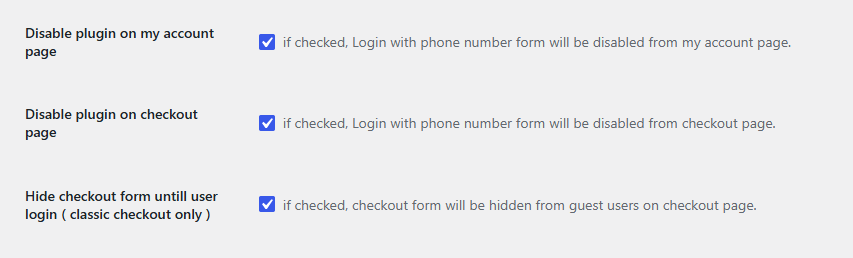
Disable the phone login form independently on the My Account page or the checkout page, and use the built-in shortcode to display the login form on any page or post you choose.
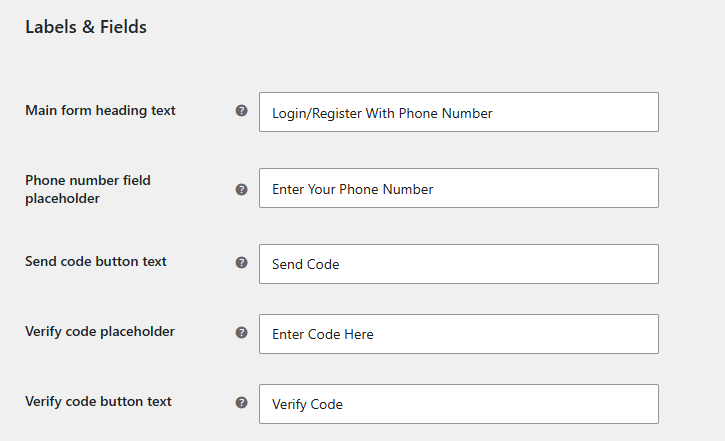
Make the login experience match your brand. Customize the main form heading, field placeholders, and button text for every step, then set background and text colors for buttons, registration popup tabs, and hover states, right down to the color of the OTP countdown message.
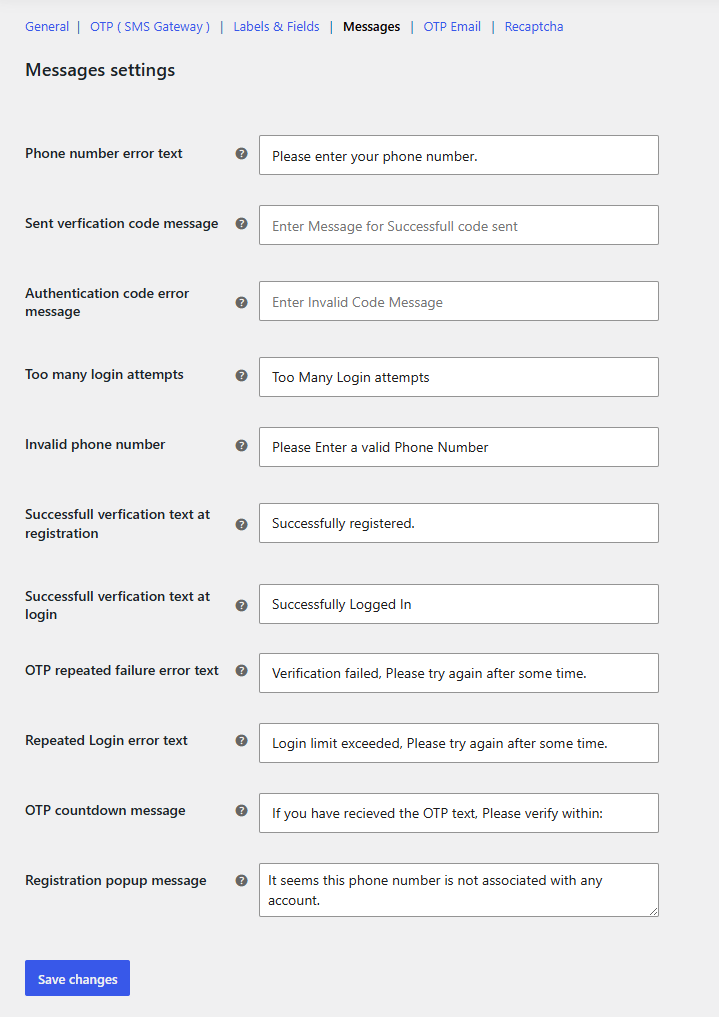
Every message a customer sees, from phone number errors and invalid code alerts to success messages at registration and login, can be rewritten in your own words, so the experience feels native to your store rather than generic plugin text.
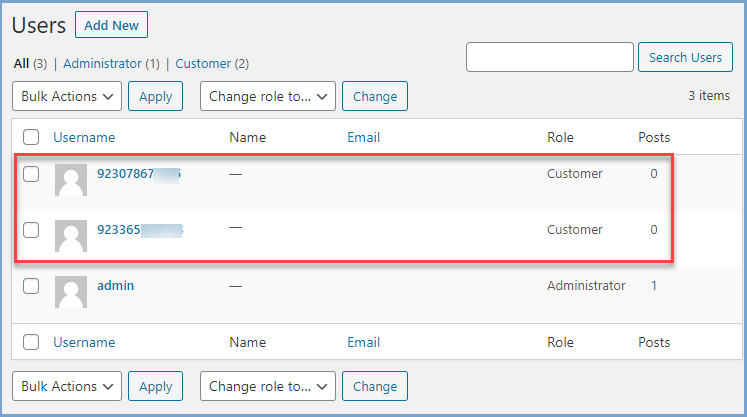
Once a customer registers with their phone number, their details are saved in the standard WooCommerce users section, so there’s nothing extra for you to manage on the backend.
Our plugins are designed to be highly versatile and also compatible with the most commonly used themes, browsers, builders, and mobile views. We understand the importance of flexibility and integration when it comes to enhancing your website’s functionality. Our plugins can effortlessly integrate with the following:
Minimum PHP version: 5.2
 |
DocumentationLooking for assistance? Check out the extensive documentation for a complete understanding of the WooCommerce OTP Login plugin. View documentation |
 |
Questions and SupportFor Questions and Support: If you have inquiries before making a purchase or require assistance, don’t hesitate to contact our support team. |
This plugin enhances user experience by eliminating the need for passwords and enabling customers to log in or register using just their mobile phone number and an OTP. It also boosts security by implementing two-factor authentication (2FA), preventing brute force attacks and unauthorized access.
Yes, existing customers can log in using their registered phone number. After verifying the OTP, they can link their phone number to their existing account for future logins.
Yes, since every registration requires OTP verification, it significantly reduces spam registrations and fake accounts, ensuring only genuine users create accounts.
Yes, the plugin allows you to hide the default WooCommerce login form and replace it with a mobile login/registration option, simplifying the login process for users.
When a new user enters their phone number, an OTP is sent via SMS. After entering the OTP, they will see a "Register as New User" option, where they can add their email to complete the registration.
The plugin supports three major SMS gateways:
You can choose the best gateway based on your business location and customer base.
Informações da extensão
Verificações de qualidade
Países







