

A assinatura inclui
Suporte
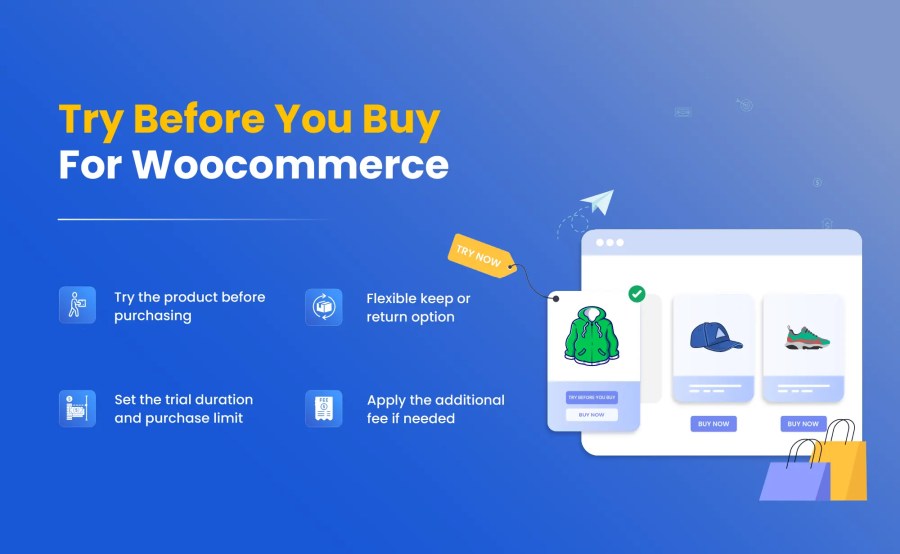
Online shopping comes with uncertainty because customers feel fear to place an order without trying, which leads to cart abandonment and reduces sales. Turn this fear into a confident buyer with our powerful WooCommerce Try Before You Buy solution.
This extension allows you to offer product trials directly from your store, giving customers the opportunity to test items before making a final purchase decision. You can restrict trials to specific products, categories, brands, or user roles and set custom trial periods based on product type or quantity. It also lets you apply a trial fee, manage returns through a structured process, and enable trial options across your entire store. All trial activity can be tracked and managed from a detailed dashboard.
A complete solution to make your store similar to popular brands that offer try-before-you-buy experiences.
Once activated, customers will be able to see a “Try Before You Buy” button on eligible products. When a customer starts a trial, their payment details are collected, and a trial fee is charged, if applicable. Customers can choose to keep or return the product. If they decide to keep it, the remaining balance is automatically charged; otherwise, they can return it by following your store’s return process.
Try Before You Buy for WooCommerce allows customers to try the product before making a purchase, which makes your store more engaging, reduces customer hesitation, builds their trust, and can increase your store’s sales. It can also allow you to restrict trials by user, country, or shipping zone, apply fees, and track activity easily.
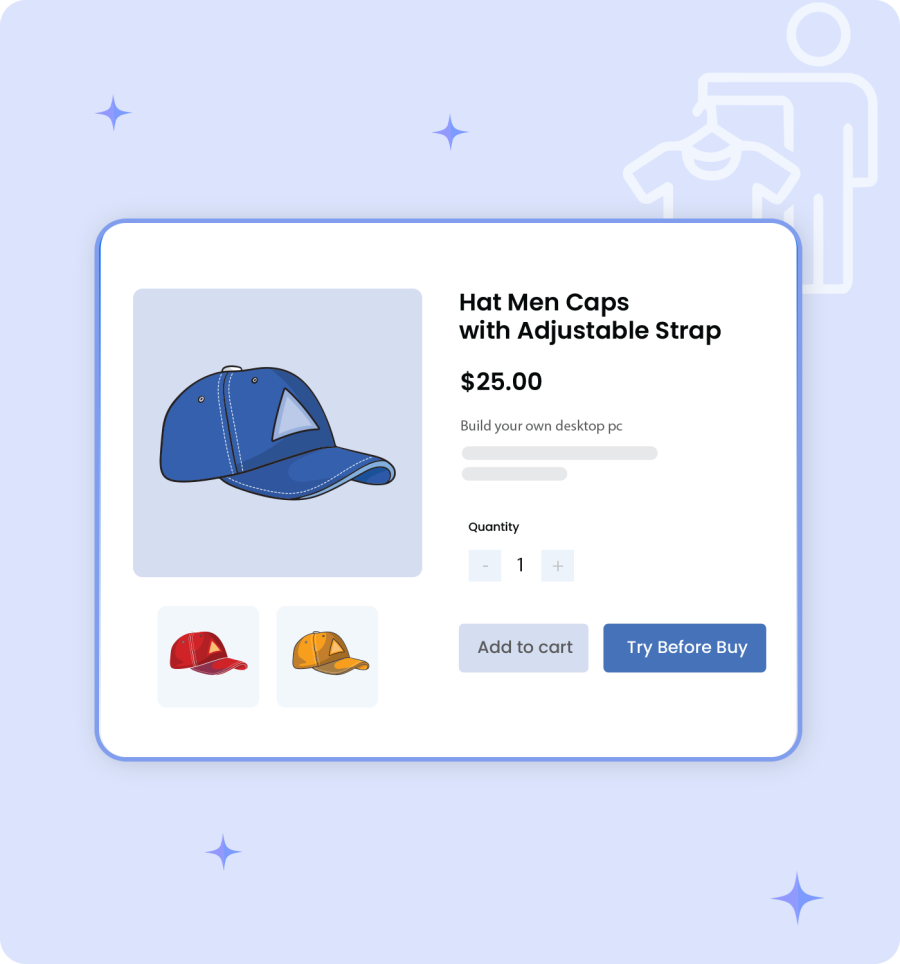
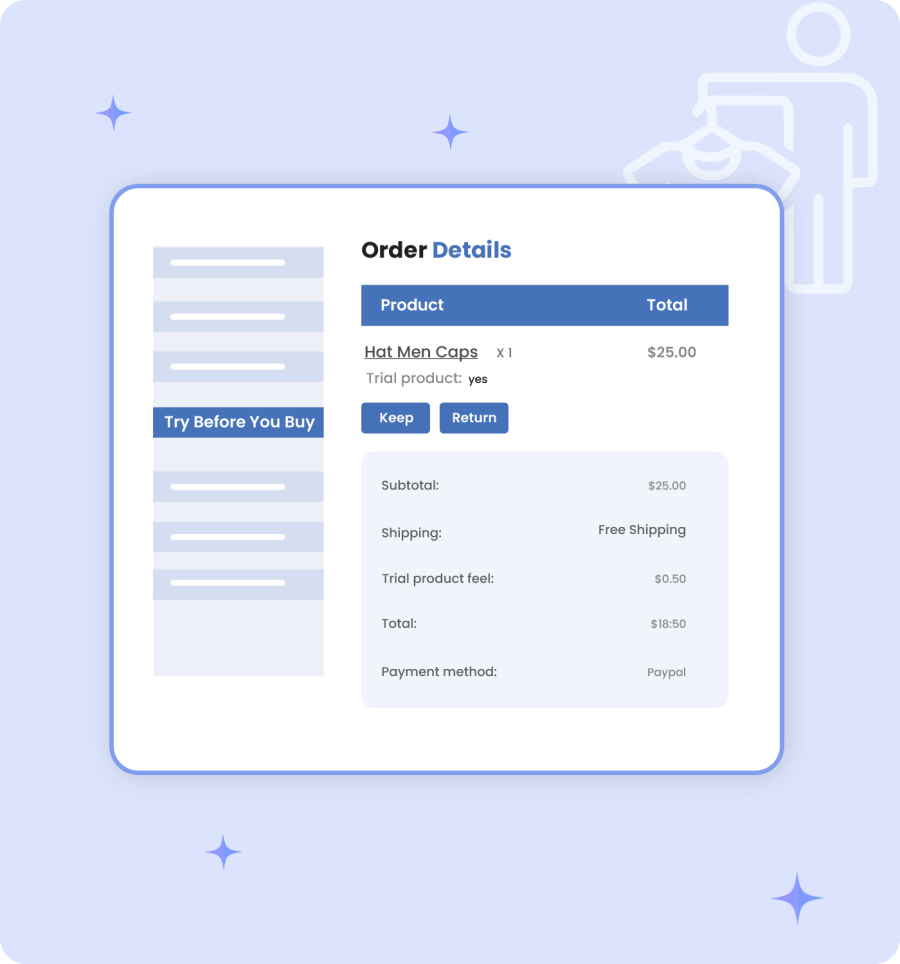
This feature provides flexibility to customers to return or keep a product after the completion of the trial period. Once the trial period ends, if the product meets their expectations, they can choose to keep it and pay the remaining balance; otherwise, they can return it by submitting a return request with an attached file and a default or custom reason to ensure a smooth and risk-free experience.
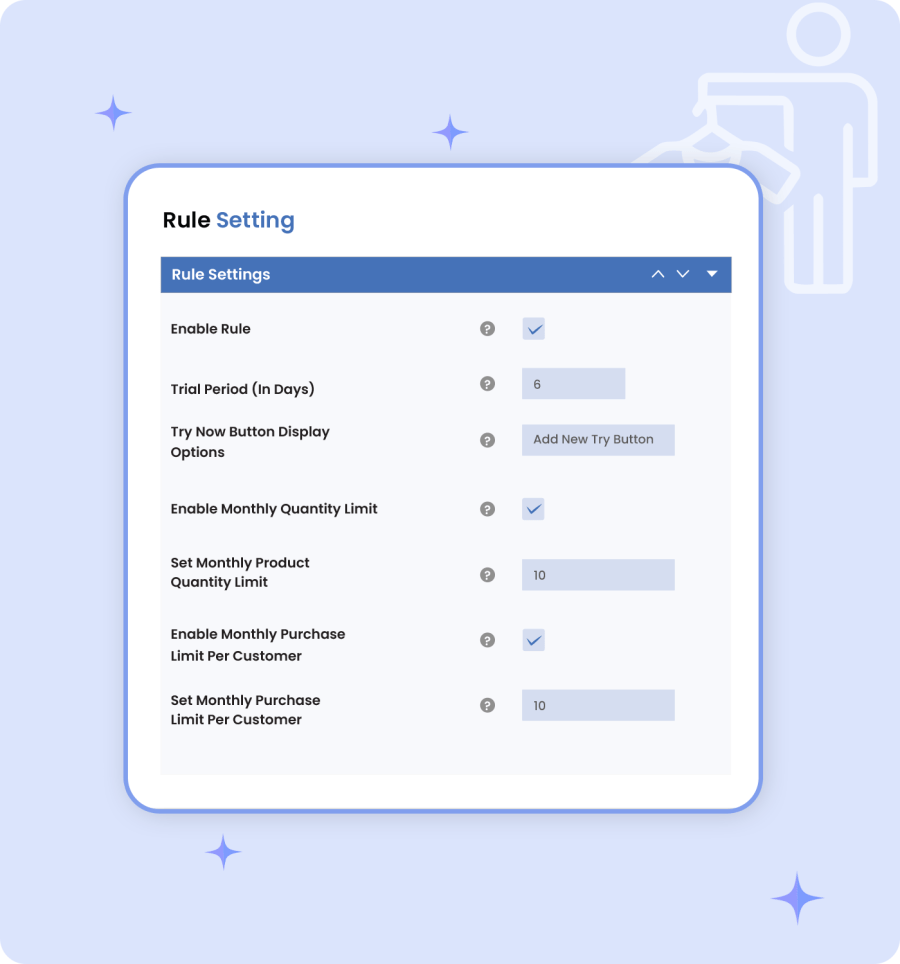
With this extension, you can easily control trial duration, product quantity, and monthly purchase limits. It allows you to define how many days a product can be used on trial and how many items a customer can try within a month, which can manage your store inventory effectively while maintaining full control over product trials.
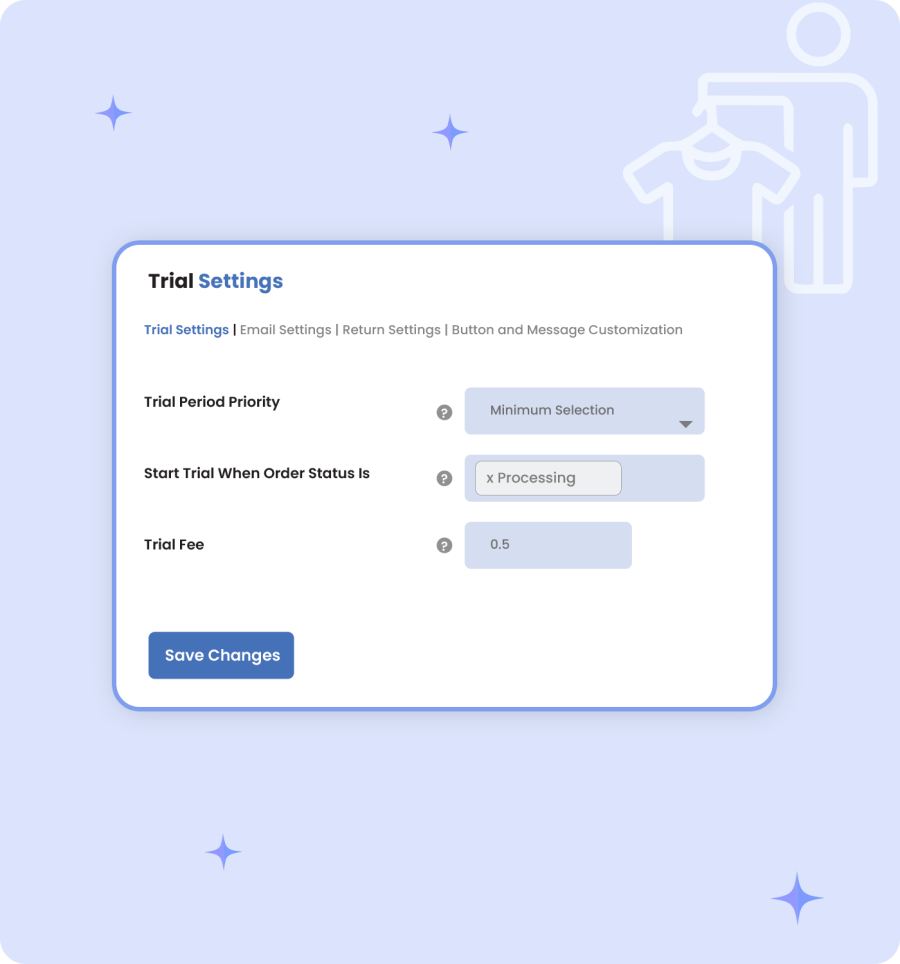
You can set additional fees for trial products to protect your store margins by using the WooCommerce Try Before You Buy feature. It allows you to configure the trial fees globally or for specific products and easily manage trial priorities and order statuses. This gives store owners the flexibility to offer trial products without affecting overall profitability.
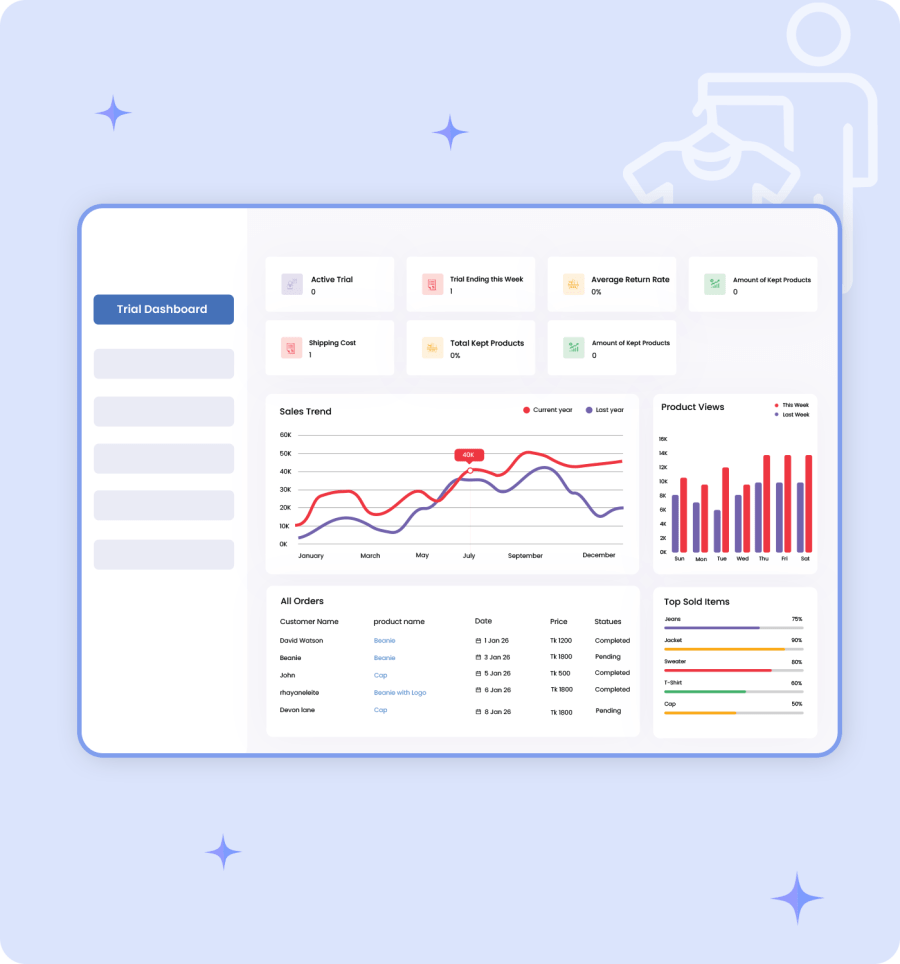
You can monitor all trial activity from a centralized dashboard by using the WooCommerce try-before-you-buy. It allows you to easily track a record of tried products, review customer activity logs, and check the status of every trial order in real time. This gives you full visibility to manage your store inventory efficiently and makes it easier to follow up with customers who are testing products in your store.
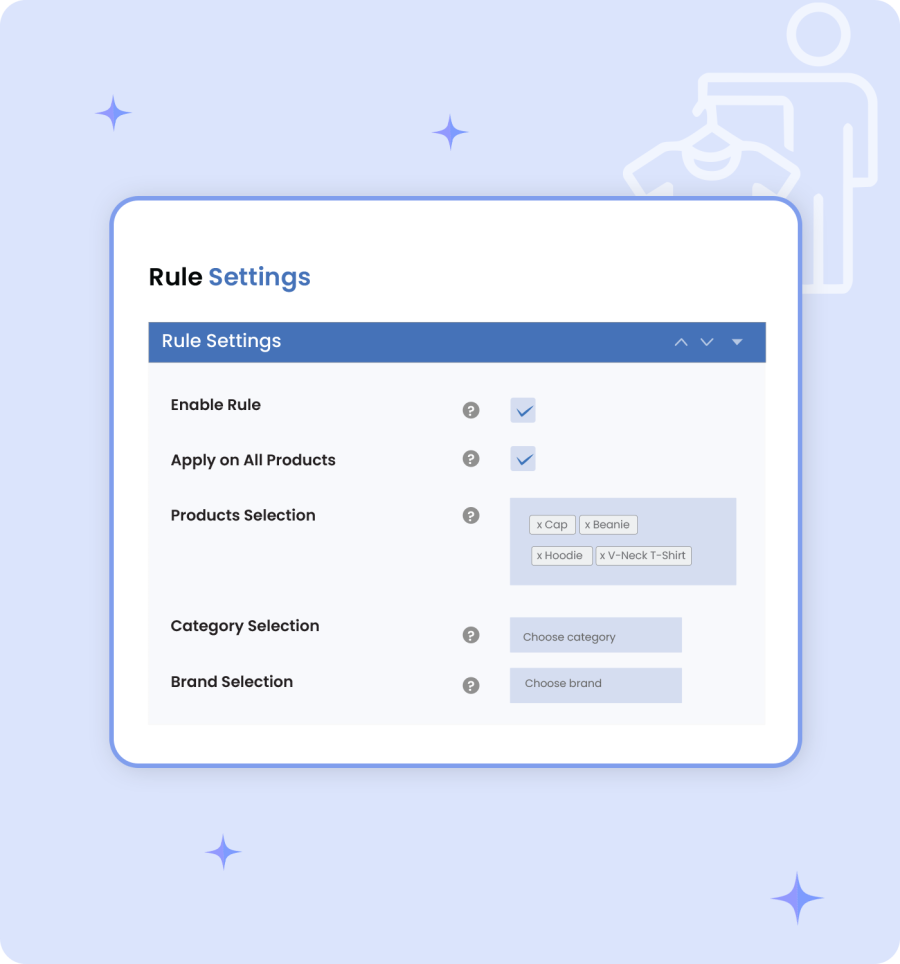
With WooCommerce’s try-before-you-buy feature, you can easily create customized trial rules based on specific products, categories, or brands, which gives you complete control over exactly where the trial option will appear. It can build smart, targeted campaigns for those products that benefit most.
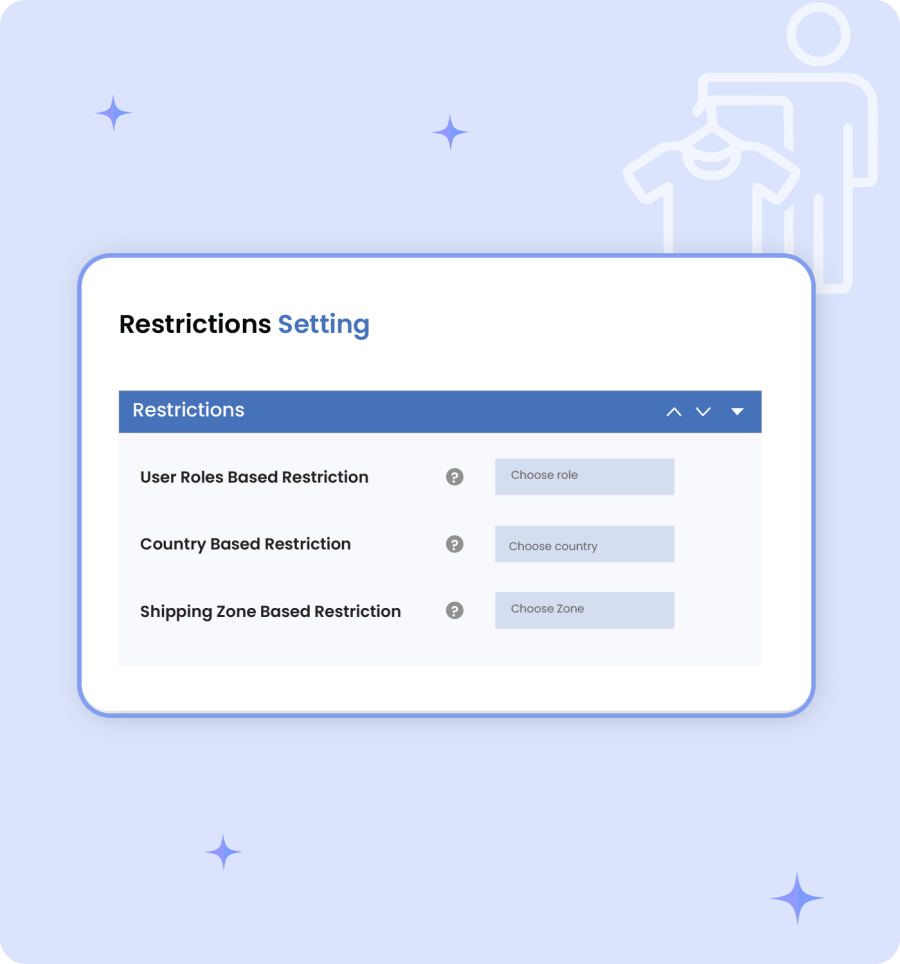
You can control the trial access to specific products, categories, and user roles, such as wholesale or retail customers. It also allows you to control availability based on shipping zones or countries. After restricting, only eligible customers can use or access the trial products. This gives you full control over who qualifies for a trial and helps protect your business from misuse.
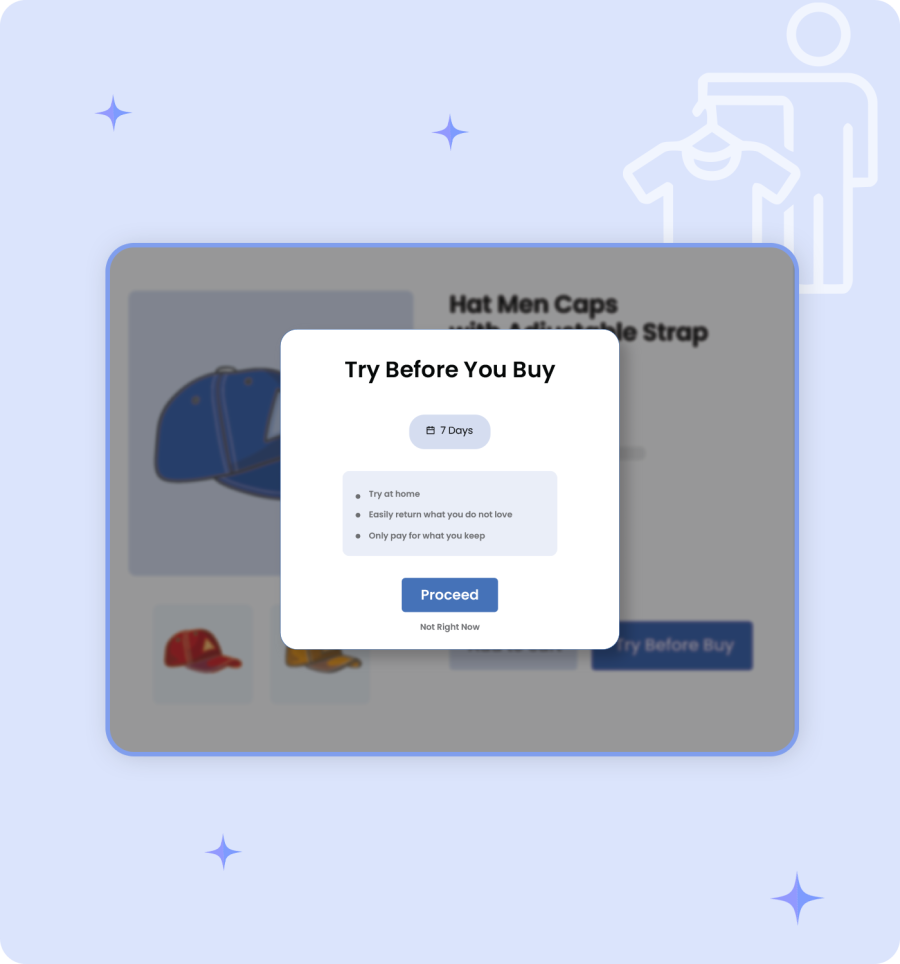
With this extension, customize button text, colors, icons, and templates to match your theme and branding. You can choose whether the option appears inline or in a pop-up and add custom headings or instructions to guide customers clearly. This is ideal for try-before-you-buy clothing sites and other niche stores that rely on user experience to build trust and increase purchase confidence.
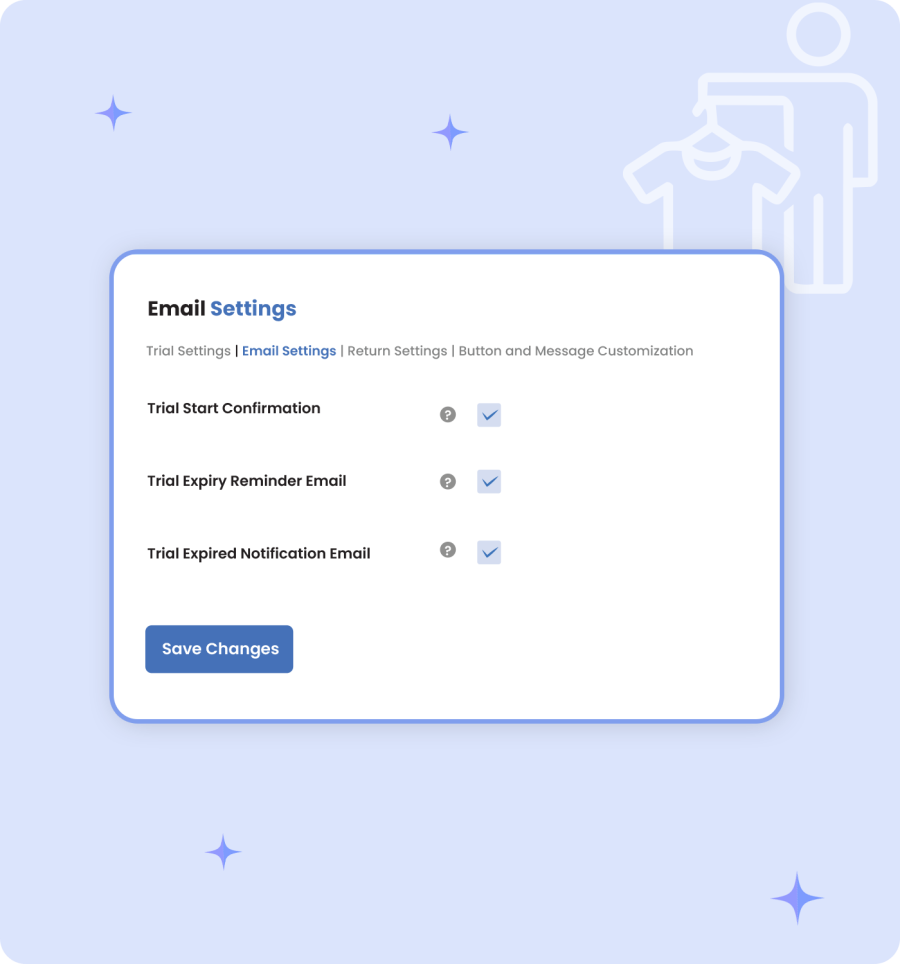
Keep customers and store admins informed at every stage with automated email notifications. Send confirmation emails when a trial starts, reminder emails before the trial expires, and notifications when the trial period ends. This improves communication, reduces manual follow-ups, and ensures a smooth trial experience for everyone.
Yes, payment details are collected securely when the trial starts. You can also charge a trial fee or additional service charges to protect your business.
If the customer decides to keep the product, the remaining balance is automatically charged, and the trial order is completed as a purchase.
Absolutely. You can apply Try Before You Buy rules to specific products, categories, or brands, or apply them globally across your store.
Categorias
Extension information
Quality Checks
Países







