

Das Abonnement beinhaltet
Support
By default, WooCommerce only lets you assign a single image per product variation, leaving customers guessing about the finer details of what they are actually purchasing. The Additional Variation Images Gallery extension removes that limitation entirely, letting you build a rich, dedicated image gallery for every product variation in your store.
You get full control over how those galleries look and behave. Present your variation images inside a smooth, customizable slider complete with navigation arrows, thumbnail previews, and optional image captions, so shoppers can browse every angle and detail with ease. You can also choose to apply variation galleries across all your products at once or only to specific ones, giving you the flexibility to manage your store your way.
The result is more confident buyers, fewer hesitations at checkout, and a measurable drop in returns and refund requests. When customers can clearly see every detail of what they are selecting, they are far more likely to complete their purchase and far less likely to be disappointed when it arrives.
By default, WooCommerce only allows a single image per product variation, which is often not enough for customers to make a confident purchase decision. The Additional Variation Images extension lets you add multiple images to each product variation, creating a dedicated gallery. You can select to include or exclude specific products, giving you complete control over how your store presents its products.
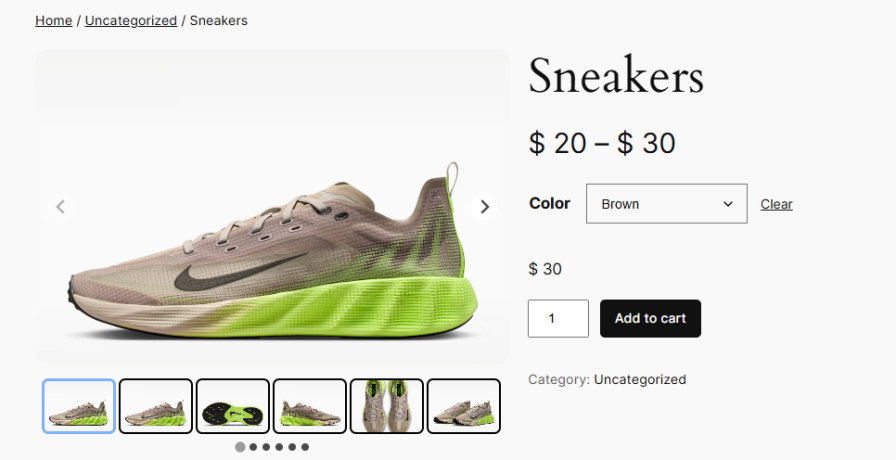
Give customers a cleaner and more organized way to browse variation images with a dedicated thumbnail slider. Thumbnails update alongside the main gallery whenever a variation is selected, making it easy for shoppers to navigate through multiple images without any confusion. You can customize thumbnail width, height, spacing, and border color to match your store’s design. Thumbnails can also be displayed in either a horizontal or vertical layout, depending on your product page structure.
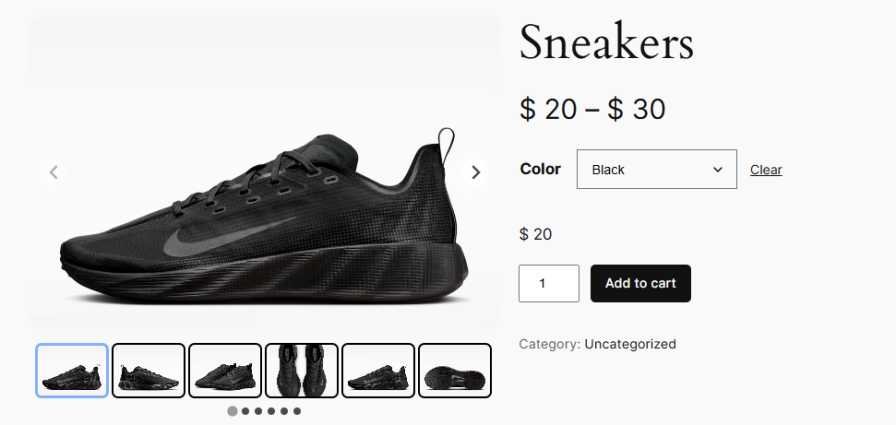
Present your variation images inside a smooth, responsive slider that keeps your product pages looking polished and professional. Customers can scroll through multiple variation images effortlessly, getting a complete view of the product before making a purchase decision.
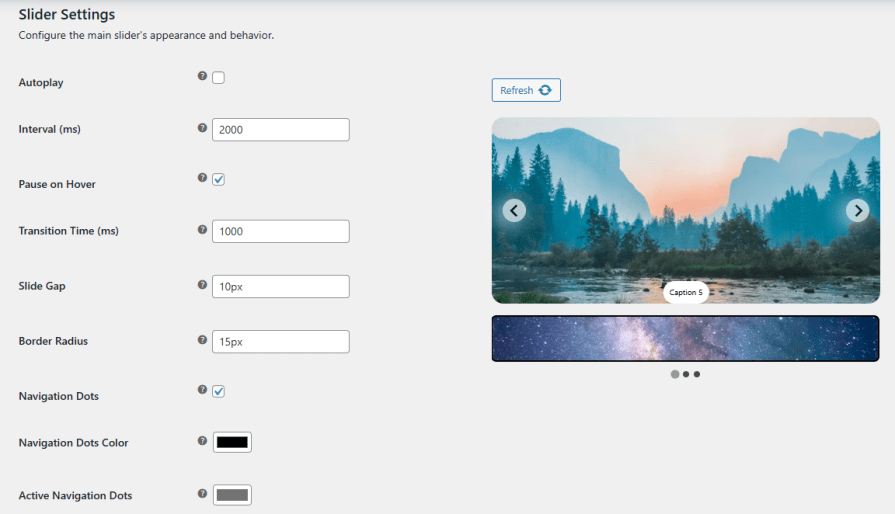
Keep your product gallery engaging by enabling autoplay on the variation image slider. You can set the interval time to control how long each slide is displayed and choose whether the slider should pause automatically when a customer hovers over it, ensuring a comfortable and uninterrupted browsing experience.
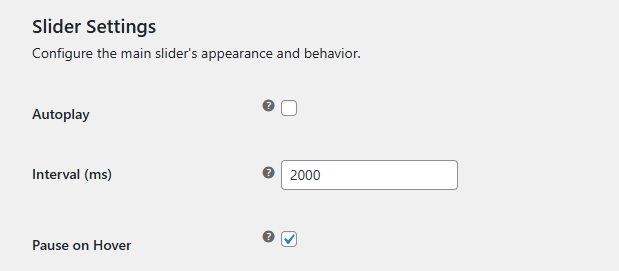
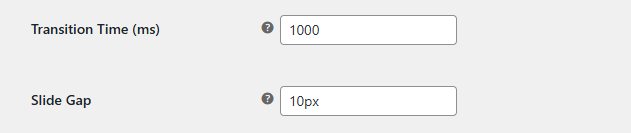
Control how smoothly your variation images move from one slide to the next. You can set the transition speed in milliseconds, adjust the gap between slides, and define the border radius of each slide to achieve a look that feels natural and consistent with your store’s overall design.
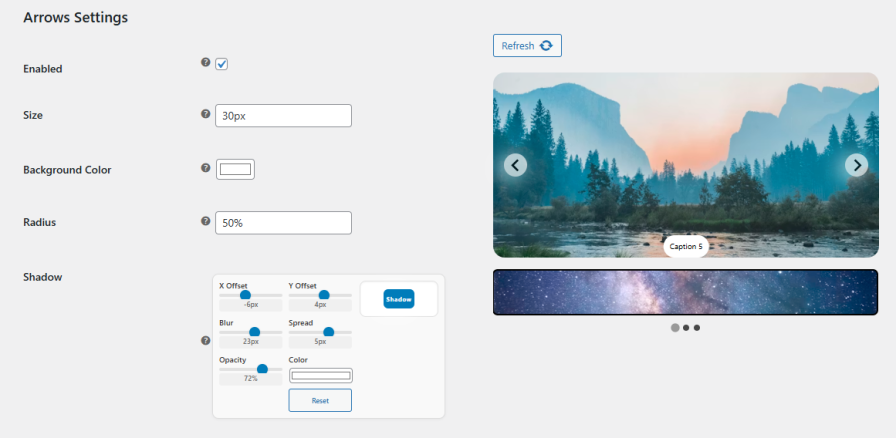
Make it easy for customers to navigate through variation images by enabling slider arrows. You can customize the arrow size, background color, and border radius, and even add a shadow effect with full control over offset, blur, spread, opacity, and color, ensuring the arrows complement your product page without feeling out of place.
Enable captions on your variation image slider to give customers a little more context about what they are viewing. You can customize the font size, text color, background color, padding, border radius, and position of each caption to keep everything looking clean and consistent with your store design.
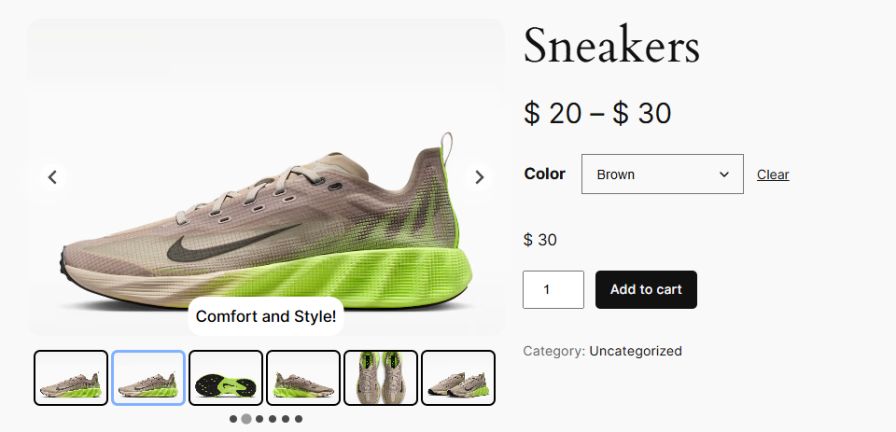
It lets you add multiple images to each product variation in WooCommerce, creating a dedicated gallery instead of being limited to a single image.
Yes, every variation can have its own unique set of images, allowing you to showcase different colors, styles, or features clearly.
Yes, you can apply variation image galleries to all variable products or selectively enable them for specific ones.
Images are shown in a responsive slider with optional thumbnails, navigation arrows, and smooth transitions for easy browsing.
Yes, you can control settings like autoplay, transition speed, arrow styles, thumbnail layout (horizontal/vertical), size, spacing, and more.
Yes, captions can be added to each image with full control over font size, color, background, and positioning.
Kategorien
Extension information
Quality Checks
Länder







