

Das Abonnement beinhaltet
Payment Method Messages allows your WooCommerce store to display dynamic payment-specific messages during checkout.
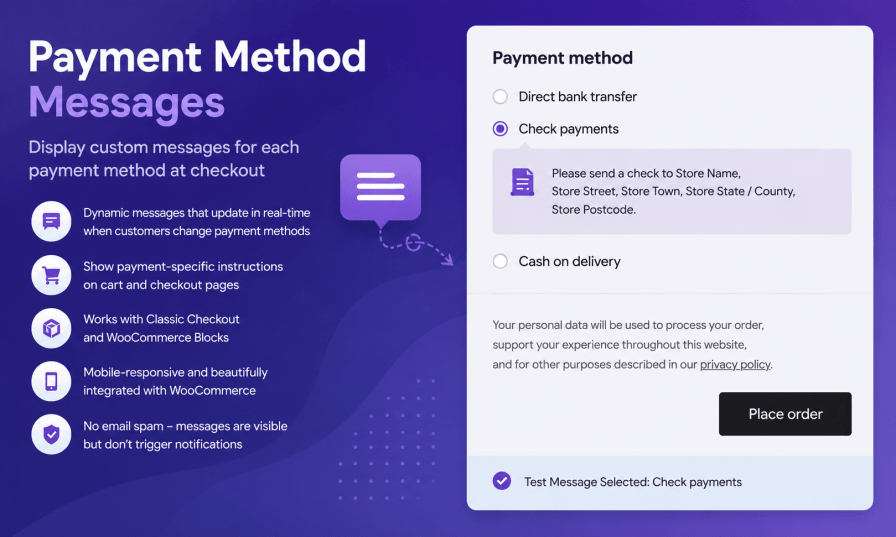
Payment Method Messages allows you to show dynamic messages based on the payment method selected by your customers. Whether you need to provide bank transfer instructions, cash-on-delivery information, payment reminders, or special notes for specific gateways, this extension helps deliver the right message at the right time.
Dynamic Checkout Messages
Automatically display different messages when customers select a payment method during checkout. Messages update instantly without requiring a page refresh.
WooCommerce Blocks Support
Fully compatible with both the Classic Checkout and the modern WooCommerce Blocks Checkout experience.
Mobile-Friendly Design
Messages are displayed using WooCommerce-native styling and adapt seamlessly to desktop, tablet, and mobile devices.
Flexible Message Management
Create unique messages for each available payment gateway, including bank transfer, cash on delivery, credit card providers, and custom payment methods.
Benefits
Perfect For
Payment Method Messages helps ensure customers always see the information that matters most based on how they choose to pay.
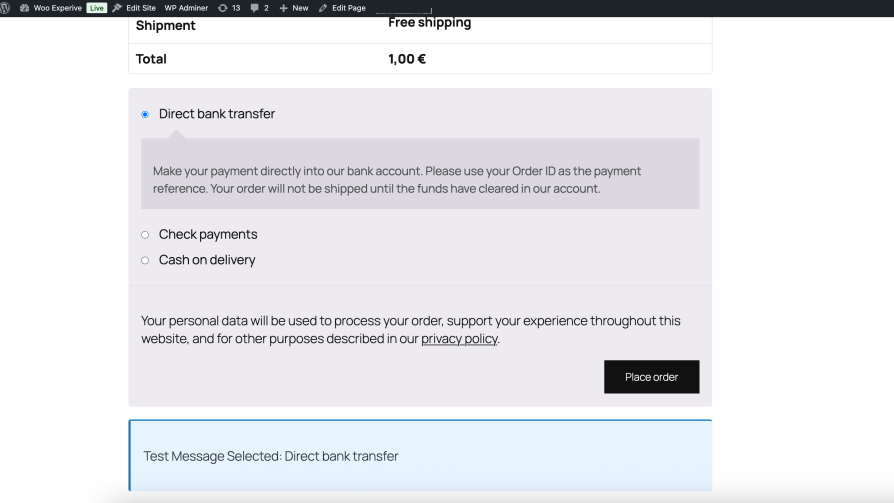
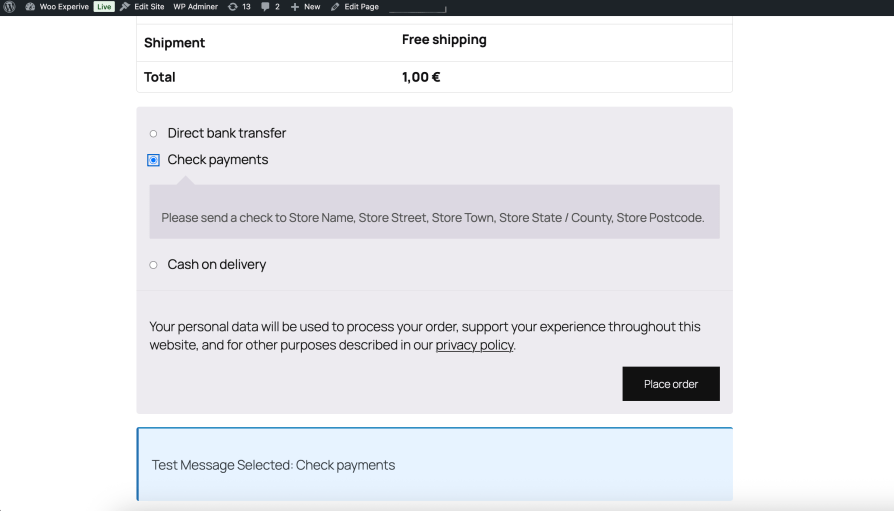
What customers see on the front end.
1. Messages are not showing on checkout page
Make sure the plugin is enabled in WooCommerce → Settings → Payment Method Messages. Also check if you have saved your changes correctly.
2. Changes are not updating on the frontend
Clear your cache (browser cache or any caching plugin like WP Rocket / LiteSpeed Cache) and refresh the page.
3. Payment methods are missing from settings
Ensure that the payment method is active under WooCommerce → Settings → Payments. Inactive gateways will not appear in the plugin settings.
Yes, you can assign different messages for each payment method individually.
You can edit them in WooCommerce → Settings → Payment Method Messages.
Extension information
Quality Checks
Länder






