

Instalaciones activas
1K+
Product comparison
La suscripción incluye
Ayuda y soporte
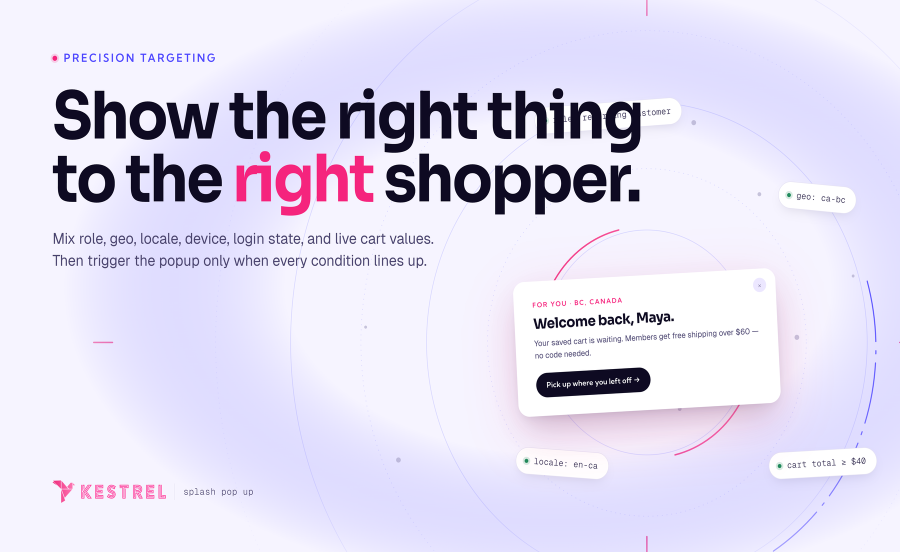
Avisa a los usuarios de las últimas ofertas, anímalos a registrarse para recibir las newsletters o, simplemente, ofrece algún contenido genérico o importante a tus visitantes. La extensión WooCommerce Splash Popup utiliza las páginas de WordPress para entregar contenido a los usuarios según distintas propiedades.
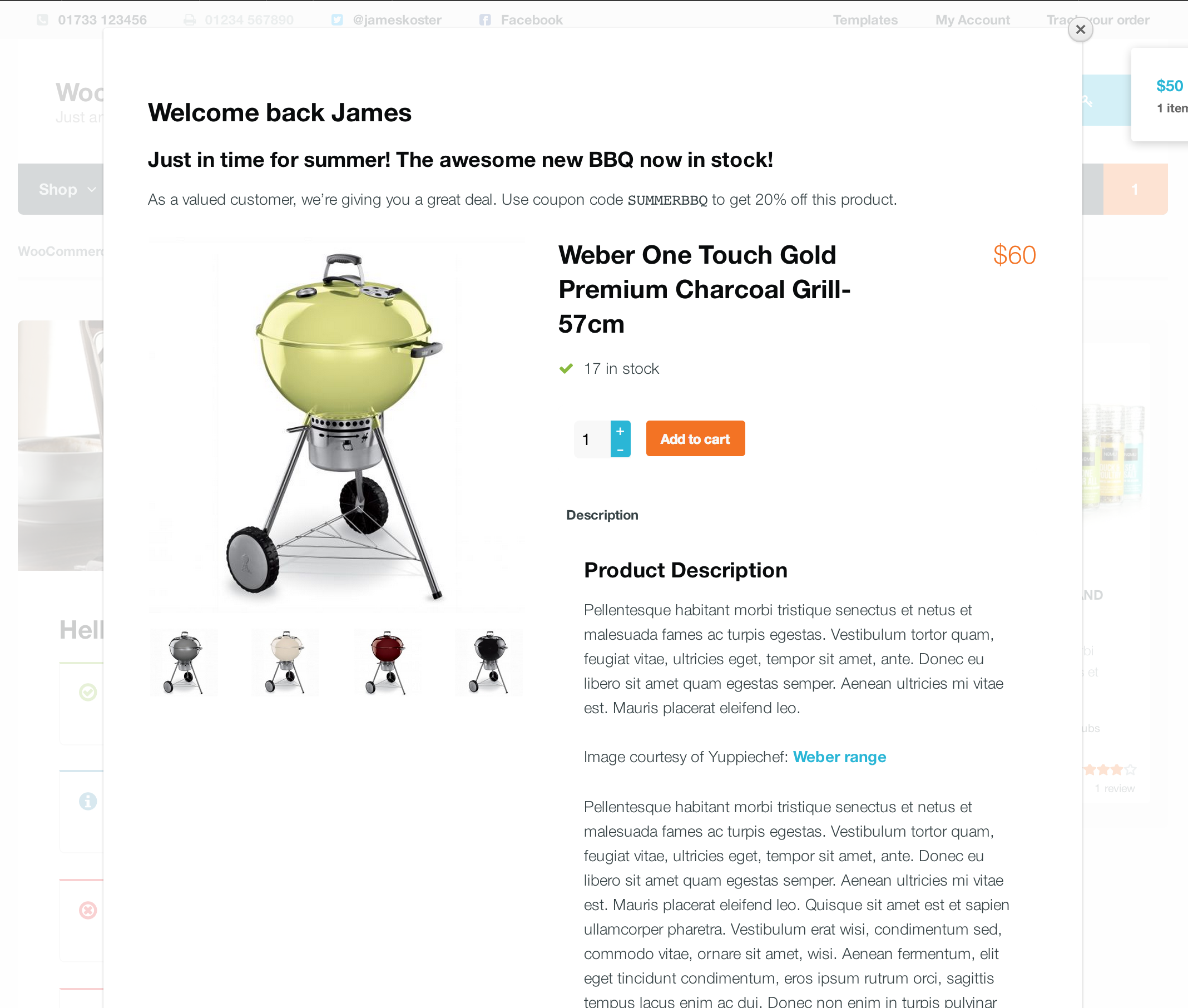
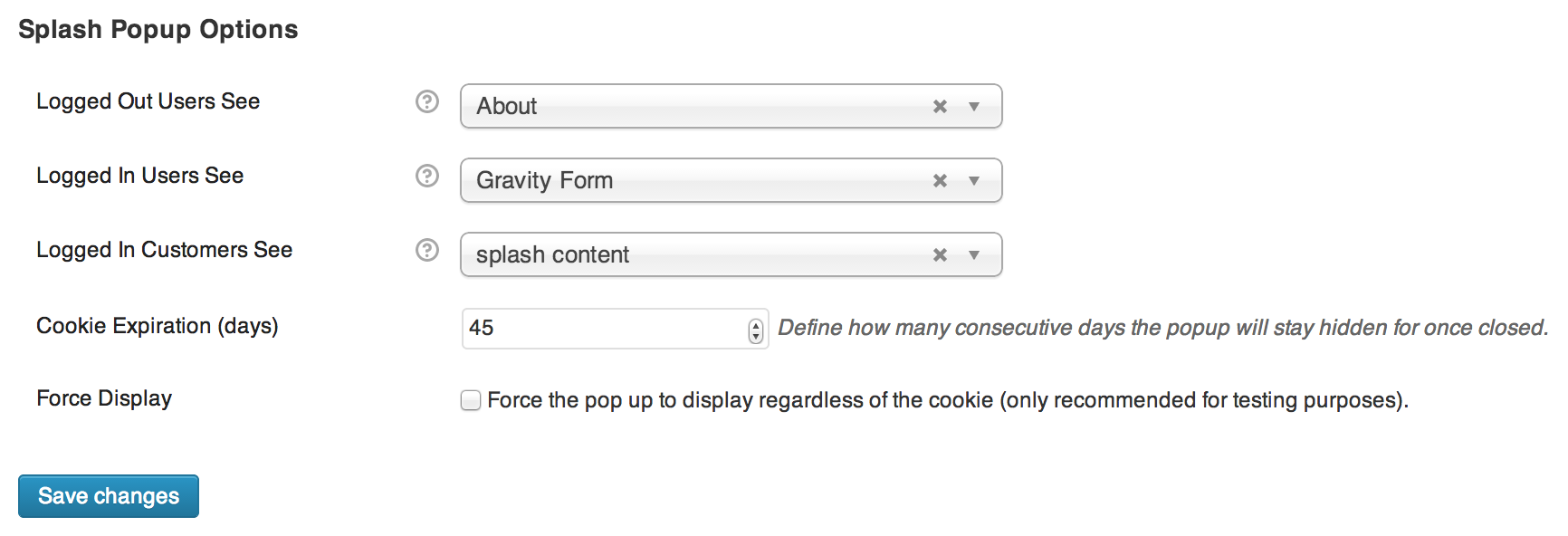
El contenido visualizado procede de páginas de WordPress y puedes incluir contenido distinto para:

Cuando la ventana emergente se cierra, se configura una cookie que no se volverá a mostrar durante un periodo específico (30 días por defecto).
Creado por 
No. Popup content is built using the standard WordPress block editor — the same editor you use everywhere else in WordPress. Any block on your site works inside a popup, including WooCommerce blocks.
No. Each popup has its own cookie-based frequency control. You set how long the cookie lasts, and the popup won't show again until it expires. There's also a global default if you don't need per-popup settings.
Yes. You can target all visitors, logged-in users only, or logged-out visitors only. You can narrow it further by user role if needed.
Yes. Splash Popup integrates with WooCommerce's built-in MaxMind geolocation, so you can restrict any popup to one or more countries and show region-specific offers.
No. Popup assets are only loaded when a popup actually matches the current visitor. If no popup matches, no popup code loads at all.
Yes. Each popup can have a start date, an end date, or both. Outside the scheduled window the popup is skipped — no manual toggling needed.
There are five: page load (with optional delay), scroll depth, cart total reached, product added to cart, and exit intent.
Yes. Page targeting lets you narrow down to specific products, specific categories, or any combination of page types including the shop, cart, checkout, and search results.
Yes, and you have full control. Each popup can be enabled or disabled independently for desktop, tablet, and mobile.
Go to WooCommerce → Popups and click Add new. Six ready-made templates are included — coupon code, newsletter signup, flash sale, feedback, exit intent, and free shipping - so you can pick one andcustomise rather than starting from scratch.
Categorías
Información de la extensión
Comprobaciones de calidad
Compatibilidad
Países







