


Installazioni attive
30K+
L'abbonamento include
Supporto
The official Zapier integration for WooCommerce. It syncs orders, products, customers, coupons, subscriptions, memberships, and bookings with 9,000+ other apps in both directions. To build a new automation, type what you want in plain English and Zapier sets it up for you. Drop AI steps into any workflow that has to handle order notes, support messages, or anything else where the input isn’t predictable. Or skip the dashboard entirely and run store tasks from Claude or ChatGPT through the Zapier MCP.
For predictable jobs like sending paid orders to Xero or syncing stock from your ERP, a Zap with mapped fields is exactly what you want. For the parts that aren’t predictable, like a customer’s order note asking for gift wrap or “leave on porch”, drop an AI step inside the same Zap. The accounting stays exact. The AI handles only what AI is good at.
Tell Zapier “when I get a paid WooCommerce order, create an invoice in Xero and add the customer to Mailchimp.” It sets up the Zap for you. Work that used to take an hour of clicking through field mappings now takes a minute of typing.
Connect Zapier’s MCP to whichever AI chat tool you already use, then run store tasks in conversation. “Mark yesterday’s orders as completed.” “Add tracking 1Z999AA1 to order #4521 and email the customer.” One MCP connection covers every WooCommerce action you’ve enabled, so you don’t have to configure a separate MCP for each tool.
Orders, products and variations, customers, coupons, subscriptions, membership plans, user memberships, and bookings all flow in both directions between WooCommerce and 9,000+ apps. That includes the ones you’d expect (Xero, QuickBooks, Mailchimp, HubSpot, Slack, Google Sheets) plus a long tail of the ones you probably haven’t heard of until the day you need them.
Zaps fire the instant something happens in your store. A paid order becomes an invoice in Xero; a subscription cancels and your CRM gets the news. The work happens even when your laptop’s closed.
Most merchants spend the first month building automations and the next five years just watching them run. Pick a trigger, map the fields once, and the job keeps doing itself.
Paid WooCommerce orders go straight to Xero, QuickBooks, or FreshBooks as invoices. An AI step inside the same Zap can read the customer’s note (“leave on porch”, “gift wrap, no receipt”, “delay until Monday”) and route the order differently from there.
With Zapier MCP connected to Claude or ChatGPT:
You decide which actions can run freely and which need your approval first. Useful for merchants who rarely log in to WooCommerce and just want to mark orders shipped from their phone.
Sync new customers and order data to HubSpot, Mailchimp, Campaign Monitor, ActiveCampaign, Zoho CRM, PipeDrive, or any of 50+ other systems. Use an AI step in between if you want to enrich the customer record or assign them to a segment before the data lands.
Keep WooCommerce stock levels in lockstep with Xero, QuickBooks, your warehouse system, or a spreadsheet. No more “I ordered it but it turns out you’re out of stock for two months” emails to angry customers.
SMS, email, Slack, or Microsoft Teams alerts when an order status changes, stock drops below a threshold, or a subscription renews. Filter so only the people who need to act get pinged.
Auto-create tickets in Zendesk, Help Scout, or Freshdesk when a refund or dispute status fires. An AI step can summarise the issue before the ticket opens, so your support team gets context rather than just an order ID.
Push order data into Google Sheets, Dropbox, or Google Drive. Generate monthly reports automatically on the first of the month. This is the kind of task that feels “not worth automating” until you realise it then runs forever for free.
Join thousands automating with Google Sheets, HubSpot, MailChimp, and more. Try Zapier Integration risk-free with our 30-day money-back guarantee.
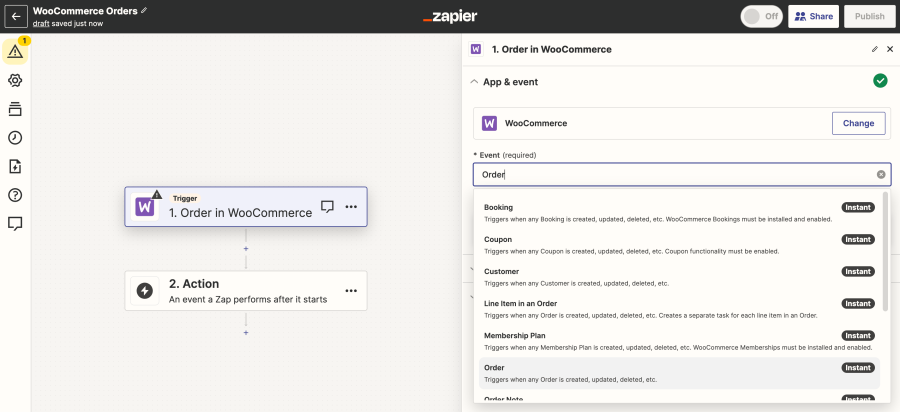
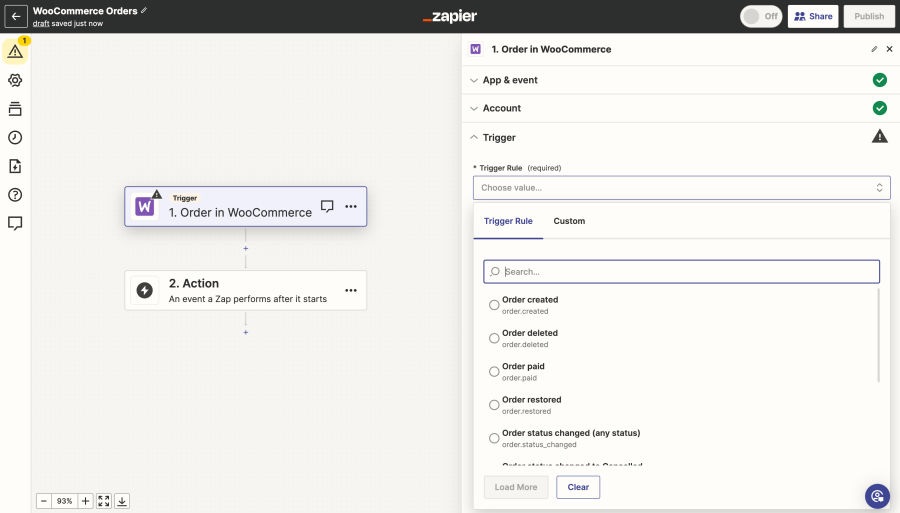
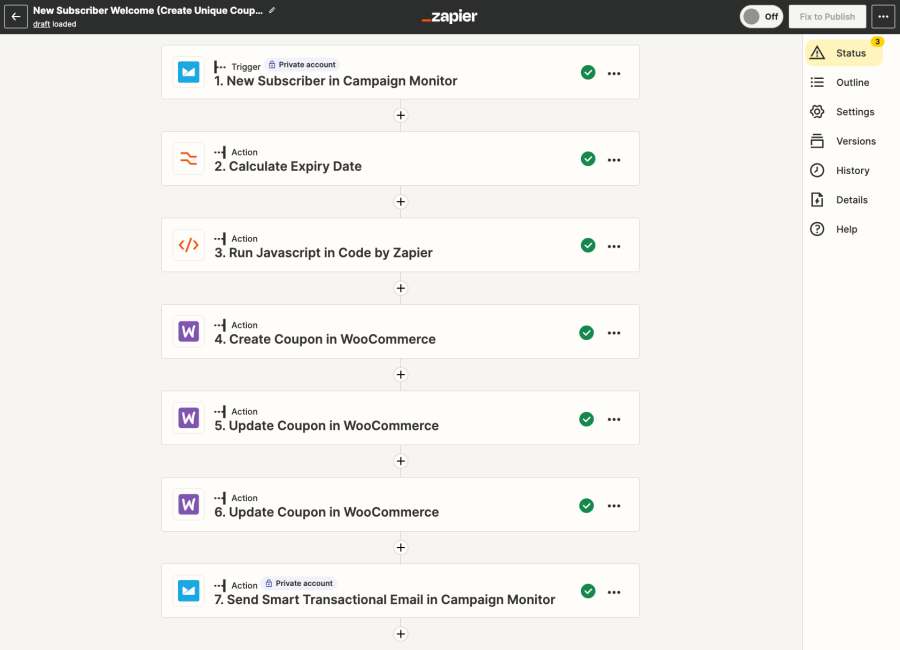
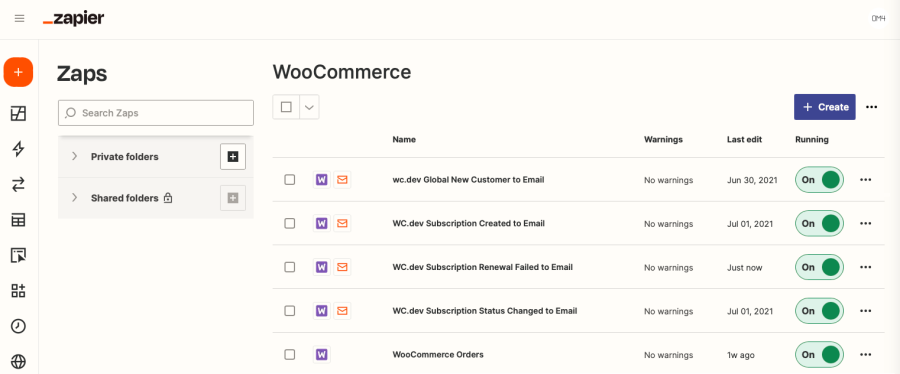
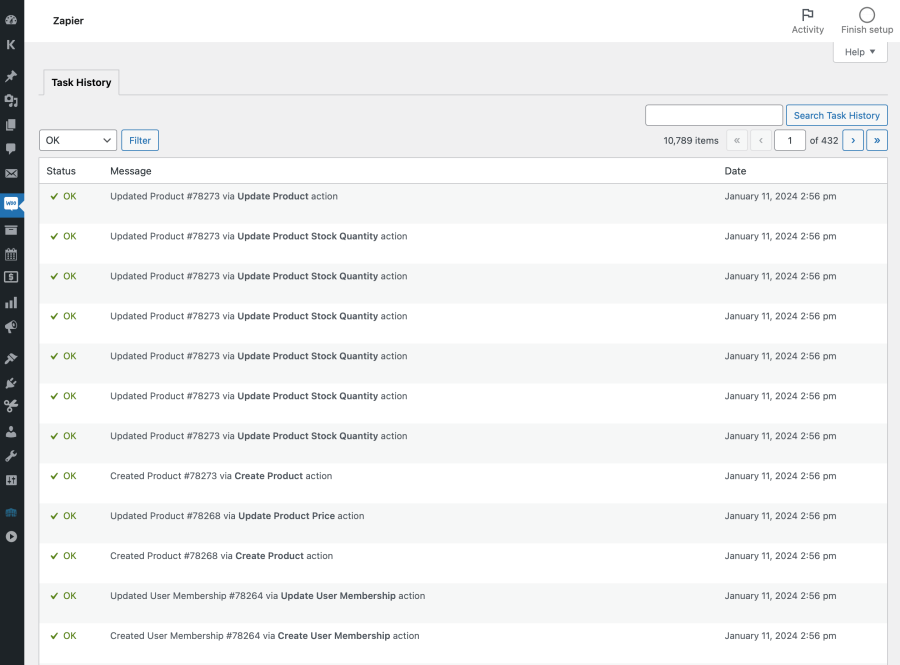
Zapier connects your apps together. This plugin lets your WooCommerce store send data to apps like Google Sheets, MailChimp, or Slack—or pull data in—automatically, saving time.
Yes, you’ll need a free or paid Zapier account. Sign up at Zapier.com to get started.
Absolutely! It’s compatible with Subscriptions, Bookings, Memberships, and more for seamless automation.
Yes! Zapier’s intuitive interface and pre-built templates make automation easy for everyone, with advanced options for developers.
A Trigger is an event in your WooCommerce store that starts an automated workflow (called a Zap) in Zapier. Supported WooCommerce triggers include:
Supported WooCommerce actions include:
Categorie
Informazioni sull'estensione
Controlli di qualità
Funziona con
Compatibilità
Paesi
Lingue
Requisiti










