


Subscription includes
Support
Enable your customers to design and customize a product to fit their needs with the product designer for WooCommerce. It enables you to customize T-shirts, cups, business cards, and other similar products by uploading and adding text, images, and custom designs.
It allows your customers to create custom product designs exactly how they want. They can add text, clipart, shapes, and effects, or even upload their own designs.
Allow customers to personalize products like t-shirts, mugs, hats, and more using custom product designer for WooCommerce. They can easily add text, images, and clipart to create unique designs that match their style.
Choose between two customizer layouts: Classic and Modern. The modern customizer includes both light and dark modes, offering an improved design and user experience.
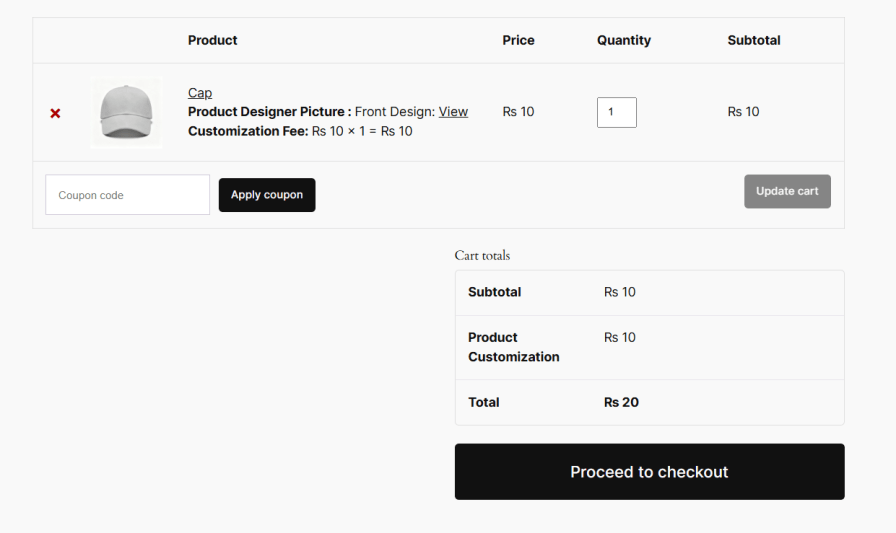
Product designer for WooCommerce allows you to charge for the customization of the products. It helps you generate additional revenue and charge for printing, embossing, or carving services. You can set the fees globally or individually for all the products.
Upload custom clipart from the backend to give customers more creative options when designing their products. Product customizer for WooCommerce lets you organize clipart into categories, making it easier for customers to browse and select the perfect designs for personalization.
This plugin allows you to add front and back images of the products. It helps customers to extensively customize their products from both sides.
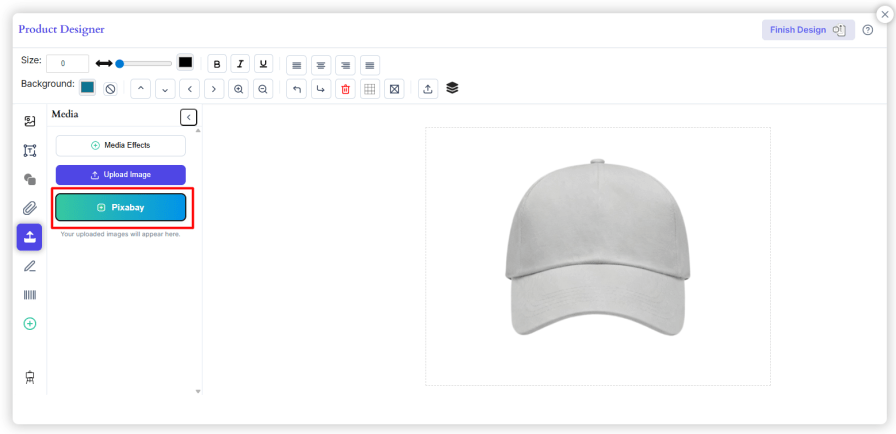
Product designer for WooCommerce lets you enable Pixabay and allows customers to add high-resolution images or designs to their products. Customers can choose from more than 5 million images on Pixabay to enhance their product designs.
Custom product designer lets your customers upload a custom image and design to enhance their product customization. You can also restrict uploads to specific file types, such as JPG, PNG, or SVG, ensuring compatibility, maintaining image quality, and preventing unsupported or unsafe file formats from being uploaded.

Product designer for WooCommerce lets you adjust the canvas size, set a custom heading, and choose colors for backgrounds, text, and buttons to match your store’s branding. You can also set pricing for custom designs, helping you manage personalized orders while keeping the design area clean, user-friendly, and optimized.
Note: Customization options are available only in the Classic Customizer (V1).
Note: Customization options are available only in the Classic Customizer (V1).
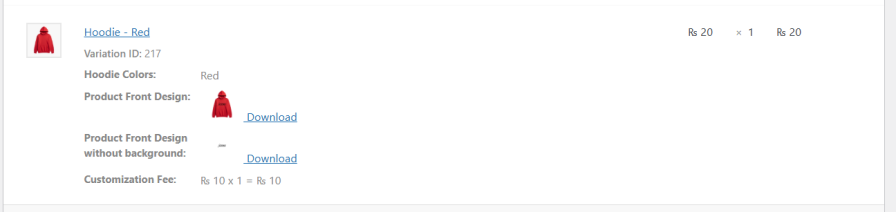
Admins can download the design image directly from the order details, making it easy to review and print each design accurately for production.
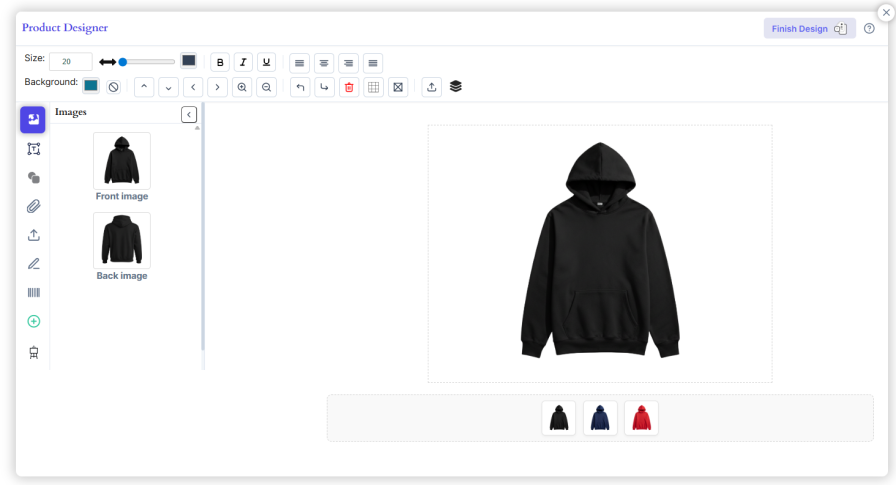
Product designer plugin for WooCommerce works seamlessly with variable products, enabling customization for each variation. Upload separate front and back images for every variation so customers see an accurate preview based on their selected size, color, or style.
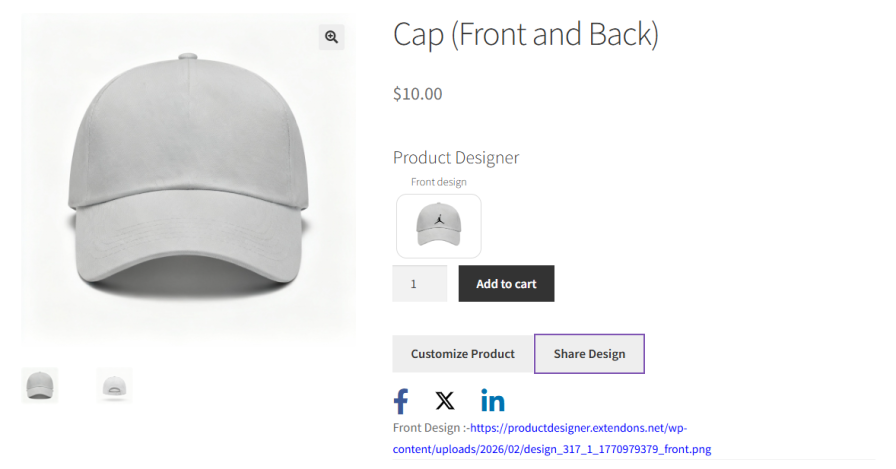
Let customers easily share their personalized products on social media straight from the product designer. This boosts engagement, highlights their creations, and promotes your store organically.
It offers a range of functionalities including multiple font choices, color pickers, image uploads, and layering options. Customers can adjust design elements precisely, ensuring each product meets their unique specifications.
Yes, the Custom product Designer for WooCommerce lets you design the front as well as the back of your product.
Yes, the Product designer for WooCommerce allows you to set the price for the customization allowing you to charge for printing or embossing.
You can customize variety of products such as T-shirts, cups, business cards,mugs, phone cases, and more depending on the products you are offering.
Yes, users can upload their own images to personalize products or they can also access high-quality images from Pixabay directly within the designer.
Categories
Extension information
Quality Checks
Countries







