What’s in this release
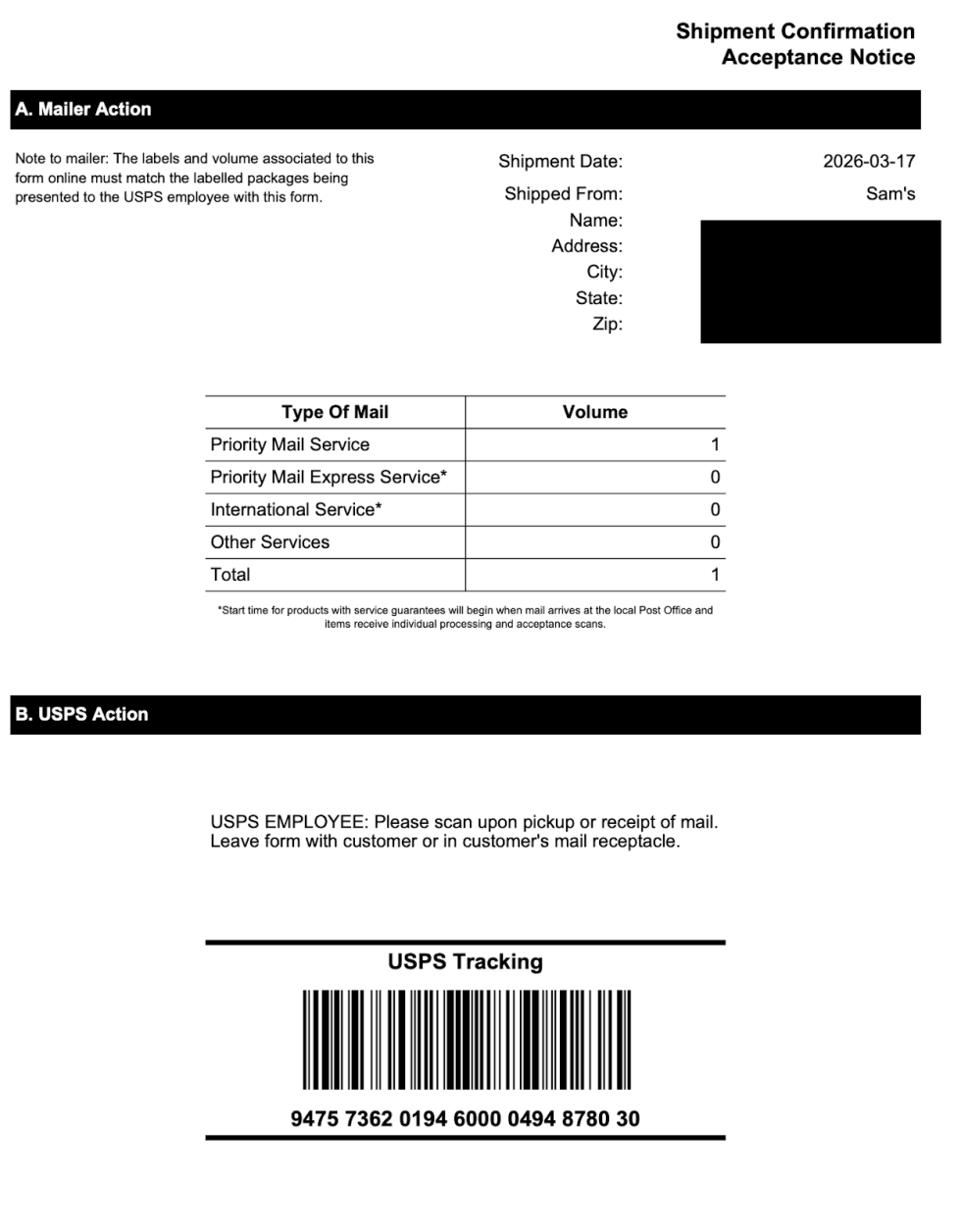
USPS SCAN Forms are now available to all WooCommerce Shipping users. A SCAN Form is one document with a single barcode that represents all of your USPS shipments for the day. — Instead of having each package scanned individually, your carrier scans once to check in all packages.
After purchasing your USPS labels, go to WooCommerce > Orders and click “Create SCAN Form.” Select the labels you want to include, confirm, and print. Hand it to your carrier at pickup or drop-off. SCAN Forms are free to create.
Update WooCommerce Shipping and head to WooCommerce > Orders to create your first SCAN Form.