WooCommerce POS now supports Remote Tap-to-Pay, letting you turn an Android phone into a card reader for your tablet. The two devices talk to each other over your store’s Wi-Fi network, so you don’t need a separate Bluetooth card reader at every checkout station.
Here’s how it works.
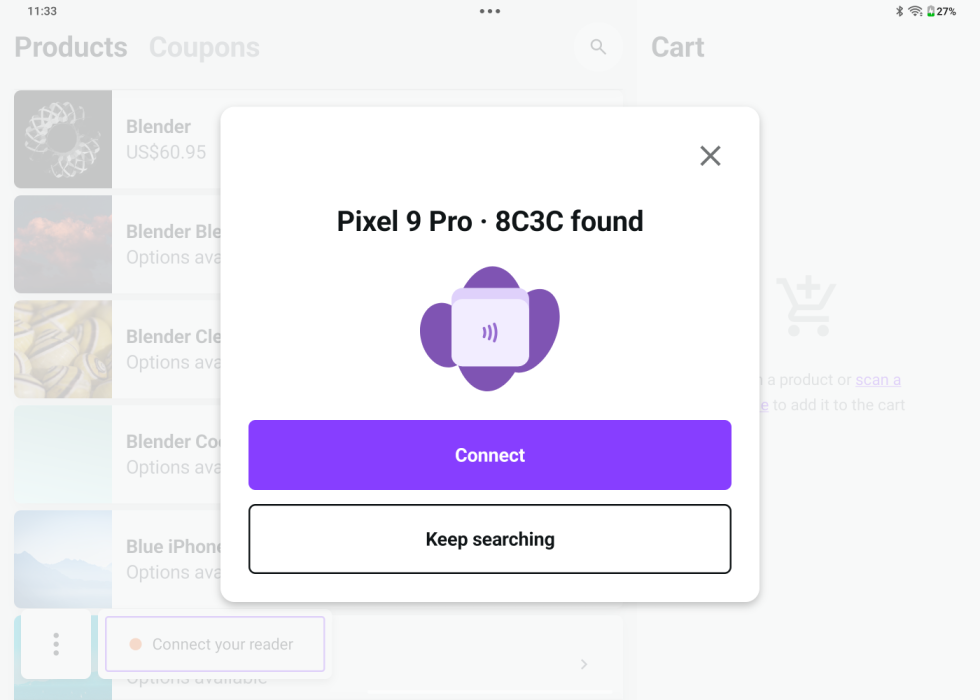
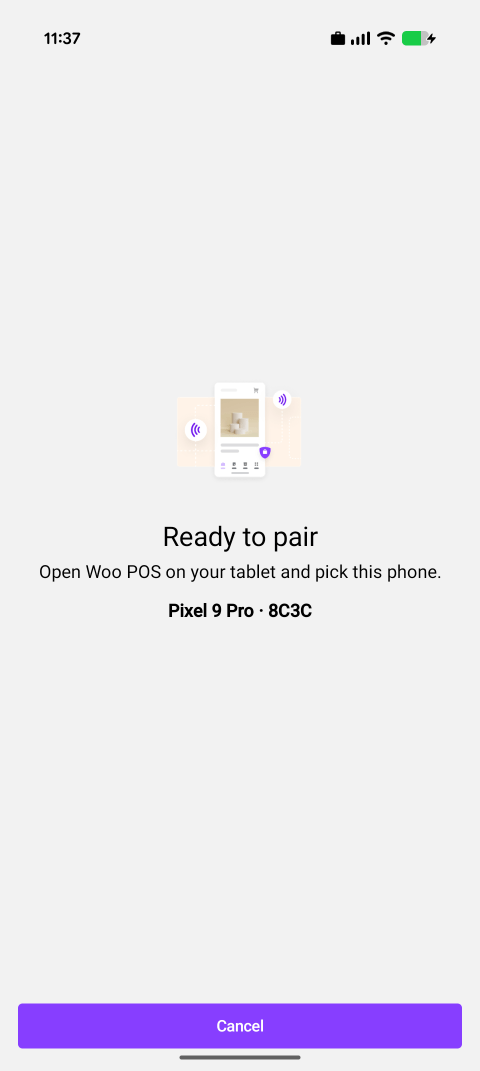
On the phone, open Card Reader Mode under Settings > Payments. The phone shows a 6-digit pairing code. From your tablet, start a card reader connection. The phone appears in the discovered readers list with the same code. Tap to confirm, ring up the sale on the tablet, and the phone prompts the customer to tap their card. Payment capture stays on the tablet.
Remote Tap-to-Pay is helpful when staff already carry an eligible phone, when you want to add a register without ordering hardware, or when a Bluetooth reader is acting up and you need a backup. The phone needs to be eligible for Tap to Pay (recent Android device, supported region, signed into the same store as the tablet), and both devices need to be on the same Wi-Fi network.
Existing in-person payment options still work the same way: Bluetooth readers connected to a tablet, built-in tap-to-pay on a tap-eligible tablet, and tap-to-pay in the main WooCommerce mobile app.
Update the WooCommerce mobile app and open Settings > Payments > Card Reader Mode on a Tap-to-Pay-eligible Android phone to pair it with your Woo POS tablet.