

Subscription includes
Support
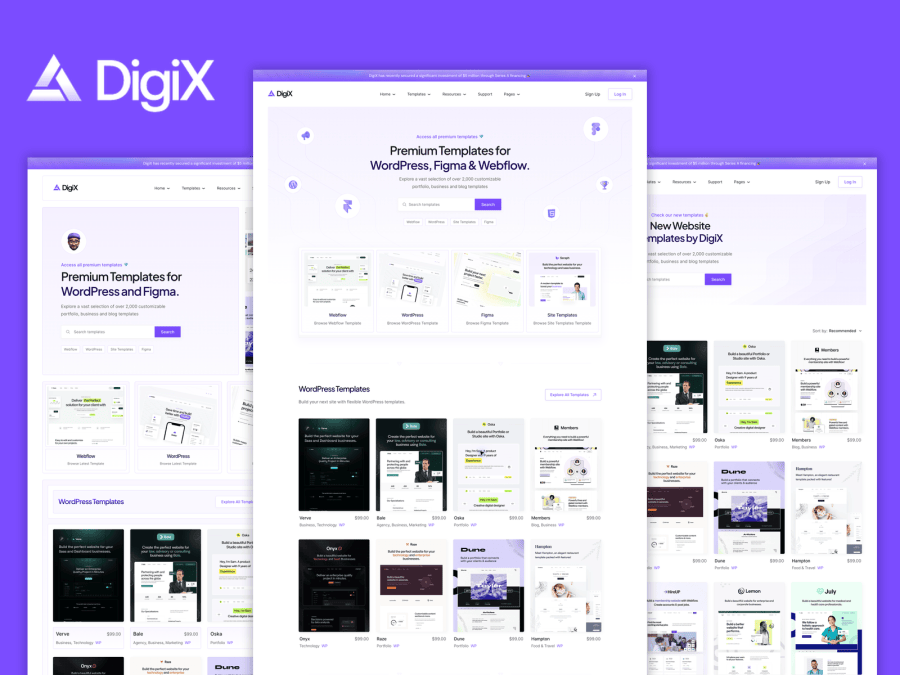
DigiX is a WooCommerce block theme for creators selling website templates, design resources, and digital assets. Large product previews, organized collections, and clear product details help visitors explore your work and choose what fits their next project. Customize your site with WordPress blocks and the Site Editor.
DigiX suits independent designers, template studios, and creators who want a dedicated store for downloadable products. Use it to present website templates, UI resources, creative packs, and other digital goods through WooCommerce.
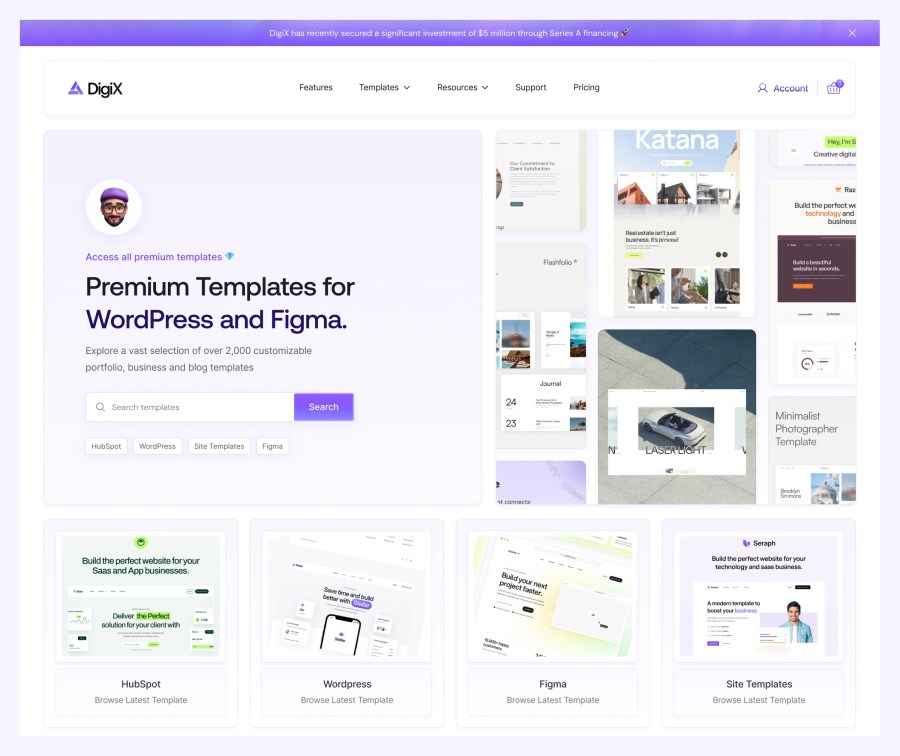
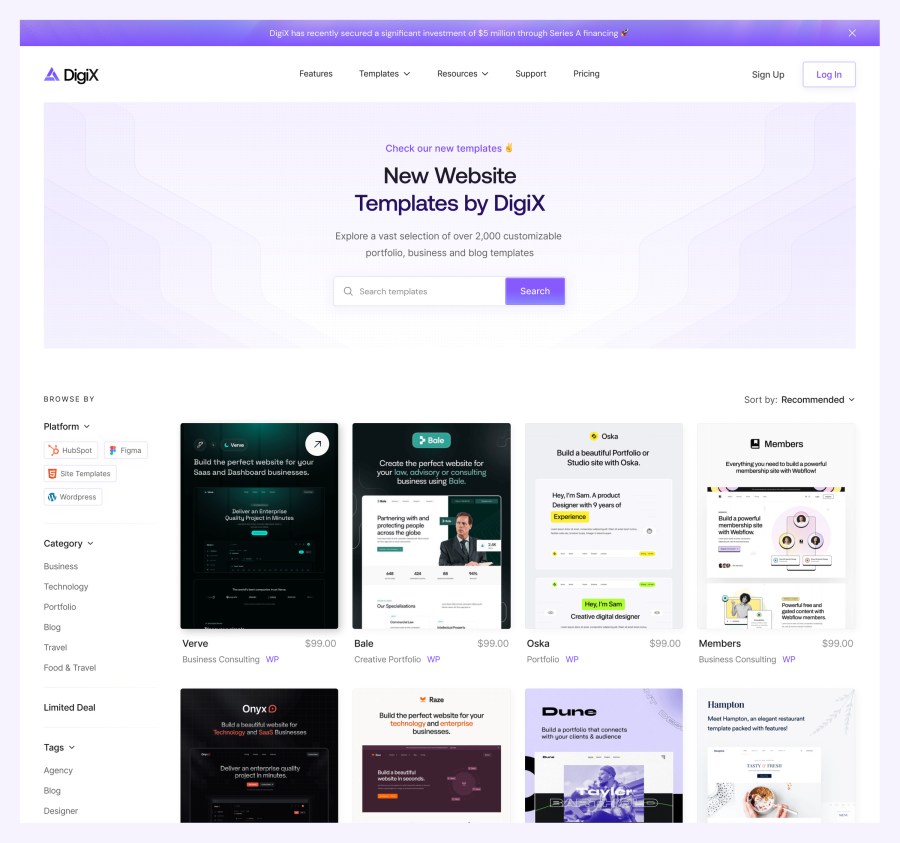
Introduce your store with a prominent headline and search area, then guide visitors into categories and curated product collections. Two homepage designs offer different starting points for arranging your catalog, supporting content, and calls to action.
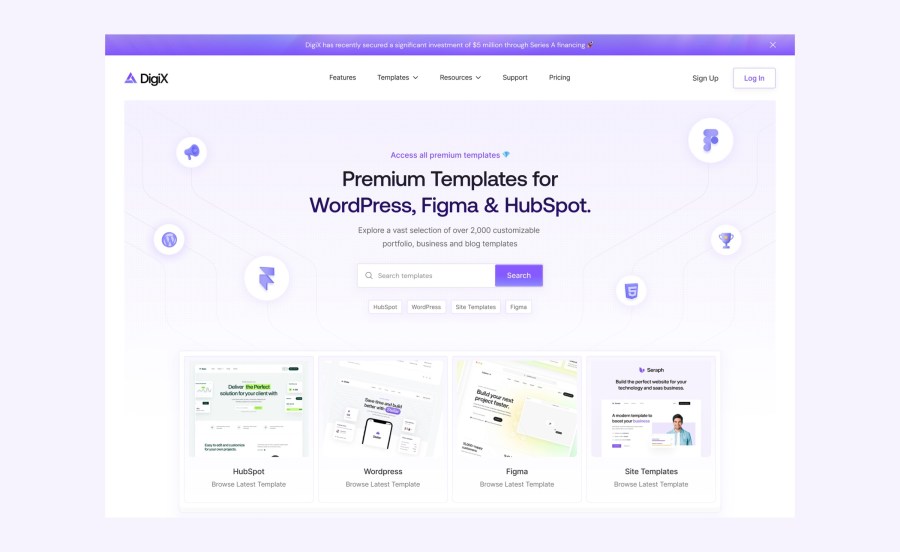
Choose a split hero that pairs your headline and search with a collage of previews. Platform cards beneath it give visitors a clear next step into your collections.
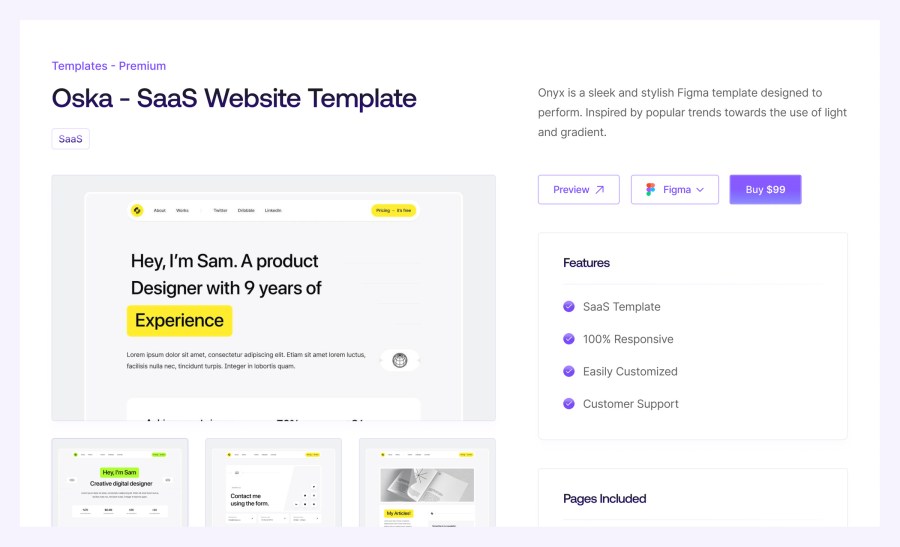
Product pages bring together preview images, descriptions, pricing, and purchase controls. Add useful product information, features, and an optional preview link so shoppers can understand a resource before buying. Related products give them another place to explore.
Use WooCommerce products and categories to manage your collection. DigiX’s catalog presentation combines visual product cards with browsing and sorting controls, helping customers move from a broad collection to a product that meets their needs.
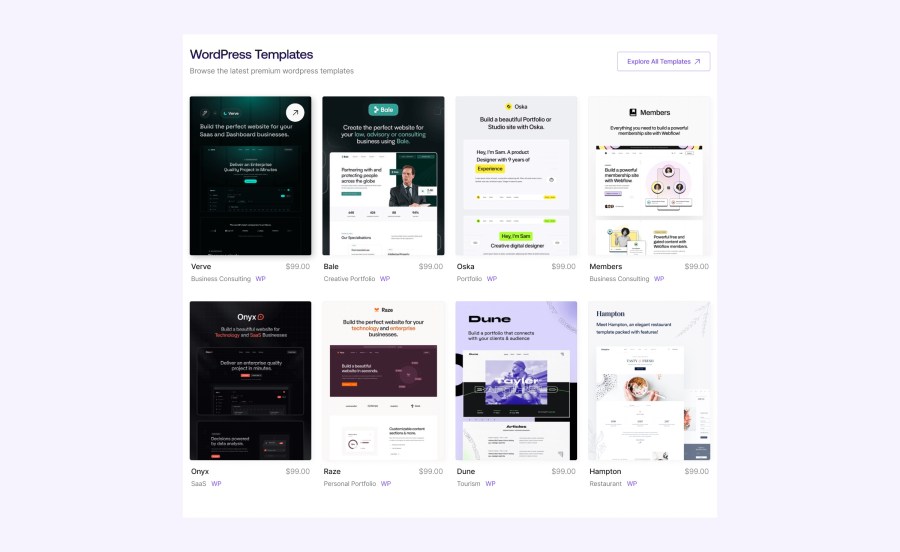
Group your products into clearly labeled collections so visitors can explore the resources relevant to their project. The original design below shows an example collection; replace its labels and products with your own catalog.
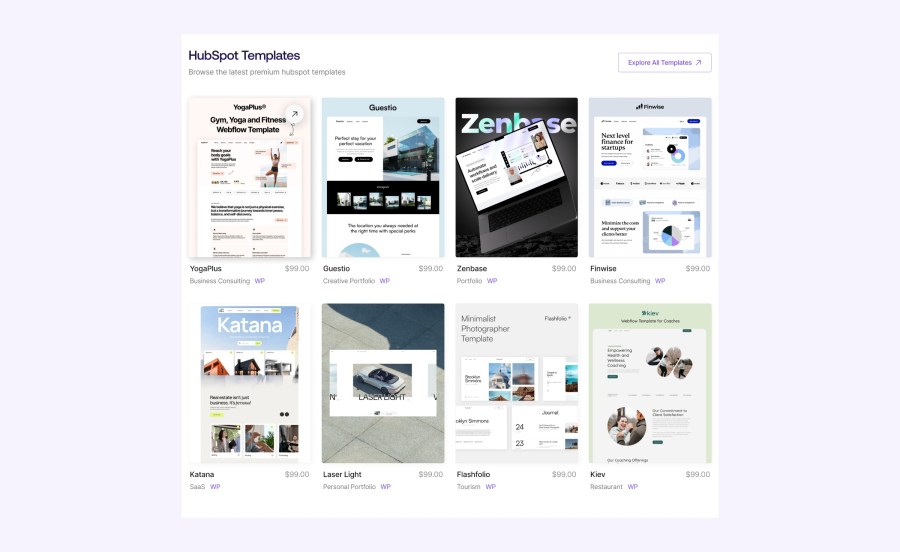
Large preview cards give customers a useful first look at a template or creative asset. Pair each image with a clear product name, category, and price to make browsing straightforward.
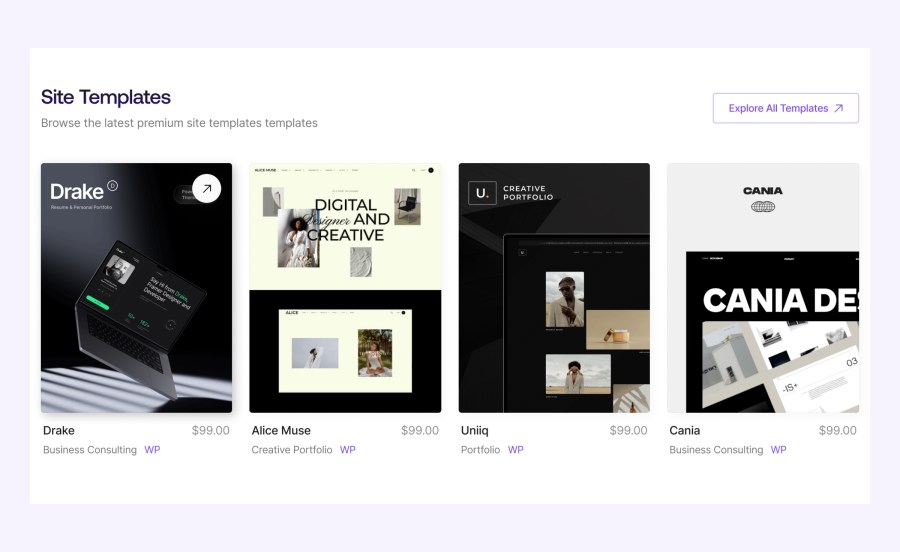
Category cards provide another route into your store. Organize them around the types of projects your customers are building, and choose labels that reflect your products.
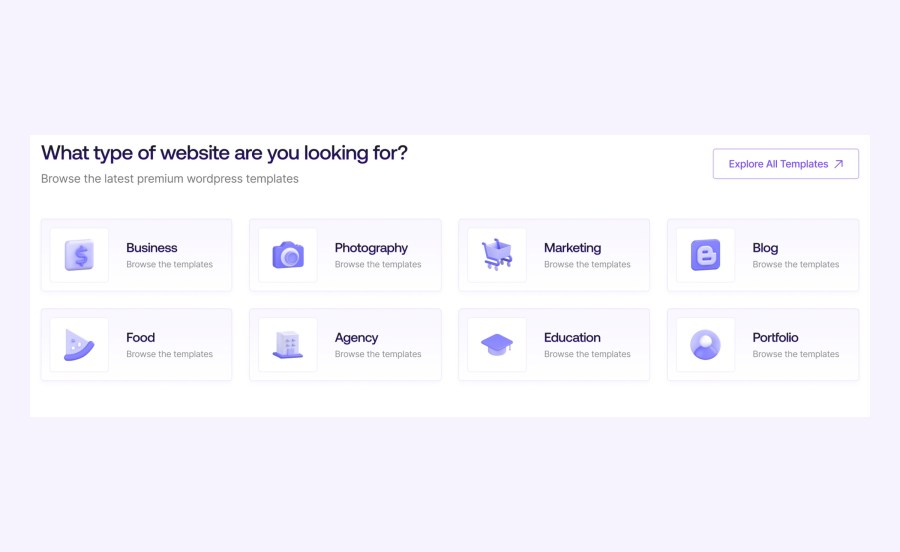
Change your logo, navigation, header, footer, and page layouts in the Site Editor. Adjust colors and typography through Styles, and use block patterns as a starting point for new sections. Your site content remains editable with WordPress blocks.
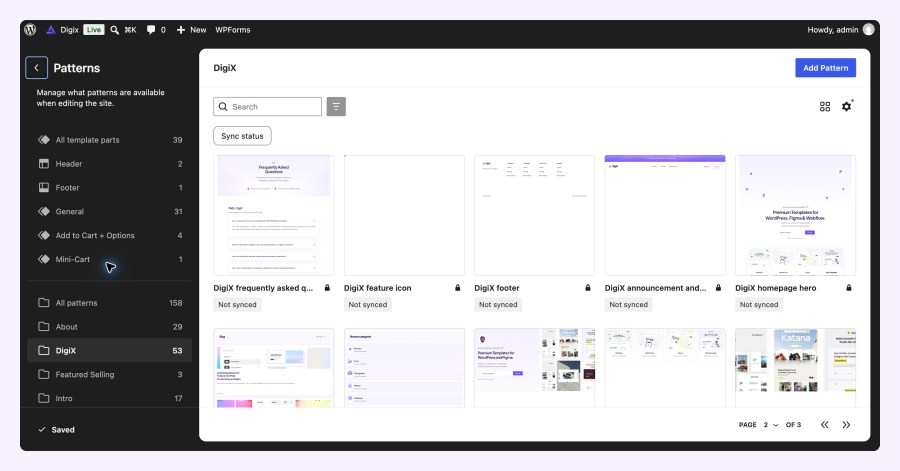
DigiX provides a coordinated presentation for the shop, individual products, cart, checkout, and customer account. WooCommerce manages your products, orders, and downloadable files. Configure your payment methods, taxes, and other store settings separately to suit your business.
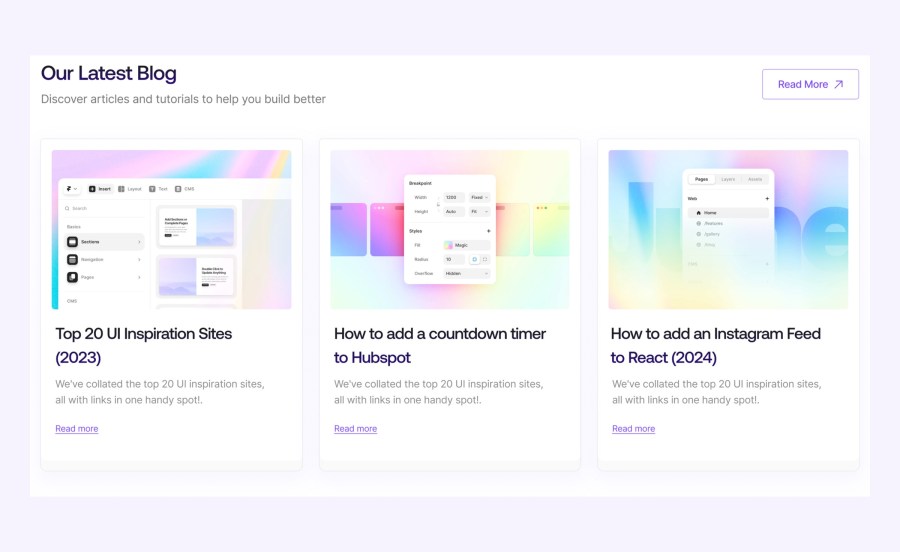
Publish tutorials and updates with the blog layouts. Use the supplied contact, FAQ, and support page designs to help customers find information. Replace the example content with your own policies, contact details, and answers.
Use the community signup section to invite visitors to hear from you, and organize useful links in the footer. Connect your chosen email service separately, and replace the example contact details, links, and promotional figures before launch.
The optional One Click Demo Import workflow gives you a starting point based on the demo. You can also skip the import and add your own products, pages, and posts. Import time depends on your hosting and media downloads; back up an existing site before importing.
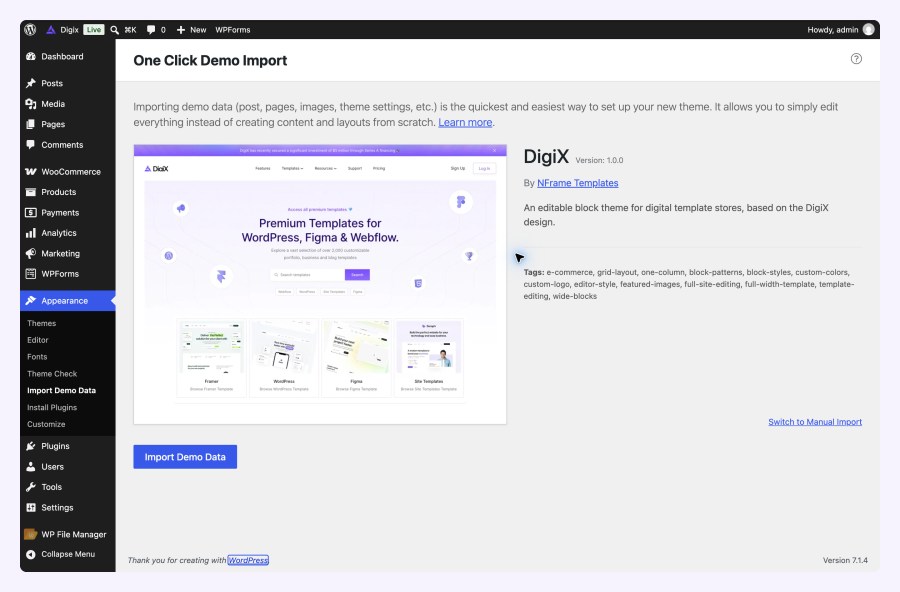
WooCommerce is required for store functionality. One Click Demo Import is optional, and supplied contact forms use WPForms. Payment services and email marketing integrations require their own setup.
Preview images show illustrative demo content. Product names, platforms, prices, promotional figures, and example plans are not products or services included with the theme.
Explore DigiX to see the storefront and page layouts.
No. DigiX is designed around visual digital products, including website templates, UI resources, and creative assets. You can add your own catalog through WooCommerce. The platform names and products shown in the preview images are illustrative demo content.
Yes. WooCommerce supports downloadable, virtual, and physical products. Configure downloadable files for digital goods and shipping for physical items. DigiX provides the storefront presentation; product, payment, tax, and delivery settings are managed in WooCommerce.
Yes. DigiX is a WordPress block theme. Use Appearance > Editor to customize templates, headers, footers, colors, and typography, and use the block editor to arrange page content and patterns. WooCommerce supplies the store functionality.
No. You can start with your own pages and products. For a demo starting point, activate One Click Demo Import and use Appearance > Import Demo Data. Back up an existing site first and replace the sample content before launching. Import time depends on hosting and media downloads.
Categories
Quality Checks
Countries