

Subscription includes
Support
Every WooCommerce store has a search box, but almost none of them tell you what happens after a customer types into it. Product Search Analytics, Redirect and Synonyms for WooCommerce shows you what shoppers search for and where they leave empty-handed, then lets you fix it without writing code. It works with the search your store already has and does not replace it.
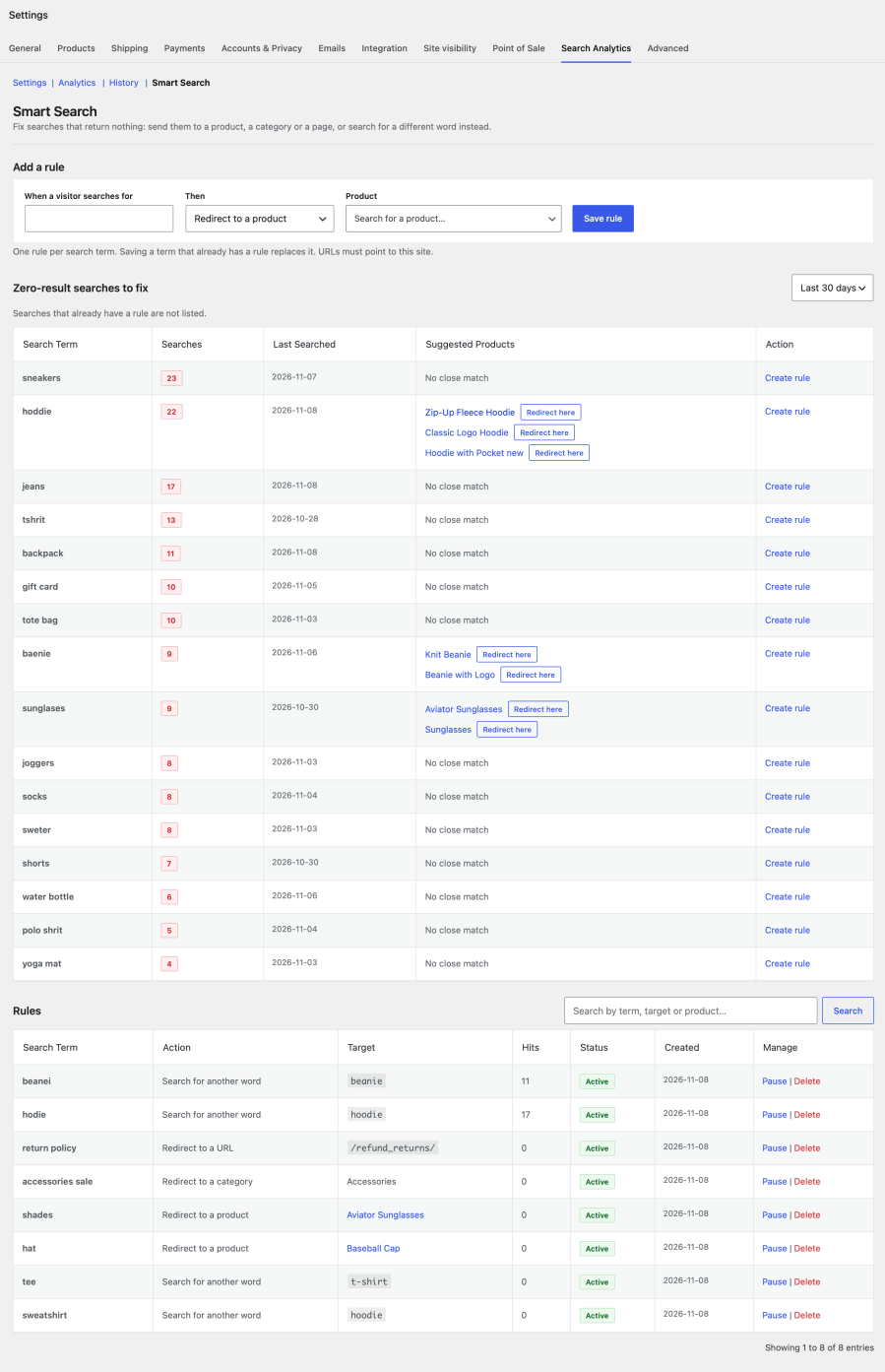
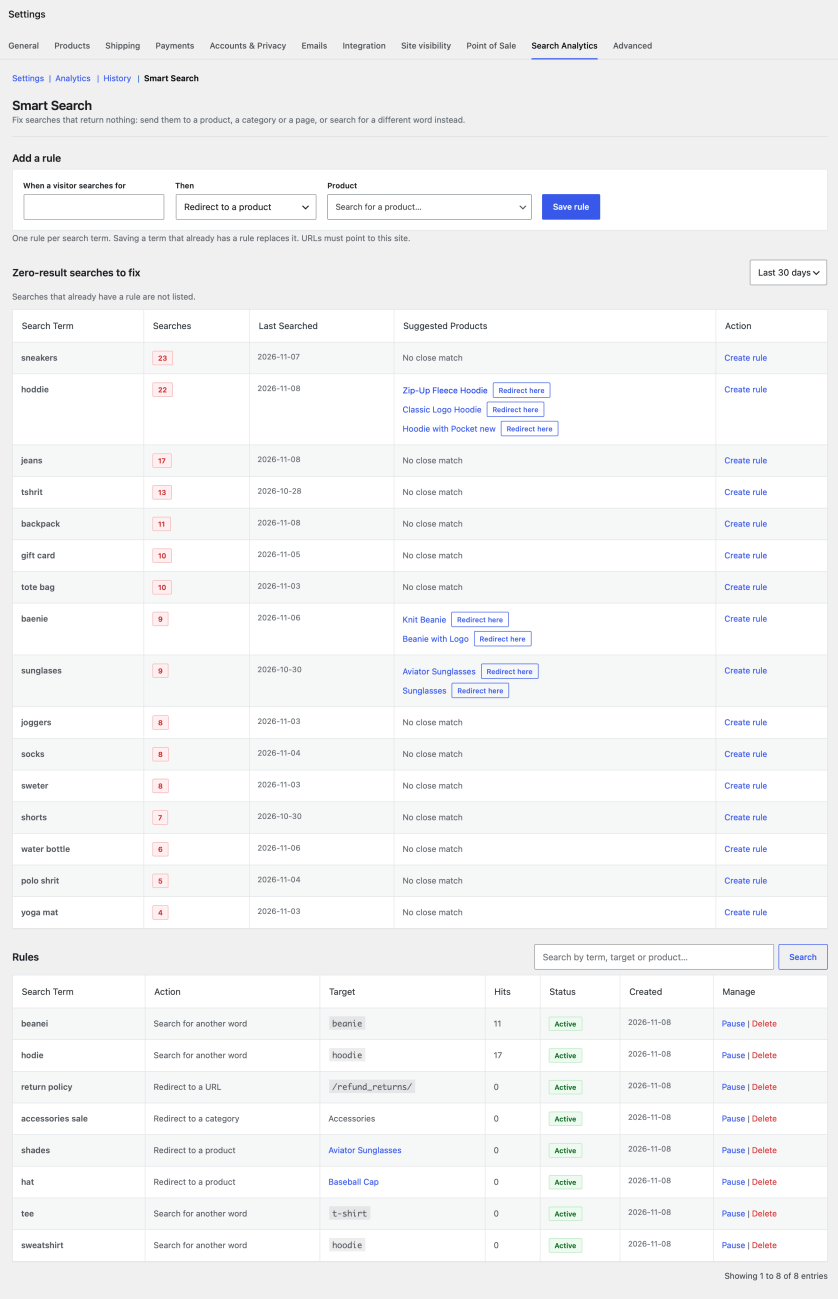
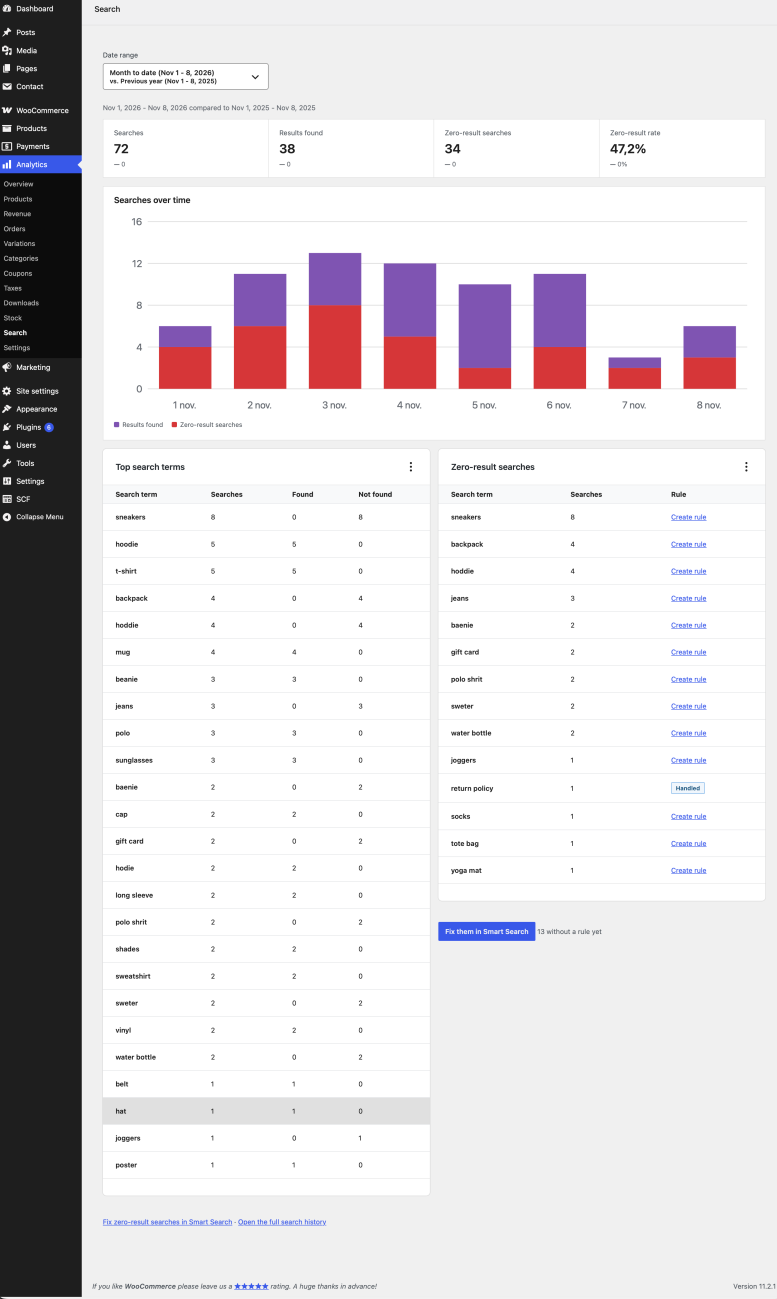
The extension records every search on your store, with the term, the number of results and the page it came from, and turns every search that returns nothing into something you can act on. Each of those searches appears in Smart Search with suggested products, so you can send shoppers to the right product, category or page, or search for another word instead.
Everything lives inside WooCommerce → Settings → Search Analytics, in a Search report under WooCommerce → Analytics and in a dashboard widget. No separate login, no third-party dashboard.
Recovering Lost Sales
Shoppers search for “iphone case” but you sell “phone covers”, and see nothing. One rule sends that search to the right category.
Closing Product Gaps
A term like “trail running shoes” appears dozens of times in the zero-result list with no matching product. That is validated demand for a low-risk catalog decision.
Fixing Vocabulary Mismatches
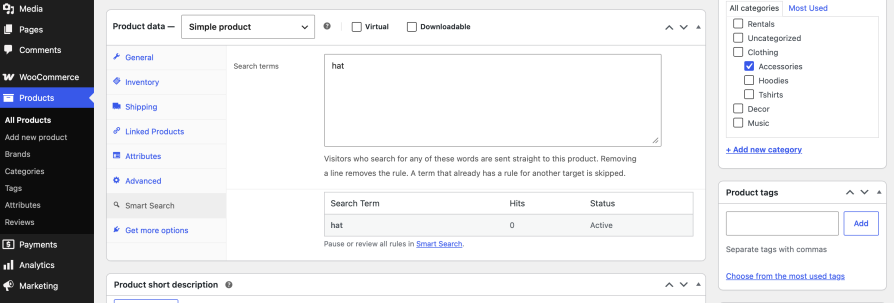
Customers say “tee” and your catalog says “t-shirt”. A synonym fixes it the same day, with no change to your product titles.
Promoting What People Look For
Send a popular search straight to a product page or a landing page, and see in the Rules table how often each rule was used.
No. Smart Search does not index or replace your search. It works with the search your theme or search plugin already provides: it shows you the searches that return nothing and lets you redirect them to a product, category or page, or search for another word instead.
Yes, with any theme that uses the standard WordPress or WooCommerce search form or block. No configuration is needed to start tracking.
Searches made through the WooCommerce Store API and the WordPress REST search, which block themes and headless storefronts use, are recorded automatically. Typing is merged, so "ip", "iph" and "iphone" count as one search. Live search plugins that run their own AJAX request are not captured unless they report searches with the nuvirro_psars_log_search action.
All data is stored in two custom tables in your WordPress database. Nothing is sent to external services, and IP addresses and email addresses are not stored.
Redirects pause when a product is moved to the trash or set to draft or private, and visitors see the normal search results. Publishing or restoring the product resumes them. Deleting a product or category permanently also deletes the rules that pointed to it.
Yes. Export CSV on the History screen downloads the entries matching the current filters.
Nothing is removed by default, so a reinstall does not lose your history, rules or settings. Turn on "Delete data when the plugin is deleted" in the settings to remove everything when the plugin is deleted.
Searches made while logged in as a store manager are not counted by default, so test in a private window. Also check the date range and choose "All time" to see older searches.
Quality Checks
Countries