
Download WooCommerce to build your way
WooCommerce is the open-source ecommerce platform for WordPress. Create truly unique shopping experiences thanks to full ownership and customization down to the source code.


How to install WooCommerce
Once you download the WooCommerce zip file, you can upload it to your WordPress web server using your favorite FTP application. Here’s how.
Unzip
Open the file locally so that you have the woocommerce/ folder on your hard drive.
Transfer
Upload the folder to the wp-content/plugins folder via SFTP or remote file manager.
Activate
Find WooCommerce in the Plugins menu of your WordPress Admin, then click Activate.
SkyTechGaming.com
“The expandability of Woo is great; we moved to Woo because of the customizability. With Shopify, everything is behind a paywall and makes it difficult to test and develop.”
Jason Mares, Web Designer and Front-End Developer

Build for the future
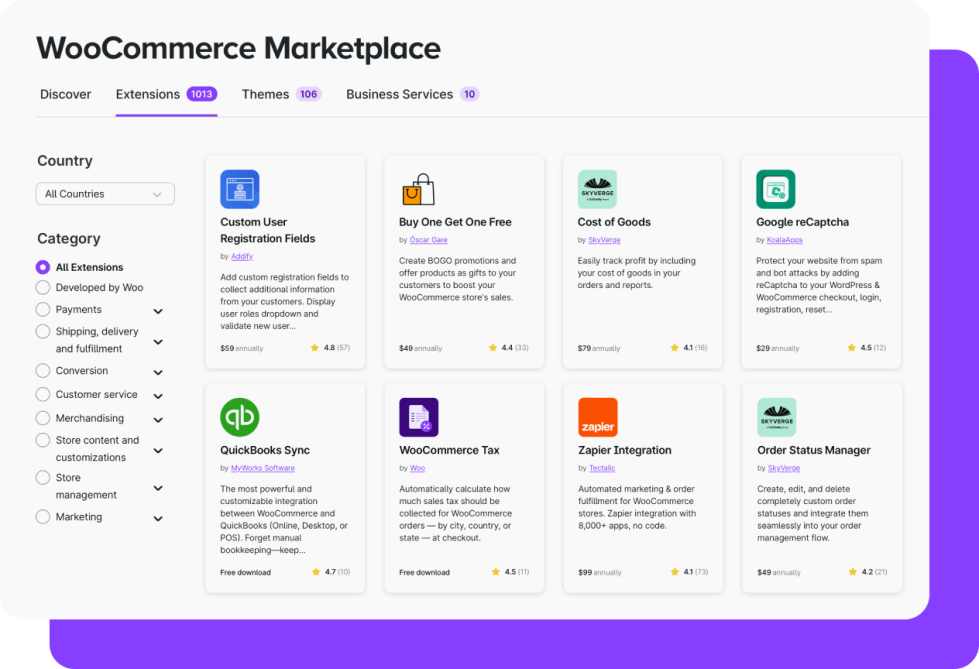
Dream it, do it
Our flexible platform lets you make beautiful, conversion-optimized shopping experiences for physical products, digital downloads, services, accommodations, bookings, and subscriptions. As your needs change, you can add functionality with hundreds of pre-built extensions from our Marketplace — or build whatever you need.
The power of true ownership
WooCommerce is open source, giving full ownership over each online store and its data. When you create a Woo store, it’s yours forever — not something you’re renting. It also means you can choose your preferred host based on your needs for cost, scalability, and feature sets.
Work your way
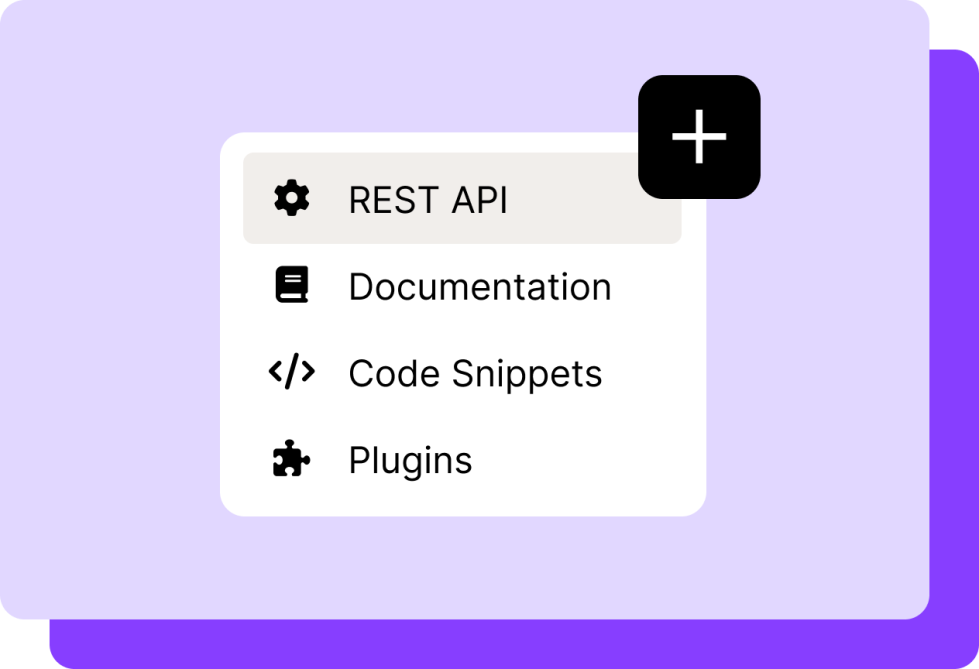
If you already know WordPress, building on WooCommerce will be like spending time with an old friend. From your favorite plugins to the WP-CLI, you’re in familiar territory. Plus a robust set of tools like hooks, filters, and REST API endpoints let you create the way you want.
“Woo’s greatest strength is its extensibility. There’s very little I can’t build with Woo. Given enough time and resources Woo can be finely tailored to even your store’s most niche feature.”
Kathy Darling, WooCommerce developer


Download WooCommerce now for free
WooCommerce is free to download and free to modify any way you see fit. Get the freedom to build your way — start today.