

Subscription includes
Support
Kidora is a playful, colorful, and modern Full-Site Editing (FSE) WooCommerce theme designed for toy shops, game stores, gift boutiques, and kids-focused brands. Whether you sell educational toys, board games, baby products, or creative gifts, Kidora helps you build a joyful, fast, and conversion-friendly online store.
Kidora gives you complete design freedom. Customize layouts, colors, typography, and product pages visually using the WordPress Site Editor—no coding required. It’s intuitive, flexible, and built to delight both store owners and shoppers.
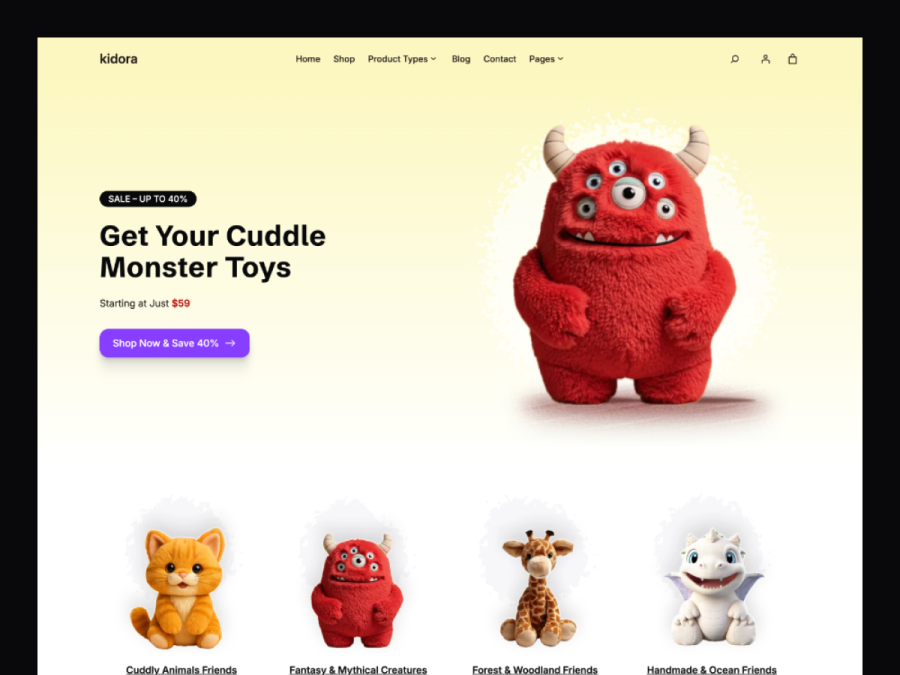
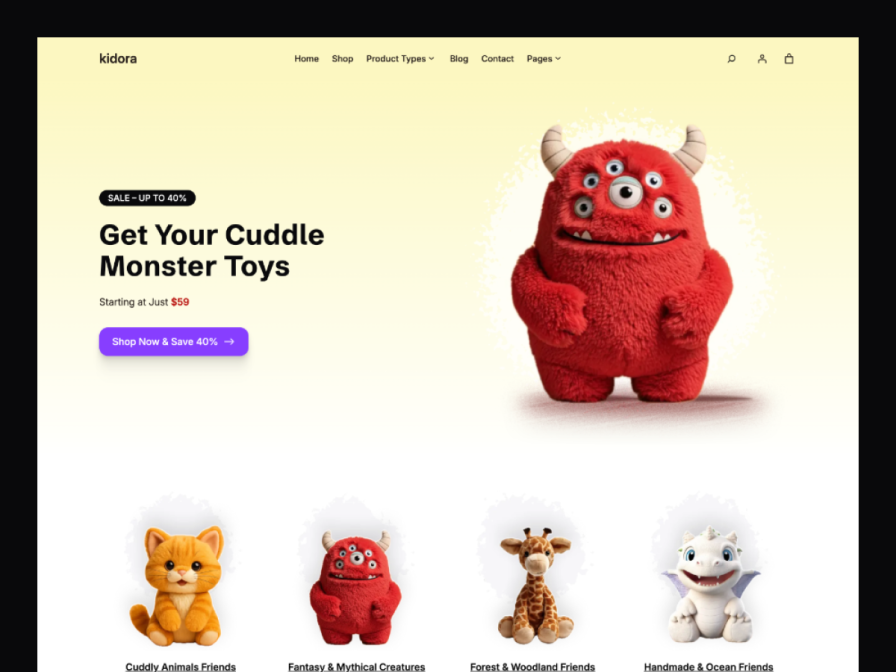
Kidora’s landing page design uses bright visuals, playful typography, and clear calls-to-action to instantly connect with parents, kids, and gift buyers. Showcase featured toys, age-based categories, and special offers with ease.
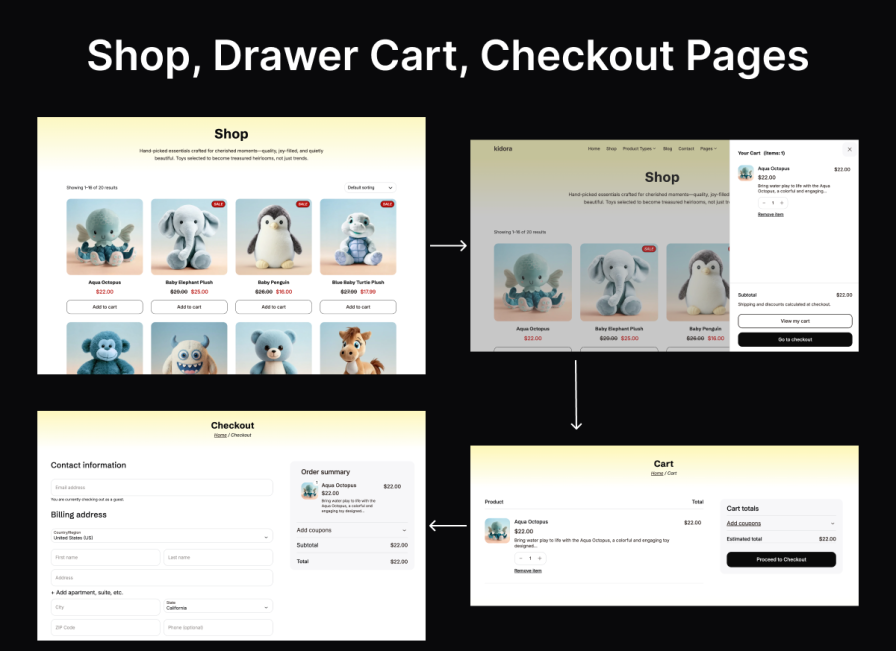
Kidora’s shop page features a clean, colorful product grid with intuitive filters and a smooth slide-out mini cart. Customers can quickly browse by age, category, or price—making gift shopping simple and enjoyable.
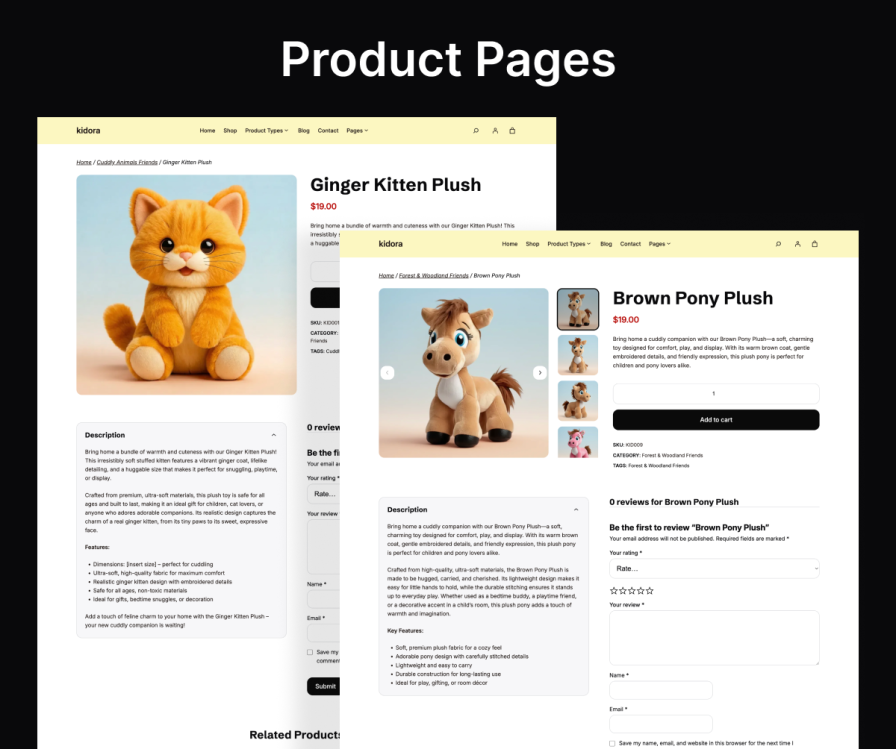
Showcase your products with large images, clear pricing, variation options, age recommendations, and sale badges. Kidora’s product pages are designed to build trust and encourage quick purchasing decisions.
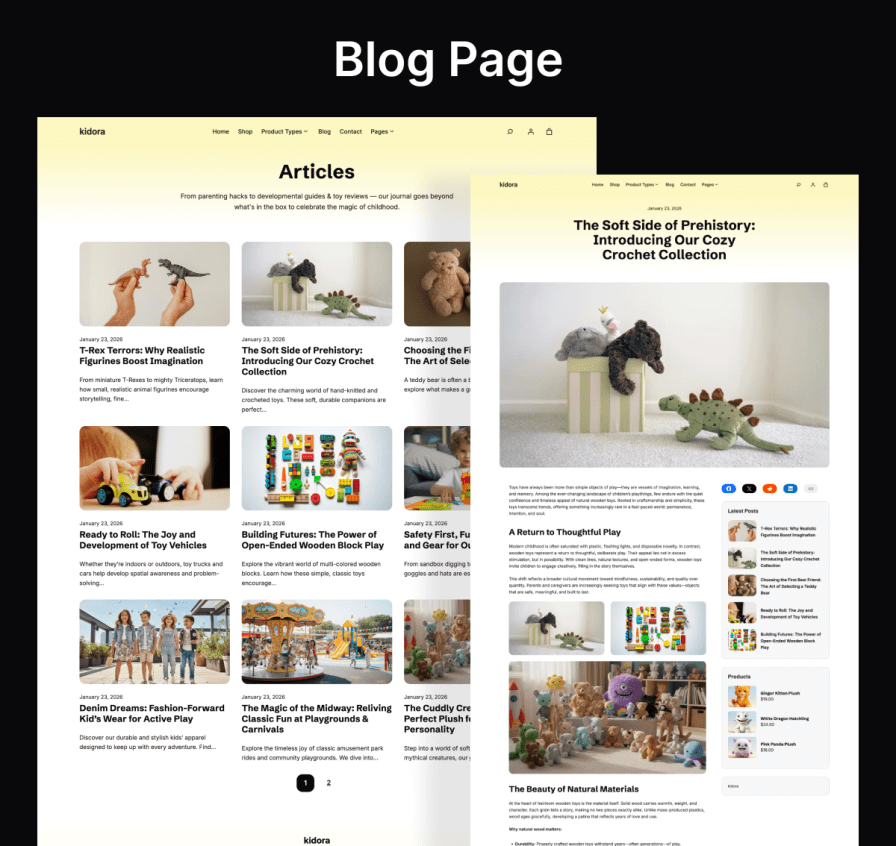
Publish gift guides, play ideas, educational tips, or holiday recommendations with beautifully styled blog layouts. Kidora helps you engage customers, build trust, and drive organic traffic.
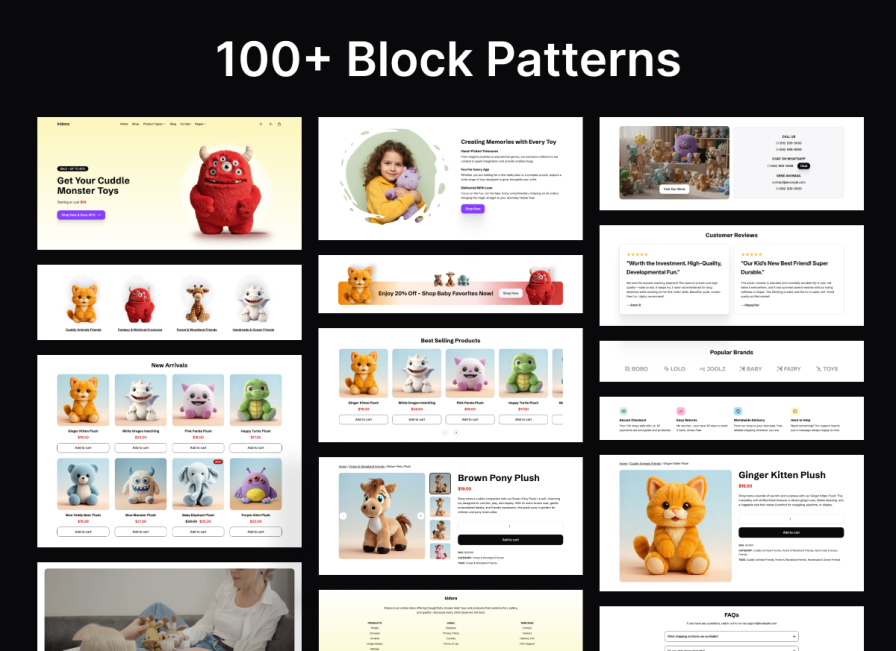
Save time with 100+ pre-designed block patterns including hero sections, featured toys, testimonials, gift highlights, FAQs, and calls-to-action. Mix, match, and customize—no development skills needed.
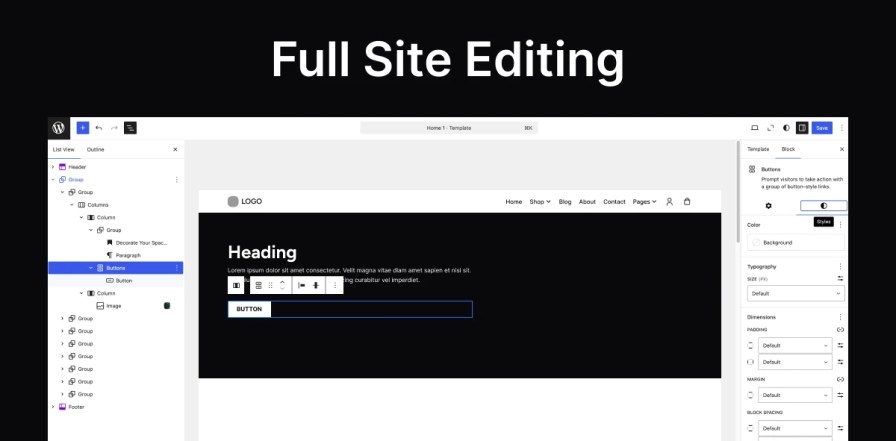
Kidora is fully built on WordPress Full-Site Editing, giving you total control over headers, footers, layouts, and global styles—all managed visually through the Site Editor.
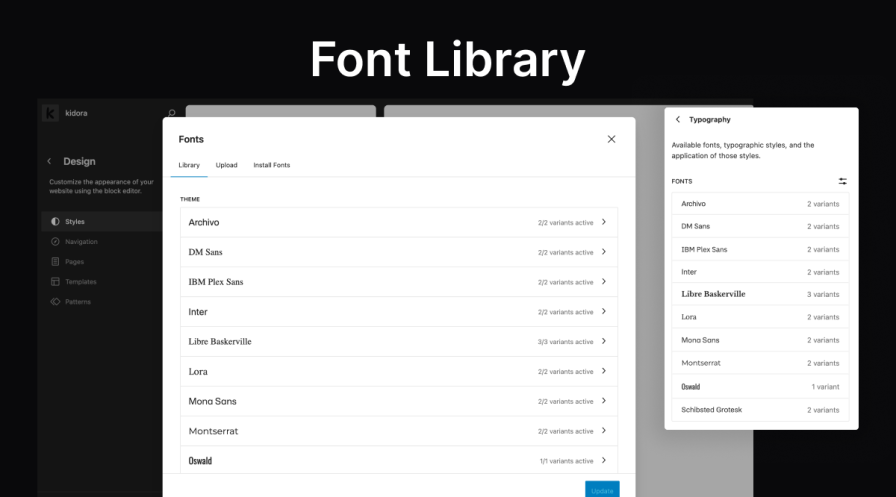
Kidora uses locally hosted fonts for improved performance, enhanced privacy, and GDPR compliance—no external font requests, no unnecessary delays.
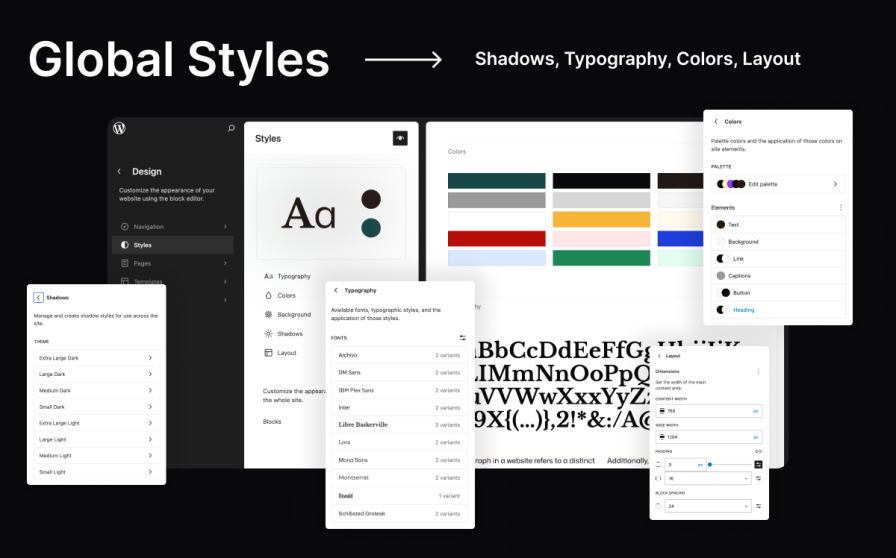
Set your brand’s colors, typography, and layout styles in one place. Kidora ensures a consistent, polished look across your entire store.
After activating the theme and installing the required plugins, go to:
Appearance > Demo Import → Click "Import" → Wait for setup to complete.
Your site will instantly look just like the demo.
Navigate to Appearance > Editor > Patterns > Headers to select and customize your header layout.
Go to Appearance > Editor > Patterns > Footer and customize widgets, text, and layouts as needed.
Go to Dashboard > Pages > Edit Page > Click "Add Patterns" to insert any of the pre-designed layouts.
Extension information
Quality Checks
Countries