Build a Music-Related Website with the ePentatonic Block Theme
The ePentatonic theme plugin creates stunning websites for music business sites. ePentatonic is ideal for musicians, bands, music producers, and podcasters. Its clean, minimalist vibe also works for sellers of sound equipment, vintage vinyl, musical instrument retailers, luthiers, modern artists, and more.
The ePentatonic WordPress theme features a rich, dark color scheme that invites customers to shop and explore your site. Its cool vibe is like a modern music studio.
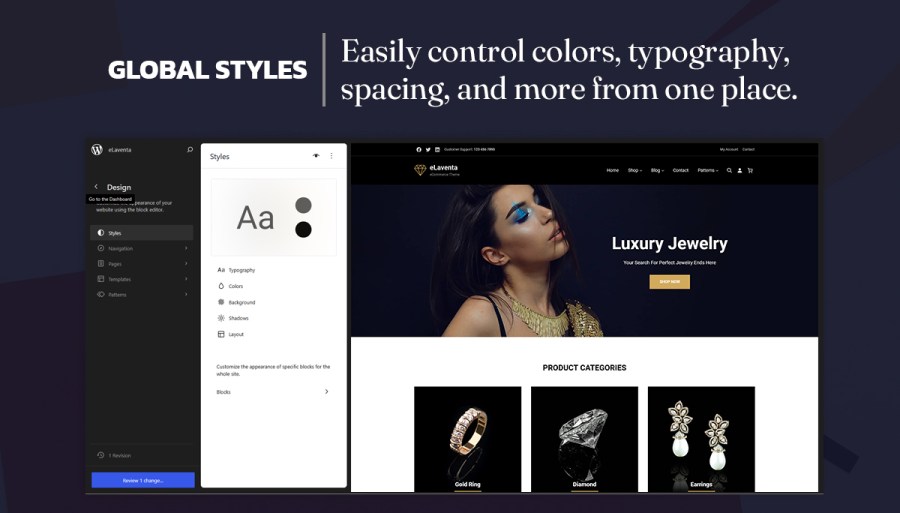
As a site owner, you’ll love how easy it is to set up and customize your store with the ePentatonic block theme.
Features
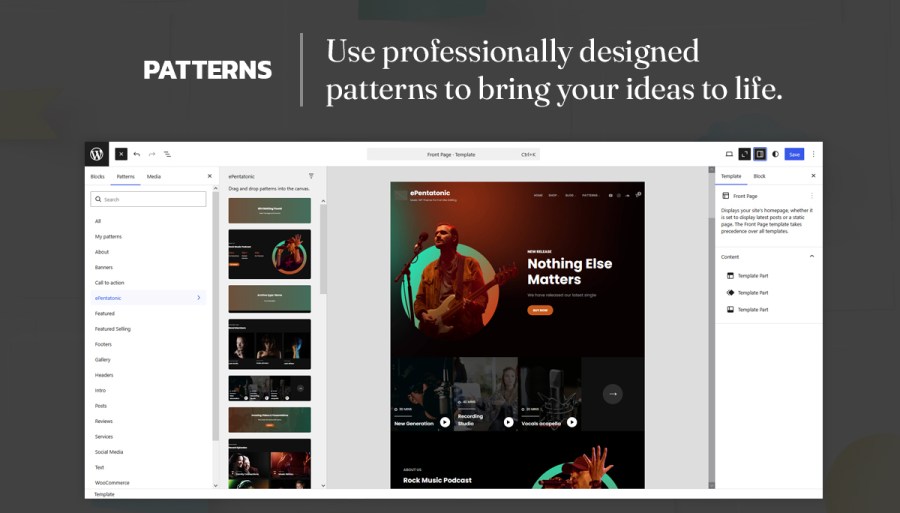
- 34 Block Patterns:
- 404 Header
- About Us with Stats
- Archive Header
- Band Members
- Case Study Videos
- CTA
- Episode
- Favorite Podcast
- Featured Podcast
- Footer Default
- Footer Three Columns
- Header Default
- Header Media
- Header With Buttons
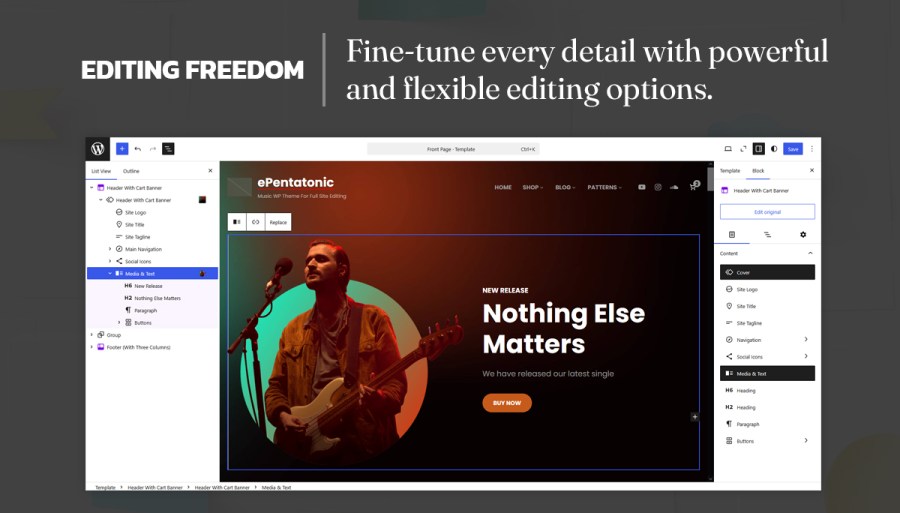
- Header With Cart Banner
- Header With Cart
- Header With Header Media No Video And No Social Search
- Hidden 404
- How It Works
- Latest Products
- Logo
- Music Podcast
- Post Header
- Product FAQ
- Product Sidebar
- Recent Blog With Sidebar
- Search Header
- Secure Transactions
- Services
- Shop Header
- Shopping Features
- Sidebar
- Team
- Testimonials
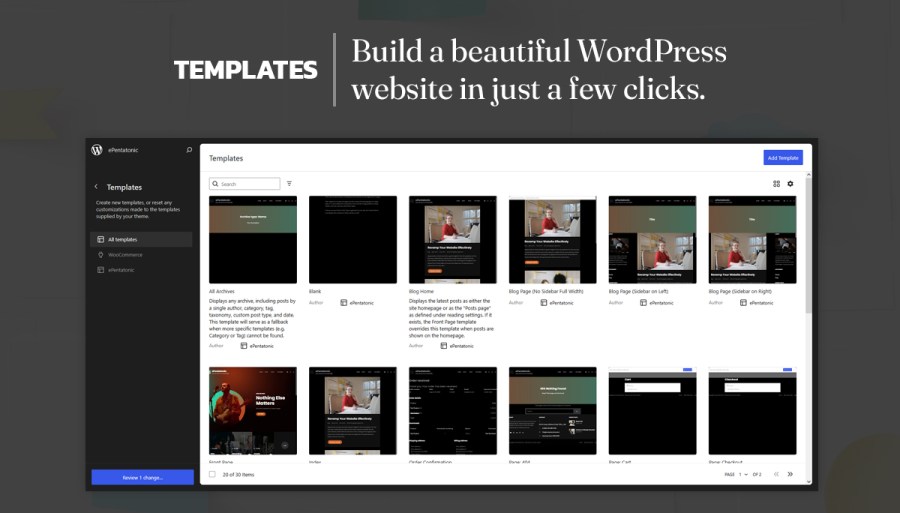
- 28 Custom Templates:
- All Archive: Displays post categories, tags, and other archives.
- Blank: The blank template can be used to display the contents of a post or page.
- Blog Home: Displays the latest posts as either the site homepage or as the “Posts page” as defined under reading settings. If it exists, the Front Page template overrides this template when posts are shown on the homepage.
- Blog Page (No Sidebar Full Width): Displays the Latest posts on a full-width layout.
- Blog Page (Sidebar on Left): Displays the Latest posts with a Sidebar on the Left.
- Blog Page (Sidebar on Right): Displays the Latest posts with a Sidebar on the Right.
- Front Page: Displays your site’s homepage, whether it is set to display the latest posts or a static page. The Front Page template takes precedence over all templates.
- Index: Used as a fallback template for all pages when a more specific template is not defined.
- Order Confirmation: The Order Confirmation template serves as a receipt and confirmation of a successful purchase. It includes a summary of the ordered items, shipping, billing, and totals.
- Page 404: Displays when a visitor views a non-existent page, such as a dead link or a mistyped URL.
- Page Cart: The Cart template displays the items selected by the user for purchase, including quantities, prices, and discounts. It allows users to review their choices before proceeding to checkout.
- Page Checkout: The Checkout template guides users through the final steps of the purchase process. It enables users to enter shipping and billing information, select a payment method, and review order details.
- Pages: Displays all static pages unless a custom template has been applied or a dedicated template exists.
- Product Search Results: Displays search results for your store.
- Search Results: Displays when a visitor performs a search on your website.
- Shop (Sidebar on Left): Displays your products with a Sidebar on the Left.
- Shop (Sidebar on Right): Displays your products with a Sidebar on the Right.
- Shop With No Sidebar: Displays your products without a sidebar.
- Shop With Full Width: Displays your products on a full-width layout.
- Shop Archive Product: Displays your products.
- Shop Single Product: Displays a single product.
- Single Page (No Sidebar Full Width): Displays a single page on a full-width layout.
- Single Page (Sidebar on Left): Displays a single page with a Sidebar on the Left.
- Single Page (Sidebar on Right): Displays a single page with a Sidebar on the Right.
- Single Post (No Sidebar Full Width): Displays a single post on a full-width layout.
- Single Post (Sidebar on Left): Displays a single post with a Sidebar on the Left.
- Single Post (Sidebar on Right): Displays a single post with a Sidebar on the Right.
- Single Posts: Displays single posts on your website unless a custom template has been applied to that post or a dedicated template exists.
- 13 Custom Template Parts:
- Header
- Header (With Buttons)
- Header With Cart
- Header (With Header Media No Video And No Social Search)
- Header With Cart Banner
- Sidebar
- Footer
- Page Content
- Post Content
- All Products
- Product Collection
- Product Sidebar
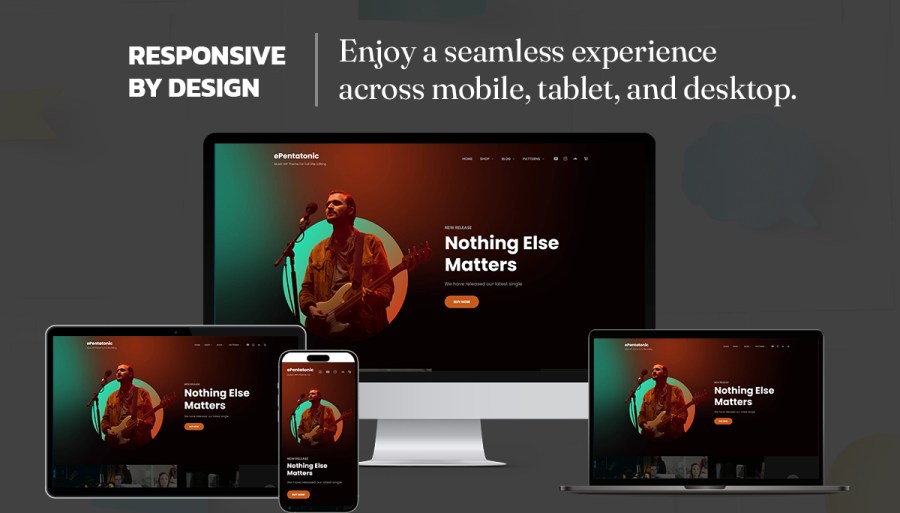
- All features are fully responsive, adjusting the display for devices of various sizes
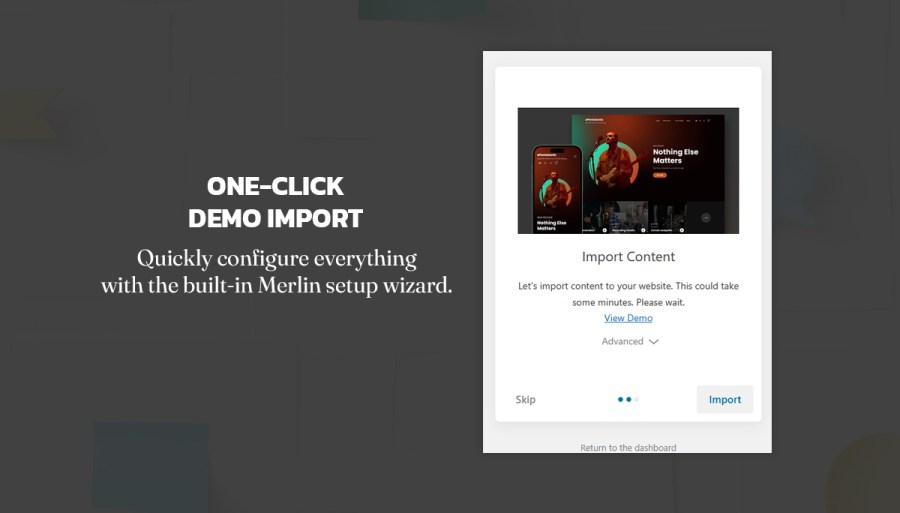
One-Click Demo Import
Theme Setup Wizard
The Catch Themes team (builders of ePentatonic) believes in giving the best theme setup experience with the built-in theme setup wizard. It installs the required plugins, then imports demo content such as pages, posts, products, and images in just a few clicks. Replace the demo products and content with your own products and content, and you are ready to start selling.
Support
Regular updates and customer support
The Catch Themes team (builders of ePentatonic) believes in giving the best customer support. We are here to help. We listen to your feedback and implement it when it improves our products and your experience. We issue regular updates to our themes—not only to keep up with changes to WordPress but to improve on them.
Theme documentation
The ePentatonic theme comes with step-by-step guided theme documentation.
Important links
Market and sell your music, art, merchandise, and events with the stylish, easy-to-customize ePentatonic theme for WooCommerce.


